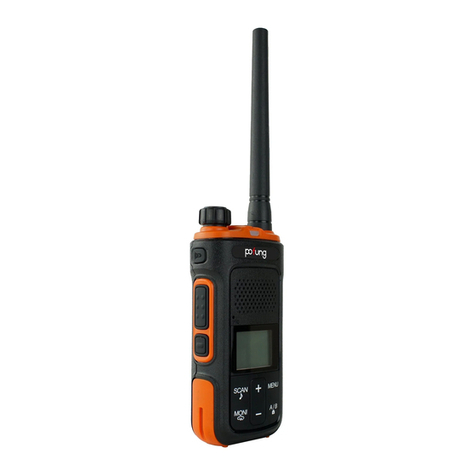
Monitor
The Monitor feature is for excluding (opening) the Squelch, in order to listen to signals that are too weak to keep the Squelch
permanently opened. Hold down the Monitor to enable such function.
Scan
This function can be activated only by means of the optional programming software. To enable the Scan function, all 16
channels must be programmed. If you turn on the radio on channel 16, the scanning will automatically start. Whenever any
signal is detected, the scanning will stop on a busy channel. If the PTT is pressed, you will transmit on the latest busy channel.
Channel 16 is the priority channel; therefore if you don’t pick up any signal when you press PTT, the radio will transmit on
channel 16.
Squelch
The Squelch function suppresses noises on free channels and allows receiving even weak signals. GT-68 has 10 different
Squelch levels that can be set by programming software: 0 means that the Squelch is turned off; from level 1 to level 9 you
will have different levels of noise reduction. The higher is the level, the louder will be the Squelch. By default, the Squelch
level of GT-68 is set on level 4. Make sure you do not set an
CTCSS/DCS tones
CTCSS and DCS tones are similar to access codes and enable the radio to communicate only with the users that are tuned on
the same channel and have set the same code. For each channel, you can set up to 50 CTCSS tones and 210 DCS codes. The
CTCSS/DCS tones are a sort of “access codes” and enable the radio to communicate only with the other users set on the
same frequency and on the same CTCSS/DCS tone. Undesired signals coming from other stations set on the same
frequency but with different CTCSS/DCS tones won’t be received.
Prompt voice switch settings
The encoder is selected to the 10th channel. Press and hold the PTT and Monitor to turn on the radio, and turn the prompt
voice on or off.
Turn on the prompt voice function, and there will be voice prompts when the encoder is turned on or operated. If you turn