Changing your Wi-Fi network
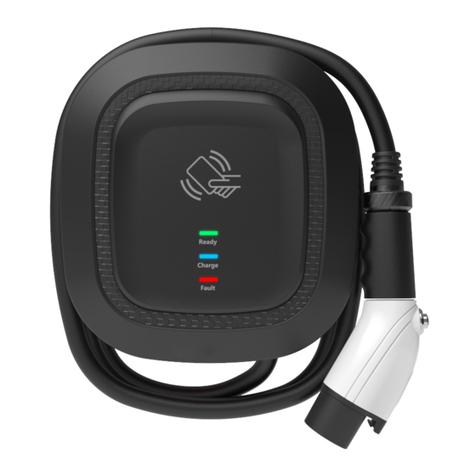
1Turn the charger o and on again at the
switch on the fuse box/consumer unit.
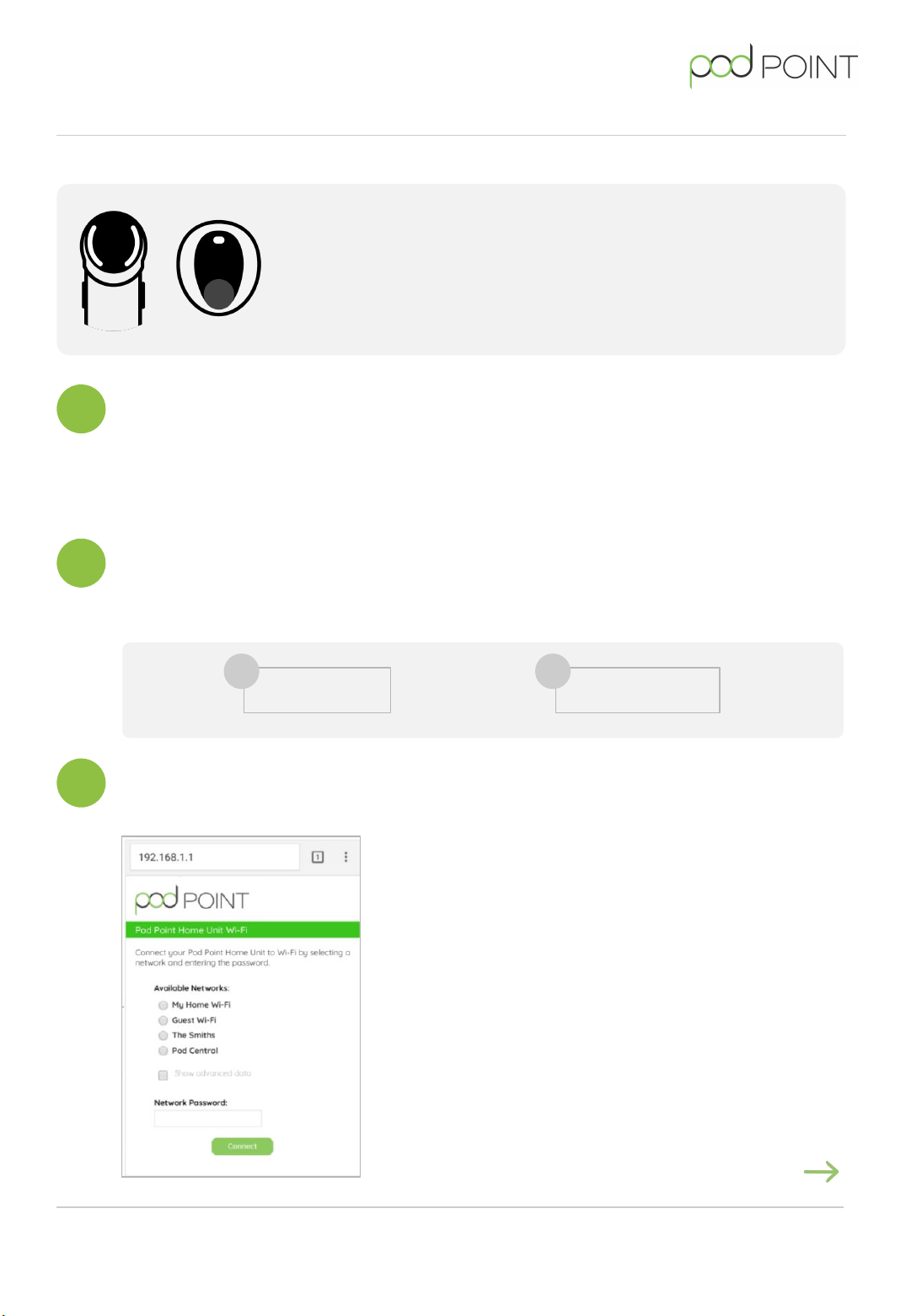
192.168.101.1
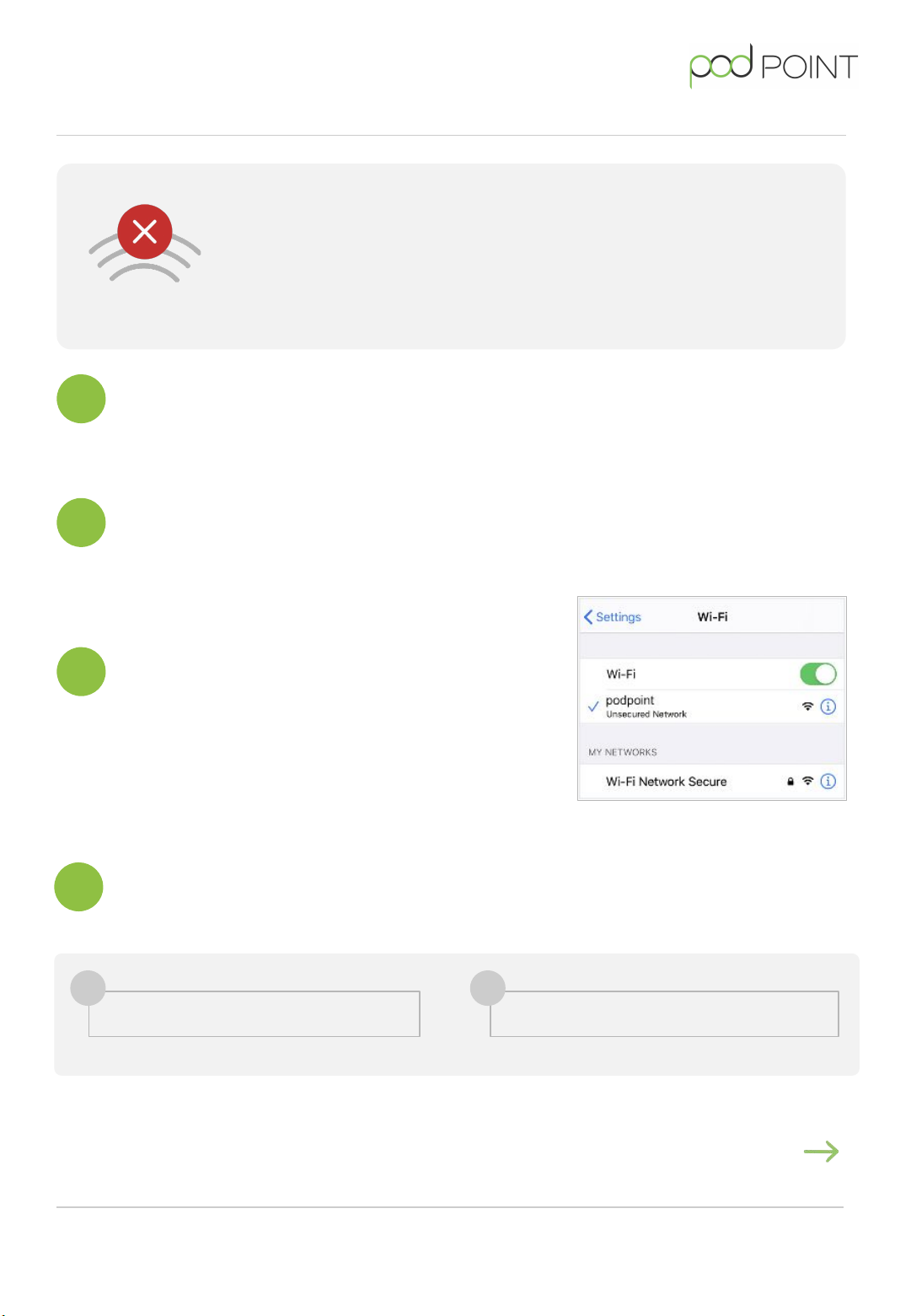
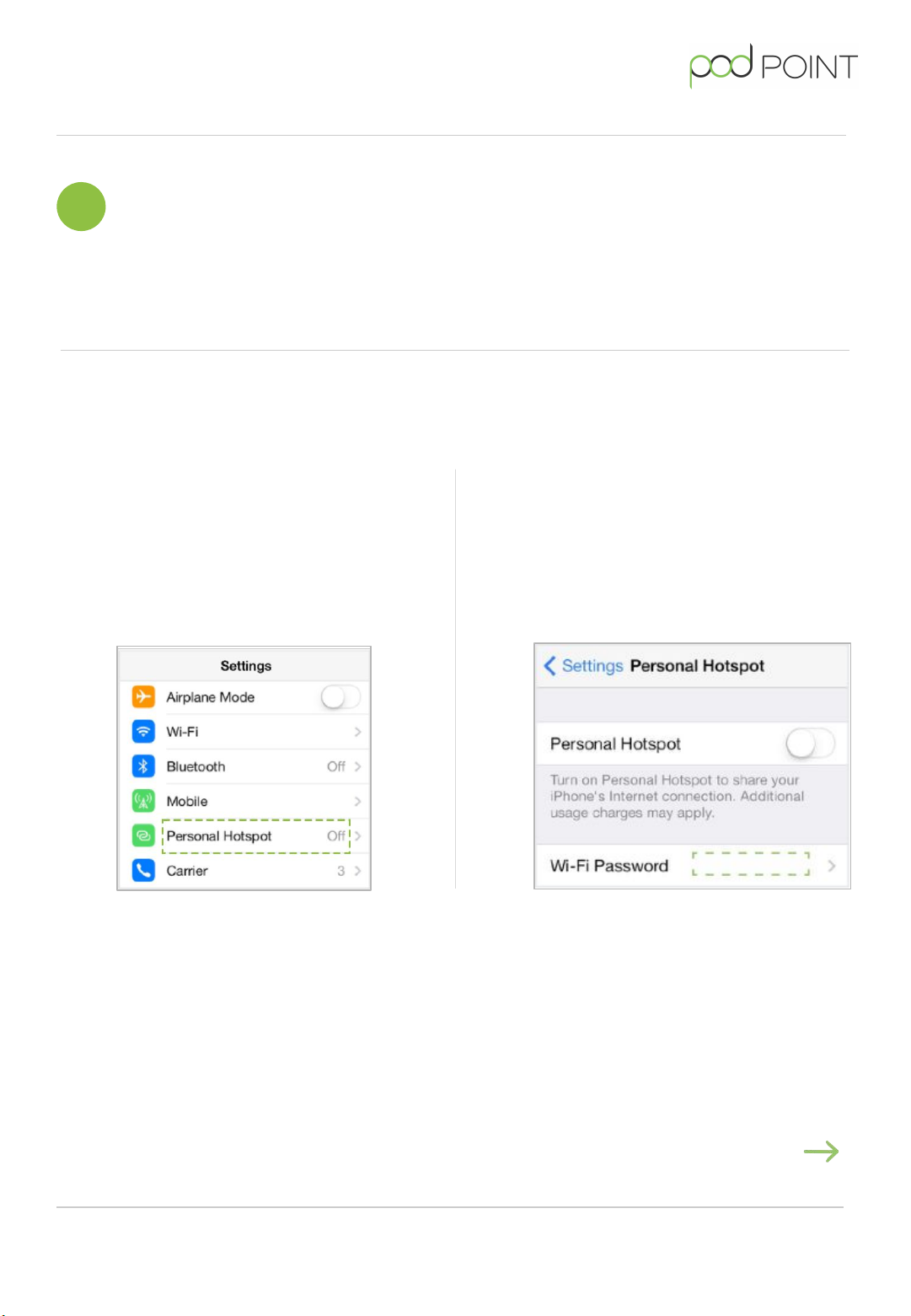
2With any smart device or laptop
that can connect to Wi-Fi, look for
the podpoint Wi-Fi network while
standing next to the charger and
press to connect.
3Open you web browser, type in the
following IP address - if you can’t
access this IP address, please
disconnect your Solo 3 or Twin from
Wi-Fi (page 7) before connecting to
a new Wi-Fi network.
When to change your Wi-Fi network
Note: You might need to update your Wi-Fi network settings when changing your
Wi-Fi password, router, internet service provider or if your charger has undergone a
technical service.
Some Solo 3 models require you to disconnect the charger before reconnecting to
Wi-Fi. If the instruction below don't work, please go to page 7.
Continued on next page
Solo 3 or Twin S3/T-UK-CG-6
Connection Guide Page 5
Connect