manuals.online logo
Brands
  1. Home
  2. •
  3. Brands
  4. •
  5. POD
  6. •
  7. Accessories
  8. •
  9. POD X3 User manual

POD X3 User manual

Popular Accessories manuals by other brands

Quincy lab 140AE-1 operating manual

Quincy lab

Quincy lab 140AE-1 operating manual

HomePro ZIR000 user manual

HomePro

HomePro ZIR000 user manual

DOL 20SCR Technical user guide

DOL

DOL 20SCR Technical user guide

RAB Smart Task installation manual

RAB

RAB Smart Task installation manual

Kemppi KMS 300 quick guide

Kemppi

Kemppi KMS 300 quick guide

Stearns 57,500 Series Installation and service instructions

Stearns

Stearns 57,500 Series Installation and service instructions

iGuzzini TWILIGHT COPENAGHEN manual

iGuzzini

iGuzzini TWILIGHT COPENAGHEN manual

Adelaide Annexe & Canvas Avan Deluxe installation guide

Adelaide Annexe & Canvas

Adelaide Annexe & Canvas Avan Deluxe installation guide

OHAUS 5000 instruction manual

OHAUS

OHAUS 5000 instruction manual

HOME8 WLS1300 quick start guide

HOME8

HOME8 WLS1300 quick start guide

MAXBOTIX MaxSonar quick start guide

MAXBOTIX

MAXBOTIX MaxSonar quick start guide

ioSmart iSmart56 Installation and user guide

ioSmart

ioSmart iSmart56 Installation and user guide

Focusrite Scarlett 18i8 user guide

Focusrite

Focusrite Scarlett 18i8 user guide

Velleman ED38105 user manual

Velleman

Velleman ED38105 user manual

JumpSport SkyBounce user manual

JumpSport

JumpSport SkyBounce user manual

Prima-Temp PRIYA Instructions for use

Prima-Temp

Prima-Temp PRIYA Instructions for use

Tefcold BC85I-BC85I W user manual

Tefcold

Tefcold BC85I-BC85I W user manual

Vaisala WMS302 user guide

Vaisala

Vaisala WMS302 user guide

manuals.online logo
manuals.online logoBrands
  • About & Mission
  • Contact us
  • Privacy Policy
  • Terms and Conditions

Copyright 2025 Manuals.Online. All Rights Reserved.

D X3
X-3
POD X3
PO -
-
POD X
-3
4
or completed.
the POD-X3. Full indicator lights are solid when charging is paused
the
POD X
-3:
POD X
-3
POD X
-3
PO D X
-3
To jump start 12V vehicles
universal socket.
AC outlet.the
14
POD X3
-
4
inches
oz
5 x 2⅞ x
POD Powerpack
4 in 1 USB Cable
Home adaptor
do you
POD-X3
POD-X3 is started.
the POD-X3?
The POD-X3 will power off automatically when no load is
detected.
the POD-X3 charge my mobile
phone?
At least 4 times for the iPhone4
the POD-X3 take to fully charge my mobile
the POD-X3 start the vehicle while
POD-X3’s charge last?
Problem Remedy
Securely fasten
will
Check that are the batterywhether
is
connector
after 3
Check
Remove
unsuccessful attempts,
POD-X3
otherwise
dispose the product.
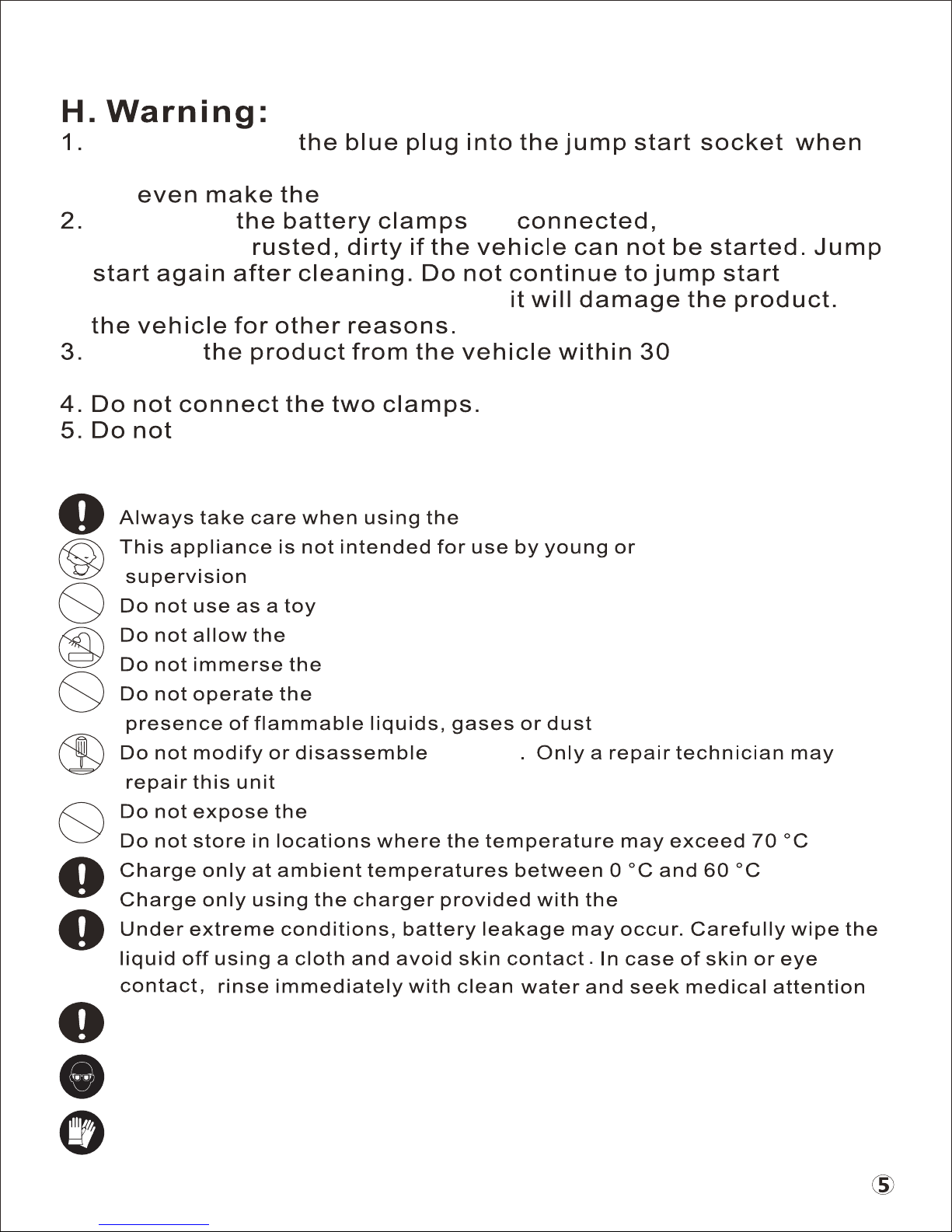
infirmed persons without
jump starting the vehicle. If not, it can not jump start the vehicle, and

Always use eye protection
Wear protective gloves
POD-X3
POD-X3 to become wet
POD-X3 in water
POD-X3 in an explosive atmosphere, such as in the
POD-X3 to heat
POD-X3
Always discard the battery appliances with due care for our environment
socket melt.
seconds of starting
the vehicle.