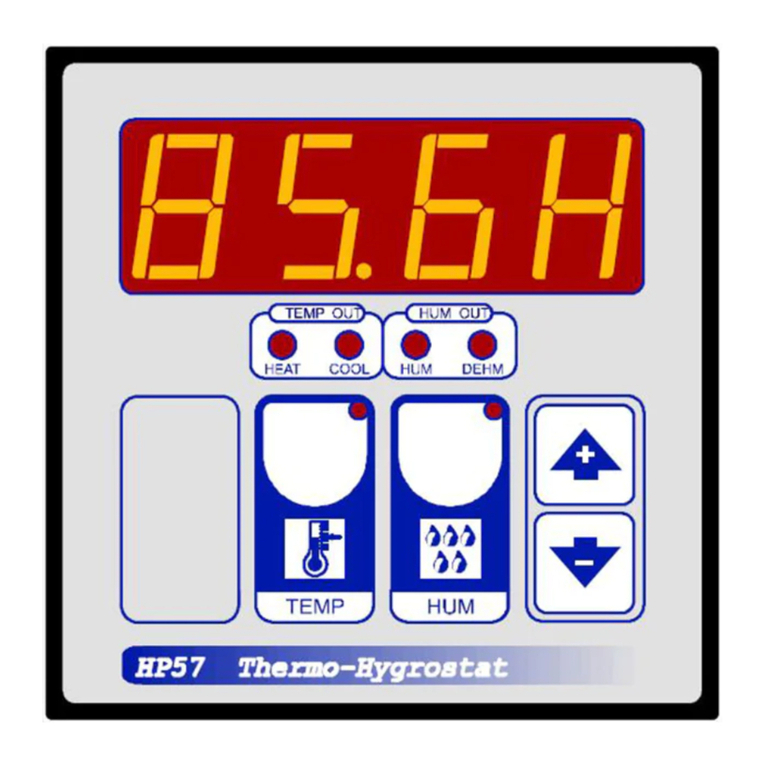
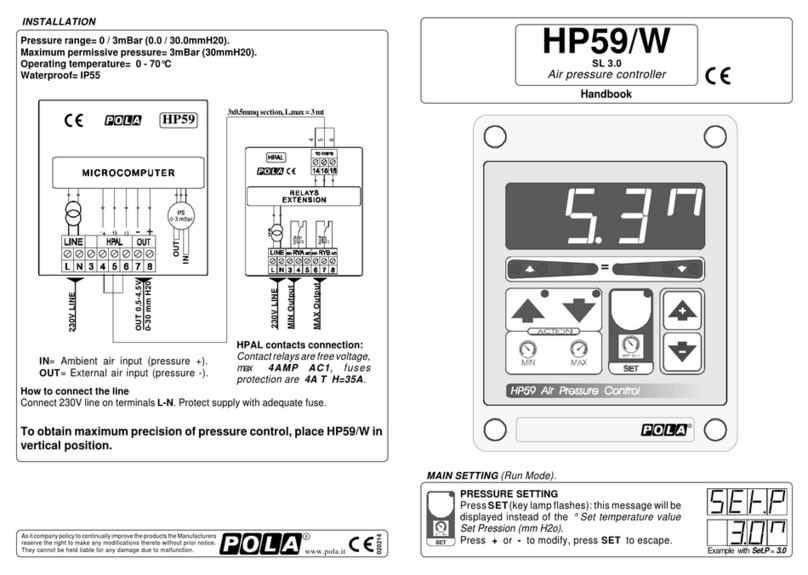
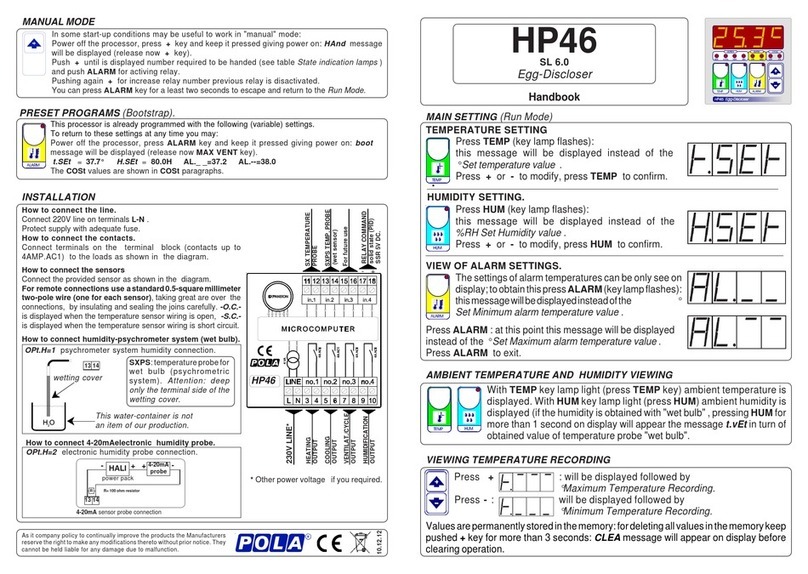
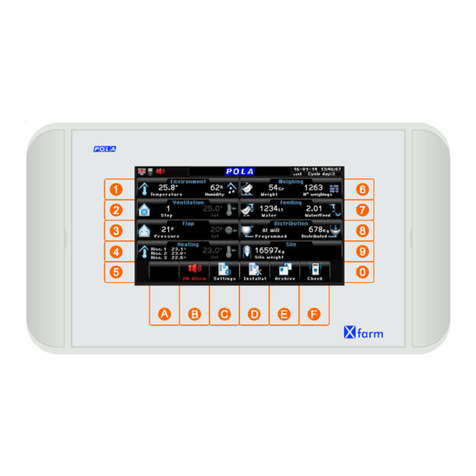
POLA HP35 User manual

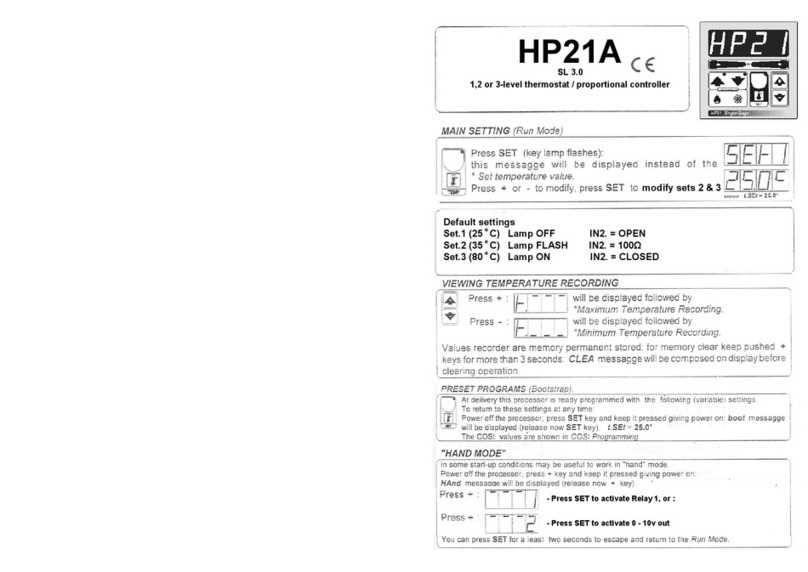
WET BULB TEMPERATURE VIEWING:
Press SET 2 for at least one seconds:
This message will be displayed instead of the
°C wet bulb temperature .
PSYCHROMETER TEMPERATURE VIEWING
DRY BULB TEMPERATURE VIEWING:
Press SET 1 for at least one seconds:
This message will be displayed instead of the
°C dry bulb temperature .
HP35
Handbook
SL 3.0
Psychrometer hygrostat controller
Example SEt.1 = 70.0H
Example SEt.2 = 80.0H
MAIN SETTINGS (Run Mode)
SET 1 HUMIDITY SETTING.
Press SET 1 (key lamp flashes):
This message will be displayed instead of the
% RH Set 1 Humidity value.
Press + or - to modify. Press SET 1 to confirm.
SET 2 HUMIDITY SETTING.
Press SET 2 (key lamp flashes):
This message will be displayed instead of the
% RH SET 2 humidity value.
Press + or - to modify. Press SET 2 to confirm.
INSTALLATION
*Other power voltage if you required.
HP35
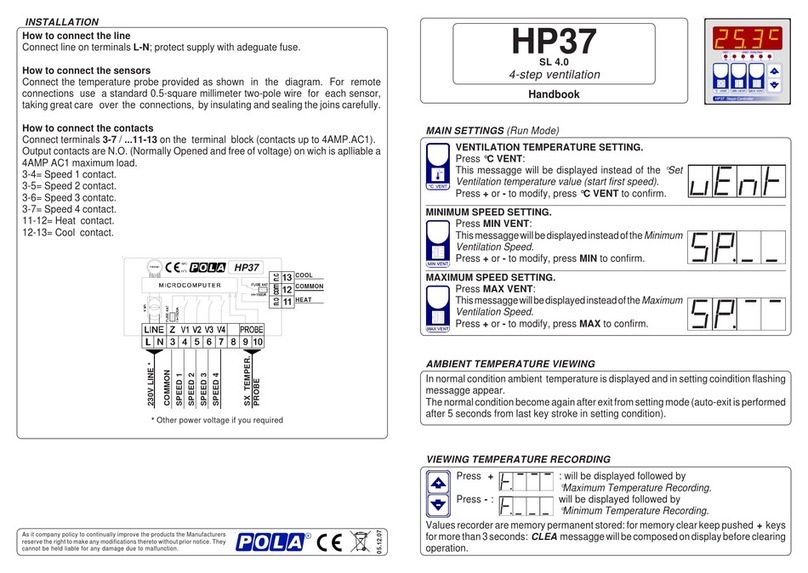
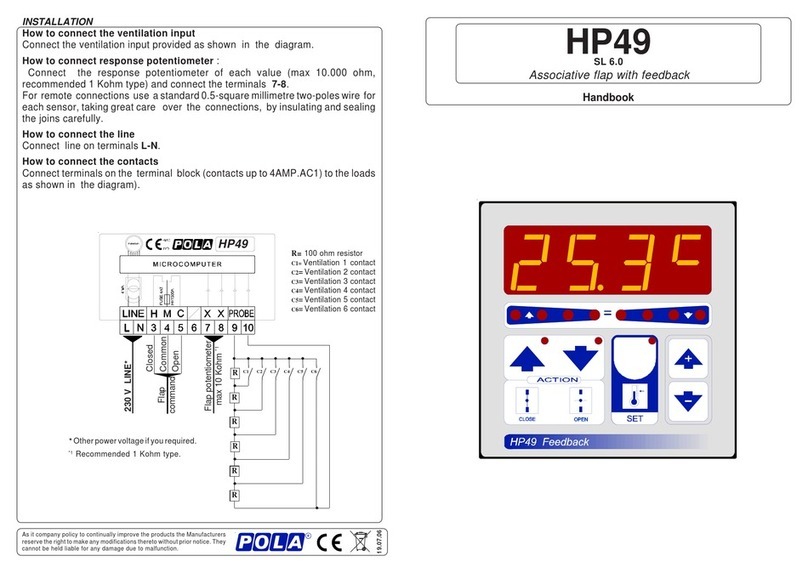
How to connect the sensors
Connect the provided sensor as shown in
the diagram. For remote connections
use a standard 0.5-square millimeter
two-pole wire (one for each sensor),
taking great are over the connections, by
insulating and sealing the joins carefully. -
O.C.- is displayed when the temperature
sensor wiring is open, -S.C.- is displayed
whenthetemperaturesensorwiringisshort
circuit.
How to connect the line
Connect line on terminals L-N.
Protect supply with adequate fuse.
How to connect the contacts
Connect terminals on the terminal block
(contacts up to 4AMP.AC1).
DEHUM.1 OUTPUT
HUM.1 OUTPUT
WET SENSOR
SXPS PROBE
DRY SENSOR
SX PROBE
DEHUM.2 OUTPUT
HUM.2 OUTPUT
230V LINE *
Press - : will be displayed followed by
°Minimum Humidity Recording.
Valuesrecorderarememorypermanentstored:formemoryclearkeeppushed + keys
formorethan 3 seconds: CLEA messagewillbecomposed ondisplaybeforeclearing
operation.
VIEWING HUMIDITY RECORDING
Press +: will be displayed followed by
°Maximum Humidity Recording.
As it company policy to continually improve the products the Manufacturers
reservetherighttomake any modificationsthereto without priornotice. They
cannot be held liable for any damage due to malfunction.
21.12.12
WT1 Option.
Psichrometric kit with predisposition to fixing
ambient probe (SX air) and wet probe (SXPS
water). Water tank with trasparent side to
check the water level and plug for water inlet.
In the case of our WT1 option (water tank) will not
used, deep only the terminal side of the wetting
cover of SXPS probe.
Put SX probe (dry bulb) in the closeness.
Check periodically the sock installed on the sensor has not been clogged by calcium carbonate
scale. If so, remove it then clean or replace it.
Wetting cover.
Water-container
(not our forniture).
SXPS: temperature probe
for wet bulb.
11 12
11 12
9 10

OUT
2
OUT
1
HUM
diF.1 diF.2
HUM
SEt.2
DEHMDEHM
SEt.1
Humidity
*1)For more details see Operating Diagram.
*2) You can correct the readings on the temperature sensor (+ or -).
*3) You can correct the readings on the wet bulb probe sensor (+ or -).
To calibrate the %RH reading (when using the psycrometric kit):
1. Remove the wet sock from the wet temperature probe.
2.Allow the wet temperature probe to dry for 10 mins.
3.Adjust theabovesettingto makethewet bulbtemperaturematchthat ofthedrybulb.
Check periodically the sock installed on the sensor has not been clogged by
calcium carbonate scale. If you, remove it and clean or replace it.
COSt PROGRAMMING (System constants)
These settings refer to the operation mode of the system and must be made on
initial startup. Press - / + at the same time for at least one second: the message
C.O.S.t. will be displayed.
PressthanrepeatedlySET2untilthemessageregardingthechosenvariableis
displayed (see table below) : value of variable and message will be displayed.
Press + or - to set a new value and then press SET 2 to confirm.
The next system constant will then appear.
You can press SET 2 for at least 2 seconds to exit and return to the Run Mode.
"MANUAL" MODE
In some start-up conditions may be useful to work in "manual" mode:
Power off the processor, press + key and keep it pressed giving power on:
HAnd message will be displayed (release now + key).
Push + until is displayed number required to be handed (see State indication
lamps) and push SET 2 for activing relay.
Pushing again + for increase relay number previous relay is disactivated.
YoucanpressSET2keyforaleasttwosecondstoescapeandreturntotheRunMode.
STATE INDICATION LAMPS
The light situated at the bottom of the display shows the state of the controller:
OPERATIVE DIAGRAM
Humidity
.sseM eulaV gninaeM etoN
1.Fid %0.1 laitnereffid1TEShR% )1*
2.Fid %0.1 laitnereffid2TEShR% )1*
PnEt 1= )F°2=,C°1=(noitatneserpererutarepmeT
1t.dA °0.0 )-ro+(noitcerrocrosneserutarepmettupniyrd° )2*
2t.dA °0.0 )-ro+(noitcerrocrosneserutarepmettupnitew° )3*
.pmaL etatS yaleR°N stcatnoC
)1(MUH nOtuptuO1MUH 1 4-3
)1(MHED nOtuptuO1MUHED 1 5-4
)2(MUH nOtuptuO2MUH 2 7-6
)2(MHED nOtuptuO2MUHED 2 8-7
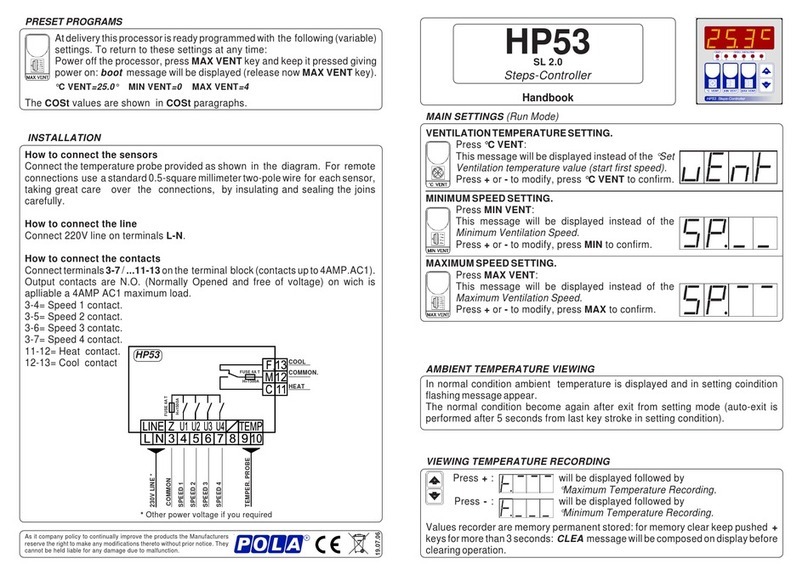
PRESET PROGRAMS (Bootstrap).
This processor is already programmed with the following (variable) settings.
To return to these settings at any time you may:
Power off the processor, press SET 2 key and keep it pressed giving power on:
boot message will be displayed (release now SET 2 key).
SEt.1=70.0H SEt.2=80.0H.
The COSt values are shown in COSt Programming.
Other POLA Controllers manuals