manuals.online logo
Brands
  1. Home
  2. •
  3. Brands
  4. •
  5. Ponpe
  6. •
  7. Measuring Instrument
  8. •
  9. Ponpe 8252 User manual

Ponpe 8252 User manual

Other Ponpe Measuring Instrument manuals
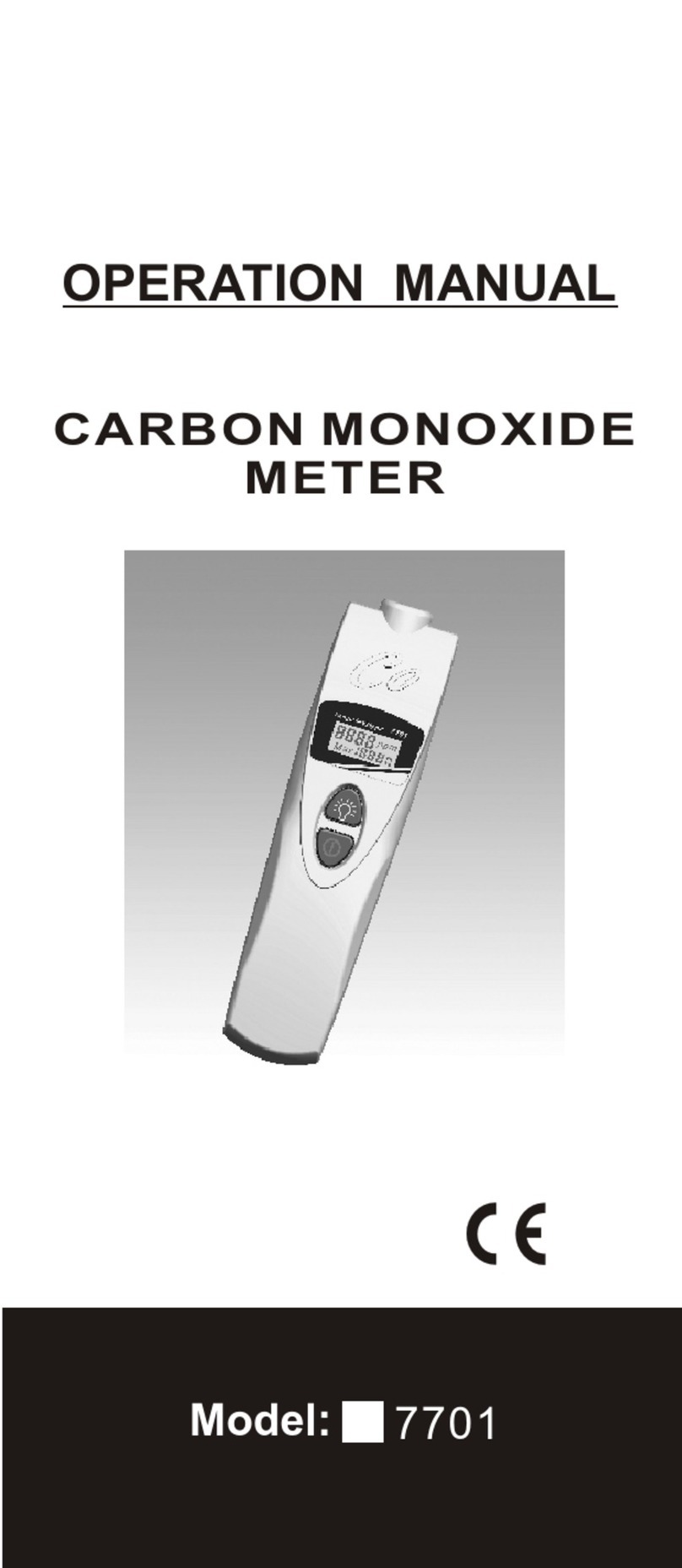
Ponpe 7701 User manual

Ponpe

Ponpe 7701 User manual

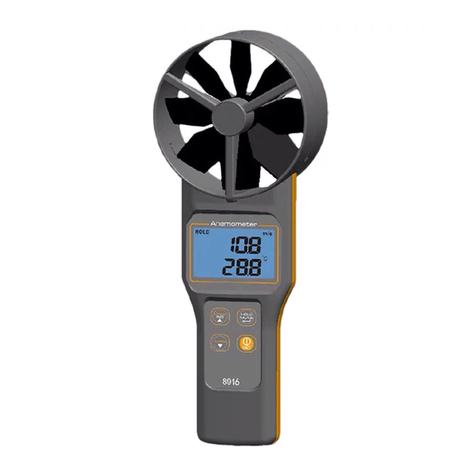
Ponpe 8916 User manual

Ponpe

Ponpe 8916 User manual

Ponpe 8908 User manual

Ponpe

Ponpe 8908 User manual

Ponpe 7752 User manual

Ponpe

Ponpe 7752 User manual

Ponpe 8602 User manual

Ponpe

Ponpe 8602 User manual

Ponpe 8680 User manual

Ponpe

Ponpe 8680 User manual

Ponpe 8351 User manual

Ponpe

Ponpe 8351 User manual

Popular Measuring Instrument manuals by other brands

Powerfix Profi 278296 Operation and safety notes

Powerfix Profi

Powerfix Profi 278296 Operation and safety notes

Test Equipment Depot GVT-427B user manual

Test Equipment Depot

Test Equipment Depot GVT-427B user manual

Fieldpiece ACH Operator's manual

Fieldpiece

Fieldpiece ACH Operator's manual

FLYSURFER VIRON3 user manual

FLYSURFER

FLYSURFER VIRON3 user manual

GMW TG uni 1 operating manual

GMW

GMW TG uni 1 operating manual

Downeaster Wind & Weather Medallion Series instruction manual

Downeaster

Downeaster Wind & Weather Medallion Series instruction manual

Hanna Instruments HI96725C instruction manual

Hanna Instruments

Hanna Instruments HI96725C instruction manual

Nokeval KMR260 quick guide

Nokeval

Nokeval KMR260 quick guide

HOKUYO AUTOMATIC UBG-05LN instruction manual

HOKUYO AUTOMATIC

HOKUYO AUTOMATIC UBG-05LN instruction manual

Fluke 96000 Series Operator's manual

Fluke

Fluke 96000 Series Operator's manual

Test Products International SP565 user manual

Test Products International

Test Products International SP565 user manual

General Sleep Zmachine Insight+ DT-200 Service manual

General Sleep

General Sleep Zmachine Insight+ DT-200 Service manual

Sensa Core Lacto Spark user manual

Sensa Core

Sensa Core Lacto Spark user manual

VOLTCRAFT UTS-1980 operating instructions

VOLTCRAFT

VOLTCRAFT UTS-1980 operating instructions

EBCHQ 94915 Operation manual

EBCHQ

EBCHQ 94915 Operation manual

Balluff BIP LD2-T017-01-EP-S4 Series user guide

Balluff

Balluff BIP LD2-T017-01-EP-S4 Series user guide

Pulsar IMP Lite Series instruction manual

Pulsar

Pulsar IMP Lite Series instruction manual

ETCR 6800 user manual

ETCR

ETCR 6800 user manual

manuals.online logo
manuals.online logoBrands
  • About & Mission
  • Contact us
  • Privacy Policy
  • Terms and Conditions

Copyright 2025 Manuals.Online. All Rights Reserved.

HAND HELD DIGITAL
RS232 MANOMETER
OPERATION MANUAL
Model: 8252
www.ponpe.com
Congratulations on your purchase of
the Manometer ! This instrument is
portable, battery operated pressure
measuring device.
The Manometer is ideal for HVAC/R
technicians measuring pressure
level ,Medical equipment ,Computer
peripherals , Pneumatic Controls.
1
INTRODUCTION
The meter will display all LCD
segments when it is first turned on
for approx. 3 seconds. Though you
might have seen DATALOGGER,
Y/M/D, REL, AVG ..these are not
available for the meter.
The LCD is divided into two distinct
sections : One large (Primary) top
screen and one smaller right-
bottom bottom screen (Relative
Clock). The 2 display areas keep
you constantly updated with the
pressure measurements.
The Meter measures:
* Gauge pressure-a measure of
pressure in psi that is referenced to
ambient pressure.
* Differential pressure- a measure
of the difference of two pressures .
Meter has 5 selectable units of
measure. : InH2O,psi,mbar, bar ,
mmH2O.
CONVERSION & RESOLUTION
2
Please check the tubing is not
leaking or damaged before using.
1mbar=1mbar=
Resolu tio n
inch of H2O
mbar
psi
bar
mm of H2O
0.01
0.001
0.1
0.001
1
0.401
0.0145
1
0.001
10.2
4
3
10
12
1
5
9
8
7
6
11
15
14
2
13
HOL D REL DIF
DATAL OGGER
REC AVG
MAX MIN BAT
3
CONTROLS AND INDICATORS
1.
2. "-" . Minus pressure display.
3. MAX MIN presssure recorded.
4. REC starts recording mode and
displays max./min. pressure
recorded.
5. AVG. Average records
6.
7.
8.
9. . Pressure unit indication.
10.
11. DIF. Differential pressure mode.
12. "+" Positive pressure connection.
13. "-" Negative pressure
connection.
14. HOLD. Freezes pressure reading.
Primary Data Screen displays
pressure value.
(N/A).
DC power in Jack.
RS232 output port.
H/M/S 88:88:88 displays time for
Hour / Minute / Second.
BAT. Battery low indicator.
inH2O psi mbar bar mmH2O
"-" Negative
pressure
"+" Positive
pressure
4
15. REL. Establish a relative zero
for the primary screen
information.(N/A)
This instrument will shut off
automatically in approx. 20 minutes for
every power on. For recording or
operating over longer periods of time,
you can disable the sleep mode by
pressing and simultaneously
before power on.
An "n" will appear in the middle of the
screen at which time you can release
the button. (See Fig. A) The
disable sleep mode will be invalid after
power off.
Fig. A
I
HOLD
AUTO POWER OFF (SLEEP
FUNCTION)
HOLD
MODE OPTIONS
Delete and replace with programmable
user selectable start-up mode.
The display will default to the mode
last used.
HOLDHOLD DIFDIF
RECREC
UNITUNIT
ll
++
==
==
==
DISABLE SLEEP MODE
ZERO SETTING
SELECT UNIT / SKIP CAL.
HOLD
HOLD
Hold 2 sec.
Turns instrument on (Default set-
ting) and off.
I
REC
Press momentarily and relative
clock starts in the lower right
screen.
REC is displayed in the middle
left of screen(Fig.B).Other button
functions are locked out except
Power , Unit and Backlight.
Press momentarily again and the
unit cycles through MAX (Fig. C)
and MIN (Fig.D) and back to
current pressure ; the record
mode is displayed on the LCD.
Press and hold for 3
seconds to turn off the record
function and return to normal
mode.
5
The following table
lists the modes of
operation that can
be invoked by
pressing the button
indicated.
REC
Fig. B
inH2O psi mbar bar mmH2O
HOLD
Press momentarily to freeze the
pressure reading . (Fig.E)
Fig. C
Fig. D
6
Press momentarily ,DIF appears
on top of the LCD and the display
indicates the relative zero (
Relative zero causes the value of
the display to show as "0.0")-only
the amount of pressure change
will be indicated. Press
momentarily again and the unit
returns to the normal mode of
pressure differential (see Fig.F).
DIFDIF
Fig. F
inH2O psi mbar bar mmH2O
Fig. E
inH2O psi mbar bar mmH2O
DIF
inH2O psi mbar bar mmH2O
Press momentarily and the units
will cycle through " InH2O","psi"
,"mbar"," bar" ,"mmH2O." ,
"mbar" ,which are indicated on
the bottom of the display
(See Fig.G &H).
UNIT
Differential Pressure : A measure of
the difference between two pressures
, i.e. use differential pressure sensor
to measure gauge pressure by
leaving one process connection open
to atmosphere and connecting the
second sensor port to your system.
Fig. G
7
Press momentarily and the back-
light illuminates for approx. 30
seconds then turns off
automatically.
Or press momentarily to
decrease the figure when
calibration is being performed.
Fig. H
inH2O psi mbar bar mmH2O
MAINTENANCE
The meter is calibrated in house
before shipping.
When properly maintained , the
meter will maintain its accuracy
specification, to ensure your meter
is performing at its peak, send it to
the factory or a qualified instrument
calibration facility for annual
calibration.
Recommend always set zero
before measurement .Refer to the
zero setting procedure in page 11.
Cleaning:
Use a damp cloth and mild soap to
clean the case of the Manometer, do
not use harsh detergents or abrasives
as these may mar the finish or damage
the unit's case with an adverse
chemical reaction.
8
CALIBRATION MODE
Calibration mode is only applicable
for a standard Manometer calibrator
or any qualified meter calibration
facility for annual calibration.
1. First , manually set the display to
zero ( no pressure applied to the
connector ), refer to the m anual
zero procedure(in page11).
Fig. I
psi
4. The meter has defaulted as 1.6 psi
calibration point , the adjustable
pressure range is from 1.5 to 1.7
. if calibration pressure source is
not 1.6 psi ,increase by pressing
key , or decrease by pressing
key to set calibration point as
required.
5. Save the calibration point by
pressing key , "SA" and small
"CA"appears on the display (See
Fig. J ) in 2 seconds , the meter
auto-skips to the negative pressure
(-) point for next calibration mode.
RECREC
RELREL
RECREC
9
2. Turn the meter off.
3. Press & simultaneously
,"CA" appears on the display, (See
Fig.I )the meter enters to the
calibration mode ,make sure the
units setting on "PSI" to start
positive (+) pressure calibration
psi
Fig. J