both are suited for the same frequency range.
If a device supports secure communication it will communicate with other devices secure as long as this
device provides the same or a higher level of security. Otherwise it will automatically turn into a lower level
of security to maintain backward compatibility.
For more information about Z-Wave technology, devices, white papers etc. please refer to www.z-wave.info.
Product Description
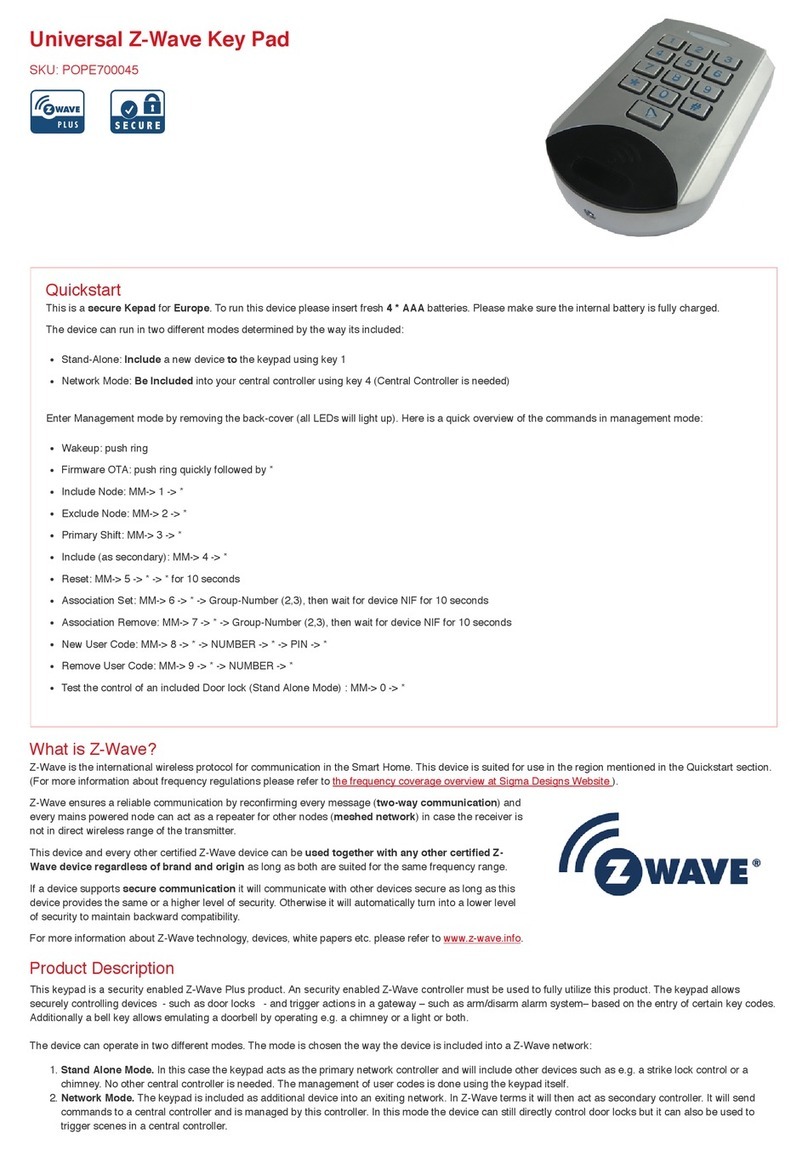
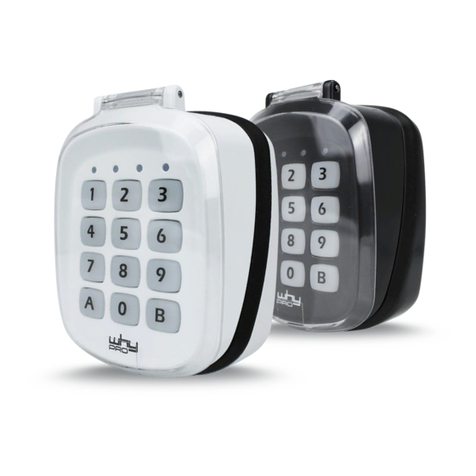
This keypad is a security enabled Z-Wave Plus product. An security enabled Z-Wave controller must be
used to fully utilize this product. The keypad allows securely controlling devices - such as door locks - and
trigger actions in a gateway – such as arm/disarm alarm system– based on the entry of certain key codes. Additionally a bell key allows emulating a doorbell by
operating e.g. a door bell or a light or both.
The device can operate in two different modes. The mode is chosen the way the device is included into a Z-Wave network:
Stand Alone Mode. In this case the keypad acts as the primary network controller and will include other devices such as e.g. a strike lock control or a door
bell. No other central controller is needed. The management of user codes is done using the keypad itself.
1.
Network Mode. The keypad is included as additional device into an exiting network. In Z-Wave terms it will then act as inclusion (secondary) controller. It
will send commands to a central controller and is managed by this controller. In this mode the device can still directly control door locks but it can also be
used to trigger scenes in a central controller.
2.
The device is protected by a tamper switch sending out an alarm message when the enclosure is opened.
Prepare for Installation / Reset
Please read the user manual before installing the product.
In order to include (add) a Z-Wave device to a network it must be in factory default state. Please make sure to reset the device into factory default. You can do
this by performing an Exclusion operation as described below in the manual. Every Z-Wave controller is able to perform this operation however it is recommended
to use the primary controller of the previous network to make sure the very device is excluded properly from this network.
Reset to factory default
This device also allows to be reset without any involvement of a Z-Wave controller. This procedure should only be used when the primary controller is inoperable.
Open The device, hit button 5 for then keep button * pressed for 10 seconds. The red LED will start flashg the last 5 seconds of the waiting time.
Safety Warning for Batteries
The product contains batteries. Please remove the batteries when the device is not used. Do not mix batteries of different charging level or different brands.
Installation
The device can be mounted on all flat walls or can also be simply put on a table. Due to the IP rating of 55 it can be used outside the house e.g. to operate the
main door. Unscrew the little screw on the bottom side of the device to open the enclosure. the back side is mounted ot the wall using screws. There is an isolation
foam provided for uneven wall backgrounds
The image above shows the main functions an buttons of the device.
The device has a standard operation mode to ring the bell and to apply key codes to operate a door lock or
generate events in the central controller. All setup and management functions however are performed in a
management mode. The management mode can be entered in two different ways:
When you open the device (remove the backside cover) the management mode is activated if master user
code (20) is not present. Otherwise only entering master user code(20) will activate management mode.
Entering the key code #20 will enter the management mode even when the tamper switch is closed.
In management mode there is a
preset user code 0-0-0-0 for test purposes (only active when enclosure opened and no
other user codes present). This code is a valid user code resulting in a Door Open
Command sent into Association Group 2.
The keypad is powered by 4 standard batteries. two of them always run in parallel
Therefore the device will work if only two batteries are inserted. However the lifetime
will be 50 % only. The device can be powered by an external power supply. Between
the batteries there is a small connector for the external power. Please the Popp power
supply positioned inside the wall box behind the keypad for external power. It is safe to
keep the batteries inserted for fall-back.
Inclusion/Exclusion
On factory default the device does not belong to any Z-Wave network. The device needs to be added to an existing wireless network to communicate with the
devices of this network. This process is called Inclusion.
Devices can also be removed from a network. This process is called Exclusion. Both processes are initiated by the primary controller of the Z-Wave network. This
controller is turned into exclusion respective inclusion mode. Inclusion and Exclusion is then performed doing a special manual action right on the device.
Inclusion