manuals.online logo
Brands
  1. Home
  2. •
  3. Brands
  4. •
  5. PowerLite
  6. •
  7. Security Sensor
  8. •
  9. PowerLite MS-12M-360-SM User manual

PowerLite MS-12M-360-SM User manual

Other PowerLite Security Sensor manuals

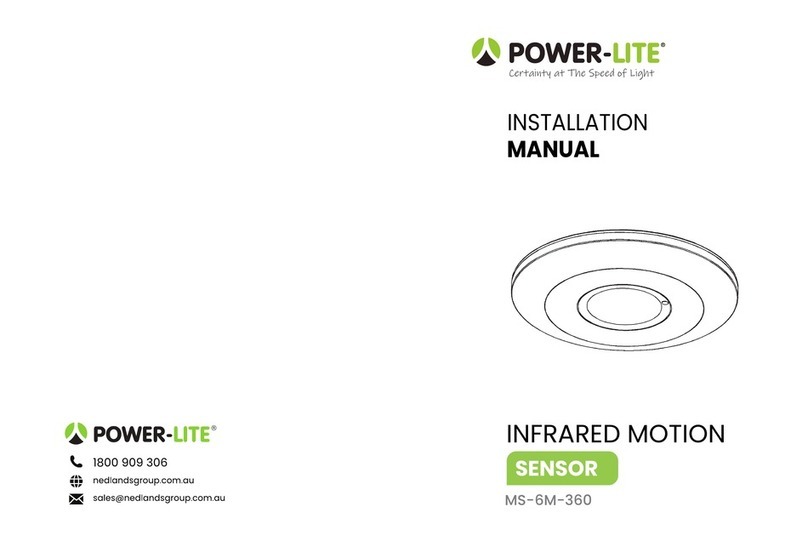
PowerLite MS-6M-360 User manual

PowerLite

PowerLite MS-6M-360 User manual

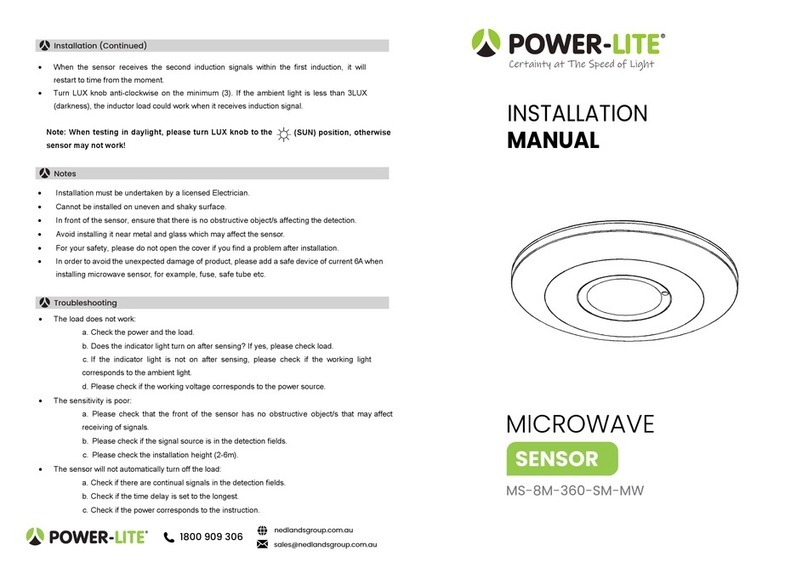
PowerLite MS-8M-360-SM-MW User manual

PowerLite

PowerLite MS-8M-360-SM-MW User manual

Popular Security Sensor manuals by other brands

Honeywell Home PROSiXCOCN Installation and setup guide

Honeywell Home

Honeywell Home PROSiXCOCN Installation and setup guide

Duevi SIRPZ-RB-868 Operation

Duevi

Duevi SIRPZ-RB-868 Operation

RKI 65-2483RK Operator's manual

RKI

RKI 65-2483RK Operator's manual

Nortech PD160 Enhanced Series user manual

Nortech

Nortech PD160 Enhanced Series user manual

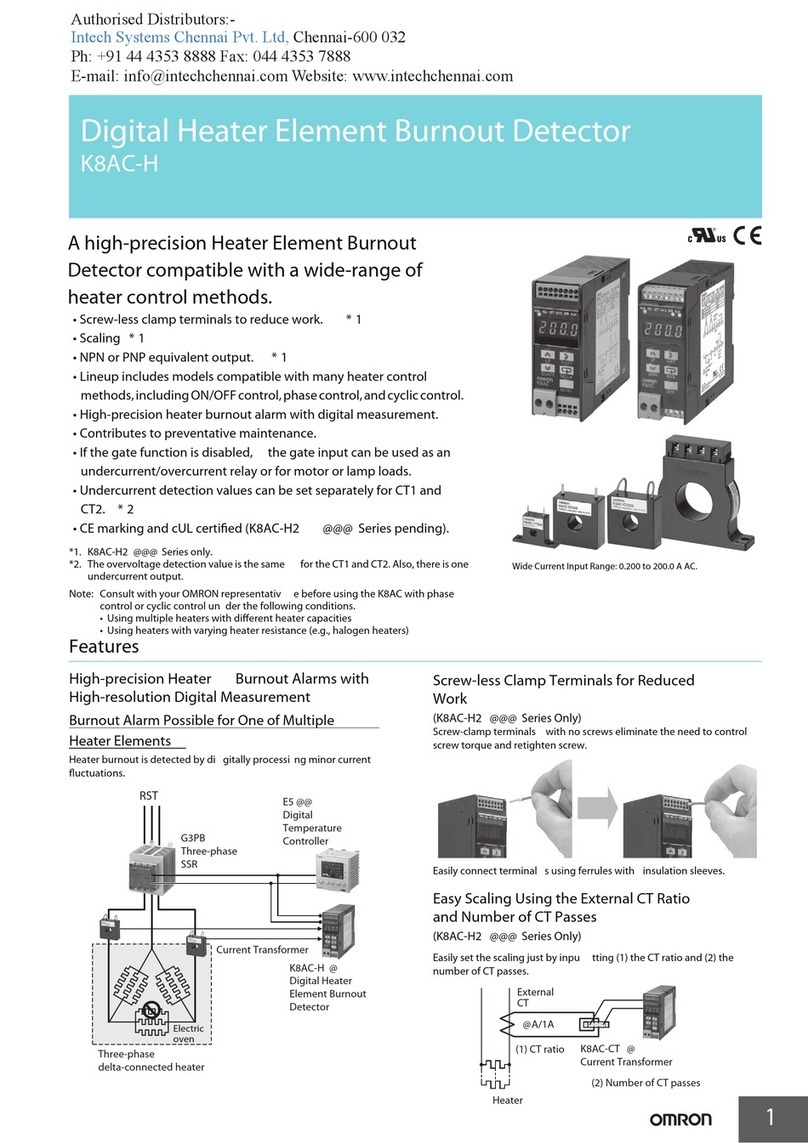
Omron K8AC-H2 manual

Omron

Omron K8AC-H2 manual

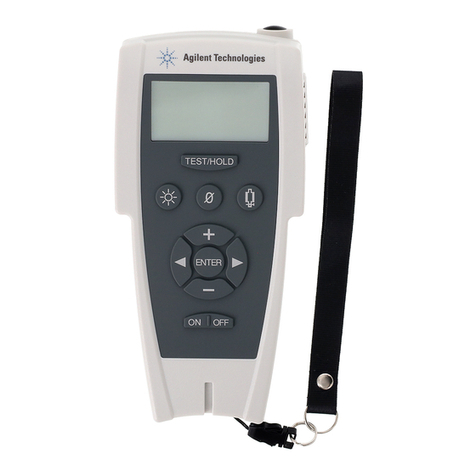
Agilent Technologies G8610 Series Quick reference card

Agilent Technologies

Agilent Technologies G8610 Series Quick reference card

Shinko SE2EA-1-0-0 instruction manual

Shinko

Shinko SE2EA-1-0-0 instruction manual

Det-Tronics X Series instructions

Det-Tronics

Det-Tronics X Series instructions

ACR Electronics COBHAM RCL-300A Product support manual

ACR Electronics

ACR Electronics COBHAM RCL-300A Product support manual

TOOLCRAFT 1712612 operating instructions

TOOLCRAFT

TOOLCRAFT 1712612 operating instructions

Elkron IM600 Installation, programming and functions manual

Elkron

Elkron IM600 Installation, programming and functions manual

Bosch WEU PDO 6 Original instructions

Bosch

Bosch WEU PDO 6 Original instructions

THORLABS PDA10JT user guide

THORLABS

THORLABS PDA10JT user guide

Waeco UV-DETECT operating manual

Waeco

Waeco UV-DETECT operating manual

Intermatic IOS-DSIMF manual

Intermatic

Intermatic IOS-DSIMF manual

Siemens AZL66 Series manual

Siemens

Siemens AZL66 Series manual

BTI Profiline Multi Finder operating instructions

BTI

BTI Profiline Multi Finder operating instructions

Challenger SL01 instruction manual

Challenger

Challenger SL01 instruction manual

manuals.online logo
manuals.online logoBrands
  • About & Mission
  • Contact us
  • Privacy Policy
  • Terms and Conditions

Copyright 2025 Manuals.Online. All Rights Reserved.

Certainty at The Speed of Light
INSTALLATION
MANUAL
INFRARED MOTION
SENSOR
MS-12M-360-SM
Power Source: 220-240V/AC
Power Frequency: 50/60Hz
Ambient Light: <3-2000LUX (adjustable)
Time Delay: Min.10sec±3sec
Max.15min±2min
Rated Load: Max.1200W
300W
•Day and Night Detection: Adjust the working state, itcan work in daytime and at night when it is
adjusted on the “sun”position(max). It can work in the ambient light less than 3LUXwhen it is
adjusted on the “3” position(min). As for the adjustment pattern, please refer tothe testing
pattern.
•Time-Delay is added continually: When it receives the second induction signals within the first
induction, it will restart to time from the moment.
1. Sensor mode →Stay on
Turn switch wall switch to OFF-ONtwice within 3seconds. The sensor will hold your light ON
continuously just likes a normal light.
2. Stay on →Sensor mode (use any method as per below)
1). Switch your wall, switch OFF,then switch ON after 0.3seconds.
2). Ifthe light is left ON (Do not change the sensor to sensor mode manually.), the sensor itself
will also automatically return to the sensor mode after 8hours.
Good sensitivity Poor sensitivity
•Avoid pointing the detector towards objects with highly reflective surfaces, such as mirrors etc.
•Avoid mounting the detector near heat sources, such as heating vents,airconditioning units, light
etc.
•Avoid pointing the detector towards objects that may move inthe wind, such as curtains, tall
plants etc.
MS-12M-360-SMinfrared motion sensor
The product adoptsgood sensitivity detector and integrated circuit. Itgathers automatism,
convenience, safety, saving-energy, and practical functions. The motion sensor utilises infrared
energy from human asa control-signal source and can start the load at oncewhen entered
detection field. Itis easytoinstall, can identify dayand night automatically and is used widely.
Introduction
Specifications
Function
Manual Override Function
As the detector responds tochanges intemperature, avoid the following situations:
Installation
Detection Range: 360°
Detection Distance: 12m max(<24℃)
Working Temperature: -20~+40℃
Working Humidity: <93%RH
Power Consumption: approx 0.5W
Installation Height: 2.2-4m
Detection Moving Speed: 0.6-1.5m/s
Warning. Danger of death through electric shock!
•Must be installed by professional electrician.
•Disconnect power source.
•Cover or shield any adjacent live components.
•Ensure device cannot be switched on.
•Check power supply is disconnected.
•Please move the upper cover with anti-clockwise whirl as per the diagram on
the right.
•Connect the power and the load according to the connection-wire diagram.
•Fix the bottom on the selected position with the inflated screw.
•Install back the upper cover on the sensor, then you could switch on the
power and test it.
•Turn the TIME knob anti-clockwise on the minimum
(10s). Then turn the LUX knob clockwise on the
maximum (sun).
•Switch on the power; the sensor and its connected
lamp will have no signal at the beginning. After
Warm-up 30sec, the sensor will start working. If the sensor receives the induction signal, the
lamp will turn on. While there is no another induction signal any more, the load should stop
working within 10sec± 3sec and the lamp would turn off.
•Turn LUXknob anti-clockwise on the minimum (3). If the ambient light ismore than 3LUX,the
sensor would not work and the lamp stop working too. Ifthe ambient light isless than 3LUX
(darkness), the sensor would work. Under no induction signal condition, the sensor should stop
working within 10sec± 3sec.
(SUN) position, otherwise the
Note: When testing in daylight, please turn LUX knob to
sensor lamp won’t work!
•The load does not work:
a. Please check ifthe connection of power source and load is correct.
b. Please check ifthe load is good.
c. Please check ifthe settings of working light correspond to ambient light.
•The sensitivity ispoor:
a. Please check ifthere is any hindrance in front of the detector to affect it to receive the
signals.
b. Please check ifthe ambient temperature is too high.
c. Please check ifthe induction signal source isinthe detection field.
d. Please check ifthe installation height corresponds to the height required in the
instruction.
e. Please check ifthe moving orientation is correct.
•The sensor cannot shut offthe load automatically:
a. Please check ifthere is continual signal in the detection field.
b. Please check ifthe time delay is set to the maximum position.
c. Please check ifthe power corresponds to the instruction.
Height of installation:2.2-4m Detection Distance:Max12m
Connection
Connection Wire Diagram
Sensor Information
Test
Troubleshooting