7
StandardTimer1 & Timer2 setup, with NLF=OFF
If you set NLF=OFF, then you can program the standard load control
functionality with Timer1 andTimer2. Press “menu” button 6 times
from thedefault window, taking you to NLF setupinterface. Press
“enter” button once, choose NFL OFF via ‘Pageup/Pagedown’ button,
and then confirm by “enter”.
Press “menu” button once from NLF window, Window will switch to
Timer1 setup interface. Press “enter” button once, you can adjust
‘Hour’ via ‘Pageup/Pagedown’ button. After ‘Hour’ setup press ‘enter’
button for confirmation and switch to ‘Minute’ adjustment. You can use
‘Pageup/Pagedown’ button to adjust it. This can be confirmed by
pressing ‘enter’ button. Through ‘Pageup/Pagedown’ button, choose
‘ON’ or ‘OFF’ or ‘ON/OFF’ and then confirm by ‘enter’ button.
Press ‘menu’button again, windowwill switch to Timer2 setup interface. Similar operation for time and
ON/OFF setup as mentioned above.
NOTEfor programmingTimer1 & Timer2
Setting eitherTimer to ON sets the time when you want to turn the load on.
Setting either Timer to OFF sets the time when you want to turn the load off.
Setting eitherTimer to “ON/OFF” will disable thetimer, andthe load output will revert to manual load
control.
Functional Explanations
1. PWM Charge control
Depending on the actualbattery level, various charging procedures, float charging, boost charging
andequalization charging are automatically performed.
2. Deepdischarging protection
If thebattery falls below a specified charge level or battery voltage,the load output is disconnected
and the discharge of the battery is prevented. The set poin
t
s of the deep discharging protection are
predefinedand cannot be reset.
3. MPPT function
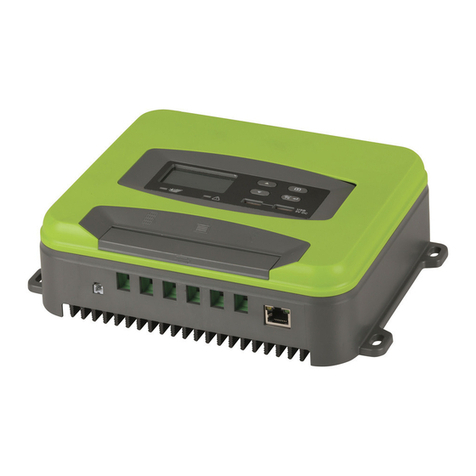
MP-3739 uses the latest MPPT technology at all times which gives the maximum available output of
the solar module.
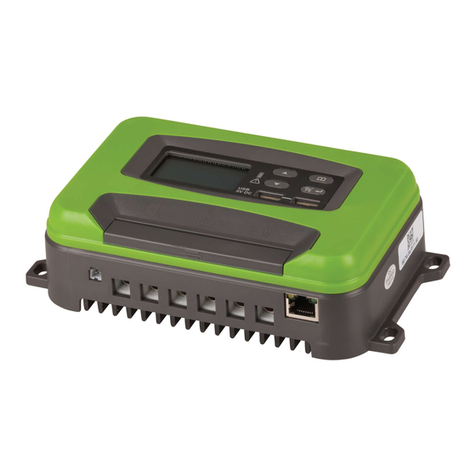
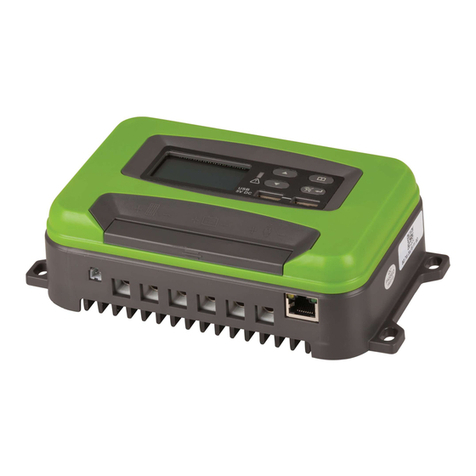
4. 5V USB output
Provide5Vdc/500mA power supplier.
5. 2 timers, control the loadoutputautomatically.