AUDIO(RED)
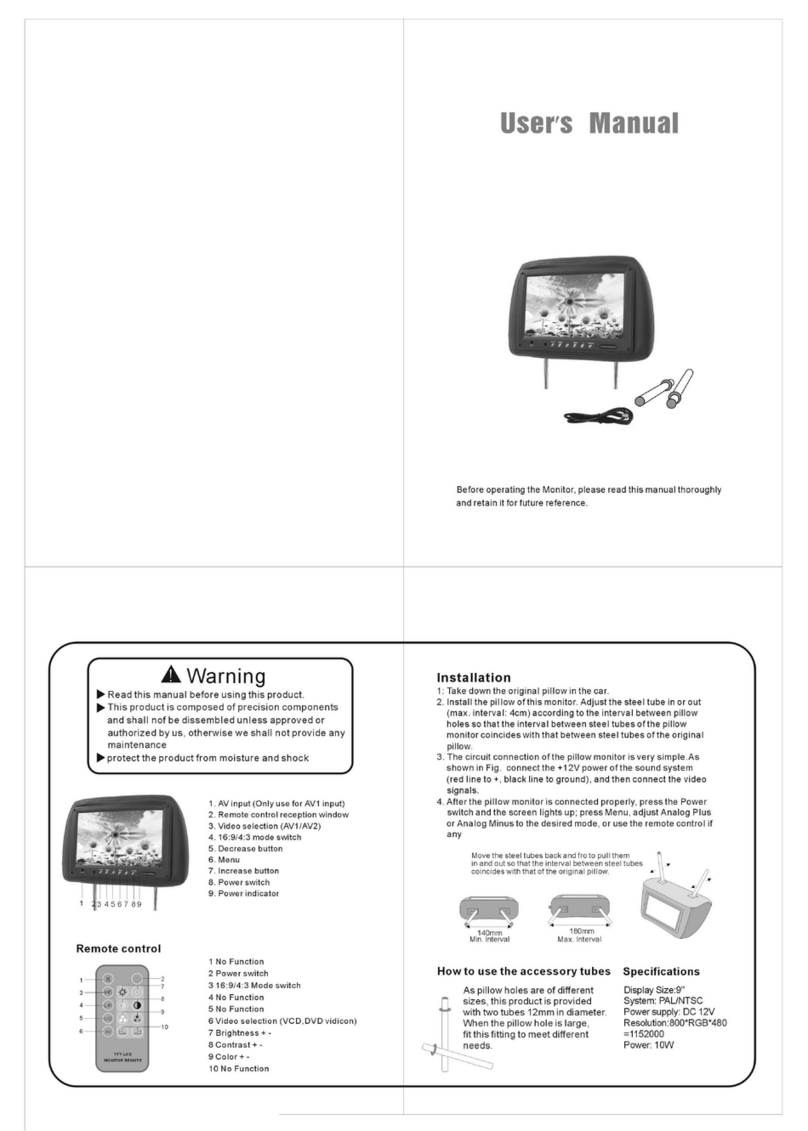
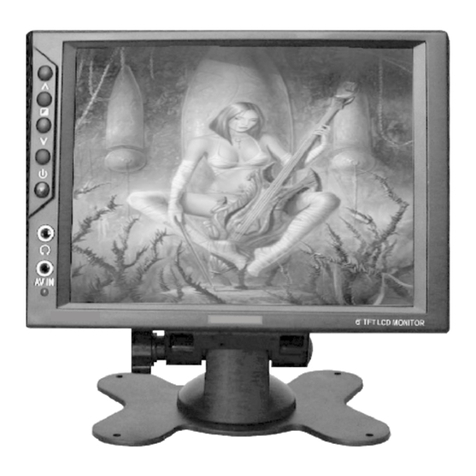
1. Poweron/off 2.menu
3. + 4.-
5. video 6.phone
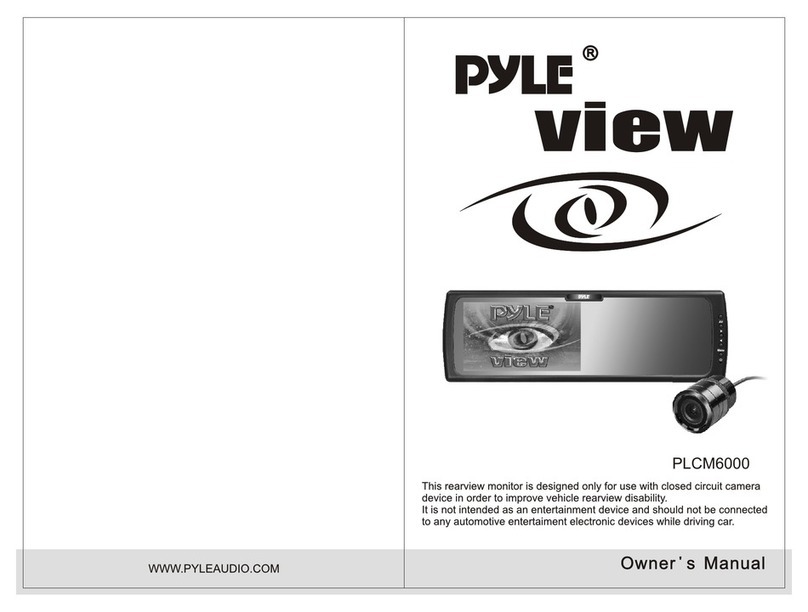
Thank youfor purchasingthe TFTLCD colormonitor.To enjoy
the featuresof thisdevice andto ensureyears oftrouble-free
operation, pleaseread thismanual carefullyand followingthe
instructions.
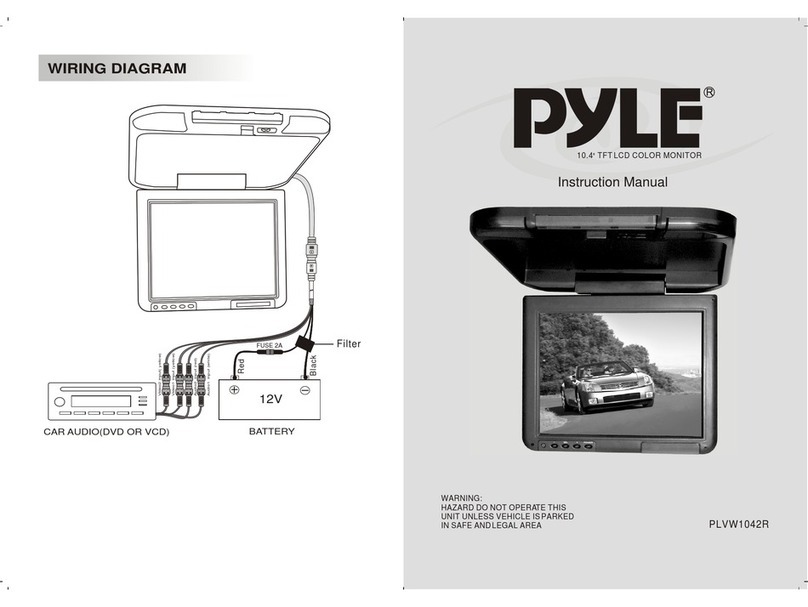
WIRING
Connect thesupplied cablewith themonitor's mini-dinplug.
Connections; Yellow RCA:Video Input
Red RCA:Audio signalinput
Black plug:GND
RED:+12V
1, Makesure thevideo andpower connectionare properlyexecuted.
2, PressMENU todisplay theadjustment inthis order:
Brightness -color- contrast-volume- brightness---
3, Adjustthe valuesby pressingAV+or AV-.
4, ThePOWER buttonactivates/deactivates themonitor.It isnot
necessary todisconnect thepower sources.
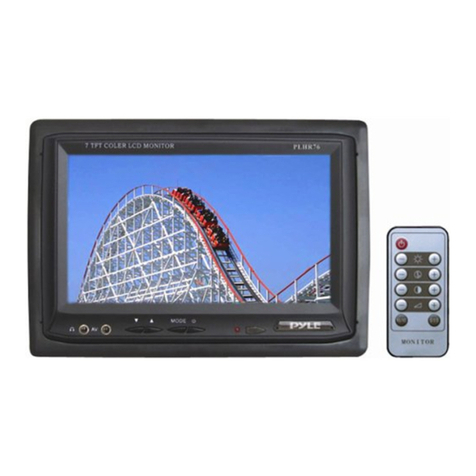
Item No.: PLVHR65M
Screen size:6.5"
System: NTSC
Power source:DC 12V+/- 10%
Power consumption: 7.2w
Video input:Composition videosignal
Operating temperature:0 - 40
Storage temperature:- 20 - 80
SPECIFICATION
OPERATION
FRONT PANEL
1
2
3
4
5
6
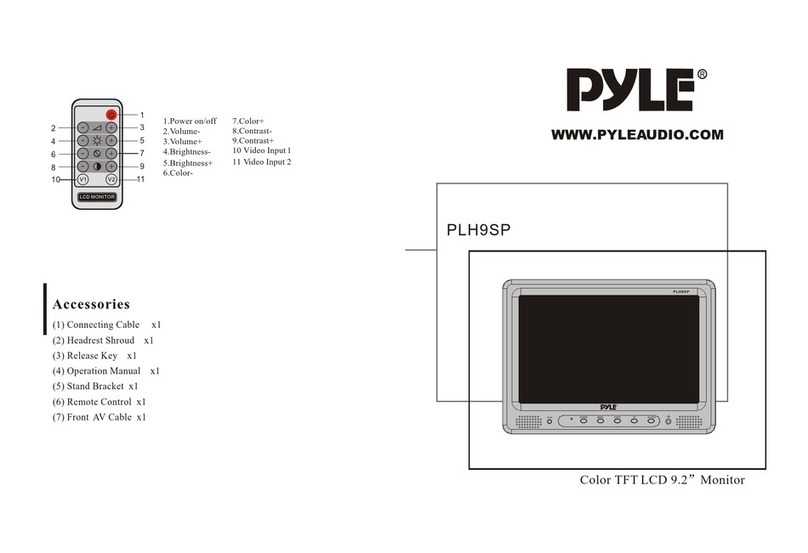
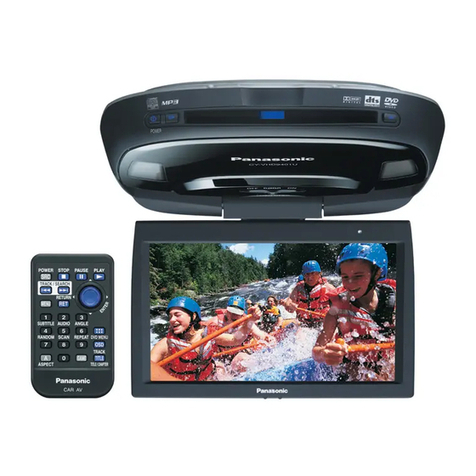
Remote ControllerUse
Power on /off
Color
Contrast
Volume
Brightness
Mute
Mode
Up/down
Left/right
Video1/video2