3M
3M
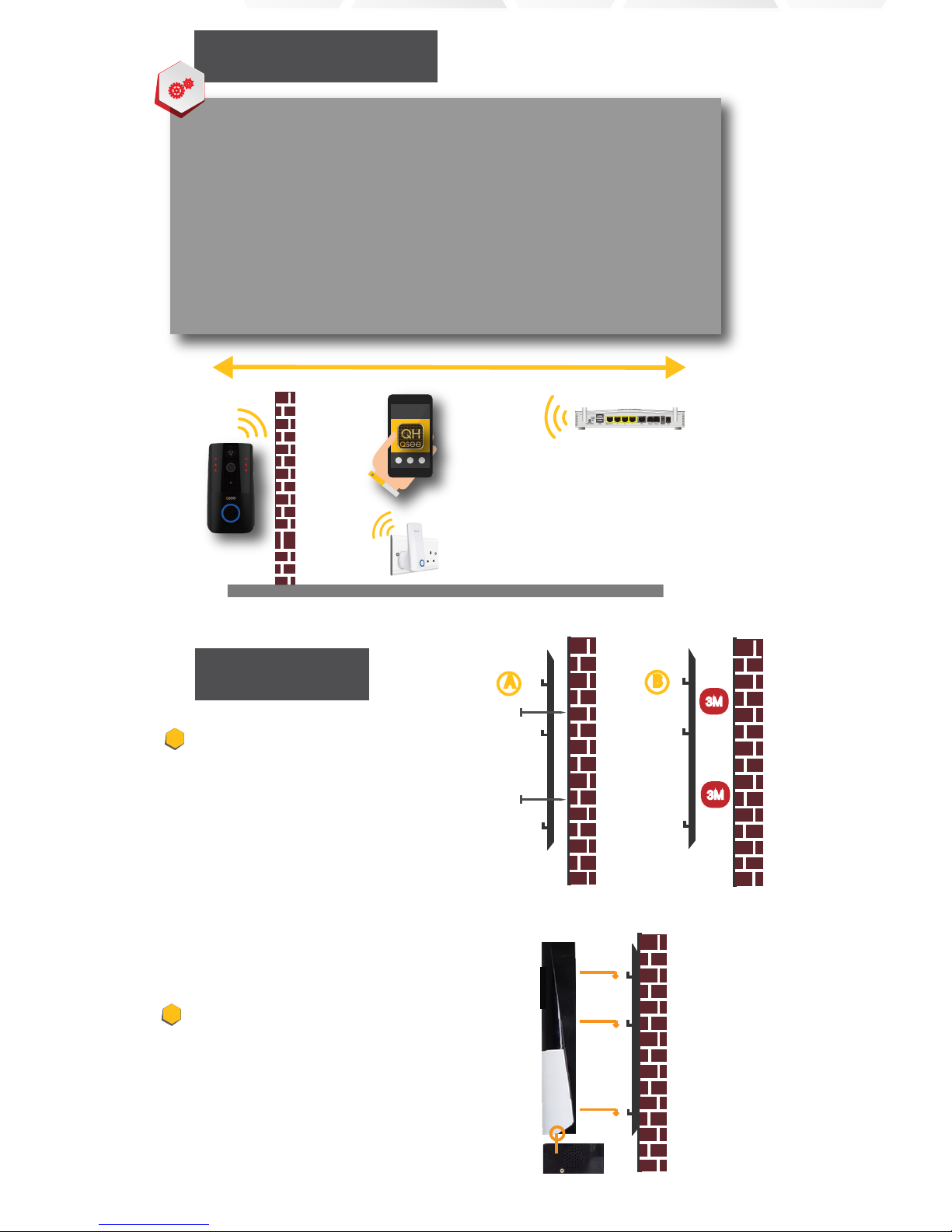
Optional Wi-Fi
Extender/Repeater
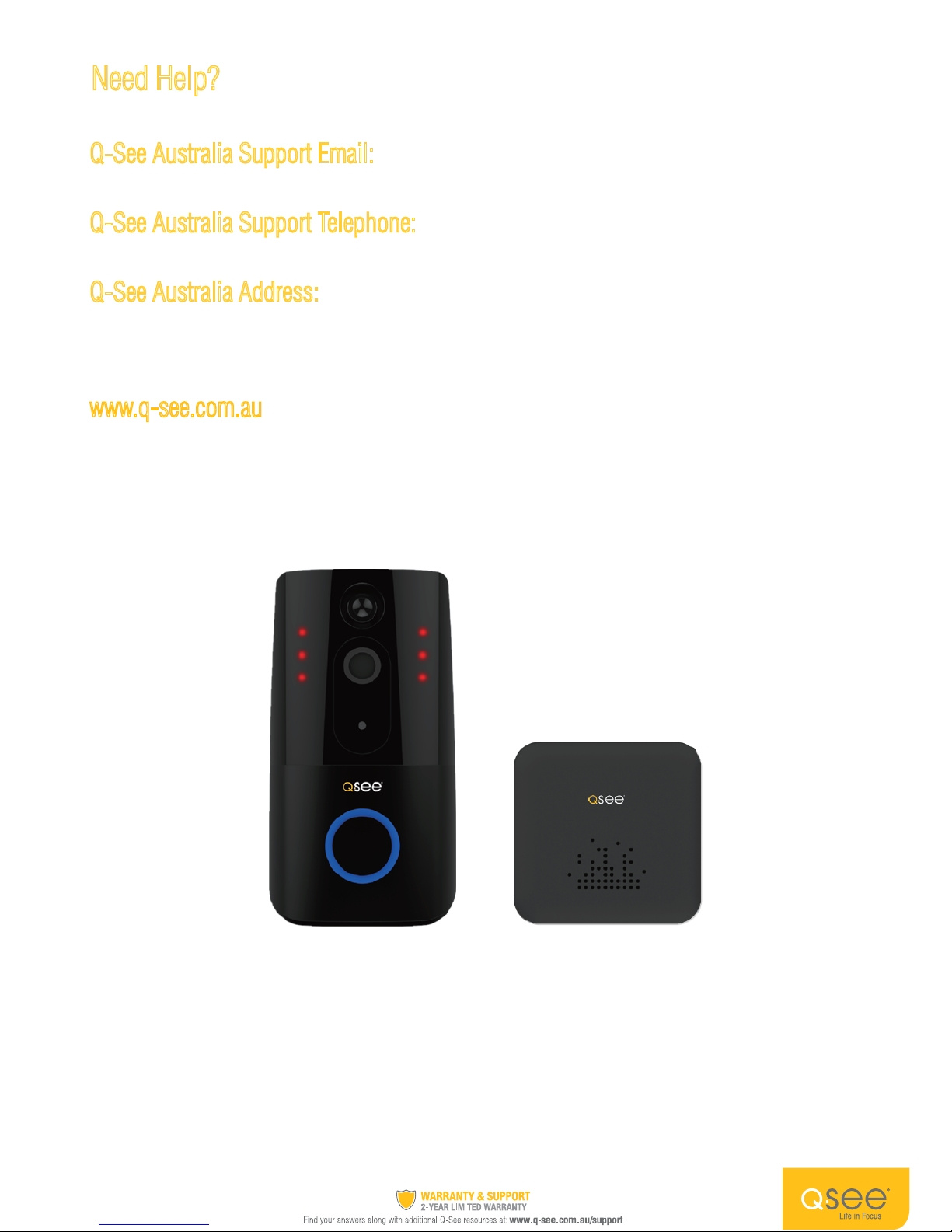
Q-See
Doorbell
(Type A) To install the mounting bracket on a
brick or concrete wall drill 4 holes into position
for the plugs. After inserting wall plugs to the
holes screw the bracket into your wall. For
mounting on a doorframe or similar made of
wood or metal you can skip the wall plug and
screw the bracket directly into your frame.
(Type B) If theft is of low concern you may, if
the surface of your desired mounting spot is
smooth, choose to mount with 3M double side
tape.
To attach your doorbell to the bracket first
ensure the bottom security screw is loose. Line
up the holes in your Doorbell with the slots on
the bracket and push firmly towards the wall
and then down until you feel a click.
Tighten the security screw on the bottom of
your Doorbell.
Connect Network Failed
1. If your WiFi access point (home router) is dual band WiFi capable please check if your
mobile device is connected to your 2.4GHz network. You can not be connected to your
5GHz band Wi-Fi network when conguring the doorbell.
2. If your home Wi-Fi is a bridged connection please use non-bridged connection Wi-Fi.
3. If you having trouble to view and operate your Q-See doorbell through the QHSmart
App you may need to move your router closer to your door or deploy a Wi-Fi extend-
er/repeater to boost your WiFi signal.
Tip: Improving the Wi-Fi signal strength will stabilise the doorbell’s communications.
Troubleshooting
Installation