manuals.online logo
Brands
  1. Home
  2. •
  3. Brands
  4. •
  5. Qlogic
  6. •
  7. Switch
  8. •
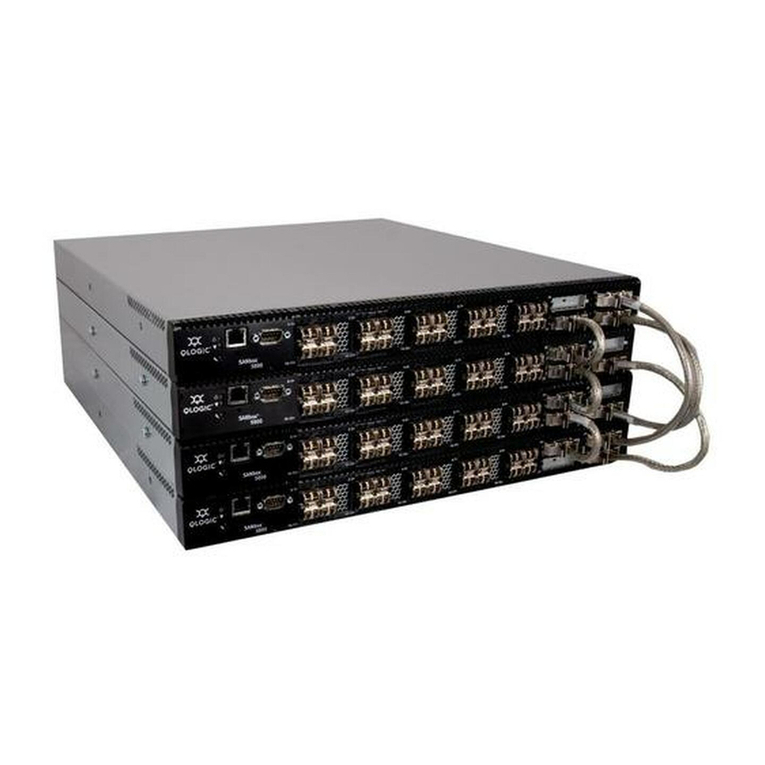
  9. Qlogic SANbox 5200 Series Manual

Qlogic SANbox 5200 Series Manual

Other manuals for SANbox 5200 Series

5

Other Qlogic Switch manuals

Qlogic QLogic Fibre Channel Switch User manual

Qlogic

Qlogic QLogic Fibre Channel Switch User manual

Qlogic QLogic 12000 Series User manual

Qlogic

Qlogic QLogic 12000 Series User manual

Qlogic QLogic 12000 Series User manual

Qlogic

Qlogic QLogic 12000 Series User manual

Qlogic SilverStorm 9024 Manual

Qlogic

Qlogic SilverStorm 9024 Manual

Qlogic InfiniBand 12200-BS01 User manual

Qlogic

Qlogic InfiniBand 12200-BS01 User manual

Qlogic QLogic 12000 Series Technical manual

Qlogic

Qlogic QLogic 12000 Series Technical manual

Qlogic SilverStorm 9020 User manual

Qlogic

Qlogic SilverStorm 9020 User manual

Qlogic SANbox 5200 Series Manual

Qlogic

Qlogic SANbox 5200 Series Manual

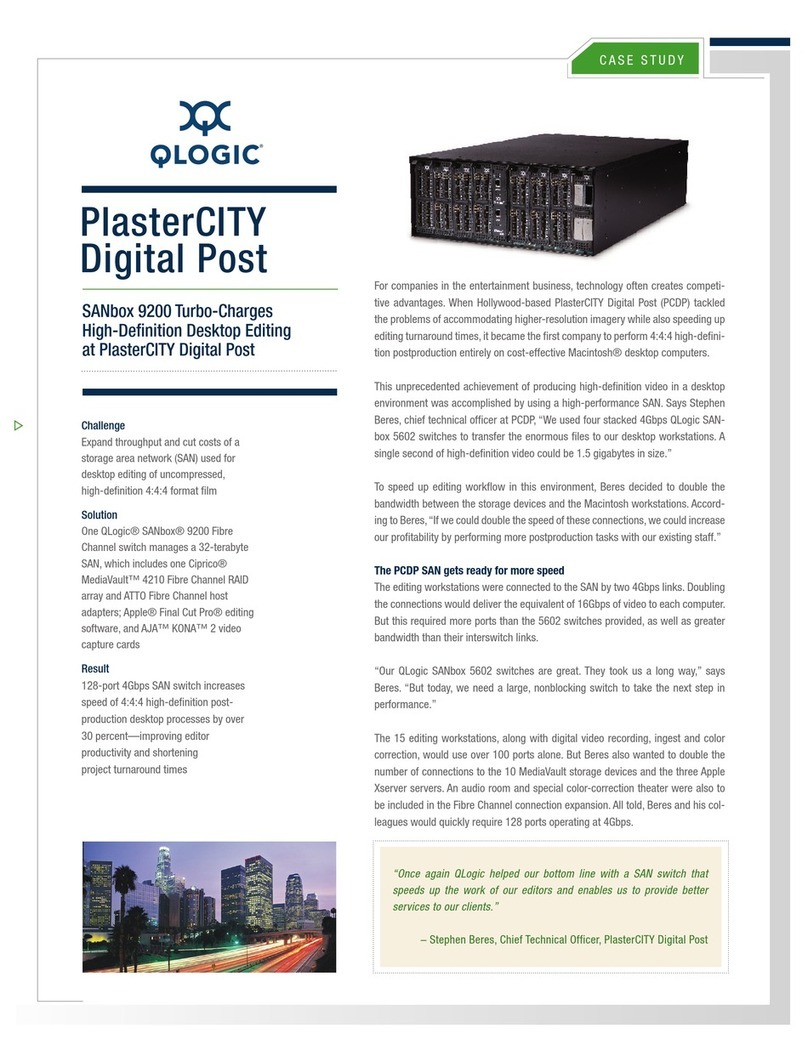
Qlogic SANbox 9200 Manual

Qlogic

Qlogic SANbox 9200 Manual

Qlogic SANbox 5202 Manual

Qlogic

Qlogic SANbox 5202 Manual

Qlogic SANbox 9200 Manual

Qlogic

Qlogic SANbox 9200 Manual

Qlogic SANbox-16STD Installer's/ User manual

Qlogic

Qlogic SANbox-16STD Installer's/ User manual

Qlogic SANbox 5800V Series User manual

Qlogic

Qlogic SANbox 5800V Series User manual

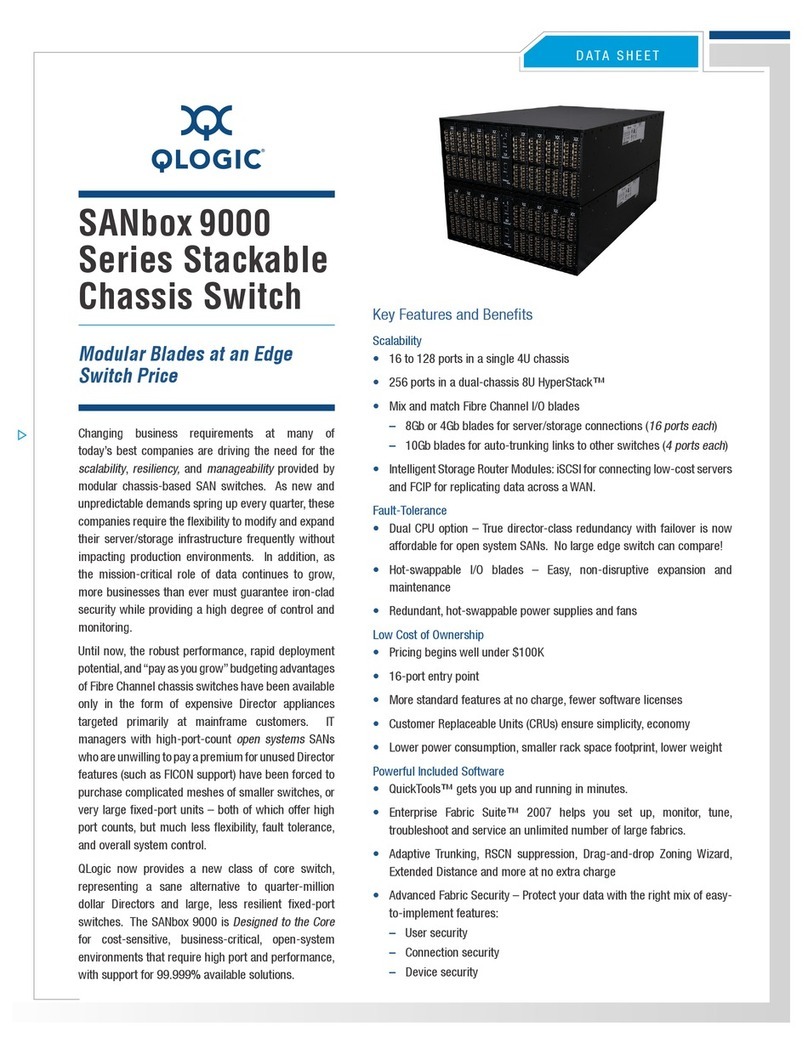
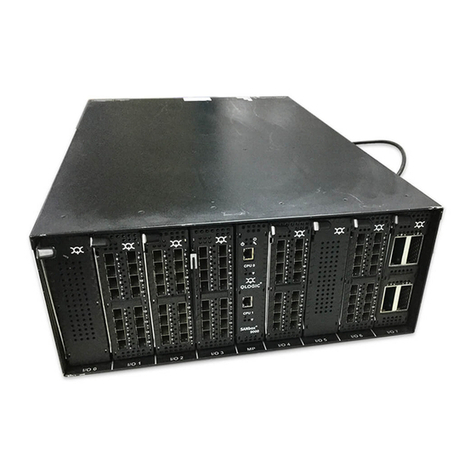
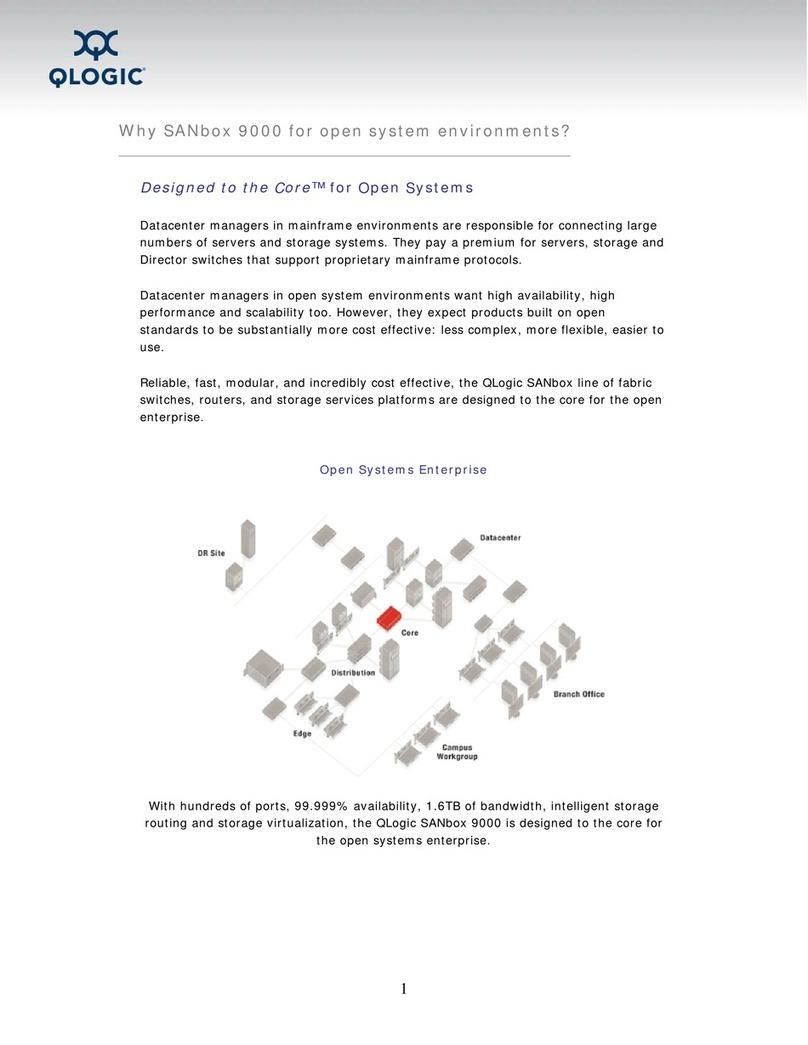
Qlogic SANbox 9000 Series User manual

Qlogic

Qlogic SANbox 9000 Series User manual

Qlogic SilverStorm 9000 Instruction Manual

Qlogic

Qlogic SilverStorm 9000 Instruction Manual

Qlogic SANbox 5602 Manual

Qlogic

Qlogic SANbox 5602 Manual

Qlogic HyperStack 9000 Series User manual

Qlogic

Qlogic HyperStack 9000 Series User manual

Qlogic SANbox 5600 Series User manual

Qlogic

Qlogic SANbox 5600 Series User manual

Qlogic SANbox 5600 Series User manual

Qlogic

Qlogic SANbox 5600 Series User manual

Qlogic SANbox2-16 Fibre Channel User manual

Qlogic

Qlogic SANbox2-16 Fibre Channel User manual

Qlogic SilverStorm 9040 User manual

Qlogic

Qlogic SilverStorm 9040 User manual

Qlogic SANbox 1400 Series User manual

Qlogic

Qlogic SANbox 1400 Series User manual

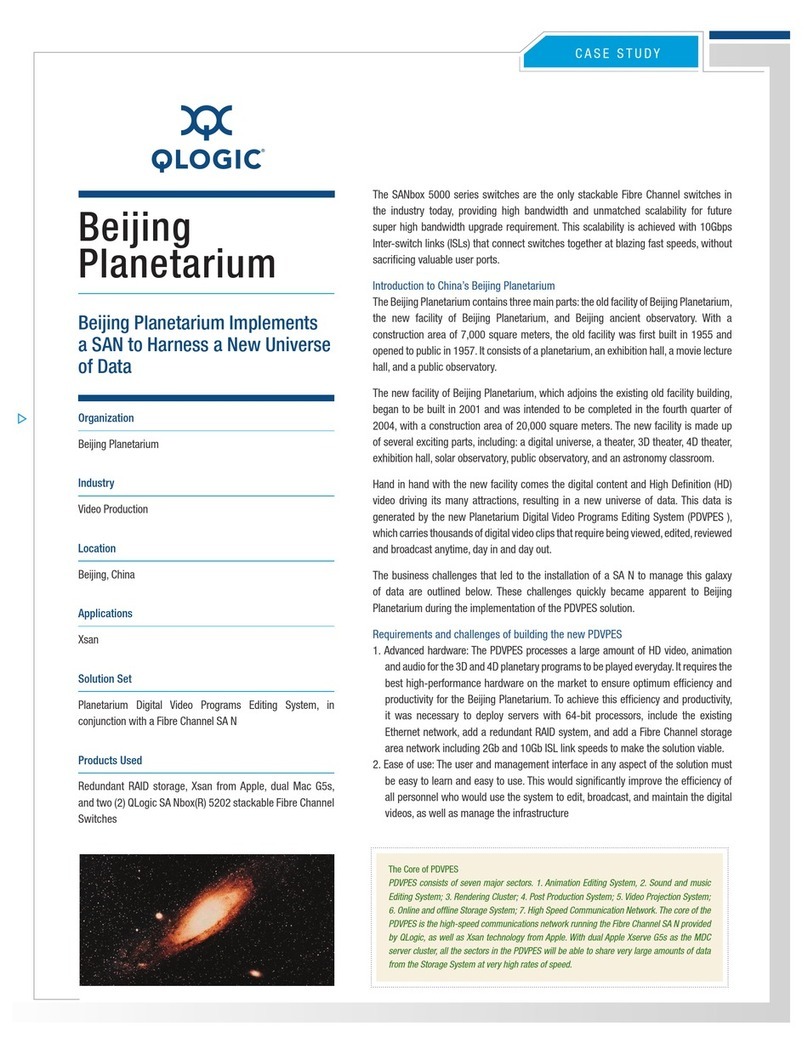
Qlogic SANbox 5000 Series User manual

Qlogic

Qlogic SANbox 5000 Series User manual

Qlogic SANbox 1400 Series Manual

Qlogic

Qlogic SANbox 1400 Series Manual

Popular Switch manuals by other brands

SMC Networks SMC6224M Technical specifications

SMC Networks

SMC Networks SMC6224M Technical specifications

Aeotec ZWA003-S operating manual

Aeotec

Aeotec ZWA003-S operating manual

TRENDnet TK-209i Quick installation guide

TRENDnet

TRENDnet TK-209i Quick installation guide

Planet FGSW-2022VHP user manual

Planet

Planet FGSW-2022VHP user manual

Avocent AutoView 2000  AV2000BC AV2000BC Installer/user guide

Avocent

Avocent AutoView 2000 AV2000BC AV2000BC Installer/user guide

Moxa Technologies PT-7728 Series user manual

Moxa Technologies

Moxa Technologies PT-7728 Series user manual

Intos Electronic inLine 35392I operating instructions

Intos Electronic

Intos Electronic inLine 35392I operating instructions

Cisco Catalyst 3560-X-24T Technical specifications

Cisco

Cisco Catalyst 3560-X-24T Technical specifications

Asante IntraCore IC3648 Specifications

Asante

Asante IntraCore IC3648 Specifications

Siemens SIRIUS 3SE7310-1AE Series Original operating instructions

Siemens

Siemens SIRIUS 3SE7310-1AE Series Original operating instructions

Edge-Core DCS520 quick start guide

Edge-Core

Edge-Core DCS520 quick start guide

RGBLE S00203 user manual

RGBLE

RGBLE S00203 user manual

Thrustmaster FLIGHT SIMULATOR X quick guide

Thrustmaster

Thrustmaster FLIGHT SIMULATOR X quick guide

Southwire SURGE GUARD 41390 RVC troubleshooting guide

Southwire

Southwire SURGE GUARD 41390 RVC troubleshooting guide

Buhler Nivotemp NT 61 Brief instructions

Buhler

Buhler Nivotemp NT 61 Brief instructions

Kramer VS-41HDCP user manual

Kramer

Kramer VS-41HDCP user manual

Techly IDATA AU-270 user manual

Techly

Techly IDATA AU-270 user manual

Belkin F1U109 user manual

Belkin

Belkin F1U109 user manual

manuals.online logo
manuals.online logoBrands
  • About & Mission
  • Contact us
  • Privacy Policy
  • Terms and Conditions

Copyright 2025 Manuals.Online. All Rights Reserved.

CASE STUDY
Quantum
QLogic and Quantum’s DLT
Technology Protect Infrastructure
Investments Through “The Power
of Knowing”
Manage
Understand and control how tape drives are used
throughout the enterprise
Develop a complete inventory of drives and media and the
usage statistics for zeach.
Monitor the integrity of your regular backups.
Predict
Assess which tapes and drives are nearing the end of their
useful lives.
Improve backup credibility by ensuring that drive and
media combinations offer acceptable levels of confidence.
Use drive and media statistics to implement optimal
maintenance protocols.
Prevent
Spot failures as they happen and be able to correct them.
•
•
•
•
•
•
•
DLTSage by Quantum
The key to DLTSage is a comprehensive log of drive and media statistics, offering a
unique family of software tools -- unprecedented in the industry - to help you work with
this data and convert it to useful information. Compliant with the industry-standard T10
MAM specification, DLTSage is the first workable set of tools for monitoring drive/media
performance. Now you can have the answers to questions like, “Where was this tape
last written?” or “How many times has the drive been used in the last month?”
DLT®Technology’s strong legacy in midrange and enterprise tape technology and the
expertise that QLogic®brings to its Fibre Channel and SCSI Host Bus Adaptors (HBAs)
and Switches have been combined to provide an innovative solution that predicts and
prevents potential problems in key components within SAN environments.
The award-winning DLTSage™backup solution is an architecture-based suite of
predictive and preventive maintenance diagnostic offerings that enable users to more
simply manage storage environments.Together, QLogic and DLTSage deliver the power
of knowing - knowing data is safe and protected while applications remain available
and secure.This architecture is built on standards that interface seamlessly into current
storage environments.
Quantum’s DLT Technology continues to advance tape technology in its diagnostic suite
of tools such as DLTSage. DLT products offer customers the flexibility to implement a
single technology family across their enterprise, from the entry-level
DLT VS80 drive, to the third generation of Performance drives, the SDLT 600. With an
installed base of more than 2.5 million DLT drives in use and over 100 million DLT
media cartridges shipped, it’s no wonder 98% of Fortune 500®companies rely on DLT
technology for backing up and archiving their businesscritical data!
QLogic simplifies networking storage with controller chips, HBAs, network switches and
management software that move data from the storage device through the fabric to the
server. QLogics products comply with industry standards to ensure interoperability and
ease of integration within existing network storage deployments.
The QLogic family of HBAs and switches are tested and proven interoperable with
DLTtape®products, providing mutual customers with the highest quality solutions
available, such as the QLogic SANblade®and SANbox®5200 series. Both combine with
DLT drives to provide a robust and high-performance storage network.
“The strategic partnership between Quantum and QLogic Corporation provides
end-users with the most scalable, reliable and cost-effective networked storage
solutions in the industry,”
– Frank Berry, vice president of marketing, QLogic Corporation

Corporate Headquarters QLogic Corporation 26650 Aliso Viejo Parkway Aliso Viejo, CA 92656 949.389.6000 www.qlogic.com
Europe Headquarters QLogic (UK) LTD. Surrey Technology Centre 40 Occam Road Guildford Surrey GU2 7YG UK +44 (0)1483 295825
CASE STUDY
Users can now extend existing investments in the SDLT 600 tape drive and
Super DLTtape®II media to effectively leverage and implement DLTIce™as an
integral component in compliant data storage environments. Supported by the
DLTSage architecture platform, DLTIce provides customers WORM functionality
with a complete set of management tools and strong software support.
SANbox 5200 Series Switches and SANblade HBAs
QLogic offers the industry’s first 2Gb Fibre Channel stackable switch with
its 5200 series. These switches provide 8, 12 or 16 auto-detecting 2Gb/1Gb
device ports with 4-port incremental softwarekeyed upgrade. A compelling
feature of each 5200 series switch is a four-pack of 10Gb ISL ports for high-
speed stacking links. Combined with free configuration and zoning wizard

software tools, the 5200 series allows you to build fabrics easily, quickly
and cost-effectively.
QLogic also offers the SANbox2™-64 modular chassis switch, which delivers
the high port count of a Director-class product with the low cost-per-port of a
fabric switch, and features modular scalability to 64 ports with 8-port blades.
And if you’re in the market for robust and reliable HBAs, QLogics SANblade®
Fibre Channel HBAs are the most widely deployed host adapter solutions for
server, networking, storage, and clustering solutions.
Best of all, when you combine SAN architecture built on QLogic components
and a backup solution from Quantum, your enterprise data has never been

safer. QLogic and Quantum deliver partnership at its best for interoperability,
data security, and end-to-end availability in your SAN infrastructure.
DLT and DLTtape are registered trademarks and DLTSage, DLTIce, and the DLT
logo are trademarks of Quantum Corp. FORTUNE 500 is a registered trademark of
Fortune Magazine, a division of Time Inc.

Quantum
©2004-2005 QLogic Corporation. Specifications are subject to change without notice. All rights reserved worldwide. QLogic and the QLogic logo are registered trademarks of QLogic Corporation. SANbox2 is a trademark of QLogic Corporation. All other brands
and product names are trademarks or registered trademarks of their respective owners.
SN0030923-00 Rev A 3/05