manuals.online logo
Brands
  1. Home
  2. •
  3. Brands
  4. •
  5. Quatreau
  6. •
  7. Plumbing Product
  8. •
  9. Quatreau QT-553BCS User manual

Quatreau QT-553BCS User manual

Other Quatreau Plumbing Product manuals

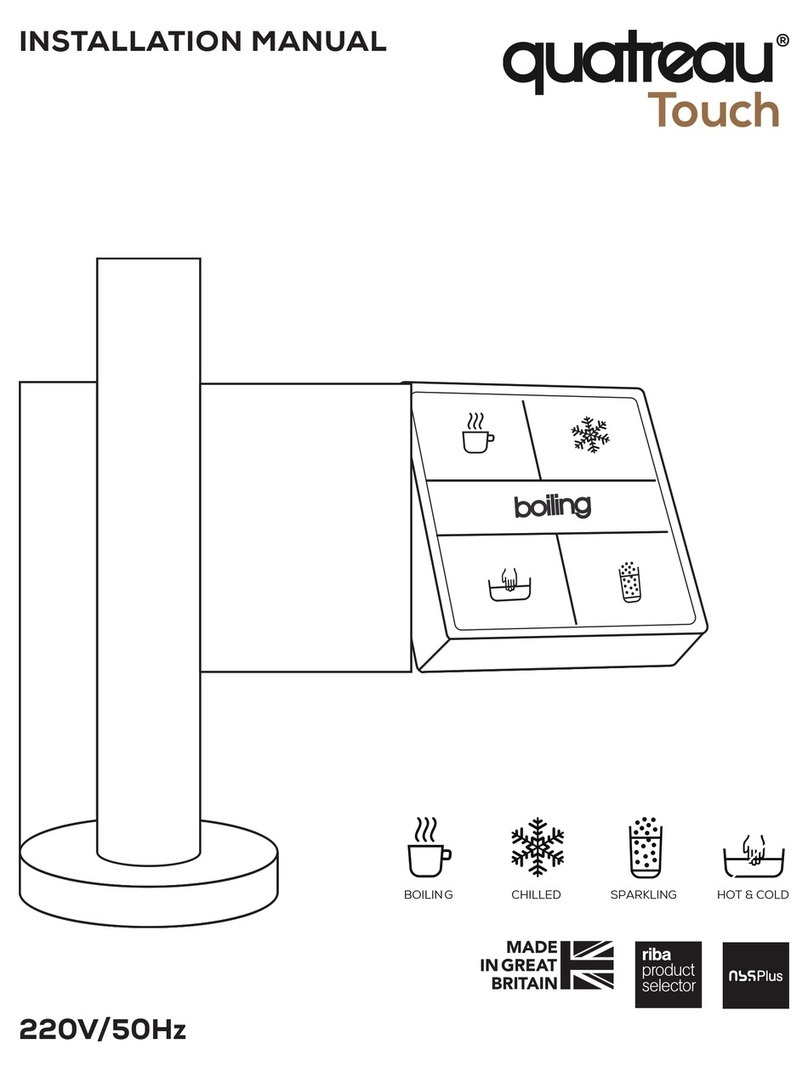
Quatreau Touch 553-B User manual

Quatreau

Quatreau Touch 553-B User manual

Quatreau QST-553BCS User manual

Quatreau

Quatreau QST-553BCS User manual

Quatreau SmartTap User manual

Quatreau

Quatreau SmartTap User manual

Quatreau SMARTTAP QST-B Operating instructions

Quatreau

Quatreau SMARTTAP QST-B Operating instructions

Quatreau QT553 Quick start guide

Quatreau

Quatreau QT553 Quick start guide

Quatreau SMARTTAP 553-B User manual

Quatreau

Quatreau SMARTTAP 553-B User manual

Quatreau SmartTap User manual

Quatreau

Quatreau SmartTap User manual

Popular Plumbing Product manuals by other brands

Moen SANI-STREAM 8797 manual

Moen

Moen SANI-STREAM 8797 manual

Grohe Allure Brilliant 19 784 manual

Grohe

Grohe Allure Brilliant 19 784 manual

Cistermiser Easyflush EVO 1.5 manual

Cistermiser

Cistermiser Easyflush EVO 1.5 manual

Kohler Triton Rite-Temp K-T6910-2A installation guide

Kohler

Kohler Triton Rite-Temp K-T6910-2A installation guide

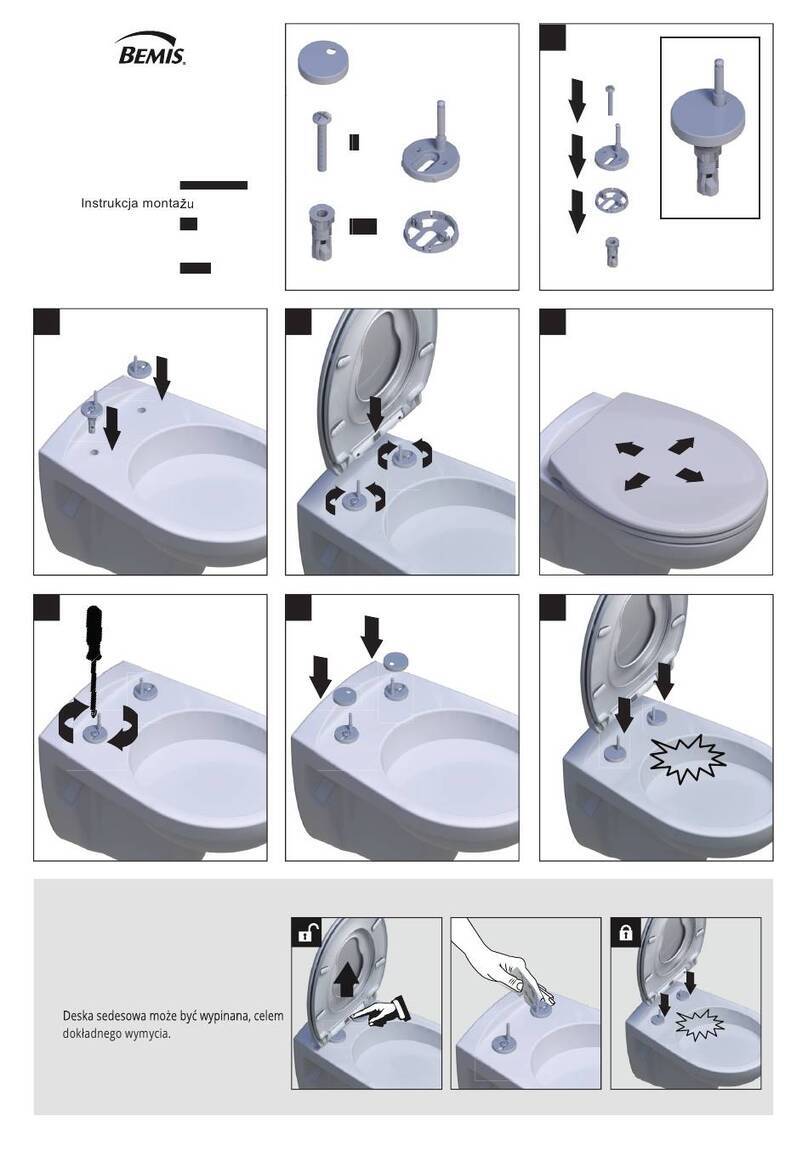
BEMIS FNOTAB100 Installation instruction

BEMIS

BEMIS FNOTAB100 Installation instruction

Hans Grohe ShowerTablet Select 700 13184000 Instructions for use/assembly instructions

Hans Grohe

Hans Grohe ShowerTablet Select 700 13184000 Instructions for use/assembly instructions

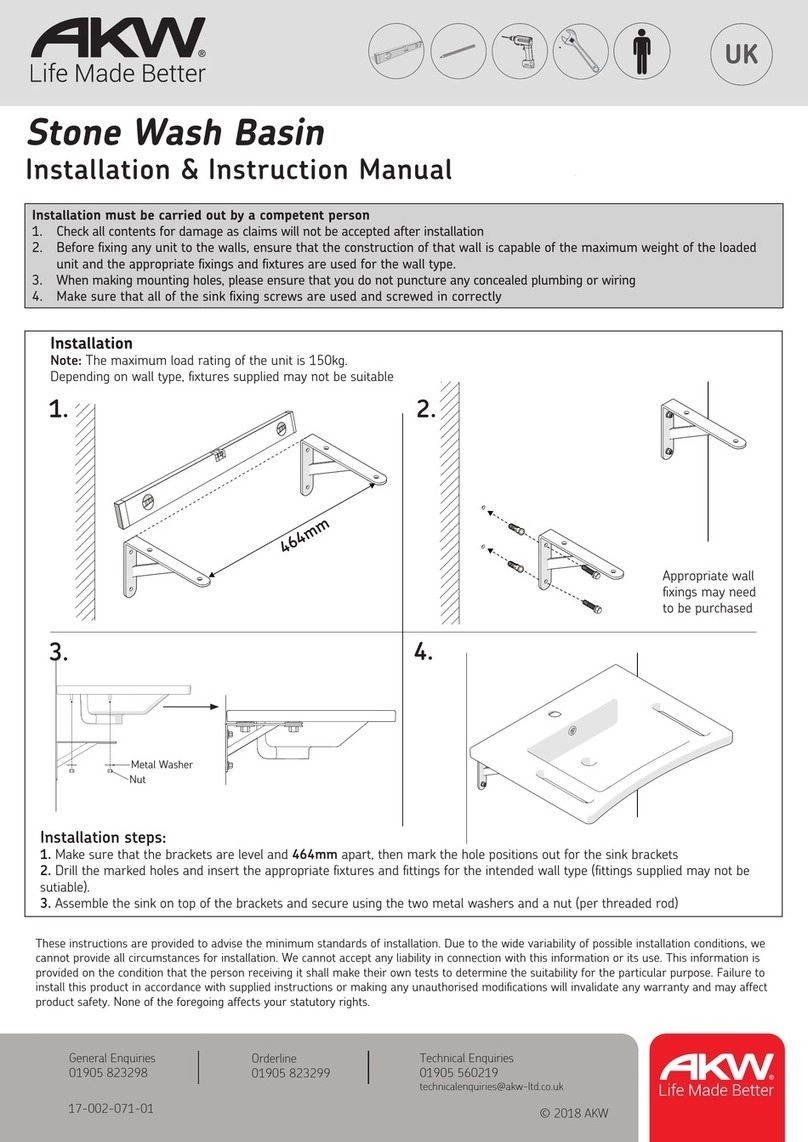
Akw Stone Wash Basin Installation instructions manual

Akw

Akw Stone Wash Basin Installation instructions manual

Enlighten Sauna Rustic-4 user manual

Enlighten Sauna

Enlighten Sauna Rustic-4 user manual

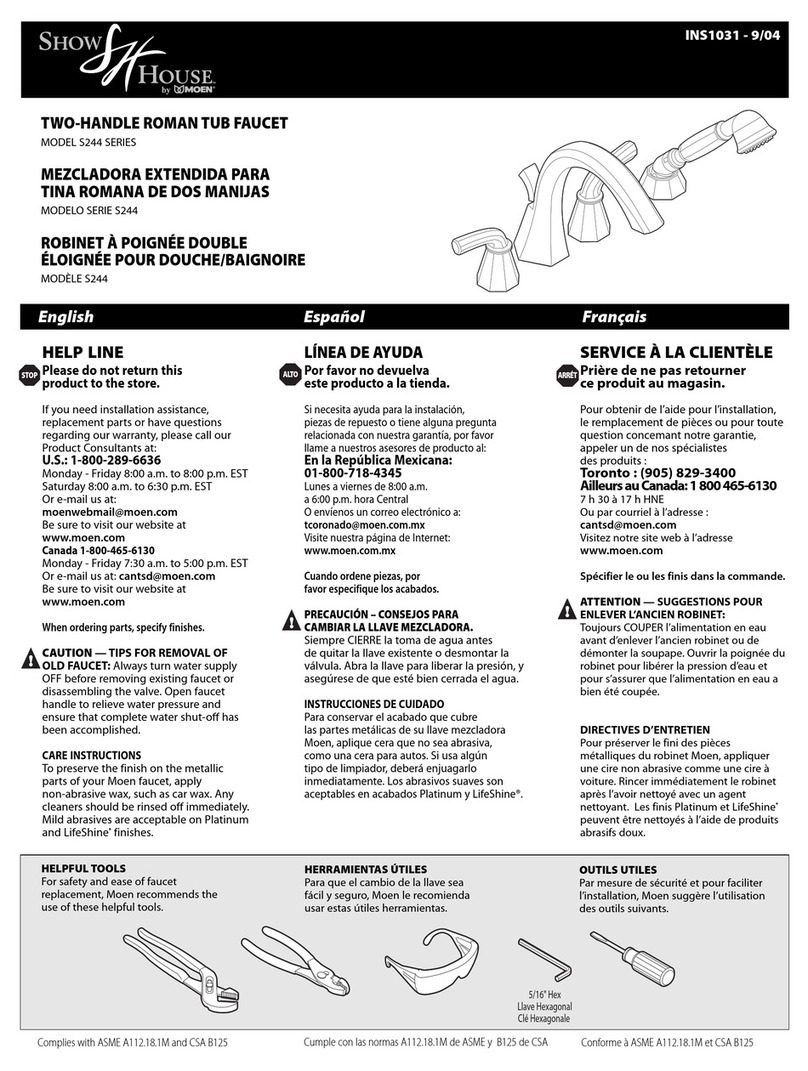
Moen ShowHouse S244 Series quick start guide

Moen

Moen ShowHouse S244 Series quick start guide

Sanela SLWN 08 Mounting instructions

Sanela

Sanela SLWN 08 Mounting instructions

Franke 7612982239618 operating instructions

Franke

Franke 7612982239618 operating instructions

Heritage Bathrooms Granley Deco PGDW02 Fitting Instructions & Contents List

Heritage Bathrooms

Heritage Bathrooms Granley Deco PGDW02 Fitting Instructions & Contents List

Tres TOUCH-TRES 1.61.445 instructions

Tres

Tres TOUCH-TRES 1.61.445 instructions

STIEBEL ELTRON WS-1 Operation and installation

STIEBEL ELTRON

STIEBEL ELTRON WS-1 Operation and installation

Miomare HG00383A manual

Miomare

Miomare HG00383A manual

BELLOSTA revivre 6521/CR1 quick start guide

BELLOSTA

BELLOSTA revivre 6521/CR1 quick start guide

American Standard Heritage Amarilis 7298.229 parts list

American Standard

American Standard Heritage Amarilis 7298.229 parts list

BorMann Elite BTW5024 quick start guide

BorMann

BorMann Elite BTW5024 quick start guide

manuals.online logo
manuals.online logoBrands
  • About & Mission
  • Contact us
  • Privacy Policy
  • Terms and Conditions

Copyright 2025 Manuals.Online. All Rights Reserved.

QT-553BCS
USER MANUAL
-one tap, five functions
110V/60Hz
1
SAFETY & LOCKING SEQUENCE
For safety, the Quatreau Touch system fea-
tures a three (3) touch sequence to activate
the boiling water function.
The numbers on each control quadrant in the
diagram to the right indicate the three areas
that must be touched within three seconds to
activate.
The screen in the middle of the panel will display
‘boiling,’ and the top left control quadrant (cup
icon) will flash red several times before illumi-
nating red.
To turn off the boiling water, touch once any of
the four control quadrants.
Lock is a secondary safety feature to prevent
any functions being activated.
LOCKING SEQUENCE
1. Touch Boiling
2. Touch Chilled
3. Touch Boiling
4. The screen in the middle should display
“locked”
To UNLOCK, repeat process above
QUATREAU TOUCH
BOILING WATER WITH TOUCH
SAFETY SEQUENCE
QUATREAU TOUCH
LOCKING SEQUENCE
CONTENTS
QUATREAU TOUCH
USER MANUAL
QT Water Heater Control Unit
CS20 Chiller Carbonator
• BOILING WATER SAFETY & LOCKING SEQUENCE 1
• CHILLED WATER SEQUENCE 2
• ADJUSTING CARBONATION 3
• HAND HOT AND COLD WATER 3
• CHANGING THE CO2 CANISTER 4 -5
2 3
To activate sparkling filtered water, touch the
bottom right control quadrant (glass icon) once.
When the tap releases sparkling water, the bot-
tom right glass icon will illuminate blue, and the
central screen will display the message ‘spar-
kling.’
The sparkling water function will run for 30 sec-
onds (earlier models have an 8-second time-
out) before automatically switching itself off.
To turn this function off, touch the bottom right
control quadrant (glass icon) once or touch
once any of the four control quadrants.
Note:
If the sparkling water is spluttering or is not car-
bonated enough, the system will require adjust-
ment.
If the pump inside the chiller carbonator is ac-
tivating when the tap is not running, please ac-
tivate the sparkling function for one second to
open the inlet valve which supplies the chiller
carbonator. Failure to do so could lead to dam-
age.
QUATREAU TOUCH
SPARKLING WATER
HAND HOT - HOT WATER
SUPPLY
To activate, touch once
the bottom left con-
trol quadrant (sink icon)
once. To turn off, touch
anywhere on the key-
pad.
Note:
During commissioning, it is
possible to adjust the tem-
perature to suit personal
preference. Recommended
set point is 104°F. To adjust,
turn the nut on the top of
the thermal mixing valve in a
clockwise direction to make the water colder and
counter-clockwise to make it hotter.
HAND COLD - COLD-WATER SUPPLY
To activate, touch the
bottom left control quad-
rant (sink icon) twice. To
turn off, touch anywhere
on the keypad.
FLOW RATE
Flow rates are set at
commissioning. To ad-
just flow rate for hand
hot and cold-water sup-
ply, close the lever ball
valves feeding the ther-
mal mixing valve.
CAUTION
Maximum operating pressure 30 psi. Do not open
lever ball valves fully. Excessive pressure and flow
will cause damage.
The CO2 is controlled
via the gas canister
regulator on the front
of the unit (see dia-
gram).
Use a large flathead
screwdriver or a 19mm
spanner to increase
the level of carbonation
in the water. Turn the
regulator by a half turn
in a clockwise direction.
To decrease the level of carbonation, turn the
regulator by a half turn in a counter-clockwise
direction.
Between adjustments,
you must run off sev-
eral glasses of spar-
kling water to see the
effects of the adjust-
ment. If the sparkling
function is spluttering,
there is too much gas in
the water. Reduce the
setting by one full turn
and try again.
QUATREAU TOUCH
HAND HOT AND COLD MAINS WATER
TAP FUNCTIONS:
ADJUSTING THE CARBONATION OF
THE SPARKLING WATER
CHILLED WATER SEQUENCE ADJUSTING CARBONATION - HAND HOT & COLD
To activate chilled water, touch the top right
control quadrant (snowflake icon) once.
When the tap releases chilled water, the top
right snowflake will illuminate white, and the
central screen will display ‘chilled.’
To turn this function off, touch the top right con-
trol quadrant (snowflake icon) once or touch
once any of the four control quadrants.
Check the sparkling water
by tasting it to see if you
have the proper amount
of CO2 in the water. If not.
you will be able to adjust
using the CO2 regulator.
QUATREAU TOUCH
CHILLED WATER
Thermal Mixing Valve
CO2

4 5
TAP FUNCTIONS:
SPARKLING WATER
CHANGING THE CO2 CANISTER
When the sparkling water tastes flat, it is nec-
essary to change the gas canister.
The integral CO2 gas canister is sited on the
left-hand side at the front of the unit (see dia-
gram opposite).
Please follow the instructions below to ensure
your CO2 canister is correctly installed:
1. To remove a canister, unscrew in a counter-
clockwise direction.
5. Rotate until you hear a hissing sound. This is
the gas being released from the canister. It is
important to keep screwing until you can no lon-
ger hear this hissing.
6. When the canister cannot be turned further,
it is safely connected. Do not turn the canister
any further, as this will damage the regulator.
7. Touch the glass icon button and runoff an
amount of sparkling water to re-calibrate
the system.
2. Locate the thread on the regulator where the
gas canister will connect.
3. Carefully present the canister, ensuring the
canister is supported.
4. Rotate the canister in a clockwise direction,
being careful not to cross thread the regulator.
**see next page illustration.
FRONT VIEW
Clockwise
CO2
NOTE:
While removing a canister,
it is important to support
its weight to avoid the can-
ister dropping on the floor.
When attaching a new gas canister, hand tight-
en the gas cylinder firmly but do not overtight-
en.
NOTE:
Check by listening that gas is not escaping.
The regulator has an internal opaque white-col-
ored seal that should stay firmly in place. Old-
er models have a black o-ring. If these are re-
moved or fall out, the gas will escape.
The regulators have two crosshead screws at-
taching the regulator to the front panel.
These are tightened during manufacture and
should be checked periodically at service inter-
vals, if they come loose gas will escape.
SPARKLING WATER & CO2 CANISTER SPARKLING WATER & CO2 CANISTER
FRONT VIEW
Counter-Clockwise
CO2
FRONT VIEW
CO2
REGULATOR THREAD
CO2
Distributed by: Global Water Solutions
USERMANUAL-QT553 - 07292021 © gws July 2021
Find out more at: www.Quatreau.com