manuals.online logo
Brands
  1. Home
  2. •
  3. Brands
  4. •
  5. Raytools
  6. •
  7. Industrial Equipment
  8. •
  9. Raytools BW210 Series User manual

Raytools BW210 Series User manual

Other Raytools Industrial Equipment manuals

Raytools BM115 Series User manual

Raytools

Raytools BM115 Series User manual

Raytools BM114S Series User manual

Raytools

Raytools BM114S Series User manual

Raytools BW101-GS Series User manual

Raytools

Raytools BW101-GS Series User manual

Raytools BM110 Series User manual

Raytools

Raytools BM110 Series User manual

Raytools BT240S Series User manual

Raytools

Raytools BT240S Series User manual

Raytools BM111 Series User manual

Raytools

Raytools BM111 Series User manual

Popular Industrial Equipment manuals by other brands

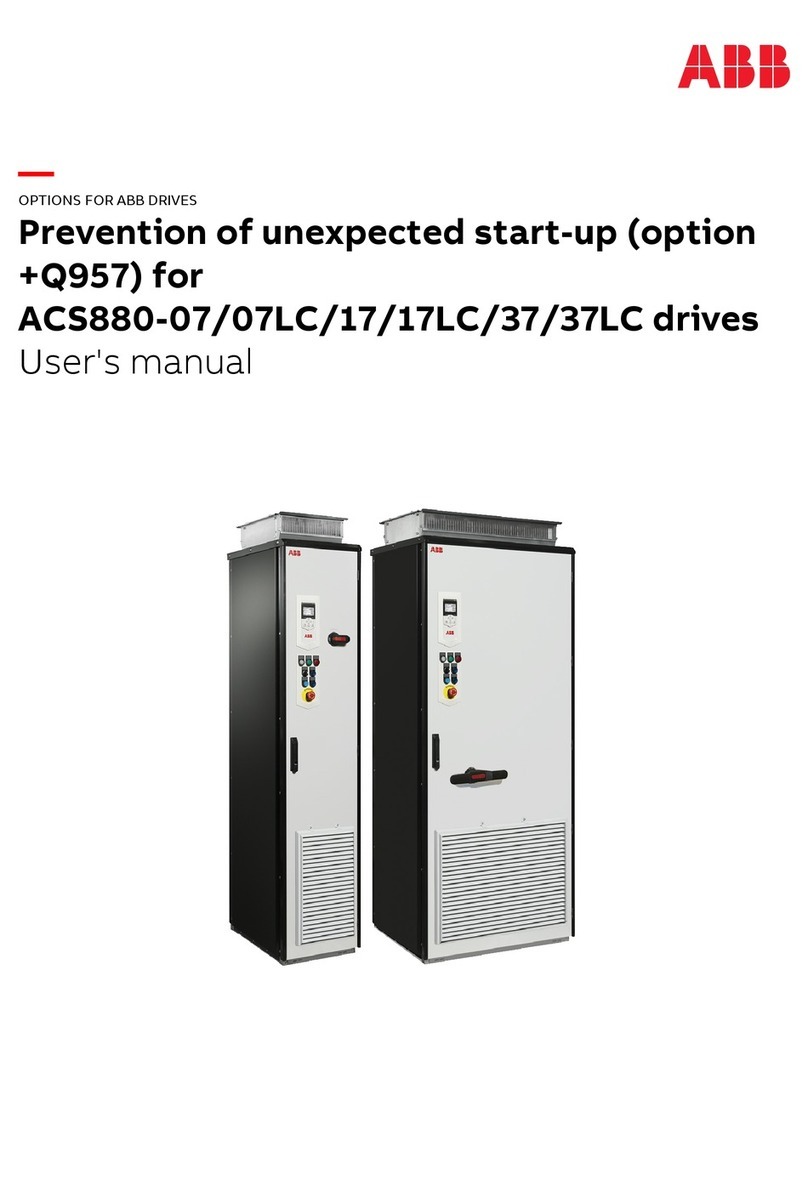
ABB +Q957 user manual

ABB

ABB +Q957 user manual

G.B.C BASIC EDGE 50 instruction manual

G.B.C

G.B.C BASIC EDGE 50 instruction manual

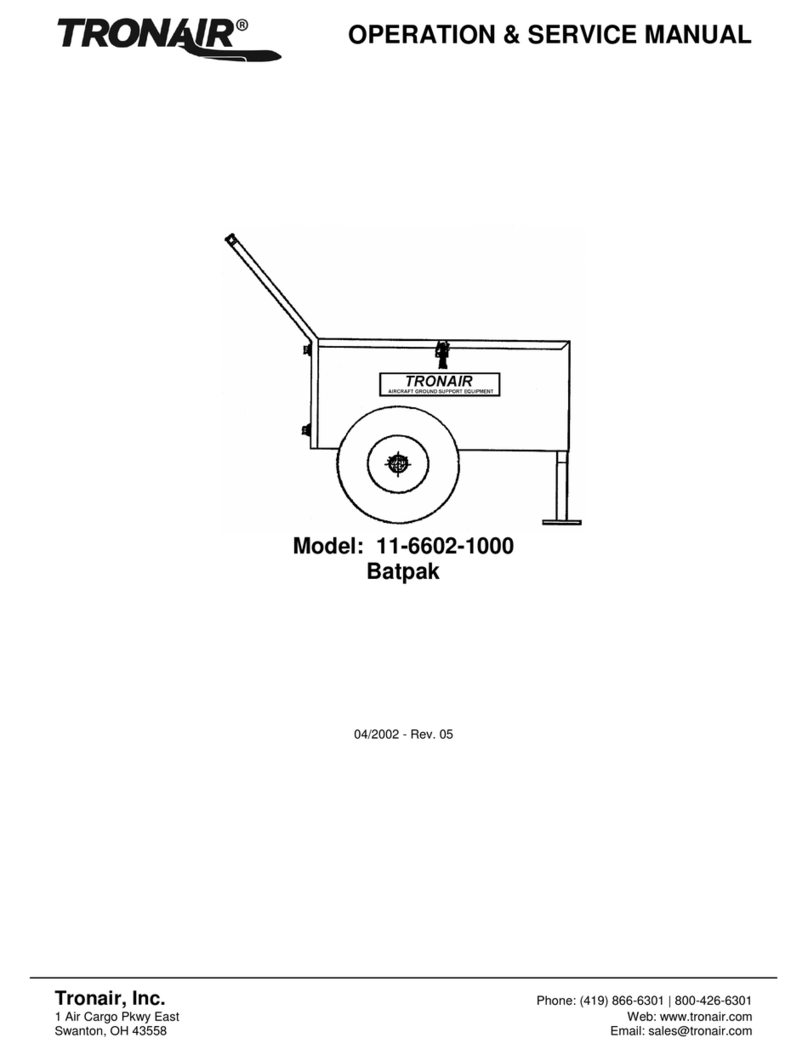
Tronair Batpak 11-6602-1000 Operation & service manual

Tronair

Tronair Batpak 11-6602-1000 Operation & service manual

Pilz PNOZ mi2p Operation manual

Pilz

Pilz PNOZ mi2p Operation manual

Clemco Zero BNP 6012 manual

Clemco

Clemco Zero BNP 6012 manual

Erskine Attachments V-Plow Operator's manual

Erskine Attachments

Erskine Attachments V-Plow Operator's manual

ABB HT610965 Operation manual

ABB

ABB HT610965 Operation manual

Morra MH 540 user manual

Morra

Morra MH 540 user manual

Eaton S090ST manual

Eaton

Eaton S090ST manual

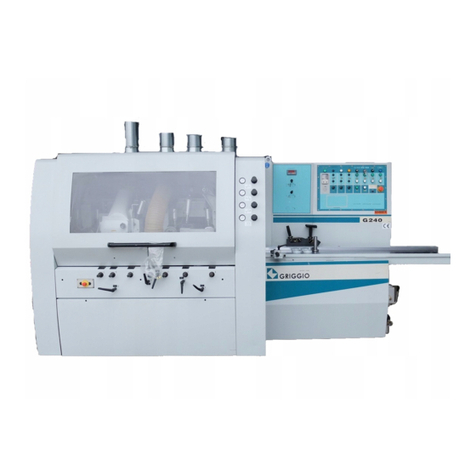
GRIGGIO G 240 P4 instructions

GRIGGIO

GRIGGIO G 240 P4 instructions

Nexen AIR CHAMP HT45 user manual

Nexen

Nexen AIR CHAMP HT45 user manual

WTE V5 installation manual

WTE

WTE V5 installation manual

ABB HT845232 Operation manual

ABB

ABB HT845232 Operation manual

SMC Networks CJP Series Operation manual

SMC Networks

SMC Networks CJP Series Operation manual

JohnDow Industries JDI-AFT58 Operator's manual

JohnDow Industries

JohnDow Industries JDI-AFT58 Operator's manual

IMB MB9016A instruction manual

IMB

IMB MB9016A instruction manual

Clarke CUMB1 Assembly & operating instructions

Clarke

Clarke CUMB1 Assembly & operating instructions

amiad Arkal Spin Klin 2 user guide

amiad

amiad Arkal Spin Klin 2 user guide

manuals.online logo
manuals.online logoBrands
  • About & Mission
  • Contact us
  • Privacy Policy
  • Terms and Conditions

Copyright 2025 Manuals.Online. All Rights Reserved.

BW210 SERIES
Low Power Laser Welding Head
User Manual
Email: [email protected]
Website: www.raytools.ch
RayTools AG © Copyright
www.raytools.ch
Version
V1.0
Date
2022/4/8
Document History
Version
Release Date
Topic, revision, action
taken
Editor
Edit Date
Reviewer
Review
Date
V1.0
2022/4/8
Establish the user
manual
FHB
2022/4/8
Thank you for purchasing this product from RayTools.
The user manual includes detailed introductions for using BW210. IF there is any other question, contact us without
worry.
Please read this manual carefully before using the welding head and other BW210-related equipment, which enables
users to use it better.
Due to the continuous updating of product functions, the product you receive may differ from the introduction in this
manual in some aspects.
We reserve all rights in this document including the issued patents and other registered commercial ownership related
to this document. It is strictly prohibited to use this document improperly especially to copy and disseminate it to third
parties.
If there are any errors in the document, please inform us as soon as possible. The data contained in this manual is only
used to describe the product and shall not be regarded as a statement of security interest.
For the benefit of our customers, we will constantly try to ensure that the products we develop comply with the latest
technology.
RayTools AG
Email: [email protected]
Website: www.raytools.ch
RayTools AG © Copyright
www.raytools.ch
Disclaimer
▪ We reserve the right to change the design to improve the quality or expand the application or comply with
manufacturing workmanship.
▪ We will not bear any responsibility for losses and accidents caused by wrong operation or improper handling of our
products.
▪ Dismantling of the product will lose all warranty claims excluding the normal replacement of worn parts and
components required for maintenance or commissioning operations.
▪ Unauthorized modification of products or use of non-original spare parts will directly lead to the invalidation of
warranty and liability exemption.
▪ It is recommended to only use the spare parts provided by us or submit them to our designated professional team
for installation.
Use Regulations
▪ Ensure that the product is used in a dry environment.
▪ Ensure that the product is used in the environment required by EMC standards.
▪ The product is only allowed to run within the parameters specified in the technical data.
Personnel Responsibilities
▪ Be familiar with the basic provisions of work safety and accident prevention, having received equipment operation
guidance.
▪ Read and understand basic safety instructions and operations.
▪ Must have studied the relevant regulations and safety instructions and understand the possible hazards.
▪ Comply with relevant regulations and implement corresponding protective measures.
RayTools AG © Copyright
www.raytools.ch
Safety Instructions
Prevent Electric Shock
▪ Parts of the laser head such as the nozzle, sensor, sensor interface, and attached fasteners may not be fully
protected by the ground wire due to function fault. These parts may have low voltage. When installing electrical
equipment, please pay attention to taking anti electric shock measures for relevant personnel.
▪ Note that the equipment shall be grounded as specified.
Guard against Danger
▪ Never put your hands or other body parts under the laser head.
▪ Repair and maintenance can only be carried out after the power is turned off.
▪ Do not exceed the specified maximum pressure.
▪ It must be ensured that the laser head is in normal condition at all times.
▪ All fasteners such as bolts and nuts must be tightened.
Laser Caution
▪ Avoid direct laser radiation or scattering to the skin.
▪ Do not stare at the laser beam even when wearing optical equipment.
▪ Use special laser protective eyeglasses that meet the requirements of safety standards IEC 60825-1.
Prevent Water Circuit Corrosion
▪ To avoid corrosion, use the specified coolant and comply with relevant requirements and specified maintenance
intervals.
Noise Prevention
▪ The corresponding measures shall be specified or explained and observed to prevent personnel from being
harmed by noise.
Storage and Transportation
▪ Observe the storage temperature range allowed by the technical data.
▪ Take reasonable measures to prevent fire, vibration, or impact.
▪ Do not store in or near the magnetic field.

V1.0 RayTools AG © Copyright
www.raytools.ch
Contents
1 Overview ...................................................................................................... 1
1.1 Features .................................................................................................................................1
1.2 Structure Diagram ................................................................................................................. 2
2 Installation and Operation ............................................................................ 3
2.1 Preparations .......................................................................................................................... 3
2.2 Mounting Holes .....................................................................................................................4
2.3 Water & Gas Circuit Connection ........................................................................................... 6
2.4 Fiber Connection ................................................................................................................... 8
2.5 CCD Adjustment .................................................................................................................... 9
3 Maintenance ...............................................................................................10
3.1 Cover Glass: Installation and Disassembly .......................................................................... 10
3.2 Cover Glass Cleaning ........................................................................................................... 11
3.3 Collimation Lens Maintenance ............................................................................................12
3.4 Focus Lens Maintenance .....................................................................................................13
3.5 Consumables: Material Code .............................................................................................. 14
V1.0 RayTools AG © Copyright
www.raytools.ch
1
1 Overview
The manual includes but is not limited to the instructions for installation, operation, and maintenance, mainly
describing the major modules.
Series BW210, the laser processing head is applicable to medium and low power industrial laser productions.
The integrally optimized optical focusing system, annular gas circuit, and water cooling module of this product can fully
meet requirements from material welding of different applications and various customized industrial laser processing
environments.
Flexible options of fiber interface and various optical collimation and focusing configurations enable the product to suit
most mainstream fiber lasers.
1.1 Features
▪ compact structure design
▪ different configurations for optical lens
▪ drawer style holder for cover glass
▪ efficient water cooling system
▪ high-quality gas flow design
▪ various options of fiber interfaces
▪ diversified expansion modules
▪ reliable sealing design
V1.0 RayTools AG © Copyright
www.raytools.ch
2
1.2 Structure Diagram
Fig. 1-1 Product Structure
Collimation Module
Focus Module
Beam Combiner
Fiber Interface
CCD Interface
Cover Glass
Air Knife
V1.0 RayTools AG © Copyright
www.raytools.ch
3
2 Installation and Operation
2.1 Preparations
As tip assembly of the product (Series BW210) is selected by customers, before installation, please ensure the package
includes these modules of tip assembly: coaxial nozzle, air knife, and side blow.
The laser head and tip assembly shall be locked firmly with M3x10 hex cap screws, as shown below:
V1.0 RayTools AG © Copyright
www.raytools.ch
4
2.2 Mounting Holes
Fasten BW210 to the machine tool by installing a mounting plate. The size and site of holes on the plate are shown
below.
Suggestion: For a stable welding effect, please Install the laser head perpendicular to the processing surface, and ensure
that the laser head is locked, with no shaking while processing.
Mounting Holes Diagram
100:150 as an example – with CCD Interface
V1.0 RayTools AG © Copyright
www.raytools.ch
5
Technical data
Wavelength
1064nm, 15nm, 450nm
Fiber interface
QBH (standard configuration), QD
Clear aperture
28mm
Collimation length
50mm, 100mm, 125mm, 150mm
Focus length
100mm, 150mm, 200mm, 250mm, 300mm
Cover glass specifications
Φ27.9mm*4.1mm (focus)
CCD connection module
Standard C/CS interface
Model description
Take BW2103FA4B as an example:
BW210 Series BW210
3 Power rating of the welding head: 3KW
F Wavelength
A Fiber interface: QBH
4 Optical configuration: 100:150
B with CCD; without lens temperature monitoring