manuals.online logo
Brands
  1. Home
  2. •
  3. Brands
  4. •
  5. Razor
  6. •
  7. Utility Vehicle
  8. •
  9. Razor DUNE BUGGY Use and maintenance manual

Razor DUNE BUGGY Use and maintenance manual

Other manuals for DUNE BUGGY

4

Other Razor Utility Vehicle manuals

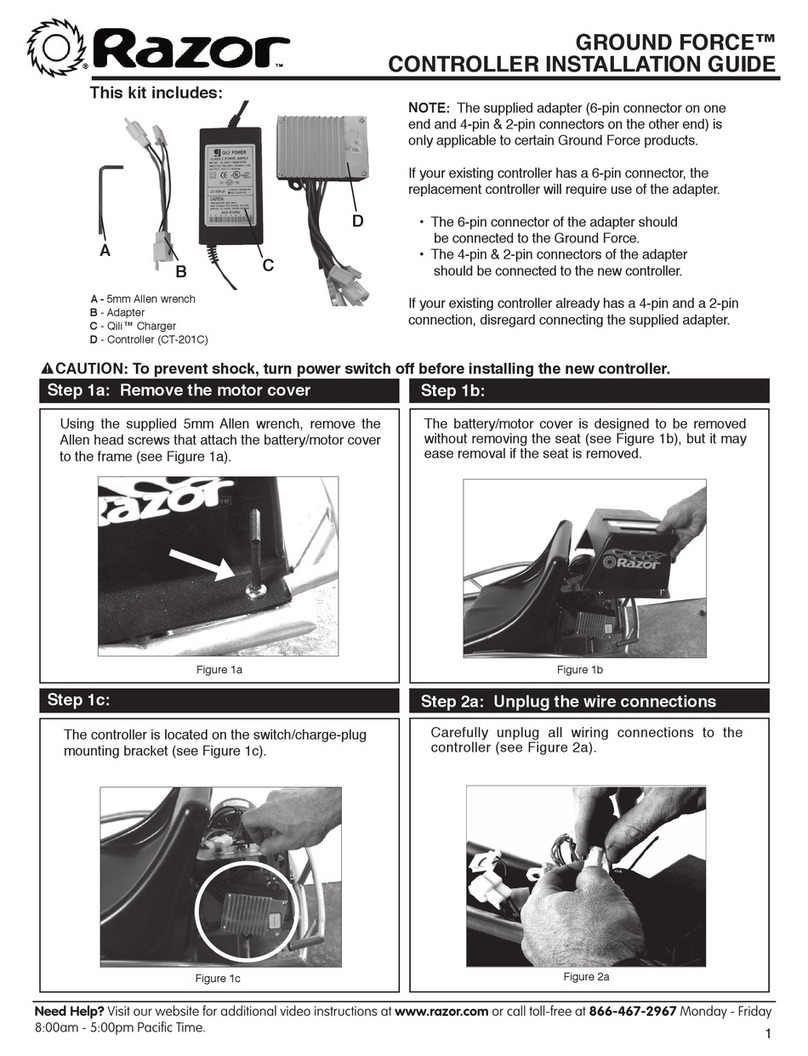
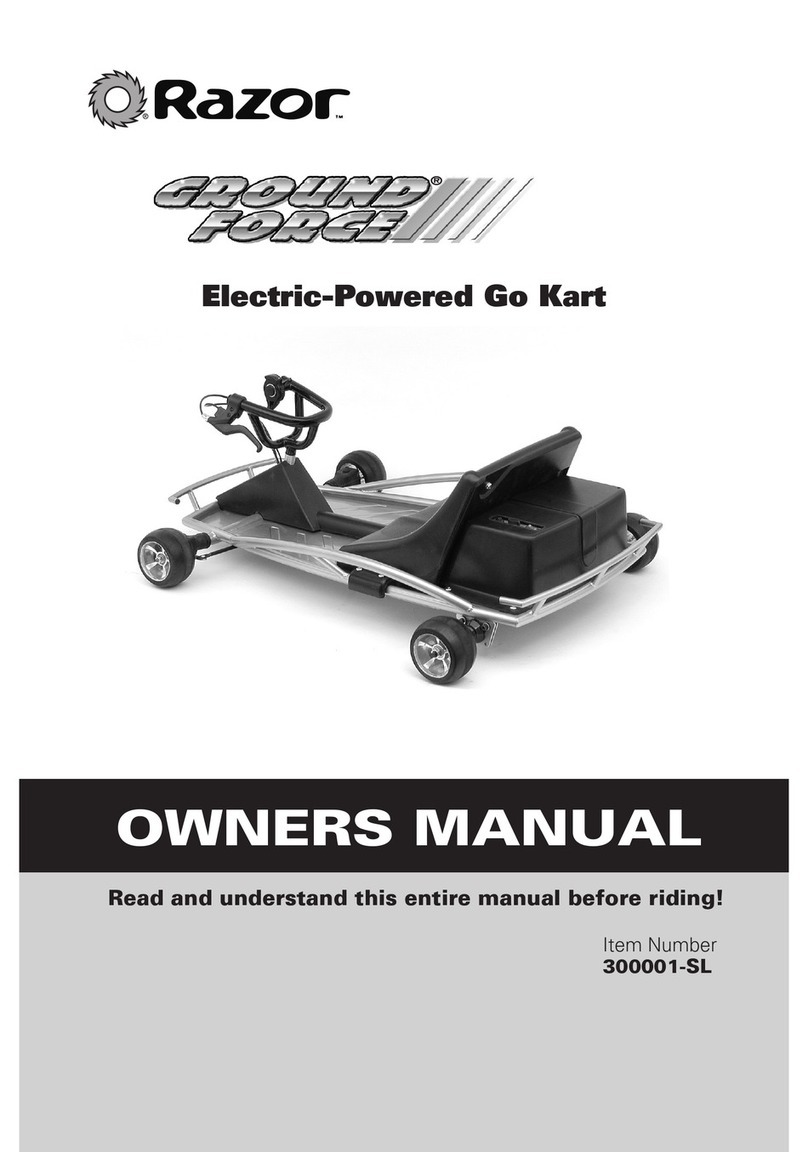
Razor Ground Force User manual

Razor

Razor Ground Force User manual

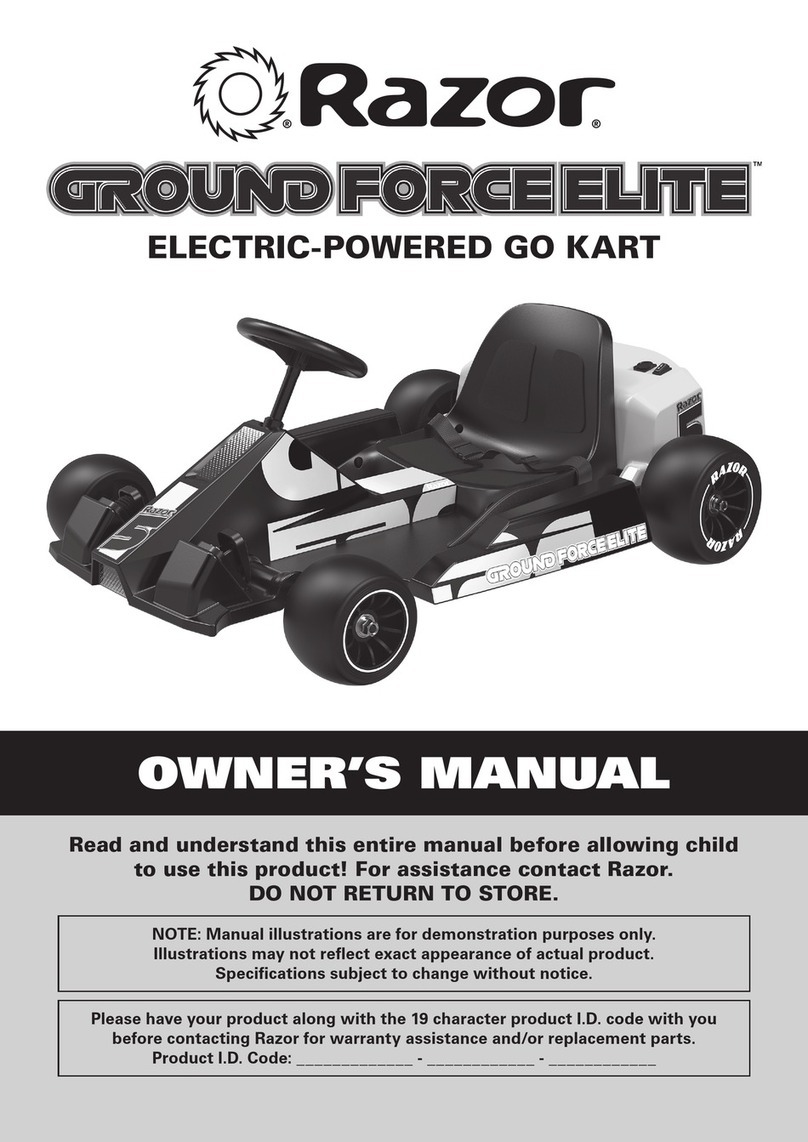
Razor GROUND FORCE ELITE User manual

Razor

Razor GROUND FORCE ELITE User manual

Razor Ground Force User manual

Razor

Razor Ground Force User manual

Razor CRAZY CART SHUFFLE User manual

Razor

Razor CRAZY CART SHUFFLE User manual

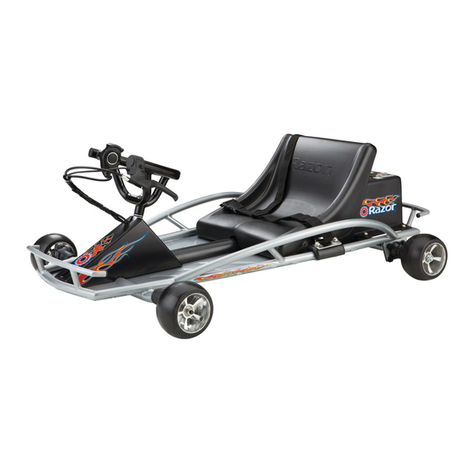
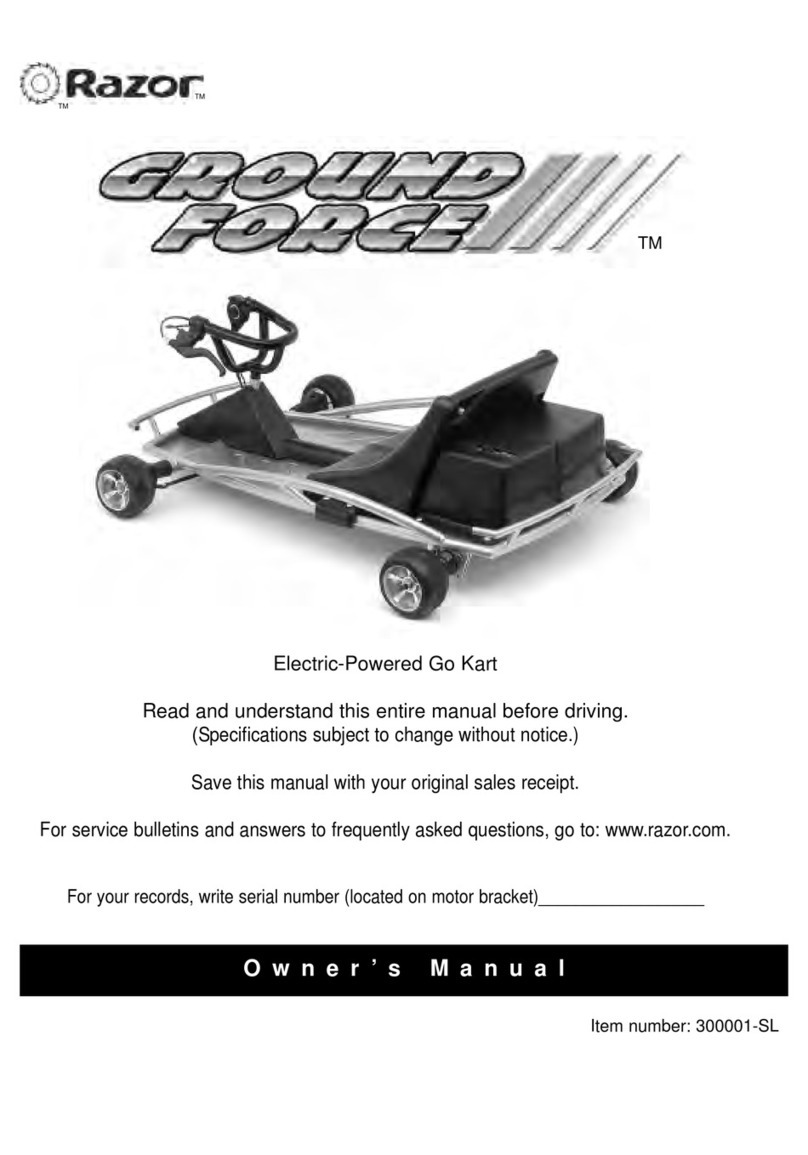
Razor Ground Force 300001-SL User manual

Razor

Razor Ground Force 300001-SL User manual

Razor Ground Force User manual

Razor

Razor Ground Force User manual

Razor crazy cart shift User manual

Razor

Razor crazy cart shift User manual

Razor GROUND FORCE GO KART V.1+ User manual

Razor

Razor GROUND FORCE GO KART V.1+ User manual

Popular Utility Vehicle manuals by other brands

Strautmann Giga-Trailer 1840 operating instructions

Strautmann

Strautmann Giga-Trailer 1840 operating instructions

FORS MW FARMA T 10 Instruction book

FORS MW

FORS MW FARMA T 10 Instruction book

pronovost PUMA-10000 Operator's manual

pronovost

pronovost PUMA-10000 Operator's manual

Polaris ACE 900 SP owner's manual

Polaris

Polaris ACE 900 SP owner's manual

TrailMax T-12-UR manual

TrailMax

TrailMax T-12-UR manual

Toro 07277 Workman 2110 Operator's manual

Toro

Toro 07277 Workman 2110 Operator's manual

Floe Cargo Max 9.5-73 Assembly instructions

Floe

Floe Cargo Max 9.5-73 Assembly instructions

Toro 07059TC Operator's manual

Toro

Toro 07059TC Operator's manual

Taylor-Dunn B0-050-00 Operation, t roubleshooting and replacement parts manual

Taylor-Dunn

Taylor-Dunn B0-050-00 Operation, t roubleshooting and replacement parts manual

Toro 133-7128 installation instructions

Toro

Toro 133-7128 installation instructions

Taylor-Dunn ET 3000 manual

Taylor-Dunn

Taylor-Dunn ET 3000 manual

Kayo S70 Assembly manual

Kayo

Kayo S70 Assembly manual

Cushman Turf Truckster 84069 Parts & maintenance manual

Cushman

Cushman Turf Truckster 84069 Parts & maintenance manual

Landoll 900D Series Operator's manual

Landoll

Landoll 900D Series Operator's manual

Westward Go-4 XTR Operator's manual

Westward

Westward Go-4 XTR Operator's manual

Club Car Carryall I 1999 owner's manual

Club Car

Club Car Carryall I 1999 owner's manual

Etnyre Street Flusher operation, maintenance, parts and safety manual

Etnyre

Etnyre Street Flusher operation, maintenance, parts and safety manual

Landoll 340 Operator's manual

Landoll

Landoll 340 Operator's manual

manuals.online logo
manuals.online logoBrands
  • About & Mission
  • Contact us
  • Privacy Policy
  • Terms and Conditions

Copyright 2025 Manuals.Online. All Rights Reserved.

DUNE BUGGY
CONTROL MODULE
INSTALLATION INSTRUCTIONS
Need Help? Visit our website at www.razor.com or call toll-free at 866-467-2967 Monday - Friday 8:00am - 5:00pm Pacific Time.
1
CAUTION: To avoid potential shock or other injury, turn power switch OFF and discon-
nect charger before attempting these procedures. Failure to follow these steps in the correct
order may cause irreparable damage.
Figure 1 Figure 2
Step 1
Using a Phillips head screwdriver, remove the four
Phillips screws at the back of the battery cover at
the rear of the product.
Using a 4mm Allen wrench, remove two 4mm
hex bolts on the right side of the battery cover.
Step 2
Tools Required: (Not included)
A. Phillips head screwdriver
B. 4mm Allen wrench
Figure 3 Figure 4
Remove two 4mm hex bolts on the left side of
the battery cover and one Phillips screw located
on the middle left side of the battery cover. When
removing the battery cover, be careful not to pull
the wires connected to the power switch and
charger port.
Carefully cut the zip ties holding the wires to-
gether. Disconnect the five white plastic connec-
tors attached to the control module by depress-
ing the tab and remove the wires connected
to the power switch at the back of the battery
cover.
Step 3 Step 4
NOTE: If you received a control module AND throttle, make sure to replace BOTH parts on your unit.

Need Help? Visit our website at www.razor.com or call toll-free at 866-467-2967 Monday - Friday 8:00am - 5:00pm Pacific Time.
2
Step 7
Reverse steps:
1. Replace the battery cover.
2. Re-fasten the screws that hold the battery cover.
ATTENTION: Charge unit at least 18 hours before riding.
Figure 5 Figure 6
Using a Phillips head scewdriver, remove the two
scews holding the control module in place and
remove.
Install the new control module using the same
two screws previously removed. Reconnect the
five white plastic connectors. Plug the two red
wires on the control module into the two silver
prongs of the power switch (in no particular
order). Note: Do NOT plug the red wires into the
top gold prong of the power switch.
Step 5 Step 6
v1 - 2/10
A- Throttle
B- Brake
D-Battery
E-Motor
C- Charger
Port
E- On/Off Switch