manuals.online logo
Brands
  1. Home
  2. •
  3. Brands
  4. •
  5. RCI
  6. •
  7. Power Distribution Unit
  8. •
  9. RCI PDM-4 User manual

RCI PDM-4 User manual

This manual suits for next models

3

Popular Power Distribution Unit manuals by other brands

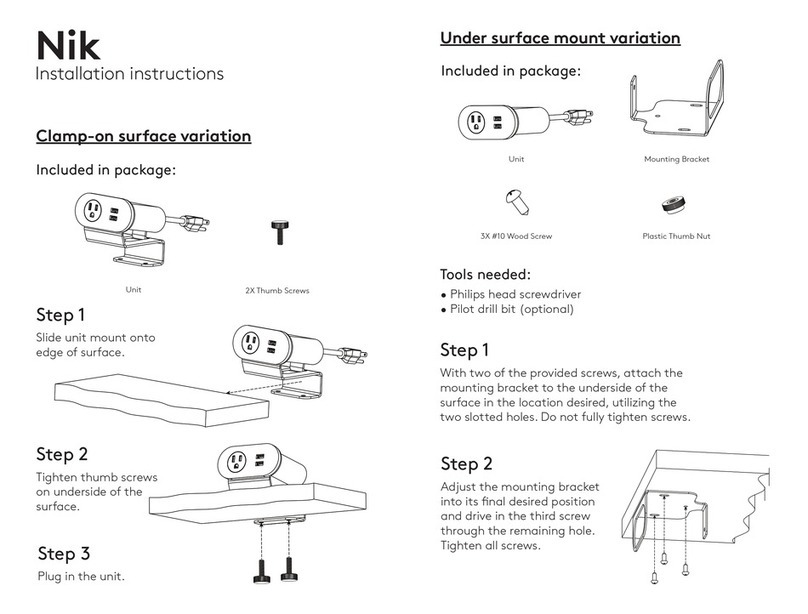
Lightcorp Nik installation instructions

Lightcorp

Lightcorp Nik installation instructions

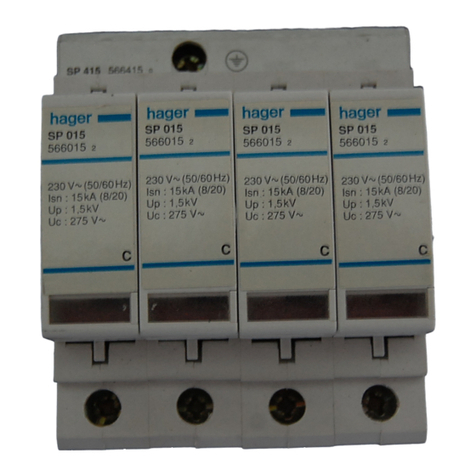
hager SP 015 User instructions

hager

hager SP 015 User instructions

Pakedge PowerPak 9 user guide

Pakedge

Pakedge PowerPak 9 user guide

Pts 9042 Series installation guide

Pts

Pts 9042 Series installation guide

Shure WA405 user guide

Shure

Shure WA405 user guide

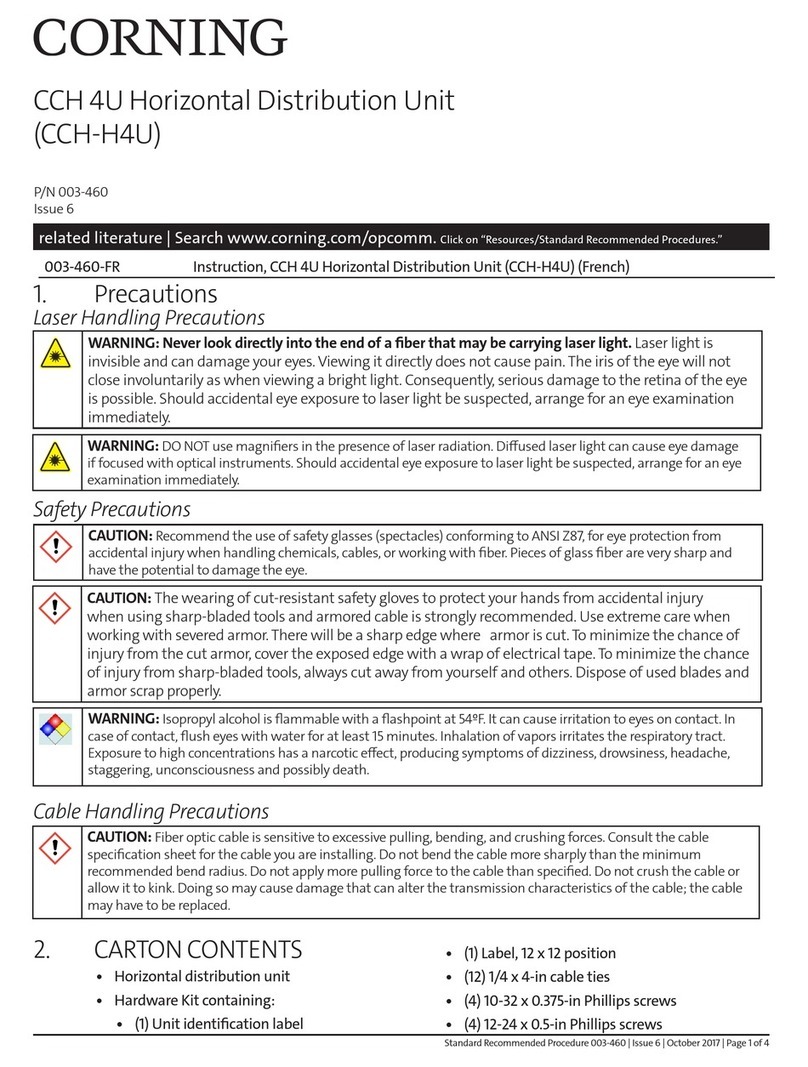
CORNING CCH 4U quick start guide

CORNING

CORNING CCH 4U quick start guide

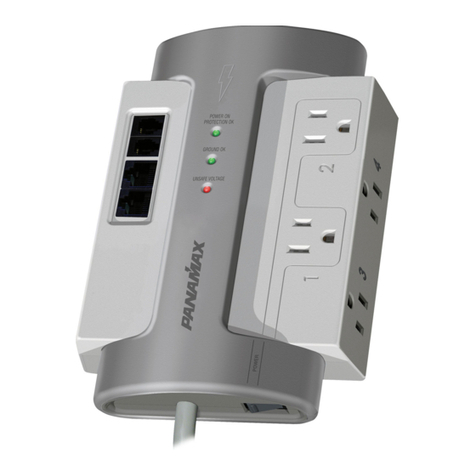
Panamax M4LT-EX datasheet

Panamax

Panamax M4LT-EX datasheet

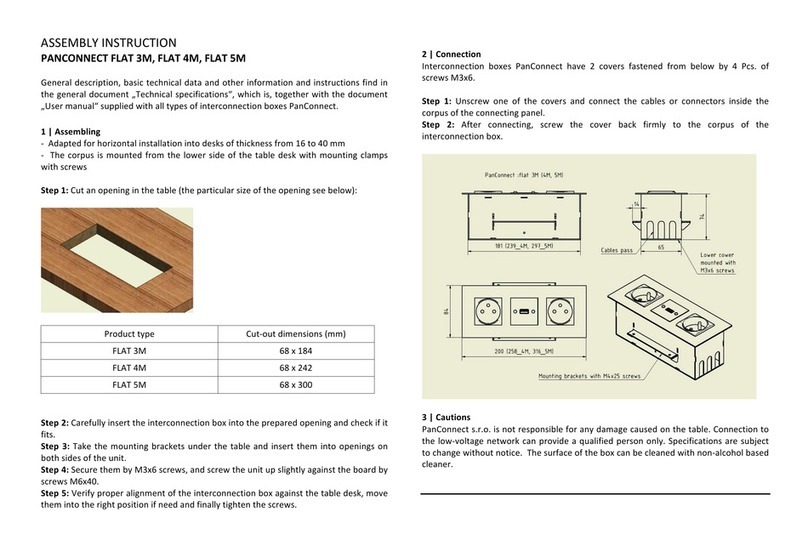
PANCONNECT FLAT 3M Assembly instruction

PANCONNECT

PANCONNECT FLAT 3M Assembly instruction

Raytheon 138-118 manual

Raytheon

Raytheon 138-118 manual

StarTech.com RKPW161915 Spec sheet

StarTech.com

StarTech.com RKPW161915 Spec sheet

D&R ELECTRONICS PDU-6SS user manual

D&R ELECTRONICS

D&R ELECTRONICS PDU-6SS user manual

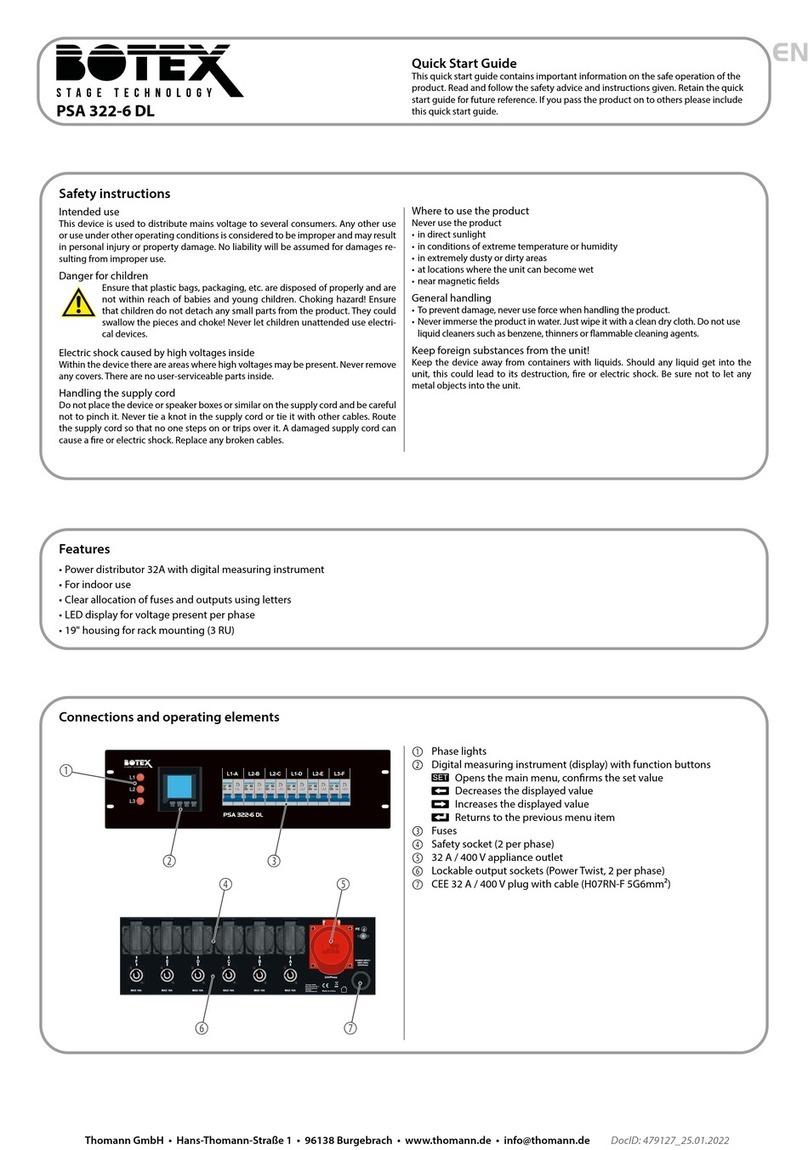
Botex PSA 322-6 DL quick start guide

Botex

Botex PSA 322-6 DL quick start guide

GE QuiXtra 4000 Assembly and mounting instructions

GE

GE QuiXtra 4000 Assembly and mounting instructions

Vertiv Knürr DI-Strip Rack PDU manual

Vertiv

Vertiv Knürr DI-Strip Rack PDU manual

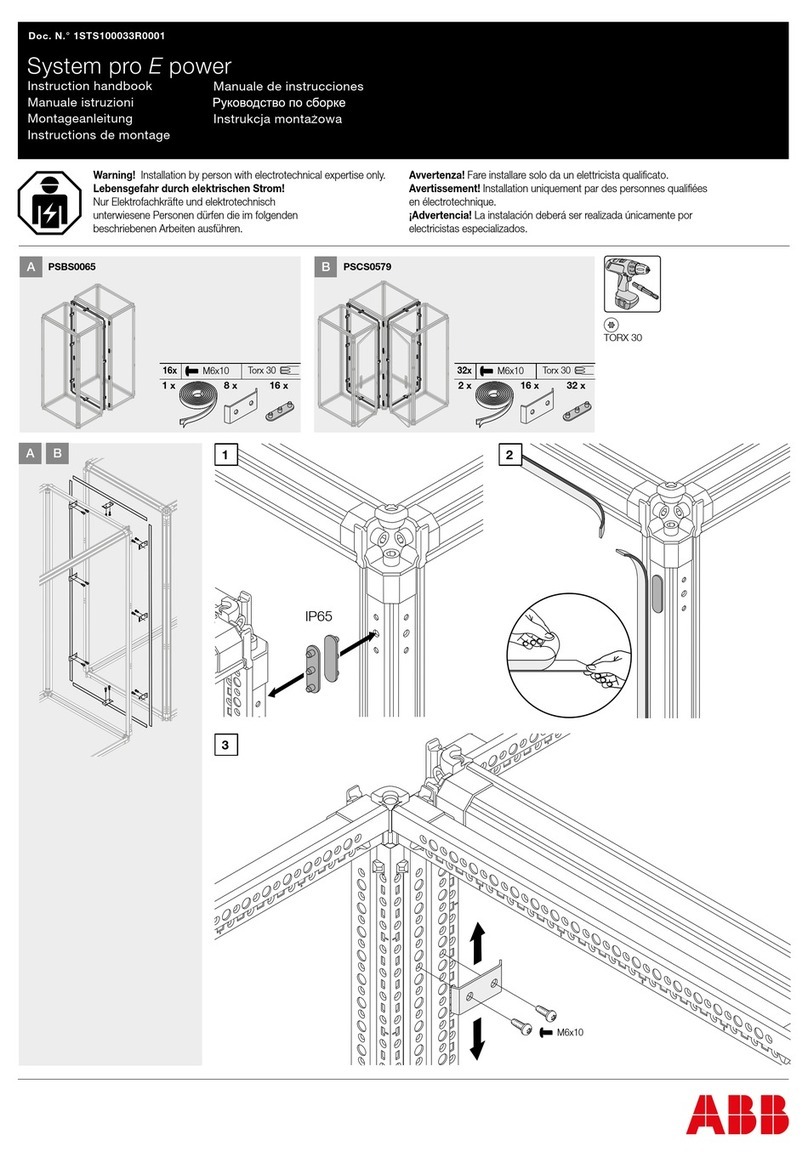
ABB PSBS0065 Instruction handbook

ABB

ABB PSBS0065 Instruction handbook

Baumuller BFN 3-1-0007-001 Instruction handbook

Baumuller

Baumuller BFN 3-1-0007-001 Instruction handbook

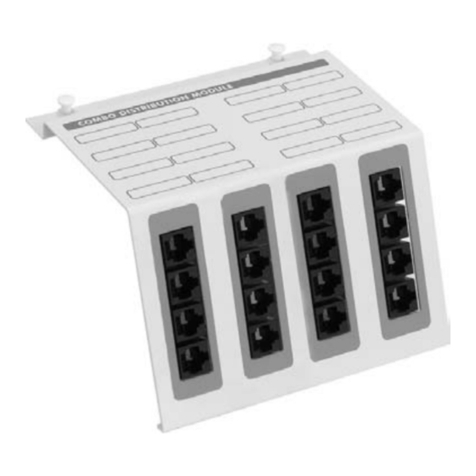
Eaton StructuredWiringSolutions ESWT41600 Instruction leaflet

Eaton

Eaton StructuredWiringSolutions ESWT41600 Instruction leaflet

GE GEK-45404F instructions

GE

GE GEK-45404F instructions

manuals.online logo
manuals.online logoBrands
  • About & Mission
  • Contact us
  • Privacy Policy
  • Terms and Conditions

Copyright 2025 Manuals.Online. All Rights Reserved.

PDM-4
PDM-8
Power Distribution Board
Installation and Specifications Manual
PDM-4
INSTALLATION
PDM-8
© 2016 RUTHERFORD CONTROLS INT’L
WWW.RUTHERFORDCONTROLS.COM • PHONE: 1.800.265.6630 • FAX: 1.800.482.9795 • E-MAIL: [email protected]
ISPSPDM4-8
PCN15012
R11/16GR-2
Description
The PDM-4 and PDM-8 board distributes a DC source into 4 or 8 outputs. The output volt-
age and total current available is determined by the input supply. When installed into a
power supply, service time can be greatly reduced by the output indicator LED’s. If an out-
put fuse is blown the accompanying LED will be off. Simply identifying the device
connected to this output will allow for a problem to be quickly corrected. In addition to
short circuit protection the input terminals also have a surge protector that can absorb a
1500 Watt spike or surge to protect connected devices.
Features
• Converts a single input to 4 or 8 separately protected outputs
• Separate RED power indicator LED for each output.
• Reverse polarity protected.
Installation Instructions (See Fig. 1 and 2)
1) Mount the distribution board in a suitable location as required.
2) Connect power to input terminals, (-) is negative and (+) is positive.
Observe proper polarity
3) Connect devices to be powered to output CH terminals. Observe proper polarity.
4) Apply power to input terminals and test all connected devices.
Note:
•Unit is to be powered from RCI 10 Series power supply or a UL listed power supply
•Maximum torque of 7in*lb for black input and output terminals
•Check end product install instructions for conditions of use

•For UL listed power supply.
•UL 294 6e and ULC S319 Class I Access Control System Units.
PDM-4
Dimensions
Length:
3-3/4” 95.3mm
Width:
2-3/16” 56.3mm
Height:
13/16” 20.6mm
Electrical
Current Draw with no load: 30mA
Current Handling: Rated 2A per output
30VDC Max
Fuse: 2Amp
PDM-8
Dimensions
Length:
3-3/4” 95.3mm
Width:
4-13/16” 122.7mm
Height:
13/16” 20.6mm
Electrical
Current Draw with no load: 60mA
Current Handling: Rated 2A per output
30VDC Max
Environmental:
Use in a controlled environment.
Warning: Improper wiring connections may result in damage to these products.
Mise en garde: Un mauvais raccordement des câbles risque d’endommager ce produit.
-CH1+
-CH2+ -CH3+ -CH4+ -CH5+ -CH6+
-CH7+
-CH8+
-INPUT2+
INPUT 12-24VDC
3 2 1 3 2 1 3 2 1 3 2 1 3 2 1 3 2 1
3 2 1 3 2 1
-INPUT+
-CH2+ -CH3+
-CH4+-CH1+
INPUT
12-24VDC
Fig. 1 PDM-4 Fig. 2 PDM-8
Access Control Levels:
Endurance: N/A Power Standby: Level 1
Line Security: Level 1 Destructive Attack: Level 1
Specifications
For Technical Support:
1-800-265-6630 or 519-621-7651
www.rutherfordcontrols.com
PDM-4 and PDM-8
Troubleshooting
Problem Solution
Output LED’s do not
turn on when powered.
- If using DC power, check input polarity.
- Check that input power supply voltage is present and current
capacity is sufficient for total current draw of all connected
equipment.
Notes: