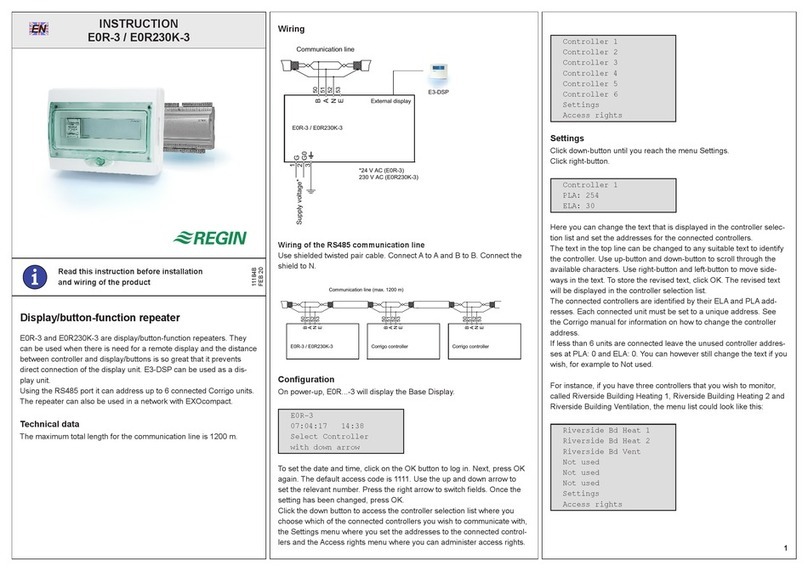
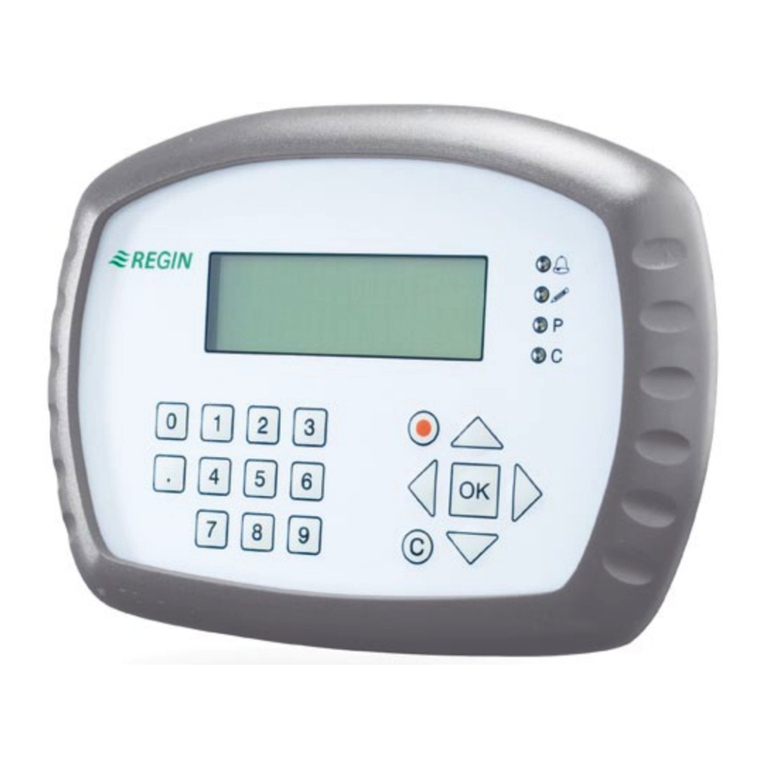
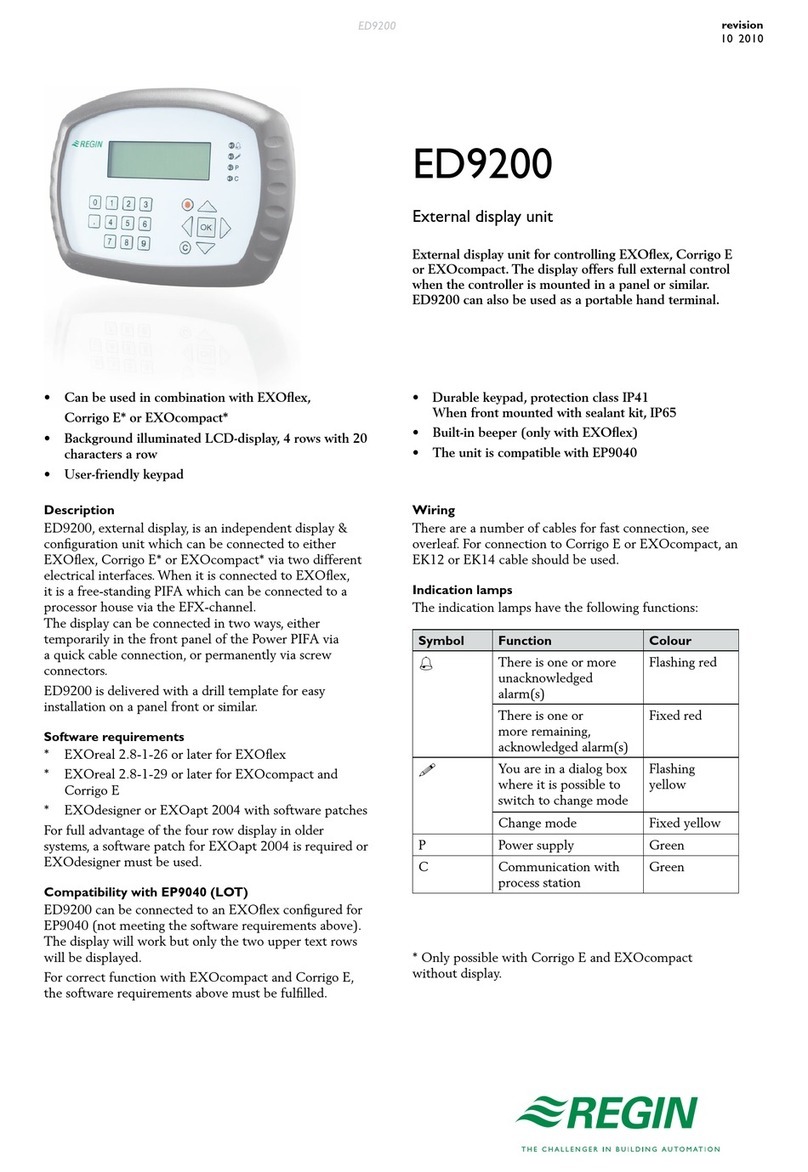
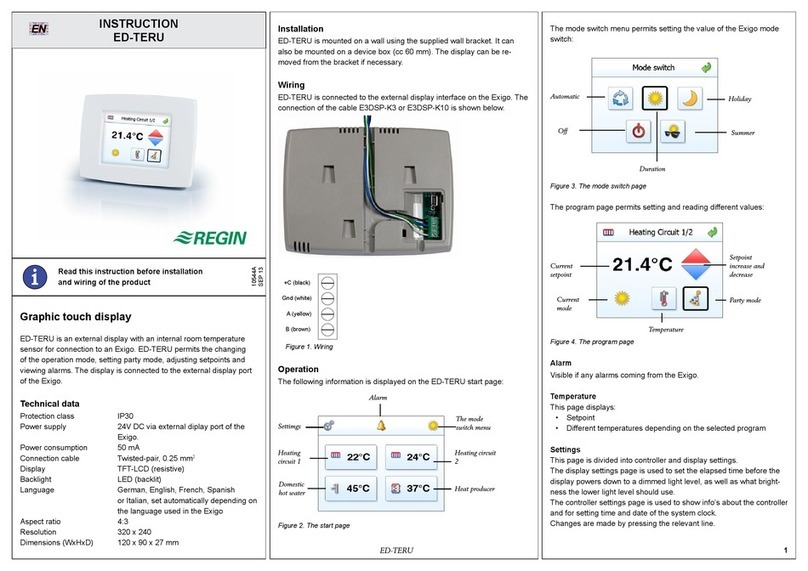
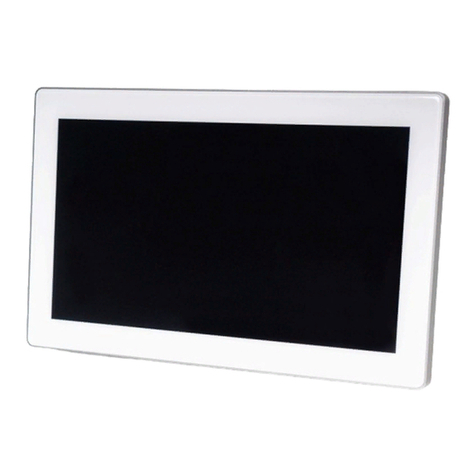
Regin RU-DO User manual

Regin product information Regin product information
RU-DO
Room unit with display for use with RCP
• Awardeddesign
• Simpleinstallation
• Built-intemperaturesensor
RU-DOisaroomunitintendedforusetogetherwith
RegioMaxicontrollers.
• Backlitdisplay
• Cableforconnectionbetweentheroomunitandthe
RCPcontrollerisavailableasaccessory
RU-DO is a room unit from the Regio series with
display. It should be connected to one of the Regio Maxi
controllers RCP100, RCP100T, RCP200 or RCP200T.
Regio
Regio is a wide series of controllers which handle heating
and cooling.
The controllers are divided into three different series,
Mini, Midi and Maxi. Mini are pre-programmed,
stand-alone controllers. The Midi controllers are pre-
programmed with communication. The Maxi group, to
which RU-DO belongs, consists of freely programmable
controllers with communication.
Applications
The Regio controllers are suitable in buildings where you
want optimal comfort and low energy consumption, for
example ofces, schools, shopping centres, airports, hotels
and hospitals etc.
Design
The room units have a modern design. The
design has been awarded the 2007 “iF product
design award”.
Sensor
The room unit has a built-in sensor.
Easy to install
The modular design with a separate bottom plate for
wiring makes the whole Regio series easy to install and
commission. The bottom plate can be put into place
before the electronics are installed. Mounting is directly
on the wall or on an electrical connection box.
Connection to RCP
The room unit is connected to the RCP-unit with an
RJ12-cable, max length 30 m. Regin has two cables as
accessories, RU-CBL3 (length 3 m) and RU-CBL10
(length 10 m).
product
design
award
2007
revision
09 2009

Regin product information
2
Regin product information
Display handling
The display has the following indications:
It is possible to set different parameter values in a
parameter menu in the display, using the buttons on
the controller. You change parameter values with the
INCREASE and DECREASE buttons and conrm
changes with the Occupancy button.
The Occupancy button
If you press the Occupancy button for less than 5
seconds when the controller is in the preset operating
mode (Occupied or Stand-by), the controller changes to
operating mode Bypass. It will automatically return to the
preset operating mode after a congurable time (FS=2
hours). If you press the button for less than 5 seconds
when the controller is in Bypass, it changes operating
mode to the preset operating mode.
When the Occupancy button is held depressed for more
than 5 seconds, the controller changes operating mode to
”Shutdown” (Off/Unoccupied), regardless of the current
operating mode. Via the display, you can congure which
operating mode, Off or Unoccupied, should be activated
on ”Shutdown” (FS=Unoccupied). If you press the
Occupancy button for less than 5 seconds in Shutdown,
the controller returns to Bypass.
Forced ventilation
Regio has a built-in function for forced ventilation.
A short press on the Occupancy button activates the
output that has been congured for forced ventilation, for
example for a damper.
Setpoint
In Occupied mode, the controller operates from a heating
setpoint (FS=22°C) or a cooling setpoint (FS=24°C) that
can be changed using the INCREASE and DECREASE
buttons.
Pressing on INCREASE increases the current setpoint by
0.5°C with each press up to the max. limit (FS = +3°C).
Pressing on DECREASE decreases the current setpoint by
0.5°C with each press down to the min. limit (FS = -3°C).
Switching between heating and cooling setpoints is done
automatically in the controller depending on the heating
and cooling requirement.
INCREASE
DECREASE
Occupancy button
Occupancy
indication
Open window
Indoor /
outdoor
temp.
Setpoint
Forced ventilation Changeable value
Current room
temperature in
°C to one
decimal point
COOL/HEAT:
Shows if the unit controls
according to the heating or
cooling setpoint
OFF:
Unoccupied
(also
shows tem-
perature) or
Off
indication
(only OFF)
STANDBY:
Standby indication
SERVICE:
Setting parameters

Regin product information
Regin product information
3
Technical data
Supply voltage Fed from RCP
Ambient temperature 0...50°C
Storage temperature -20...+70°C
Ambient humidity Max 90% RH
Protection class IP20
Communication Same as RCP
Display LCD with background illumination
Built-in temperature sensor NTC type, measuring range 0...50°C, accuracy +/-0.5°C at 15...30°C
Material, casing Polycarbonate, PC
Weight 110 g
Colour Cover: Polar white RAL9010
Bottom plate: Light gray
Cable for connection between RU and RCP Type RJ12, max length 30 m.
Cables that can be ordered from Regin RU-CBL3 (length 3 m)
RU-CBL10 (length 10 m)
This product conforms with the requirements of European EMC standards
CENELEC EN 61000-6-1 and EN 61000-6-3, and the requirements of
European LVD standard IEC 60 730-1. It carries the CE mark.
Inputsandoutputs
In RCP
Terminal blocks in RCP So-called lift type for cable cross-section 2.1 mm2
SetpointsettingsviaRegioTool©orinthedisplay
Basic heating setpoint 5...40°C
Basic cooling setpoint 5...50°C
Setpoint displacement +/-0...10°C (FS = +/-3°C)

Regin product information
Head Office Sweden
Phone: +46 31 720 02 00
Web: www.regin.se
Sales Offices
France: +33 14 171 46 46
Hong Kong: +852 24 07 02 81
Singapore: +65 67 47 82 33
Germany: +49 30 77 99 40
Wiring
Terminal Designation Operation
10-33 No function
40 +5 V +5 V supply voltage from RCP
41 N (0 V) 0 V supply voltage from RCP
42 A RU-Bus A
43 B RU-Bus B
Dimensions
Product documentation
Document Type
Regio Maxi Manual Manual for the controllers from the Regio Maxi series
Installation instruction Regio RU-DO Installation instruction for RU-DO
All product documentation is available on www.regin.se.
95
28
60 68
mm
Other Regin Monitor manuals