9
Poweron/offYourPhone
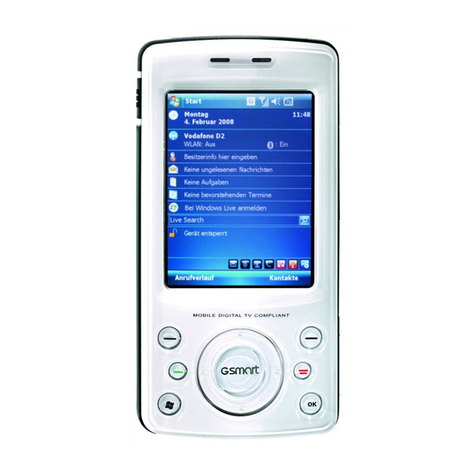
Please hold End key to power on/off the phone. The phone will
automatically search for the network.
Besides sending and receiving calls in standby mode, you can also do:
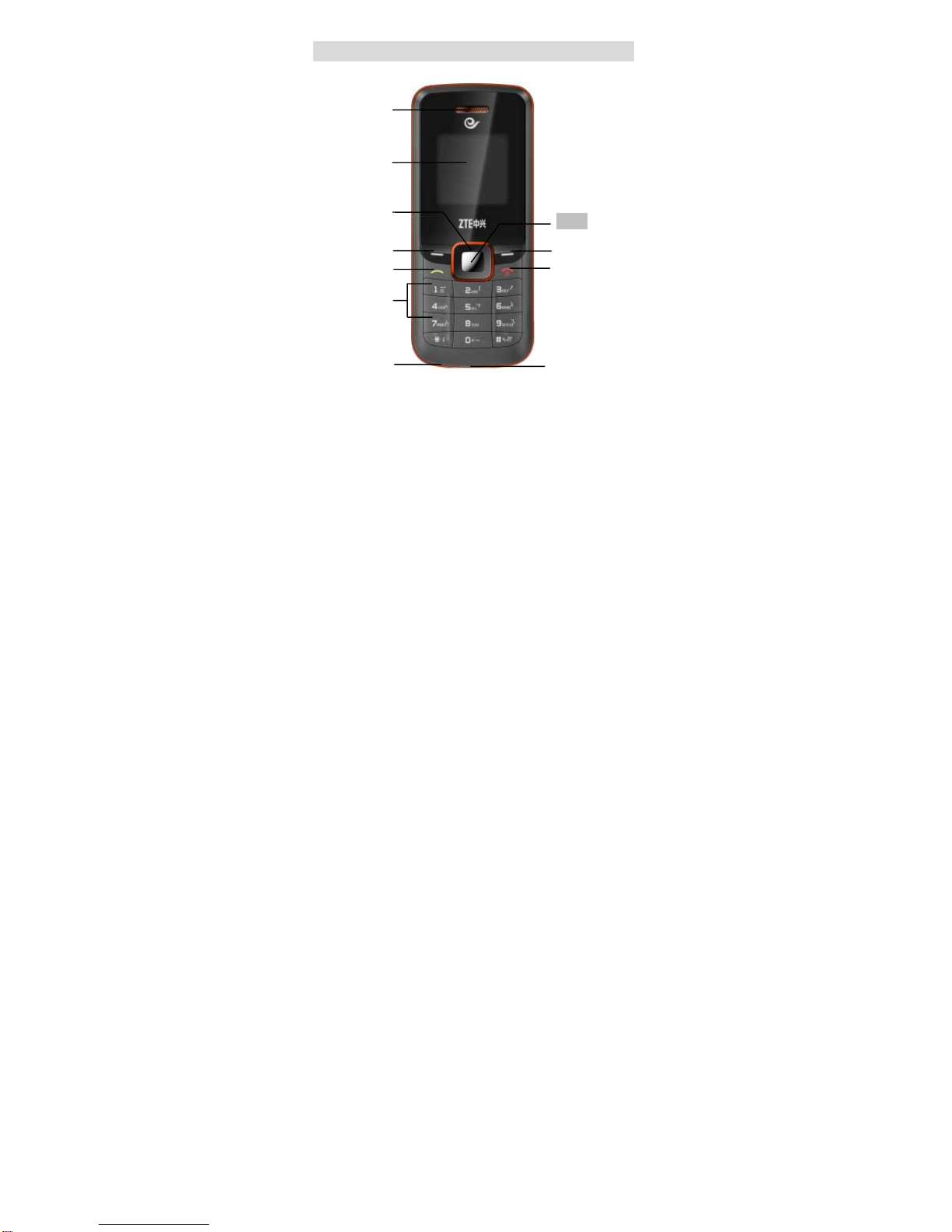
¾Press Left select key to enter main Menu.
¾Press Right select key to enter Contacts menu.
¾Press OK key to enter My Menu.
¾Press Up key to write new message.
¾Press Down key to play Games.
¾Press Left key to enter R Mobile World menu.
¾Press Right key to enter Profile menu.
¾Press Send key to enter recent call list.
¾Hold # key to enable/disable vibration.
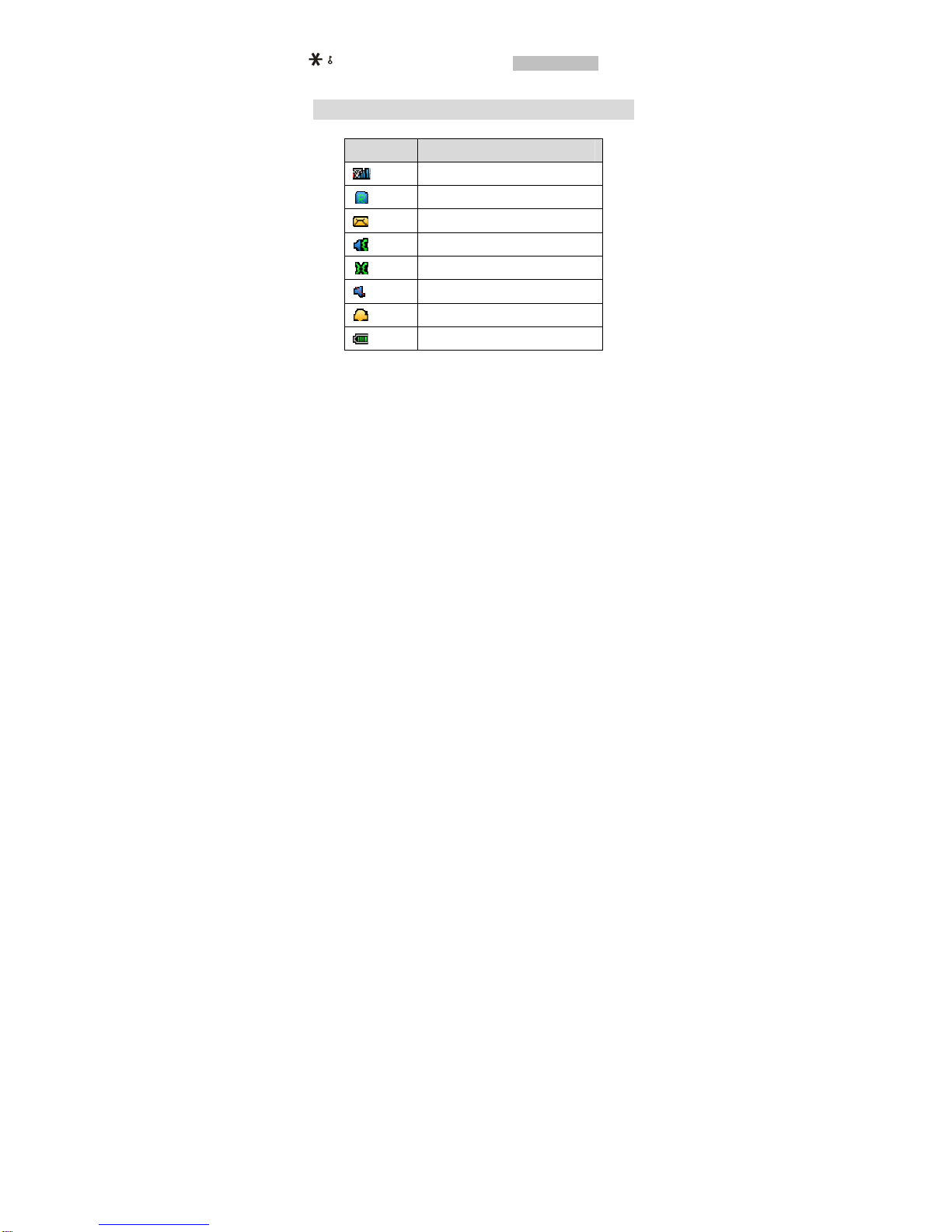
¾Hold * key to lock the keypad.
Note: To “press” key in this manual means to press the key and release
it. To “hold” key means to keep the key pressed for two seconds or more.
Make and Answer a Call
¾Make a call
Enter the phone number
Press Send key to make the call.
Press End key to end the call.
¾Answer a call
Press Send key to answer the call.
Press End key to end the call.