Patient Setup
Retia ARGOS Cardiac Output Monitor: Quick Start
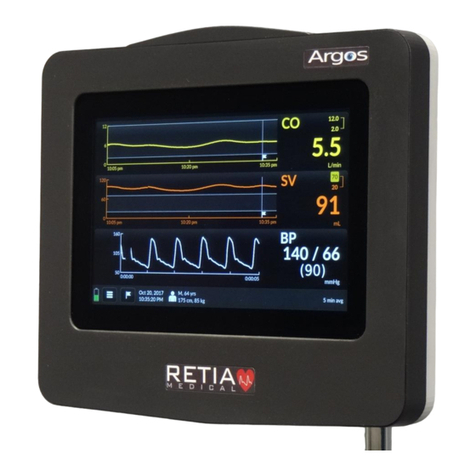
Argos monitor shown with (l.) vital signs monitor port , transducer
port , and data port; and (r.) power switch and power cable input.
The Argos cardiac output monitor is lightweight,
portable, and simple to operate, with a convenient
touchscreen interface providing quickness and ease of
use.
Ensure the Argos monitor is mounted securely before
powering it on. (Your etia representative can provide
specific solutions, such as pole mounts or flat-surface
mounts.) Connect the unit to a working AC power outlet
using the included power cable.
The Argos monitor can receive a BP signal through either
of two configurations:
Retia Medical LLC
7 Dana Road Valhalla, NY 10595
Tel. +1.914.594.1986
.retiamedical.com
Mounting
AFrom a vital signs monitor via a radial arterial
catheter (Configuration A):
BDirectly from a transducer from a radial artery
catheter, also connected to a transducer
(Configuration B):
In this case, the catheter must connect to the transducer
provided by your etia representative, via a radial arterial
pressure tubing line. To use Configuration B, see the
ARGOS Cardiac Output Monitor User Guide,
section 8.3.3, page 0.
This Quick Start Guide provides brief instructions for
using the Retia ARGOS Cardiac Output Monitor, and
is intended solely for experienced clinicians. Consult
the manual before clinical use.