manuals.online logo
Brands
  1. Home
  2. •
  3. Brands
  4. •
  5. RHYTHM
  6. •
  7. Mobility Aid
  8. •
  9. RHYTHM B5200 User manual

RHYTHM B5200 User manual

Other RHYTHM Mobility Aid manuals

RHYTHM KN1100 User manual

RHYTHM

RHYTHM KN1100 User manual

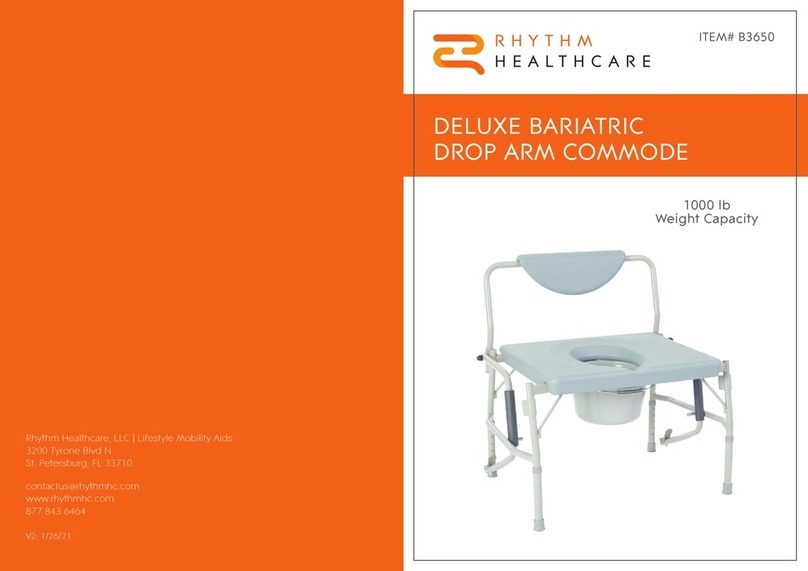
RHYTHM B3650 User manual

RHYTHM

RHYTHM B3650 User manual

RHYTHM 925 User manual

RHYTHM

RHYTHM 925 User manual

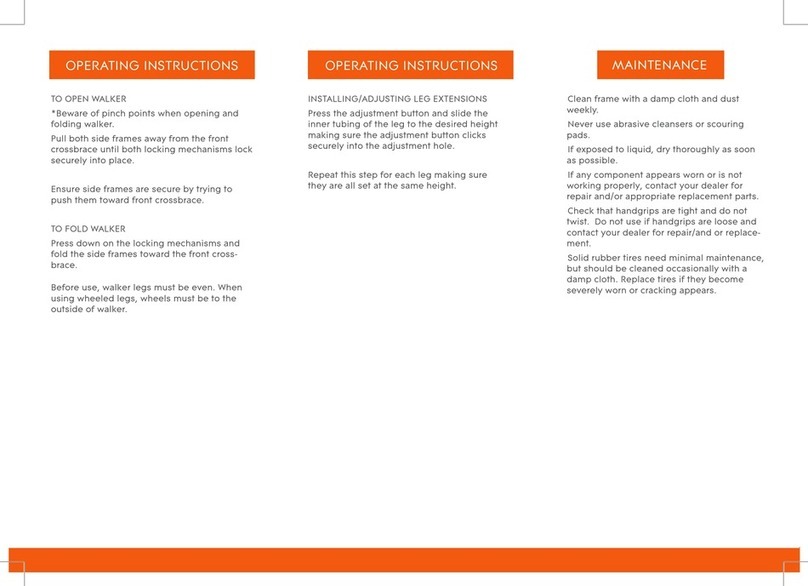
RHYTHM P150X User manual

RHYTHM

RHYTHM P150X User manual

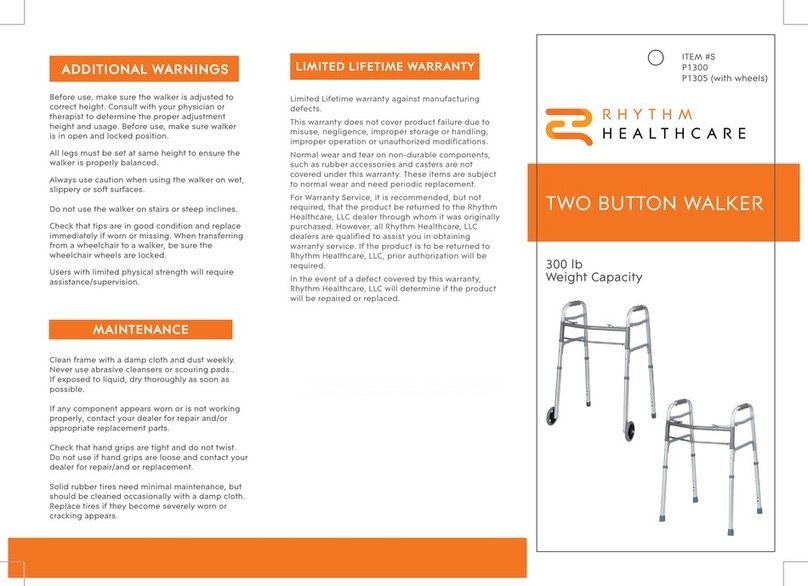
RHYTHM P1300 User manual

RHYTHM

RHYTHM P1300 User manual

RHYTHM 960 User manual

RHYTHM

RHYTHM 960 User manual

RHYTHM P1400 User manual

RHYTHM

RHYTHM P1400 User manual

Popular Mobility Aid manuals by other brands

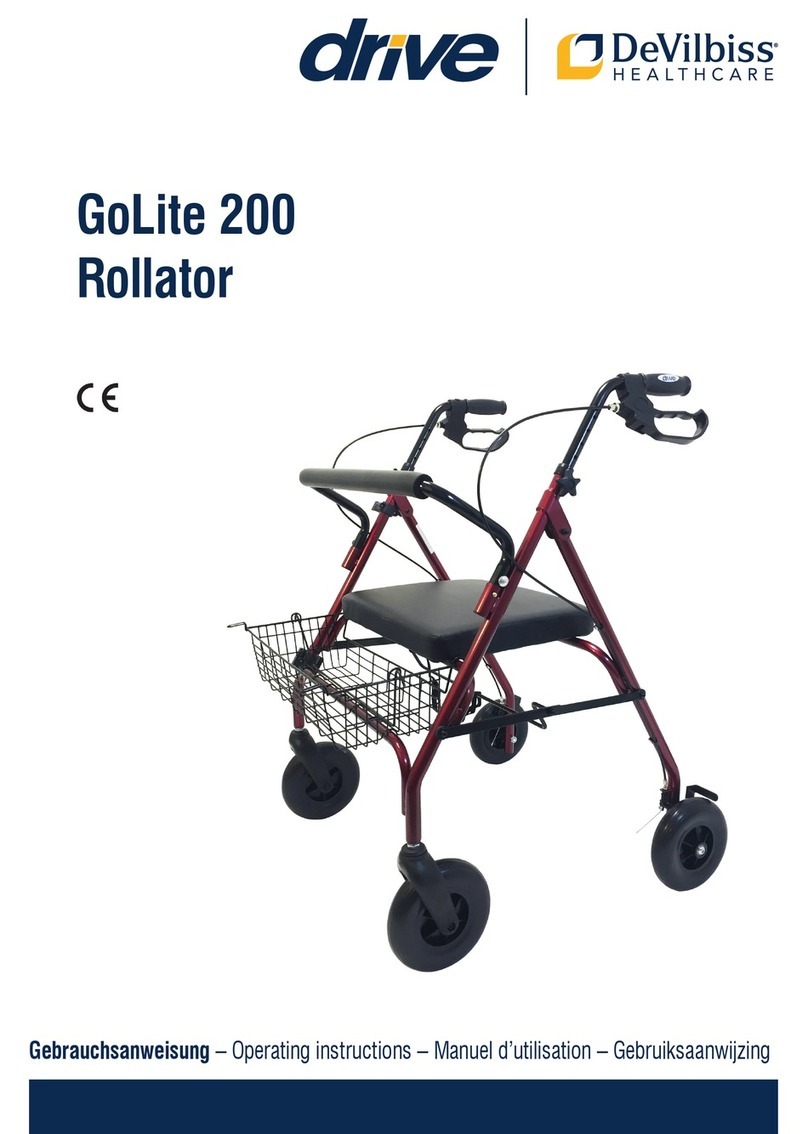
Drive DeVilbiss GoLite 200 operating instructions

Drive DeVilbiss

Drive DeVilbiss GoLite 200 operating instructions

Invacare 8153-J user manual

Invacare

Invacare 8153-J user manual

Clearwell Mobility Brandon User instructions

Clearwell Mobility

Clearwell Mobility Brandon User instructions

Handicare 1100 user manual

Handicare

Handicare 1100 user manual

NRS Healthcare M11090 User instructions

NRS Healthcare

NRS Healthcare M11090 User instructions

Alber Scalamobil iQ operating instructions

Alber

Alber Scalamobil iQ operating instructions

Ferno CCT-PX user manual

Ferno

Ferno CCT-PX user manual

Medline MDS86835DSHEC User Instructions & Warranty

Medline

Medline MDS86835DSHEC User Instructions & Warranty

Guldmann Twin Turner II user manual

Guldmann

Guldmann Twin Turner II user manual

Ferno 35-ITA user manual

Ferno

Ferno 35-ITA user manual

Drive ROOMBA Operation manual

Drive

Drive ROOMBA Operation manual

Gate Balder operating instructions

Gate

Gate Balder operating instructions

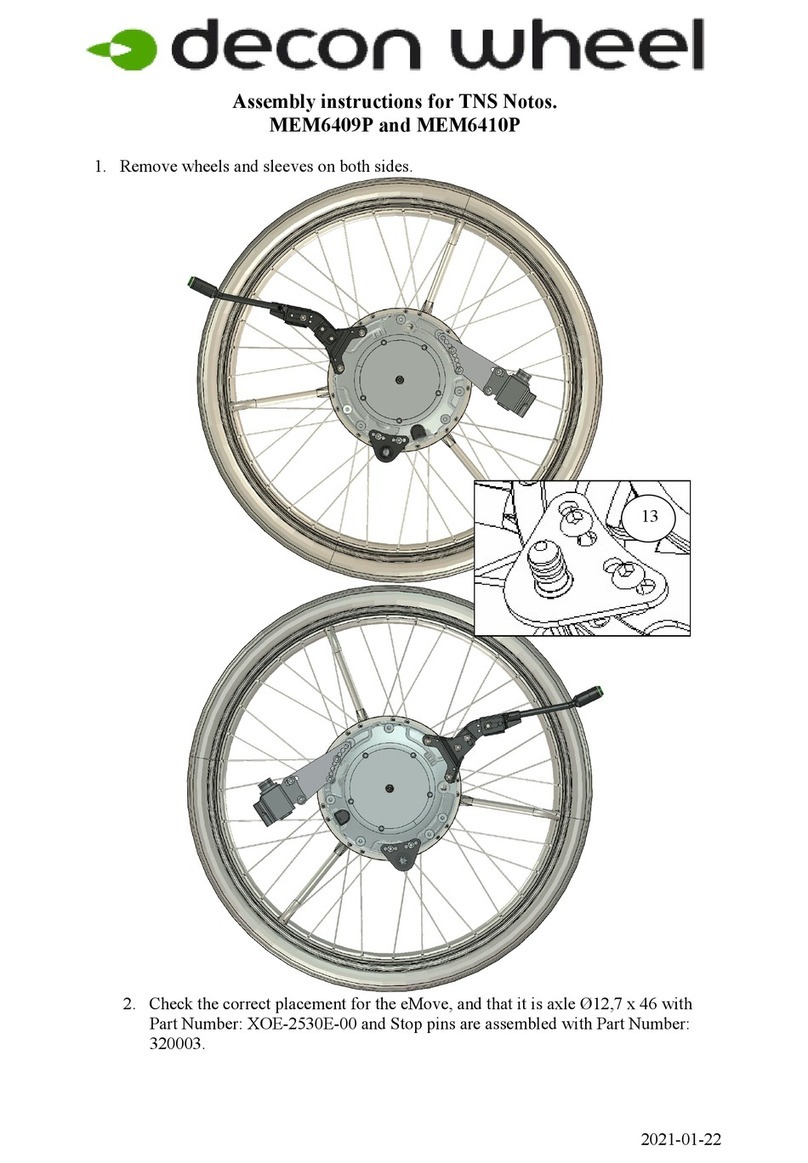
Decon wheel TNS Notos Assembly instructions

Decon wheel

Decon wheel TNS Notos Assembly instructions

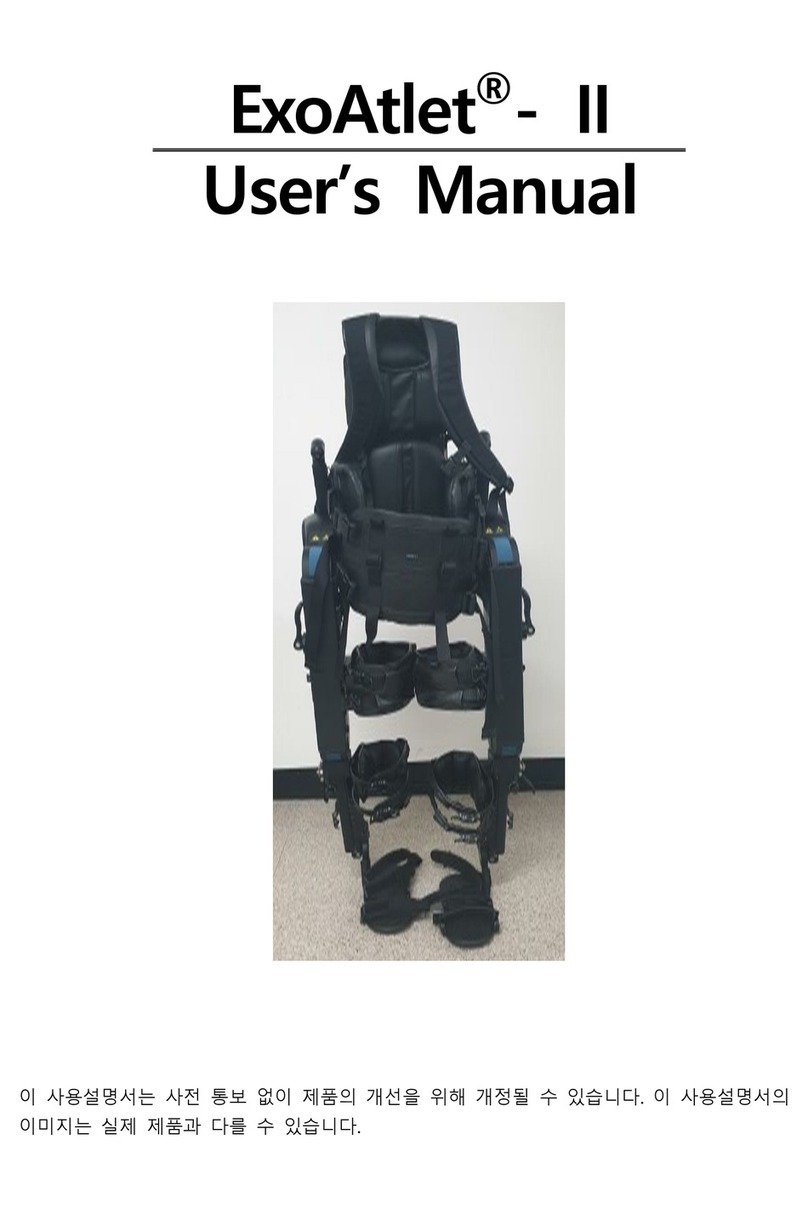
ExoAtlet ExoAtlet-II user manual

ExoAtlet

ExoAtlet ExoAtlet-II user manual

Invacare Storm Series parts catalog

Invacare

Invacare Storm Series parts catalog

Rhythm Healthcare B3800F manual

Rhythm Healthcare

Rhythm Healthcare B3800F manual

AMF-BRUNS PROTEKTOR installation manual

AMF-BRUNS

AMF-BRUNS PROTEKTOR installation manual

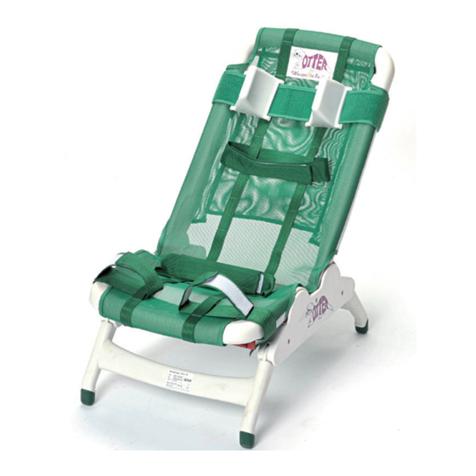
Drive DeVilbiss Healthcare OTTER Instructions for use

Drive DeVilbiss Healthcare

Drive DeVilbiss Healthcare OTTER Instructions for use

manuals.online logo
manuals.online logoBrands
  • About & Mission
  • Contact us
  • Privacy Policy
  • Terms and Conditions

Copyright 2025 Manuals.Online. All Rights Reserved.

If you have any questions about your Lifestyle Mobility Aids
device, please contact your authorized Lifestyle Mobility Aids
dealer.
Limited Lifetime Warranty against
manufacturing defects.
This warranty does not cover product failure
due to misuse, negligence, improper storage
or handling, improper operation or
unauthorized modifications.
Normal wear and tear on non-durable
components, such as rubber accessories and
casters are not covered under this warranty.
These items are subject to normal wear and
need periodic replacement.
For Warranty Service, it is recommended but
not required, that the product be returned to
the Rhythm Healthcare, LLC / Lifestyle Mobility
Aids dealer through whom it was originally
purchased. However, all Rhythm Healthcare,
LLC / Lifestyle Mobility Aids dealers are
qualified to assist you in obtaining warranty
service. If the product is to be returned to
Rhythm Healthcare, LLC / Lifestyle Mobility
Aids, prior authorization will be required.
In the event of a defect covered by this
warranty, Rhythm Healthcare, LLC / Lifestyle
Mobility Aids will determine if the product will
be repaired or replaced.
LIMITED LIFETIME WARRANTY
Rhythm Healthcare, LLC
Lifestyle Mobility Aids
3200 Tyrone Blvd N
St. Petersburg, FL 33710
contactus@rhythmhc.com
Website: www.rhythmhc.com
(877) 843-6464
V1: 11/23/21
450 lb
Weight Capacity
SHOWER STOOL
WITH SWIVEL SEAT
ITEM #
B5200

To maintain the original finish, clean with
mild soap and rinse with warm water.
Wipe stool dry after each use.
ASSEMBLY INSTRUCTIONS MAINTENANCE
Swivel
Seat
Receptacle
Leg
Height
Adjustment
Storage
Tray
Rubber
Feet
1. Remove stool parts from carton.
2. Place seat upside-down. Insert each leg into
the bottom of the seat. Repeat this for the
three remaining legs. Ensure that the legs
are secured in place and that all four legs
are at same height for stability and safety.
3. Turn the stool right-side-up. Place storage
tray between legs while inserting the cross
braces into the four slots at the bottom of
the receptacle legs.
4. Ensure the rubber feet are in good
condition and free of rips, tears and
other signs of wear. All four feet must be
flat on floor at all times. Stool is intended
for sitting only. Do not stand on stool.
1. To rotate padded seat, pull up on handle
until seat is free and rotate to desired
position. Seat can rotate in both directions
for a full 360° and locks in 12 positions.
Before user stands or sits, make sure the seat
is in one of the 12 locked positions.
PARTS DIAGRAM
450 lb
Weight Capacity