manuals.online logo
Brands
  1. Home
  2. •
  3. Brands
  4. •
  5. RHYTHM
  6. •
  7. Wheelchair
  8. •
  9. RHYTHM K4 User manual

RHYTHM K4 User manual

Other RHYTHM Wheelchair manuals

RHYTHM CADENCE K3 User manual

RHYTHM

RHYTHM CADENCE K3 User manual

RHYTHM DELUXE User manual

RHYTHM

RHYTHM DELUXE User manual

RHYTHM B5250 User manual

RHYTHM

RHYTHM B5250 User manual

RHYTHM B3400FEC User manual

RHYTHM

RHYTHM B3400FEC User manual

Popular Wheelchair manuals by other brands

Handicare IBIS user manual

Handicare

Handicare IBIS user manual

Neatech JOB User and maintenance manual

Neatech

Neatech JOB User and maintenance manual

Invacare Action 4NG series user manual

Invacare

Invacare Action 4NG series user manual

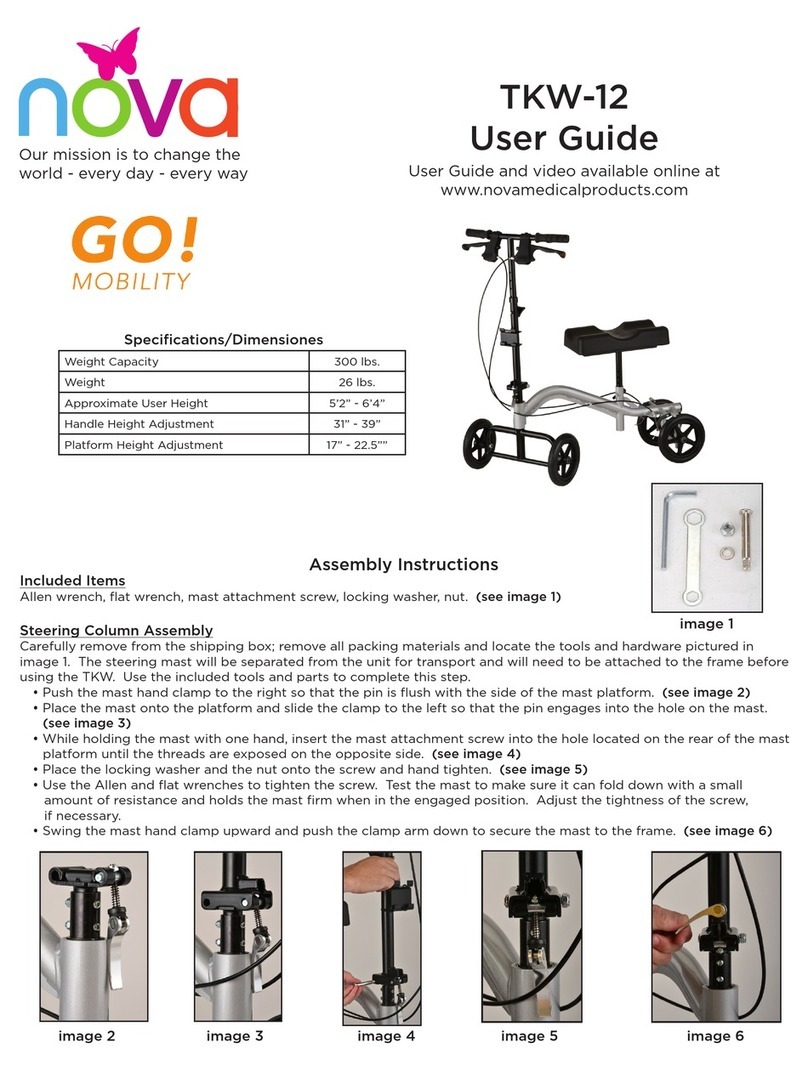
Nova TKW-12 user guide

Nova

Nova TKW-12 user guide

Drive Medical Titan owner's manual

Drive Medical

Drive Medical Titan owner's manual

Autoadapt Carolift 40 user manual

Autoadapt

Autoadapt Carolift 40 user manual

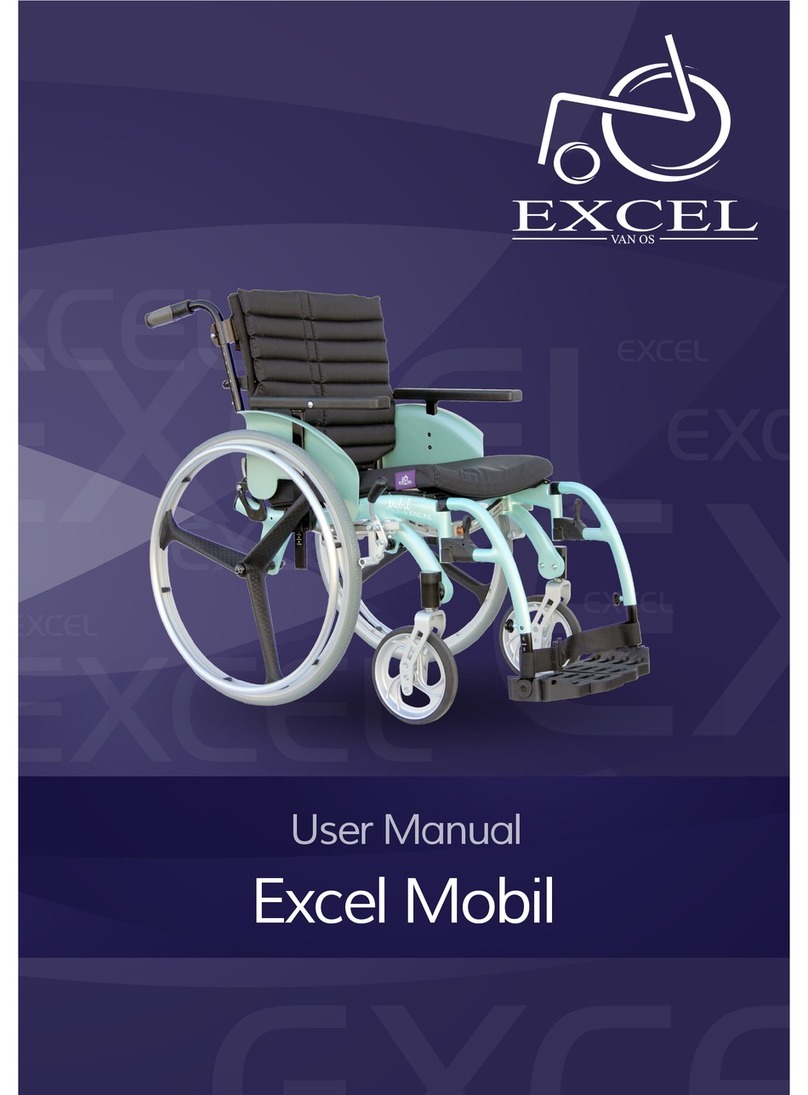
Excel Mobil user manual

Excel

Excel Mobil user manual

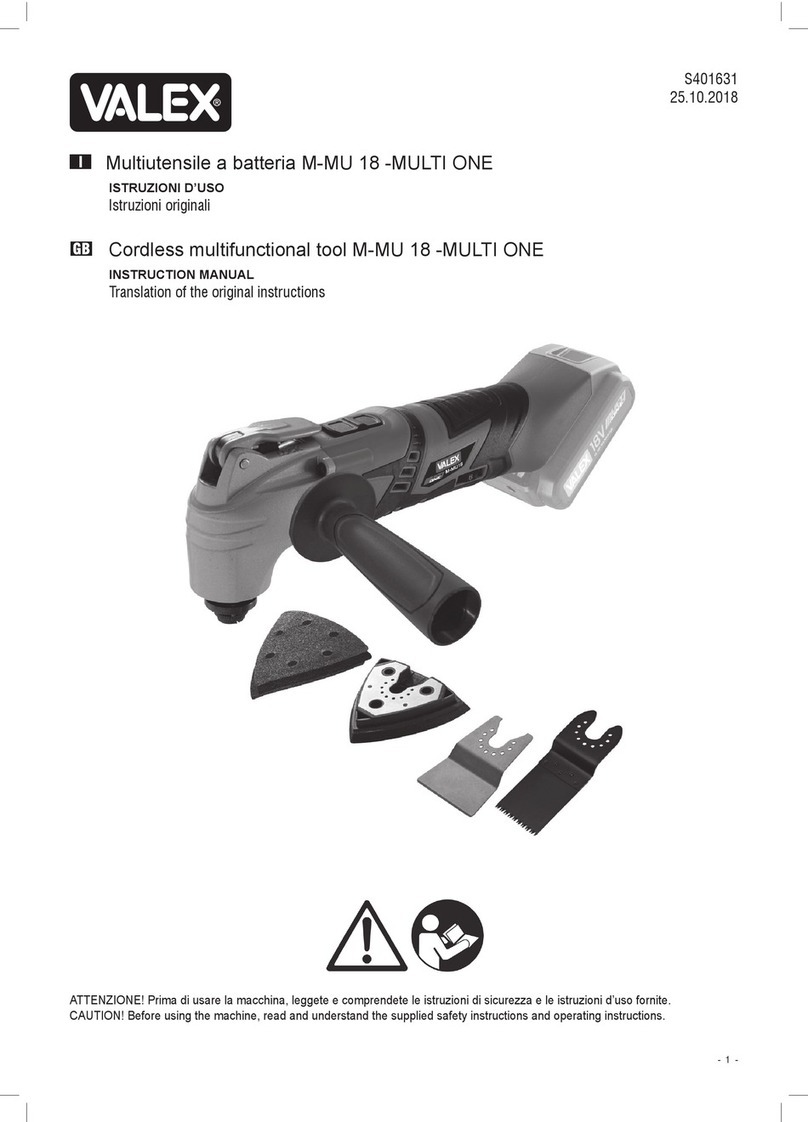
Valex M-MU 18-MULTI ONE instruction manual

Valex

Valex M-MU 18-MULTI ONE instruction manual

Sunrise Medical Guardian Escort User instruction manual & warranty

Sunrise Medical

Sunrise Medical Guardian Escort User instruction manual & warranty

Invacare Ranger X Brochure & specs

Invacare

Invacare Ranger X Brochure & specs

REA Clematis Service manual

REA

REA Clematis Service manual

Vicair VECTOR O2 Important notice

Vicair

Vicair VECTOR O2 Important notice

Küschall K-SERIES Service manual

Küschall

Küschall K-SERIES Service manual

dynarex DynaRide 10233 manual

dynarex

dynarex DynaRide 10233 manual

Monarch Ezi-Fold D10 operating manual

Monarch

Monarch Ezi-Fold D10 operating manual

Quickie One-Arm Drive Quickie 2 owner's manual

Quickie

Quickie One-Arm Drive Quickie 2 owner's manual

R82 Wombat Living 1 user guide

R82

R82 Wombat Living 1 user guide

GRIT GRITJunior Assembly guide & user's manual

GRIT

GRIT GRITJunior Assembly guide & user's manual

manuals.online logo
manuals.online logoBrands
  • About & Mission
  • Contact us
  • Privacy Policy
  • Terms and Conditions

Copyright 2025 Manuals.Online. All Rights Reserved.

300 lb
Weight Capacity
COMMANDO
LIGHTWEIGHT
K4 WHEELCHAIR
Do not attempt to adjust or operate wheelchair
without reading carefully all instructions in this
manual.
Do not use as an occupant restraint in a motor
vehicle. User must always transfer to the vehicle
seat.
Do not operate on streets, roadways, grass,
slippery surfaces, stairs or escalators.
Wheel locks are not brakes and are not to be used
when wheelchair is moving. Wheel locks are only
intended to keep the wheelchair in place when it
is at a complete stop.
Always engage wheel locks before transferring
and when using a wheelchair lift or elevator.
Do not attempt inclines or declines greater than a
10% grade.
Do not stand or step on the footplates while
transferring to or from your wheelchair. This could
cause the wheelchair to tip or may cause personal
injury or damage to your wheelchair.
To reduce the risk of tipping: Before leaning or
reaching forward, sit back in the seat and make
sure casters are rotated fully toward front of
wheelchair. Do not lean over the top of the
wheelchair back. Do not tie down or attach
anything to the wheels. Do not stand on
Footplates.
Unauthorized modification or the use of
unauthorized replacement parts could change the
structure of the wheelchair, void the warranty, and
create a hazardous condition resulting in serious
personal injury.
WARNINGS LIMITED LIFETIME WARRANTY
Limited Lifetime Warranty against
manufacturing defects.
This warranty does not cover product failure
due to misuse, negligence, improper storage
or handling, improper operation or
unauthorized modifications.
Normal wear and tear on non-durable
components, such as rubber accessories and
casters are not covered under this warranty.
These items are subject to normal wear and
need periodic replacement.
For Warranty Service, it is recommended but
not required, that the product be returned to
the Rhythm Healthcare, LLC / Lifestyle Mobility
Aids dealer through whom it was originally
purchased. However, all Rhythm Healthcare,
LLC / Lifestyle Mobility Aids dealers are
qualified to assist you in obtaining warranty
service. If the product is to be returned to
Rhythm Healthcare, LLC / Lifestyle Mobility
Aids, prior authorization will be required.
In the event of a defect covered by this
warranty, Rhythm Healthcare, LLC / Lifestyle
Mobility Aids will determine if the product will
be repaired or replaced.

TO FOLD WHEELCHAIR FOR STORAGE
Make sure the Footrests are in the forward locked
position with the Footplates in the vertical position
or REMOVE the Footrests by pulling the Release
Levers, swinging the Footrests outward and lifting
them from the hinge pins. Standing behind the
chair, grab the center of the seat and pull up until
closed.
OPERATING WHEEL LOCKS
Engage by pushing the levers forward until they
lock into place and disengage by pulling back on
the levers until the wheels roll freely.
Clean frame with a damp cloth and dust
weekly.
Clean upholstery and armrests with mild
soap and water.
Never use abrasive cleansers or scouring
pads.
If exposed to liquid, dry the wheelchair
thoroughly as soon as possible.
If any component appears worn or is not
working properly, contact an authorized
dealer for repair and/or appropriate
replacement parts.
Solid rubber tires need minimal mainte-
nance, but should be cleaned occasionally
with a damp cloth.
If tires become severely worn or cracking
appears, contact an authorized dealer.
Wheels and Casters should be checked
periodically and adjusted and lubricated as
needed by an authorized dealer.
OPERATING INSTRUCTIONS MAINTENANCE
Rhythm Healthcare, LLC
Lifestyle Mobility Aids
3200 Tyrone Blvd N
St. Petersburg, FL 33710
contactus@rhythmhc.com
Website: www.rhythmhc.com
(877) 843-6464
V3: 10/20/21
TO SET UP WHEELCHAIR
Open wheelchair by tilting to one side and
pushing down on seat rail until opened.
Attach Footrests by aligning holes on tabs at
top of Footrests with hinge pins on outside
of front frame, then swing Footrests to front
until Footrest Release Levers lock into place.
Adjust Footrest length (while user is seated)
by loosening the cam lever just above the
Footplate, pushing in the adjustment button
and sliding the inner tubing up or down to
desired setting until the adjustment button
protrudes fully from the adjustment hole.
Then snap cam lever back into place.
Make sure the Footplate is at least 2.5” from
the floor for proper clearance.
STORAGE