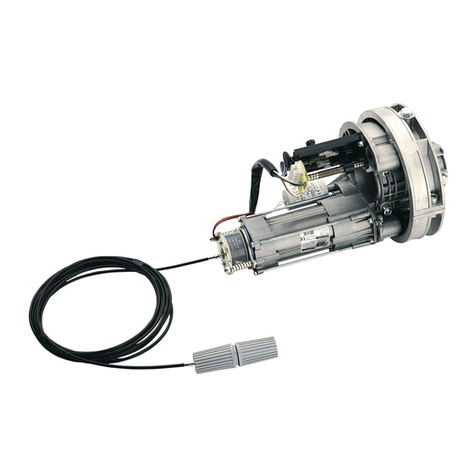
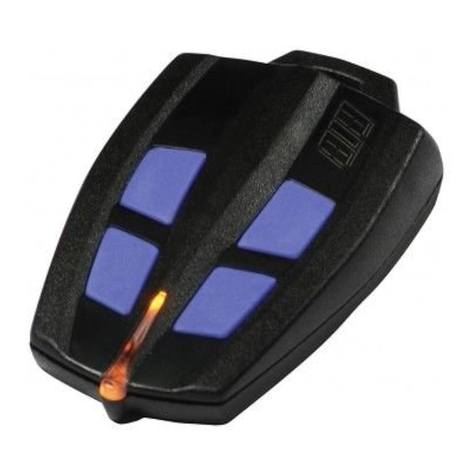
The remote control is supplied with a 12Vdc alkaline stylo battery 10x28
mm type 23A.
The appliance incorporates a POWER SAVER function that prevents
the battery from discharging accidentally. If the button is pressed and held for
more than 8 seconds, the remote control switches off automatically and will
reactivate thereafter in response to a fresh impulse.
A led indicator lights up whenever the control is activated.
If led lights means
that the functionality is still guaranteed, but replace the battery as soon as
possible.
If the led doesn’t lights, the battery is discharge and the command is not
executed.
SUN CLONE is re-programmable by cloning procedure or by manual coding
procedure.
The CLONING PROCEDURE allows to copy one or more channels from one
or more remote transmitter MOON - MOON CLONE - SUN - SUN CLONE.
Whereas, the MANUAL CODING PROCEDURE allows to manually set-up the
radio code of another remote control. It is possible to create personalized SUN
CLONE remotes, that could be one, two, three, four channels.
In fact, the SUN CLONE configuring just depends on the sequence with the
button are pressed on the original transmitter that has to be copied.
SUN CLONE exists also in the 2-channels version code ACG6056
CLONING PROCEDURE OF ONE OR MORE
MOON - MOON CLONE -
SUN - SUN CLONE
REMOTES
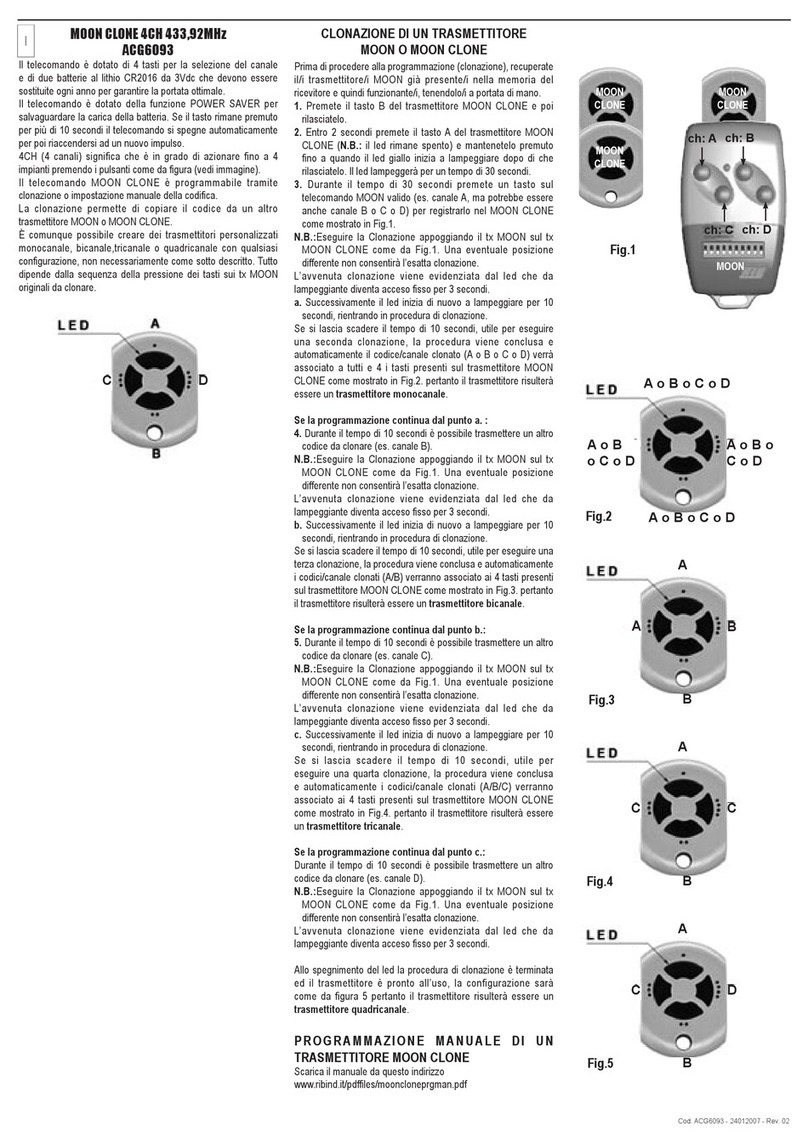
Before starting the cloning procedure, you should take the old remote
transmitter/s that you would like to clone.
1.
Press B button on the new
SUN
CLONE remote transmitter and release it.
2.
Within 2 seconds, press A button on the new
SUN
CLONE and hold it until the
yellow led into the transmitter begins to flash. Release the A button, the yellow
led will now flash for 30 seconds. Within these 30 seconds the new MOON
CLONE is ready to clone the radio code.
3.
Press one of the buttons of the remote transmitter that you would like to copy
in your new
SUN
CLONE (for example the channel A, but it could also be
channel B or C or D as shown in the picture 2).
PLEASE NOTE: to carry out a successful cloning procedure, you must keep
the old
remote
above the new
SUN
CLONE, as shown in the
picture 2, otherwise, the cloning procedure could fail.
4.
If cloning procedure has been successful, the yellow led in the new SUN
CLONE will turn and stay on for three seconds.
5.
Then, the yellow led will start to blink again for another 10 seconds, indicating
that the cloning procedure can continue, if requested, to store the other
channels as well. From this step:
a)
If you have to clone other channels (for instance, channel B or C or D) or
other remote transmitters, repeat from the step 3.
b)
If there aren’t any other channels or remote transmitters that have to be
cloned, let 10 seconds pass by without pressing any other button. The cloning
procedure will automatically end and the yellow led turns off.
At the end of the cloning procedure, if the channel copied is just one, all the
SUN CLONE buttons will take the same channel as shown in picture 3 (the four
buttons can be all either channel A or all the channel B or C or D). Otherwise
the SUN CLONE buttons will take the channels A or B or C or D, in the same
sequence the channels are pressed during the cloning procedure. So, each
button could become A or B or C or D.
YOU CAN ALSO SET MANUALLY THE CODE OF A MOON
TRANSMITTER! CREATING A CODE IN THE REMOTE CONTROL
Each SUN remote control is endowed with a unique code memorized by the
manufacturer.
It is possible to manually change the code with following procedure:
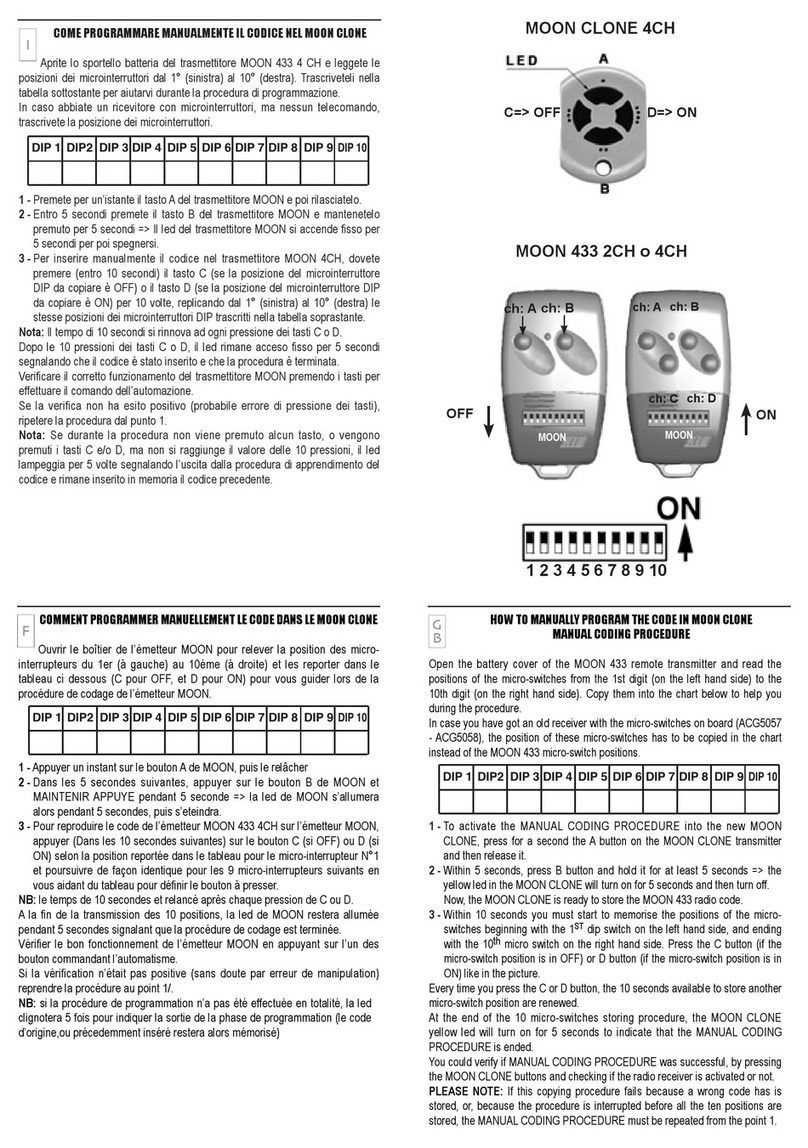
1 - Open the battery cover of the MOON transmitter to see the code setted
by the dip-switches.
2 - Press and immediately release the button A on the remote control.
3 - You now have 5 seconds to press and hold the button B. The button B
must be hold for 5 seconds => The Led on the remote control will turn on
for 5 seconds and then will go off. Wait for the led light to go off before
memorizing a new code.
4 - You now have 10 seconds to manually create the code. To do that you
must press 10 times the buttons A (DIP OFF*) or B (DIP ON*), depending
on the code one wants to create. At the end, the led light remains on for 3
seconds to confirm the correct memorization of the new code.
*
DIP ON or OFF correspond to the same position of the Dip-switches
available in some of the old generation radio receiver and remote controls.
PROGRAMMING
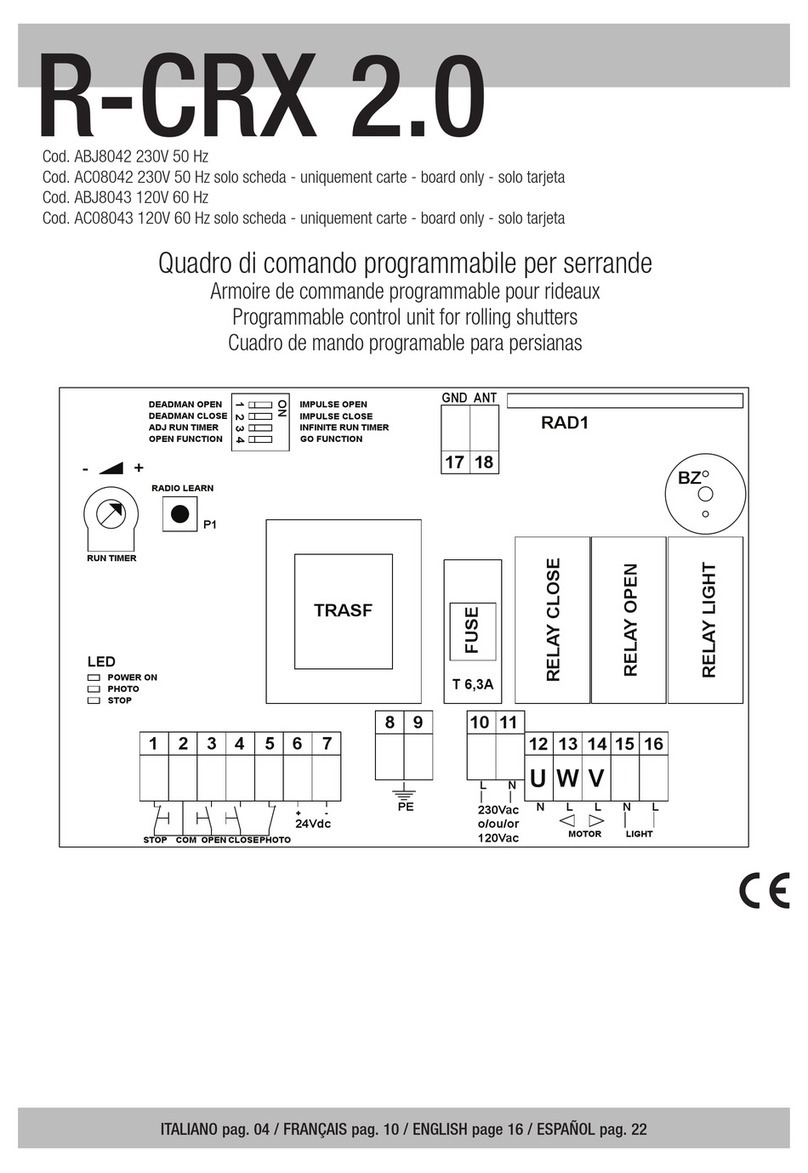
See the RIB instructions of receivers or control panels.
OPERATING TEMPERATURE
-20 ÷ +50°C
La télécommande est livrée avec une pile stylo alkalin de 12Vdc 10x28mm
type 23A.
La télécommande possède la fonction POWERSAVER pour sauvegarder
la charge de la pile. Si la touche reste appuyée pendant plus de 8 secondes,
la télécommande s’éteint automatiquement et se rallume à la pulsion suivante.
Elle est également munie d’une LED de signal qui s’allume pendant la
commande.
Si la LED clignote, signifie que la fonctionnalité est encore garantie, mais nous
vous conseillons de remplacer rapidement la pile.
Si la led ne s’allume pas, la pile est déchargée et la commande n’est pas
exécutée.
SUN CLONE est reprogrammable par clonage ou par insertion manuelle de
la codification.
Le clonage permet de copier un ou plusieurs canaux à partir d’un ou
plusieurs émetteurs MOON - MOON CLONE - SUN - SUN CLONE.
Il est de toute façon possible de créer des transmetteurs personnalisés,
monocanal, bicanal, tricanal, quadricanal avec n’importe quelle configuration.
Tout dépend de la séquence de la pression des touches sur les tx originaux à
cloner.
SUN CLONE existe également dans la version deux canaux code ACG6056
CLONAGE D’UN OU PLUSIEURS MOON - MOON CLONE - SUN - SUN CLONE
Avant de procéder à la programmation (clonage), récupérer le/les
transmetteurs/s déjà présent/s dans la/les mémoire/s du/des récepteur/s et donc
fonctionnant, en le/les gardant à portée de main.
1. Appuyer sur la touche B du émetteur SUN CLONE à programmer et puis la
relâcher.
2. Appuyer avant 2 secondes sur la touche A du transmetteur SUN CLONE
(N.B.: le led reste éteint) et le maintenir appuyé. Après 5 secondes la led
jaune commence à clignoter, relâcher le bouton. Le led clignotera pendant
30 secondes.
3. Durant ces 30 secondes, appuyer sur une touche sur la télécommande (ex.
canal A, mais ce pourrait aussi être canal B ou C ou D) pour l’enregistrer
dans le SUN CLONE comme montré sur la Fig. 2.
N.B.: Exécuter le Clonage en posant le tx sur le tx MOON CLONE comme
selon la Fig. 2. Une position différente éventuelle ne permettra pas un
clonage exact.
4. Le clonage est mis en évidence par l’arrêt du clignotement de la led qui
s’allume fixe pendant 3 secondes.
5. Ensuite, la led recommence à clignoter pour 10 secondes, retournant ainsi
en procédure de clonage. A partir de ce point, deux possibilités:
a) Il y a d’autres canaux (ex. B ou C ou D) à cloner, ou d’autres émetteurs à
cloner, dans ce cas, reprendre la procédure au point n°3 avant la fin du
cllignotement de la led.
b) Il n’y a pas d’autres canaux ou émetteur à cloner, pour sortir de la
programmation, n’appuyer sur aucun bouton et laisser clignoter la led qui
s’éteindra automatiquement après 10 secondes..
A la fin de la procédure de programmation, si un seul canal a été cloné, celui ci
sera automatiquement associé aux boutons du SUN CLONE comme indiqué
sur la figure 3 (les quatre boutons deviendront alors tous canal A ou tous B ou
tous C ou tous D). Autrement les canaux clonés seront associés aux canaux A
ou B ou C ou D, en respectant l’ordre dans lequel ils ont été clonés. Il est donc
possible que chaque bouton devienne A ou B ou C ou D.
VOUS POUVEZ ÉGALEMENT PROGRAMMER MANUELLEMENT LE CODE
D’UNE TÉLÉCOMMANDE MOON!
CODIFICATION DE LA TÉLÉCOMMANDE
La télécommande possède un code unique programmé en usine.
Vous pouvez modifier manuellement le code en utilisant le suivant procédé:
1 - Ouvrez le couvercle de la batterie de la MOON pour voir la séquence des
commutateurs.
2 - Appuyez sur le bouton A de l’émetteur SUN pour un instant et puis laissez-le
de nouveau.
3 - Dans les 5 secondes, appuyez sur le bouton B de l’émetteur SUN et
maintenez-le appuyé pendant 5 secondes => La led de l’émetteur SUN s’
allume fixement pendant 5 secondes et puis elle s’éteint. Attendre l’arrêt de
la led avant d’insérir le nouveau code.
4 - Pour insérer le code manuellement dans l’émetteur SUN, devez presser
(dans 10 secondes) sur les boutons A (DIP OFF *) et B (DIP ON *) pour
10 fois, selon votre préférence. Enfin la led reste allumée 3 seconds pour
confirmer d’avoir enregistré le nuoveau code.
* DIP ON ou OFF sont les positions des microinterrupteurs présents sur
quelques récepteurs et télécommandes de la vieille génération.
PROGRAMMATION
Suivez les manuels des récepteurs RIB ou des coffrets électroniques CRX RIB.
TEMPERATURE DE TRAVAIL
-20 ÷ +50°C
G
B
F