10
Your installation is done!
Smart Home Monitoring | LED Light Bulb | Smartphone Set-Up
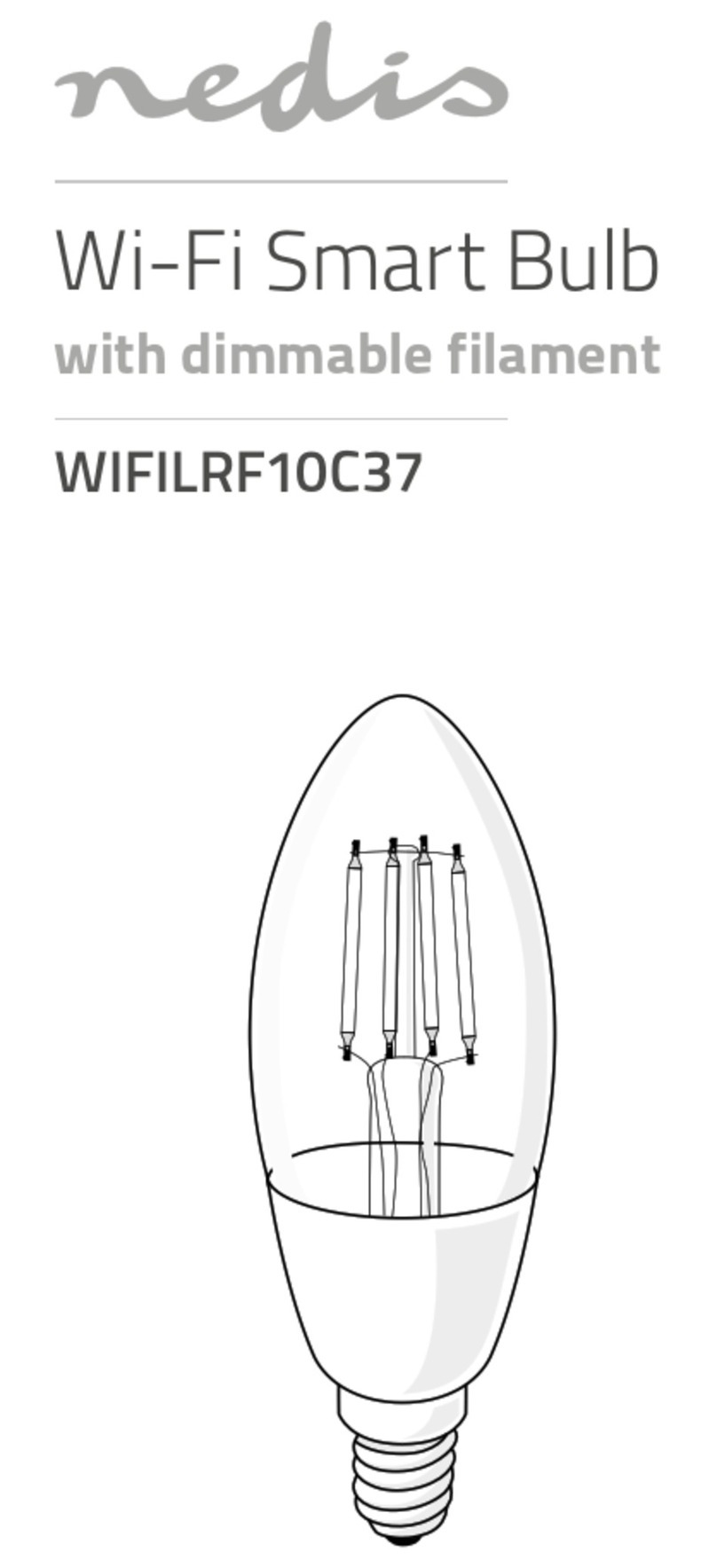
Your LED Light Bulb is now part of your Smart Home Monitoring system.
Now you can control the LED Light Bulb remotely with your smartphone app and
through the Web Control Centre.
Start using this device:
Use your smartphone app or visit the Web Control Centre at smarthome.rogers.com to:
• Dim or turn the lights on or o remotely.
• Create a custom lighting and dimming schedule to save energy and money.
• Learn more about the features of your Smart Home Monitoring system.
How to reset this device:
If you are trying to add an LED Light Bulb to your system and are unable to pair it in the
first few attempts, or if you see an error while pairing, try the following steps to reset the
LED Light Bulb and then pair again.
1. Turn the LED Light Bulb o and on ten times. Start in the o position.
2. The LED Light Bulb will blink 5 times to indicate success.
3. Now, try the pairing process again following the instructions in the Pairing the
LED Light Bulb section.