manuals.online logo
Brands
  1. Home
  2. •
  3. Brands
  4. •
  5. Rohde & Schwarz
  6. •
  7. Power Supply
  8. •
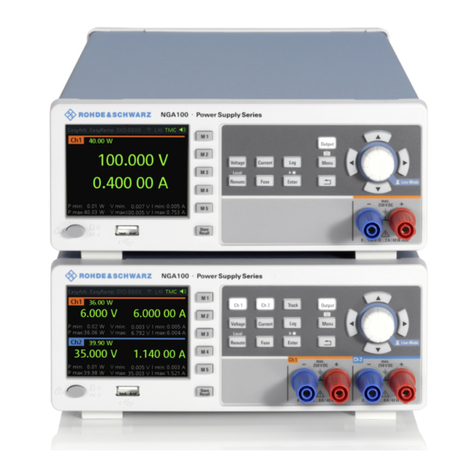
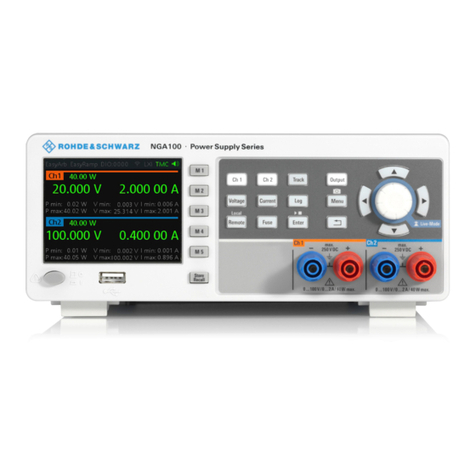
  9. Rohde & Schwarz R&S NGA100 Series User manual

Rohde & Schwarz R&S NGA100 Series User manual

Other manuals for R&S NGA100 Series

1

Other Rohde & Schwarz Power Supply manuals

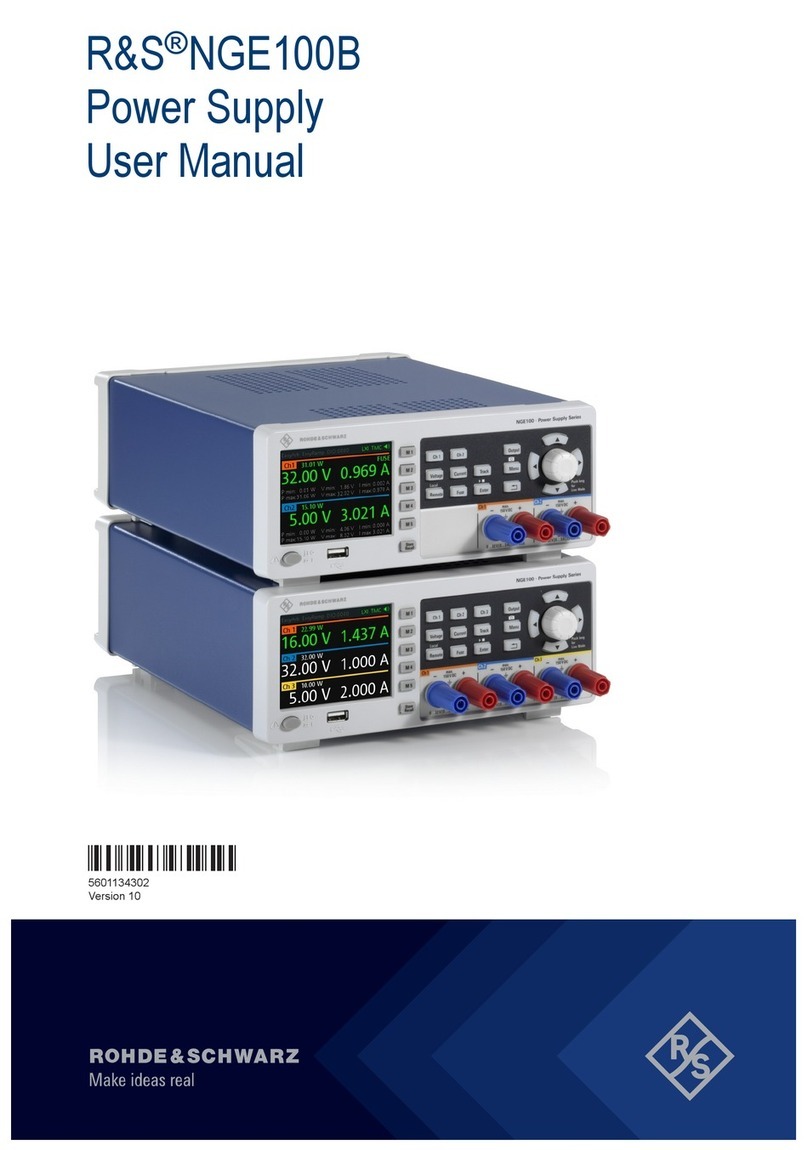
Rohde & Schwarz R&S NGE100B User manual

Rohde & Schwarz

Rohde & Schwarz R&S NGE100B User manual

Rohde & Schwarz R&S FSV-B30 User manual

Rohde & Schwarz

Rohde & Schwarz R&S FSV-B30 User manual

Rohde & Schwarz NGMO1 User manual

Rohde & Schwarz

Rohde & Schwarz NGMO1 User manual

Rohde & Schwarz HM8143 User manual

Rohde & Schwarz

Rohde & Schwarz HM8143 User manual

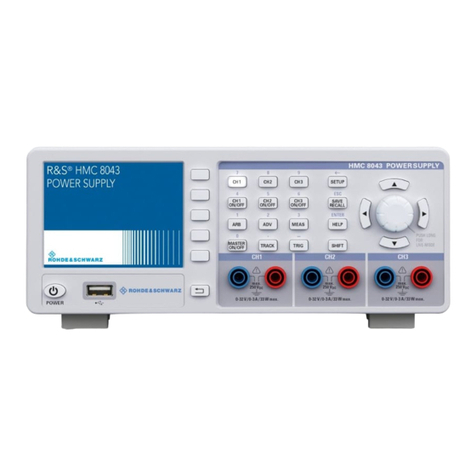
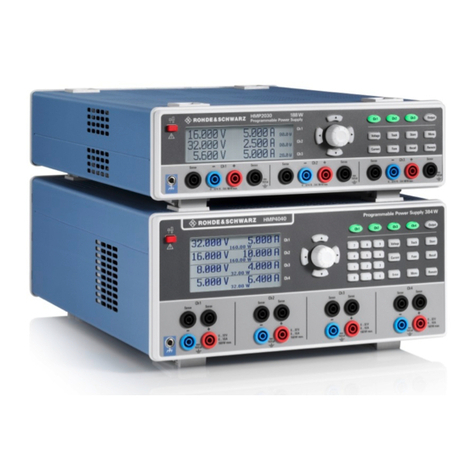
Rohde & Schwarz HMP Series User manual

Rohde & Schwarz

Rohde & Schwarz HMP Series User manual

Rohde & Schwarz NGL200 User manual

Rohde & Schwarz

Rohde & Schwarz NGL200 User manual

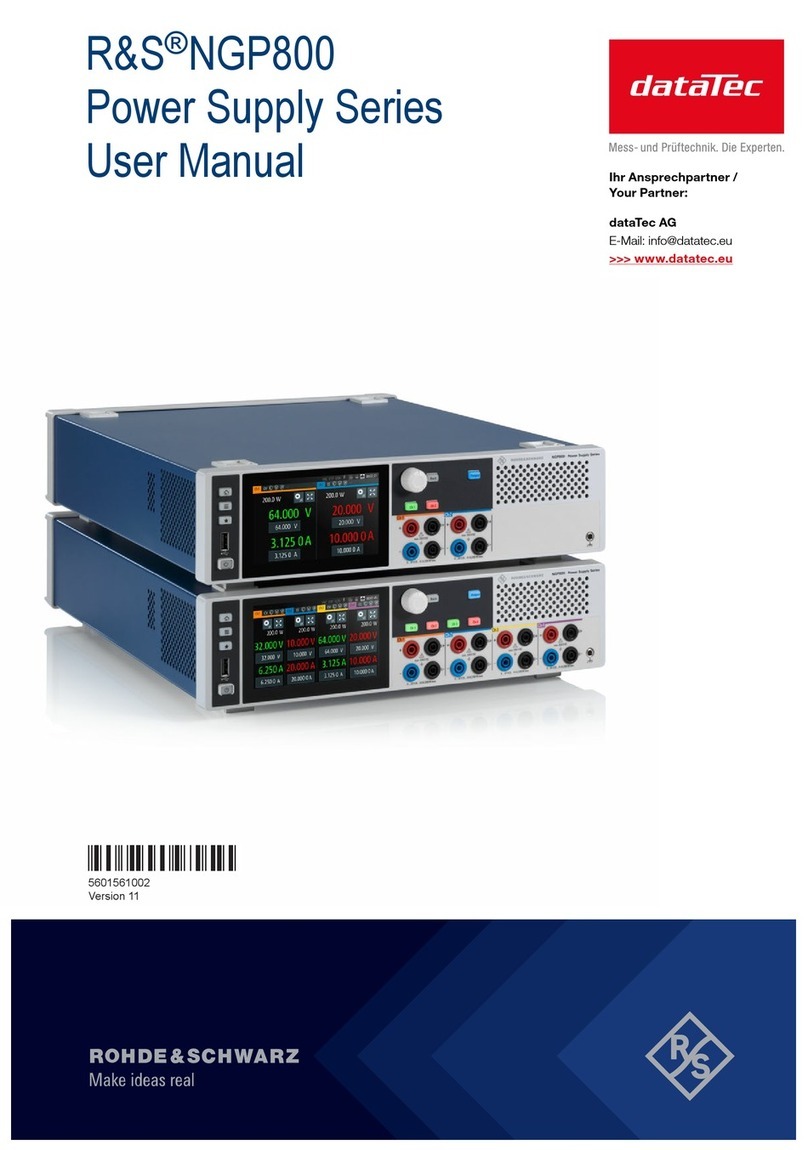
Rohde & Schwarz NGP800 Series User manual

Rohde & Schwarz

Rohde & Schwarz NGP800 Series User manual

Rohde & Schwarz HMP Series User manual

Rohde & Schwarz

Rohde & Schwarz HMP Series User manual

Rohde & Schwarz HMP2020 User manual

Rohde & Schwarz

Rohde & Schwarz HMP2020 User manual

Rohde & Schwarz R&S NGL200 Series User manual

Rohde & Schwarz

Rohde & Schwarz R&S NGL200 Series User manual

Rohde & Schwarz R&S NGP822 User manual

Rohde & Schwarz

Rohde & Schwarz R&S NGP822 User manual

Rohde & Schwarz 3593.0439.02 User manual

Rohde & Schwarz

Rohde & Schwarz 3593.0439.02 User manual

Rohde & Schwarz Hameg HMP4030 User manual

Rohde & Schwarz

Rohde & Schwarz Hameg HMP4030 User manual

Rohde & Schwarz R&S FSV-B30 User manual

Rohde & Schwarz

Rohde & Schwarz R&S FSV-B30 User manual

Rohde & Schwarz R&S NGE100B User manual

Rohde & Schwarz

Rohde & Schwarz R&S NGE100B User manual

Rohde & Schwarz R&S NGP800 Series User manual

Rohde & Schwarz

Rohde & Schwarz R&S NGP800 Series User manual

Rohde & Schwarz NGP800 Series User manual

Rohde & Schwarz

Rohde & Schwarz NGP800 Series User manual

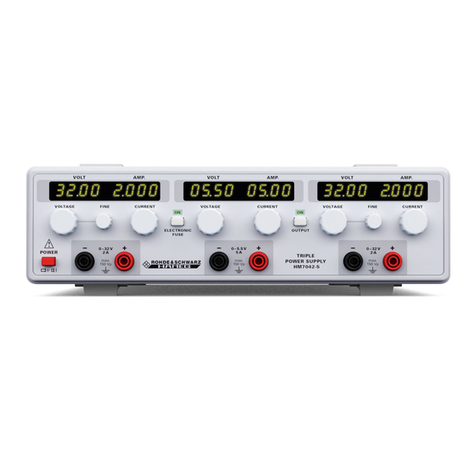
Rohde & Schwarz HM7042-5 User manual

Rohde & Schwarz

Rohde & Schwarz HM7042-5 User manual

Rohde & Schwarz NGE100 User manual

Rohde & Schwarz

Rohde & Schwarz NGE100 User manual

Rohde & Schwarz NGP800 Series User manual

Rohde & Schwarz

Rohde & Schwarz NGP800 Series User manual

Rohde & Schwarz HM7042-5 User manual

Rohde & Schwarz

Rohde & Schwarz HM7042-5 User manual

Rohde & Schwarz R&S NGP800 Series User manual

Rohde & Schwarz

Rohde & Schwarz R&S NGP800 Series User manual

Rohde & Schwarz NGP800 Series User manual

Rohde & Schwarz

Rohde & Schwarz NGP800 Series User manual

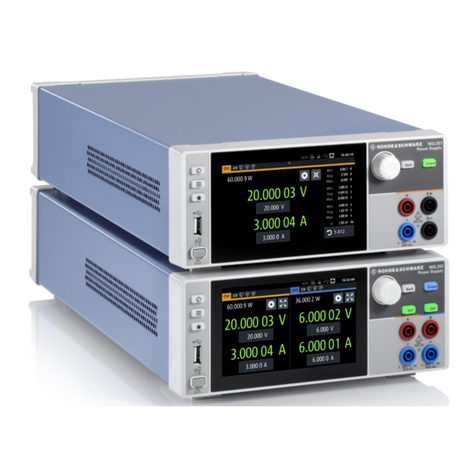
Rohde & Schwarz NGA101 User manual

Rohde & Schwarz

Rohde & Schwarz NGA101 User manual

Popular Power Supply manuals by other brands

Videx 520MR Installation instruction

Videx

Videx 520MR Installation instruction

Poppstar 1008821 Instructions for use

Poppstar

Poppstar 1008821 Instructions for use

TDK-Lambda LZS-A1000-3 Installation, operation and maintenance manual

TDK-Lambda

TDK-Lambda LZS-A1000-3 Installation, operation and maintenance manual

TDK-Lambda 500A instruction manual

TDK-Lambda

TDK-Lambda 500A instruction manual

Calira EVS 17/07-DS/IU operating instructions

Calira

Calira EVS 17/07-DS/IU operating instructions

Monacor PS-12CCD instruction manual

Monacor

Monacor PS-12CCD instruction manual

VOLTIMA MagicBox 15 Installation and operating instructions

VOLTIMA

VOLTIMA MagicBox 15 Installation and operating instructions

Miller Auto Deltaweld 452 owner's manual

Miller

Miller Auto Deltaweld 452 owner's manual

BCP PUOUBK How to install

BCP

BCP PUOUBK How to install

HC 2210 manual

HC

HC 2210 manual

Agilent Technologies 6032A Service manual

Agilent Technologies

Agilent Technologies 6032A Service manual

Radial Engineering SB-48UB user guide

Radial Engineering

Radial Engineering SB-48UB user guide

Puls CT5.241 installation manual

Puls

Puls CT5.241 installation manual

OCZ ZX1250W Technical specifications

OCZ

OCZ ZX1250W Technical specifications

iseg ECH 238 manual

iseg

iseg ECH 238 manual

Agilent Technologies 6631B Service manual

Agilent Technologies

Agilent Technologies 6631B Service manual

Power XXL A Series instruction manual

Power

Power XXL A Series instruction manual

HP 6200B Operating and service manual

HP

HP 6200B Operating and service manual

manuals.online logo
manuals.online logoBrands
  • About & Mission
  • Contact us
  • Privacy Policy
  • Terms and Conditions

Copyright 2025 Manuals.Online. All Rights Reserved.

R&S®NGA100
Power Supply
User Manual
5601891902
Version 08
(Æ1çC2)
This manual describes the following R&S®NGA100 models with firmware version 4.008 and higher:
●R&S®NGA101 One-Channel 35V/6A Power Supply 40 W (5601.8002.02)
●R&S®NGA102 Two-Channel 35V/6A Power Supply 80 W (5601.8002.04)
●R&S®NGA141 One-Channel 100V/2A Power Supply 40 W (5601.8002.03)
●R&S®NGA142 Two-Channel 100V/2A Power Supply 80 W (5601.8002.05)
In addition to the base unit, the following options are described:
●1 R&S®NGA-K102 Option Wireless LAN (5601.8419.03)
●R&S®NGA-K103 Option Digital I/O (5601.8425.03)
1 Only available for instrument with serial number below 110000
© 2023 Rohde & Schwarz GmbH & Co. KG
Muehldorfstr. 15, 81671 Muenchen, Germany
Phone: +49 89 41 29 - 0
Email: [email protected]
Internet: www.rohde-schwarz.com
Subject to change – data without tolerance limits is not binding.
R&S® is a registered trademark of Rohde & Schwarz GmbH & Co. KG.
Trade names are trademarks of the owners.
5601.8919.02 | Version 08 | R&S®NGA100
Throughout this manual, products from Rohde & Schwarz are indicated without the ® symbol, e.g. R&S®NGA is indicated as
R&S NGA100.
Contents
R&S®NGA100
3User Manual 5601.8919.02 ─ 08
Contents
1 Safety and regulatory information........................................................9
1.1 Safety instructions........................................................................................................9
1.2 Labels on R&S NGA100..............................................................................................12
1.3 Warning messages in the documentation................................................................ 13
1.4 Korea certification class A......................................................................................... 14
2 Documentation overview.....................................................................15
2.1 Manuals........................................................................................................................15
2.2 Data sheet.................................................................................................................... 15
2.3 Calibration certificate................................................................................................. 16
2.4 Release notes, open source acknowledgment (OSA)............................................. 16
3 Conventions used in the documentation...........................................17
3.1 Typographical conventions........................................................................................17
3.2 Notes on screenshots.................................................................................................17
4 Welcome to R&S NGA100................................................................... 18
5 Getting started......................................................................................19
5.1 Preparing for use........................................................................................................ 19
5.1.1 Lifting and carrying........................................................................................................19
5.1.2 Unpacking and checking............................................................................................... 19
5.1.2.1 Delivery package...........................................................................................................19
5.1.3 Choosing the operating site.......................................................................................... 19
5.1.4 Setting up the R&S NGA100.........................................................................................20
5.1.4.1 Placing the R&S NGA100 on a bench top.................................................................... 20
5.1.4.2 Mounting the R&S NGA100 in a rack............................................................................21
5.1.5 Considerations for test setup........................................................................................ 22
5.1.6 Connecting to power..................................................................................................... 24
5.1.7 Switching on or off.........................................................................................................25
5.1.8 Connecting to LAN........................................................................................................ 26
5.1.9 Connecting USB devices.............................................................................................. 27
5.2 Instrument tour............................................................................................................27
5.2.1 Front panel.................................................................................................................... 28
Contents
R&S®NGA100
4User Manual 5601.8919.02 ─ 08
5.2.2 Rear panel.....................................................................................................................29
5.2.3 Bottom panel................................................................................................................. 31
5.3 Trying out the instrument...........................................................................................32
5.3.1 Selecting the channels.................................................................................................. 32
5.3.2 Setting the output voltage and current limit...................................................................32
5.3.3 Activating the channel output........................................................................................ 33
5.3.4 Storing/Recalling of instrument settings........................................................................33
5.4 Instrument control...................................................................................................... 33
5.4.1 Ways to operate the instrument.................................................................................... 34
5.4.2 Means of manual interaction......................................................................................... 34
5.4.2.1 Understanding the display information..........................................................................34
5.4.2.2 Accessing the functionality............................................................................................40
5.4.2.3 Entering data.................................................................................................................40
5.4.3 Remote control..............................................................................................................42
6 Operating basics..................................................................................43
6.1 Front panel keys..........................................................................................................43
6.1.1 Function keys................................................................................................................ 43
6.1.1.1 Output and channel controls......................................................................................... 43
6.1.1.2 Navigation keys.............................................................................................................44
6.1.1.3 Instrument functions......................................................................................................44
6.1.1.4 Memory functions..........................................................................................................46
6.1.2 Navigation controls........................................................................................................46
6.1.3 Menu key.......................................................................................................................47
6.2 Power derating............................................................................................................ 50
6.3 Operation modes.........................................................................................................51
7 Instrument functions........................................................................... 52
7.1 Setting the voltage and current................................................................................. 52
7.2 Activating the channel output....................................................................................53
7.3 Current range.............................................................................................................. 54
7.4 Remote sense function...............................................................................................57
7.5 Channel fusion............................................................................................................ 58
7.6 Electronic fuse............................................................................................................ 60
7.6.1 Activating fuse...............................................................................................................60
Contents
R&S®NGA100
5User Manual 5601.8919.02 ─ 08
7.6.2 Fuse delay, fuse linking.................................................................................................61
7.7 Tracking function........................................................................................................ 62
7.8 Protection.................................................................................................................... 63
7.9 Digital trigger I/O......................................................................................................... 65
7.10 Data logging................................................................................................................ 69
7.11 Advanced functions....................................................................................................71
7.11.1 EasyArb.........................................................................................................................72
7.11.2 EasyRamp.....................................................................................................................74
7.12 Store and recall........................................................................................................... 76
7.13 Interfaces and protocols............................................................................................ 78
7.13.1 Network connection.......................................................................................................78
7.13.1.1 LAN connection.............................................................................................................78
7.13.1.2 Wireless LAN connection.............................................................................................. 81
7.13.2 USB connection............................................................................................................ 83
7.13.3 LXI.................................................................................................................................86
7.13.4 SCPI..............................................................................................................................88
7.13.5 VISA.............................................................................................................................. 88
7.13.6 Setting up remote control connection............................................................................89
7.14 General instrument settings...................................................................................... 90
7.14.1 Instrument information.................................................................................................. 90
7.14.2 General instrument settings.......................................................................................... 92
7.14.3 License management....................................................................................................93
7.14.4 Reset instrument........................................................................................................... 95
7.14.5 System test................................................................................................................... 96
7.14.6 Updating the firmware................................................................................................... 97
7.14.7 Help...............................................................................................................................99
7.14.8 Date time.......................................................................................................................99
8 Remote control commands...............................................................102
8.1 Common setting commands....................................................................................102
8.2 System commands................................................................................................... 105
8.3 Configuration commands.........................................................................................109
8.3.1 Channel selecting........................................................................................................109
8.3.2 Remote sense setting..................................................................................................111
Contents
R&S®NGA100
6User Manual 5601.8919.02 ─ 08
8.3.3 Voltage setting............................................................................................................. 111
8.3.4 Current setting.............................................................................................................113
8.3.5 Combined voltage and current settings.......................................................................114
8.3.6 Output setting.............................................................................................................. 115
8.3.7 Fuse setting.................................................................................................................119
8.3.8 OVP setting................................................................................................................. 123
8.3.9 OPP setting................................................................................................................. 126
8.4 Measurement commands......................................................................................... 129
8.5 Advanced operating commands..............................................................................130
8.5.1 Arbitrary commands.................................................................................................... 130
8.5.2 EasyRamp commands................................................................................................ 134
8.5.3 DIO commands........................................................................................................... 134
8.6 Data and file management commands....................................................................139
8.7 Firmware update....................................................................................................... 141
9 Troubleshooting................................................................................. 142
9.1 Displaying status information..................................................................................142
9.2 Problems during firmware update...........................................................................142
9.3 Problems with remote control over LAN................................................................ 143
9.3.1 Cannot establish a LAN connection............................................................................ 143
9.3.2 Cannot communicate over LAN.................................................................................. 143
9.4 Contacting customer support..................................................................................143
10 Transport.............................................................................................145
11 Maintenance, storage and disposal................................................. 146
11.1 Cleaning..................................................................................................................... 146
11.2 Changing fuses......................................................................................................... 146
11.3 Internal battery replacement.................................................................................... 146
11.4 Storage.......................................................................................................................147
11.5 Disposal..................................................................................................................... 147
12 Applications........................................................................................148
12.1 Parallel and series mode.......................................................................................... 148
12.1.1 Series mode................................................................................................................ 148
12.1.2 Parallel mode.............................................................................................................. 149
Contents
R&S®NGA100
7User Manual 5601.8919.02 ─ 08
Annex.................................................................................................. 151
A Additional basics on remote control................................................151
A.1 Messages and SCPI command structure................................................................151
A.1.1 Messages....................................................................................................................151
A.1.2 SCPI command structure............................................................................................ 152
A.1.3 SCPI parameters.........................................................................................................154
A.1.4 Overview of syntax elements...................................................................................... 155
A.1.5 Responses to queries................................................................................................. 156
A.2 Command sequence and synchronization............................................................. 157
A.2.1 Preventing overlapping execution............................................................................... 157
List of commands.............................................................................. 159
Index....................................................................................................161
Contents
R&S®NGA100
8User Manual 5601.8919.02 ─ 08
Safety and regulatory information
R&S®NGA100
9User Manual 5601.8919.02 ─ 08
1 Safety and regulatory information
The product documentation helps you use the product safely and efficiently. Follow the
instructions provided here and in the following chapters.
Intended use
The product is intended for the development, production and verification of electronic
components and devices in industrial, administrative, and laboratory environments by
personnel familiar with the potential risks of measuring electrical quantities.
Use the product only for its designated purpose. Observe the operating conditions and
performance limits stated in the data sheet.
Target audience
Only connect, set up and use a power supply if you are an electrically skilled person.
Electrically skilled persons have the relevant education and experience to enable them
to perceive risks and to avoid hazards that electricity can cause.
This document targets at all users, including installers, operators, technicians, mainte-
nance and service personnel.
Follow the safety instructions provided in Chapter 1.1, "Safety instructions",
on page 9 and the additional information provided during setup or operation proce-
dures.
Where do I find safety information?
Safety information is part of the product documentation. It warns you of potential dan-
gers and gives instructions on how to prevent personal injury or damage caused by
dangerous situations. Safety information is provided as follows:
●In Chapter 1.1, "Safety instructions", on page 9. The same information is provi-
ded in many languages as printed "Safety Instructions". The printed "Safety
Instructions" are delivered with the product.
●Throughout the documentation, safety instructions are provided when you need to
take care during setup or operation.
1.1 Safety instructions
Products from the Rohde & Schwarz group of companies are manufactured according
to the highest technical standards. To use the products safely, follow the instructions
provided here and in the product documentation. Keep the product documentation
nearby and offer it to other users.
Use the product only for its intended use and within its performance limits. Intended
use and limits are described in the product documentation such as the data sheet,
manuals and the printed "Safety Instructions". If you are unsure about the appropriate
use, contact Rohde & Schwarz customer service.
Safety instructions
Safety and regulatory information
R&S®NGA100
10User Manual 5601.8919.02 ─ 08
Only people skilled in electrical work should connect, set up and use the product. Such
persons have the education and experience needed to recognize risks and avoid haz-
ards of working with electricity. These users also need sound knowledge of at least one
of the languages in which the user interfaces and the product documentation are avail-
able.
Reconfigure or adjust the product only as described in the product documentation or
the data sheet. Any other modifications can affect safety and are not permitted.
Never open the casing of the product. Only service personnel authorized by
Rohde & Schwarz are allowed to repair the product. If any part of the product is dam-
aged or broken, stop using the product. Contact Rohde & Schwarz customer service at
https://www.rohde-schwarz.com/support.
Lifting and carrying the product
Look up the maximum weight in the data sheet. A single person can only carry a maxi-
mum of 18 kg safely depending on age, gender and physical condition. If your product
is heavier than 18 kg, do not move or carry it by yourself.
To move the product safely, you can use lifting or transporting equipment such as lift
trucks and forklifts. Follow the instructions provided by the equipment manufacturer.

Choosing the operating site
Only use the product indoors. The product casing is not waterproof. Water that enters
can electrically connect the casing to live parts, which can lead to electric shock, seri-
ous personal injury or death if you touch the casing.
Unless otherwise specified, you can operate the product up to an altitude of 2000 m
above sea level. The product is suitable for pollution degree 2 environments where
nonconductive contamination can occur. For more information on environmental condi-
tions such as ambient temperature and humidity, see the data sheet.

Setting up the product
Always place the product on a stable, flat and level surface with the bottom of the prod-
uct facing down. If the product is designed for different positions, secure the product so
that it cannot fall over.
If the product has foldable feet, always fold the feet completely in or out to ensure sta-
bility. The feet can collapse if they are not folded out completely or if the product is
moved without lifting it. The foldable feet are designed to carry the weight of the prod-
uct, but not an extra load.
If stacking is possible, keep in mind that a stack of products can fall over and cause
injury.
If you mount products in a rack, ensure that the rack has sufficient load capacity and
stability. Observe the specifications of the rack manufacturer. Always install the prod-

ucts from the bottom shelf to the top shelf so that the rack stands securely. Secure the
product so that it cannot fall off the rack.
Safety instructions