Contents
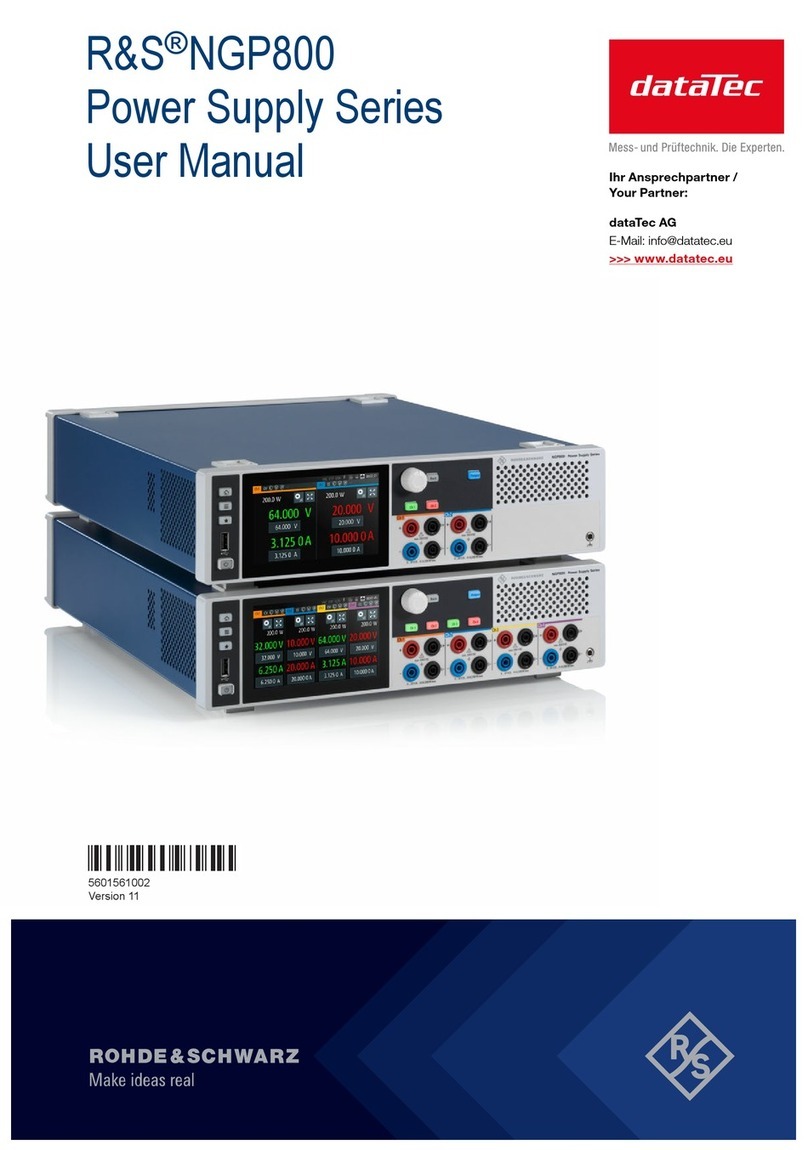
R&S®NGP800
4User Manual 5601.5610.02 ─ 02
5.2.1 Using Gestures............................................................................................................. 33
5.2.2 Accessing Functionality in the Home Window.............................................................. 34
5.2.2.1 Settings Button..............................................................................................................34
5.2.2.2 Voltage and Current Inputs........................................................................................... 35
5.2.2.3 Expand/Collapse Button................................................................................................35
5.2.3 Input Data......................................................................................................................36
5.3 Front Panel Keys.........................................................................................................37
5.3.1 Menu Controls...............................................................................................................37
5.3.1.1 Home Key..................................................................................................................... 37
5.3.1.2 Settings Key.................................................................................................................. 37
5.3.1.3 User Key....................................................................................................................... 40
5.3.2 Navigation Controls.......................................................................................................40
5.3.3 Output and Channel Controls........................................................................................41
5.4 Output Power Auto Ranging...................................................................................... 41
5.5 Operation Modes.........................................................................................................42
6 Instrument Functions.......................................................................... 43
6.1 Setting the Channels Voltage and Current............................................................... 43
6.2 Activating the Channels Output................................................................................ 44
6.2.1 Output........................................................................................................................... 45
6.2.1.1 Delay............................................................................................................................. 45
6.2.1.2 Remote Sense.............................................................................................................. 47
6.3 Analog Input................................................................................................................ 48
6.4 Protection.................................................................................................................... 49
6.4.1 Over Current Protection (OCP)..................................................................................... 50
6.4.2 Over Voltage Protection (OVP)..................................................................................... 50
6.4.3 Over Power Protection (OPP)....................................................................................... 51
6.4.4 Safety Limits..................................................................................................................52
6.5 Tracking Function....................................................................................................... 52
6.6 Digital Trigger I/O........................................................................................................ 53
6.7 Advanced Features..................................................................................................... 57
6.7.1 Arbitrary.........................................................................................................................57
6.7.1.1 Arbitrary Editor.............................................................................................................. 59
6.7.2 Ramp.............................................................................................................................60