OVEN LIGHT AND PANEL LIGHT (Some Models)
To turn the oven light on and off, push the Oven Light
switch on the control panel. See page 21 for additional
information.
Some models have a fluorescent panel light. Turn this light
on and off with the panel light switch on the backguard.
See page 18 for more information.
OVEN VENT
When the oven is on. heated air moves through a vent in or
below the backguard. On the cooktop, this hot air may
make pot handles hot or melt plastic thinqs left too near
the vent.
The vent is needed for proper air flow in the oven and good
bakina results. Do not block
this vent. Doina so mav cause
cooking failure, fire or damage lo the range.- .
OVEN VE.NT AREA
FOLDING OvaK (Some Models) %
Some models have one folding oven rack. This enables You
to easily store away on of the racks. It is recommended that
You use the folding rack in the
lower position when using
both racks.
NEW OVEN ODOR
During the first baking and broiling cycles in your oven,
there may be some odor. This is normal and is caused by
the heating of new parts and insulation. The odor will go
away within a short time. A vent fan or other ventilation will
help to clear the air.
MOISTURE
As your oven heats up, the heat mixing with the cooler air
In the oven may cause water droplets on the door or door
glass.
To
prevent this, open the oven door for the first
minute of oven heat up to let the moist air out.
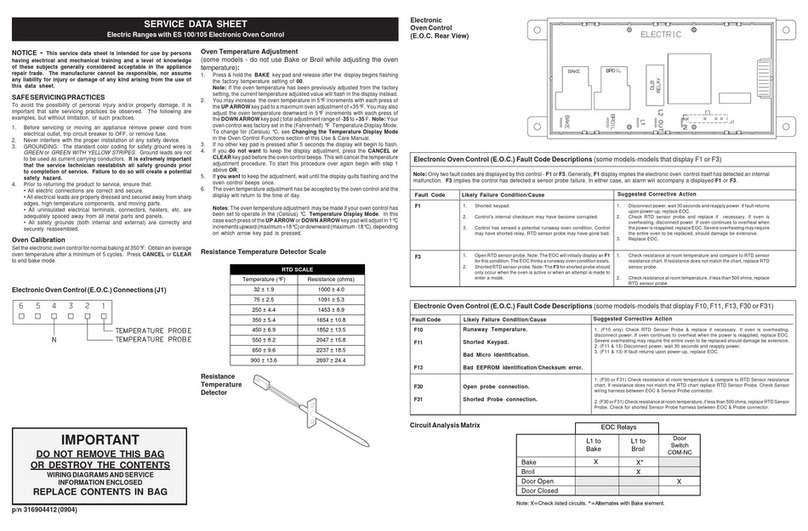
ADJUSTING OVEN TEMPERATURE
The temperature in your new oven has been set correctly
at the factory, so be sure to follow the recipe temperatures
and times the first few times you bake in your new oven.
If you think the oven should be hotter or cooler, you
cap
adjust the temperature yourself. To decide how much to
chanae the temperature. set the temoerature 25F” hiaher
or lo&r than the temperature in you’r recipe, then bake.
The result of this “test” should give you an idea of how
much the temperature should be changed.
TO ADJUST THE TEMPERATURE:
Push the BAKE button
Select a temperature between 500°F and 550°F with the
SET knob.
Quickly (within two seconds, before the BAKE function
energizes) push and hold the BAKE button. The
display will change to the amount of degrees dif-
ference between the original factory temperature set-
ting and the current temperature setting. If the oven
temperature has never been adjusted, the display will
read 00.
Turn the SET knob to adjust oven temperature.The
temperature can be adjusted up to 35F” hotter or 35F”
cooler, in 5F” steps. A minus sign(-) before the
number means that the oven will be cooler by
displayed amount of degrees.
When you have made the desired adjustment, push
any button to go back to the time of day display or use
your oven as you would normally.
Note: The self clean cycle temperature will not
be changed
by the adjustments described above.