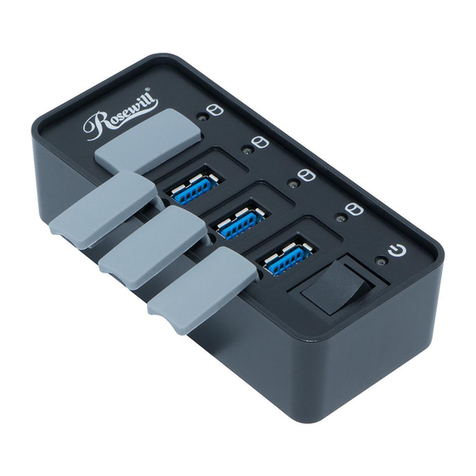
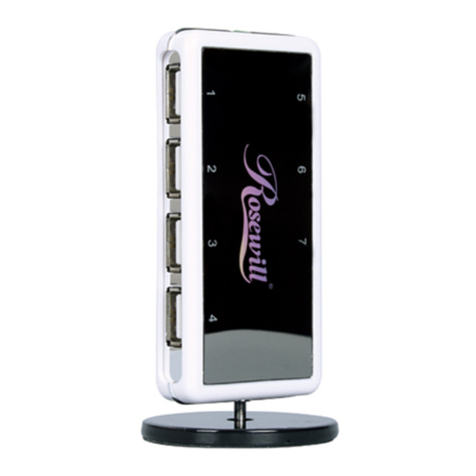
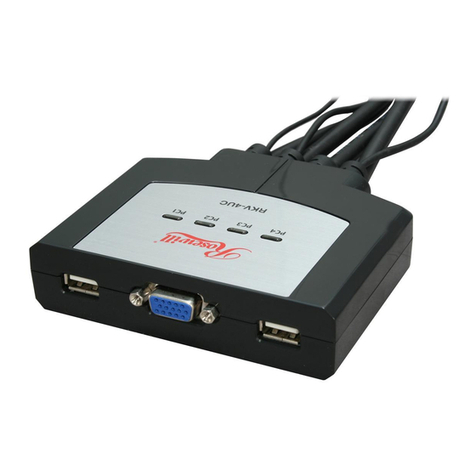
USB 2.0 7 PORT HUB RHUB300 User Manual
2
Features
zUSB 1.1 and 2.0 Compliant
zFully Backward Compatible with USB 1.1
zUp to 480 Mbps (Megabits-Per-Second) Data Transfer Rate
z40 Times Faster Than The USB 1.1
zSeven Independent, Fully Functional, Downstream Ports
zHot Swappable Plug-n-Play
z7 USB Type A Ports
zPower & USB enabled indicator LED
zNo device drivers required for Hub installation
zPC Power Management
zPower Adapter (Not Included) : DC 5V/2A
System Requirements
PC
zWindows® 98SE, 2000, ME, XP
zUSB 2.0 Compliant System
Mac
zMac OS 8.6 to 9.x®, Mac OS X or greater
zUSB 2.0 Compliant System
Front Panel LED Indications
LED Status Description
POWER ON Lights up when the USB 2.0 Hub is receiving power from the power source at the correct
current level
USB Activity ON Lights up when connecting the USB 2.0 Hub to the computer’s USB port
Hardware Installation
1. Plug the Hi-Speed USB 2.0 Cable (Type B end) into the upstream port on the Hi-Speed USB 2.0 Hub.
2. Plug the Hi-Speed USB 2.0 Cable (Type A end) into your computer’s Hi-Speed USB 2.0 Port.
Important Note : The Hub must be connected to a USB 2.0-compliant host in order to function in high-speed mode
(480Mbps data rate). If connected to a USB 1.1-compliant host, the Hub will operate only in low or full-speed
mode(15/12Mbps)
3. Upon powering up your computer, the USB 2.0 hub will be recognized by the computer’s operating system.
4. Once complete, you are ready to plug all peripheral devices into your new USB 2.0 Hub.
Specification
Ports 7 Type A USB ports
Power Mode Self or Bus Powered,
Output voltage(per port) +5V DC
Output voltage(per port) 500mA (max.)
Operating Temperature 5~40 oC
Storage Temperature -20-60 oC
Humidity 0~80% RH
Thank you for purchasing a quality Rosewill Product.
Please register your product at : www.rosewill.com for complete warranty information and future support for your product.