Rotronic AG
Bassersdorf, Switzerland
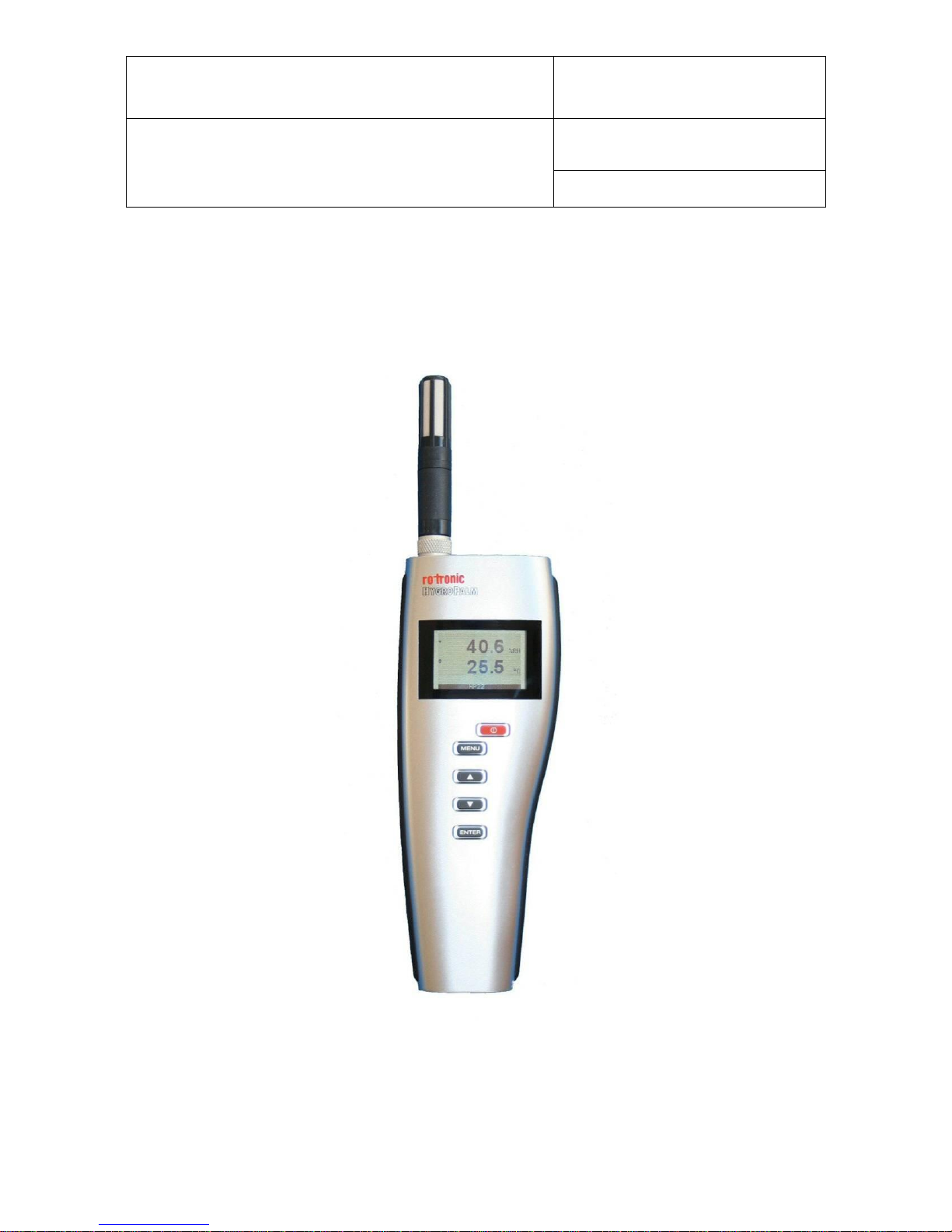
HygroPalm HP22 hand-held indicator:
User Guide
© 2009-2010; Rotronic AG E-M-HP22-V1_21
Table of contents
1Overview ..................................................................................................................................................3
2General description.................................................................................................................................3
2.1 Power supply.........................................................................................................................................3
2.2 Measured parameters...........................................................................................................................3
2.3 Calculated parameters..........................................................................................................................3
2.4 Service connector..................................................................................................................................4
3User configurable settings and functions.............................................................................................4
3.1 Function overview .................................................................................................................................4
3.2 Factory default settings.........................................................................................................................5
3.3 Interaction between the HP22 and probe functions...............................................................................7
4Operation .................................................................................................................................................8
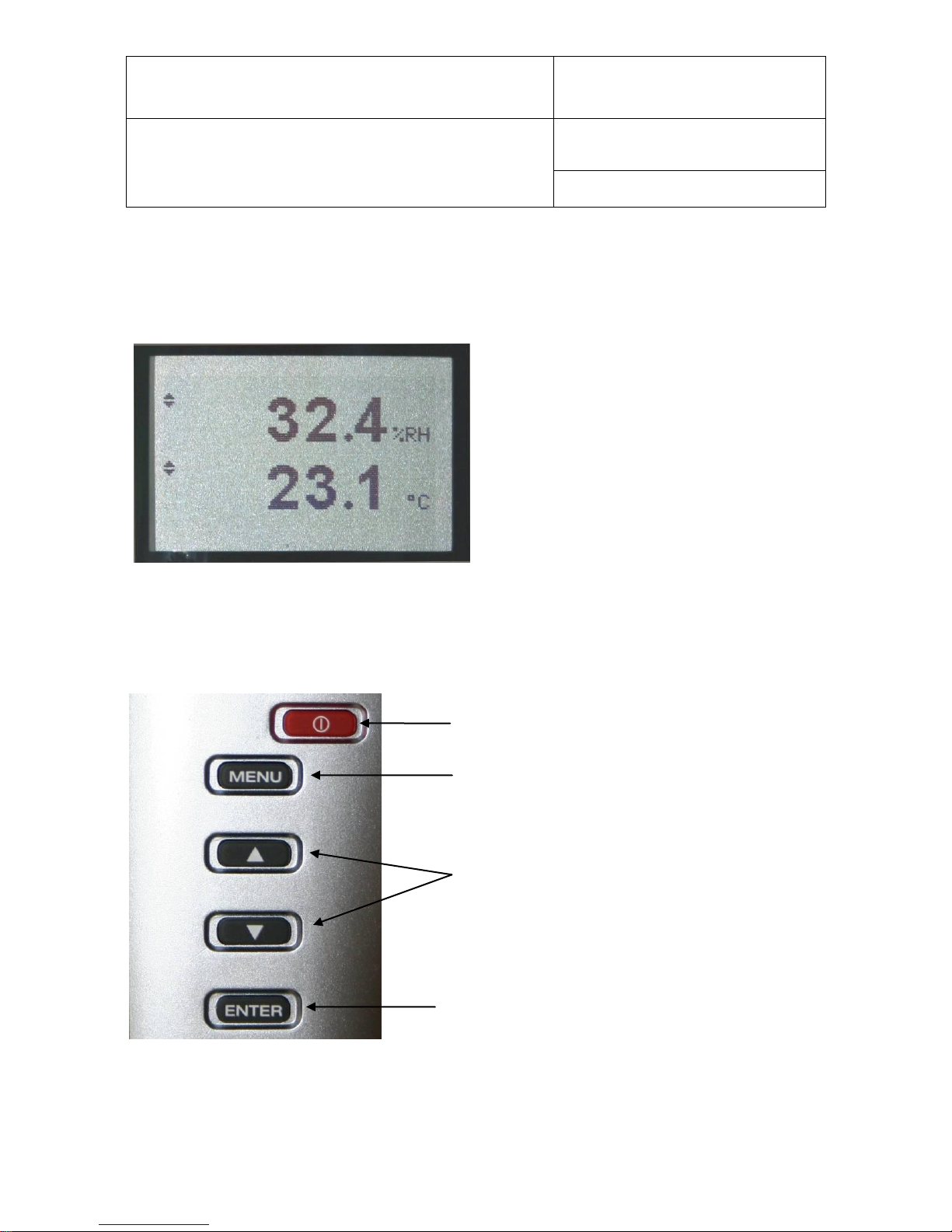
4.1 Display ..................................................................................................................................................8
4.2 Keypad..................................................................................................................................................8
4.3 Internal menu ........................................................................................................................................9
4.4 Changing the parameters shown on the display .................................................................................10
4.5 Changing the unit system....................................................................................................................10
4.6 Low battery indicator...........................................................................................................................10
4.7 Practical advice for measuring humidity..............................................................................................10
5Maintenance...........................................................................................................................................11
5.1 Replacing the battery ..........................................................................................................................11
5.2 Service cable.......................................................................................................................................11
5.3 Location of the service connector (mini USB type)..............................................................................11
5.4 Periodic calibration check of the probe................................................................................................12
5.5 Cleaning or replacing the probe dust filter...........................................................................................13
6Firmware updates..................................................................................................................................13
7Technical data .......................................................................................................................................14
7.1 Specifications......................................................................................................................................14
7.2 Dew point accuracy.............................................................................................................................15
8Accessories ...........................................................................................................................................15
9Supporting documents.........................................................................................................................15
10 Document releases................................................................................................................................16