8
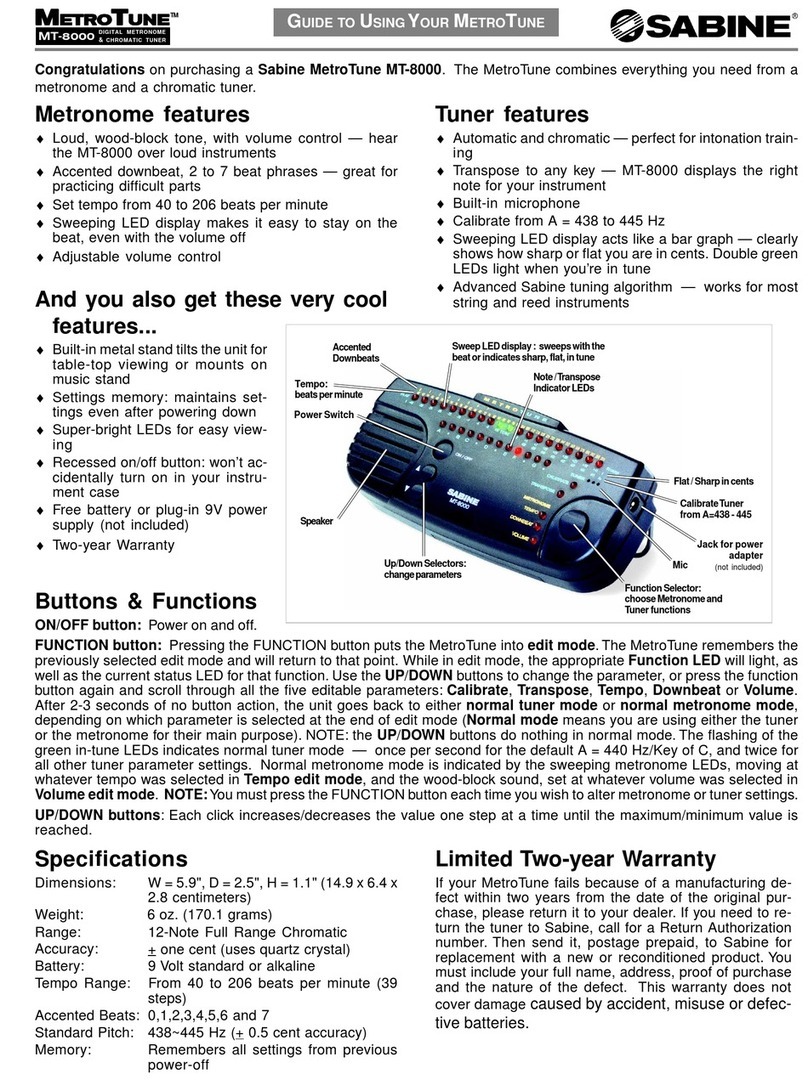
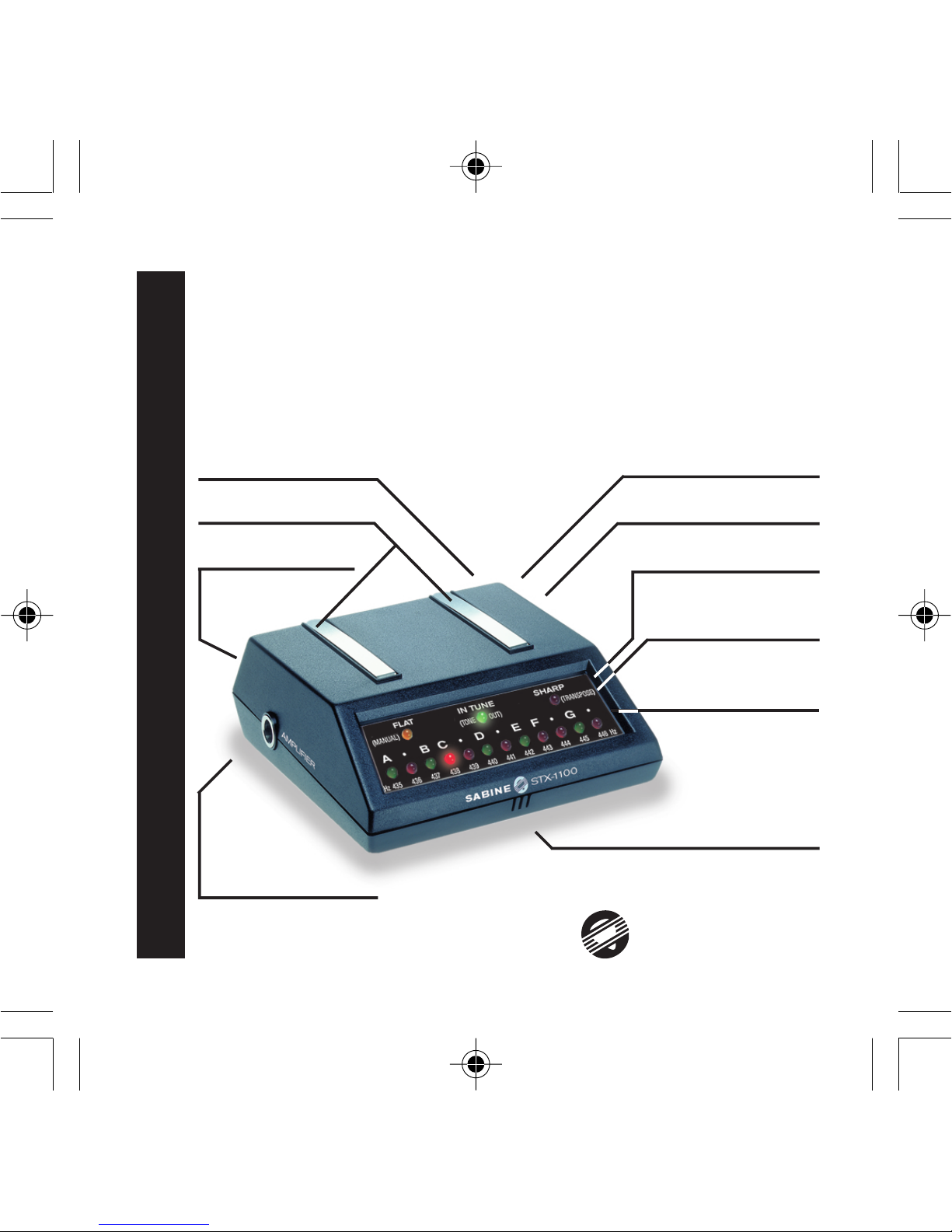
Example: First, plug the tuner into an amplifier. If you wish to hear a “C”
note, press the function button for three seconds until the MANUAL/
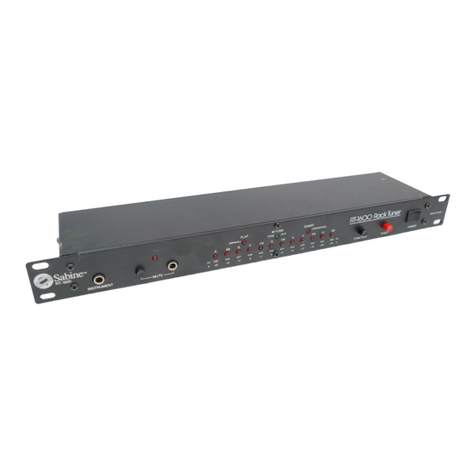
FLAT, TONE OUT/IN TUNE and TRANSPOSE/SHARP LEDs light in
sequence. Press the FUNCTION button when the TONE OUT LED is lit.
Now the “A” LED on the bottom will light and an “A” will sound through
the amplifier. Each time you press the FUNCTION button, the pitch will
raise one-half tone. Press the FUNCTION button three times to gener-
ate a “C” note. You may stop the tone generator simply by turning the
tuner OFF and back ON. You may play your electric instrument through
the tuner while in TONE mode. You will hear your instrument and the
reference pitch at the same time so that you can match the tones pre-
cisely. The volume control on your instrument will act as the volume
control of the tone generator also.
Transpose
The can be transposed to any key. This is especially useful if you are
using a fretted instrument with a capo or if your instrument is not tuned in
the key of “C” such as a B-Flat trumpet or E-Flat Alto Sax.
Example: If you wish to transpose the tuner for use with a B-Flat trum-
pet, press the function button for three seconds until the MANUAL/FLAT,
TONE OUT/IN TUNE and TRANSPOSE/SHARP LEDs begin to light in
sequence. Next, press the function button again when the LED that cor-
responds to TRANSPOSE is lit. Now, the twelve note indicator LEDs will
light in sequence. Press the function button when “A#” (which is the
same as B-Flat) is lit. The tuner’s internal scale is now shifted down
one-half step so that a “C” played on the trumpet will register “C” on the
tuner, not B-Flat as before transposing. To return to standard “C” tuning,
simply slide the power switch to OFF and then back ON.