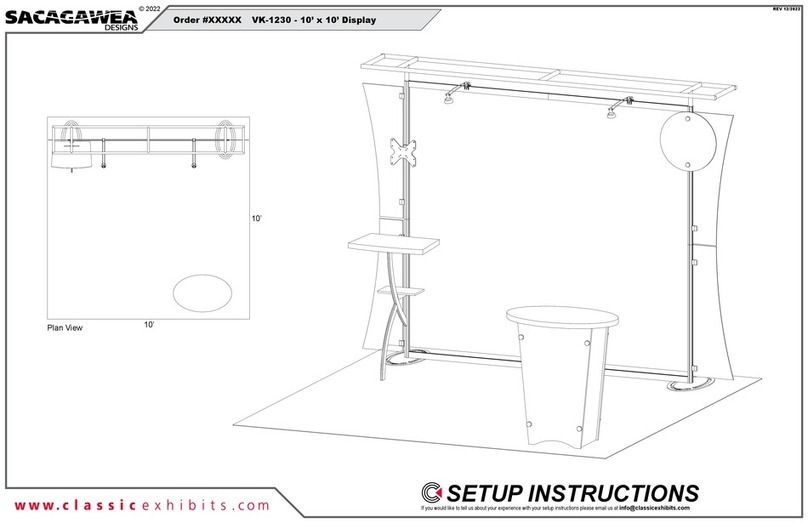
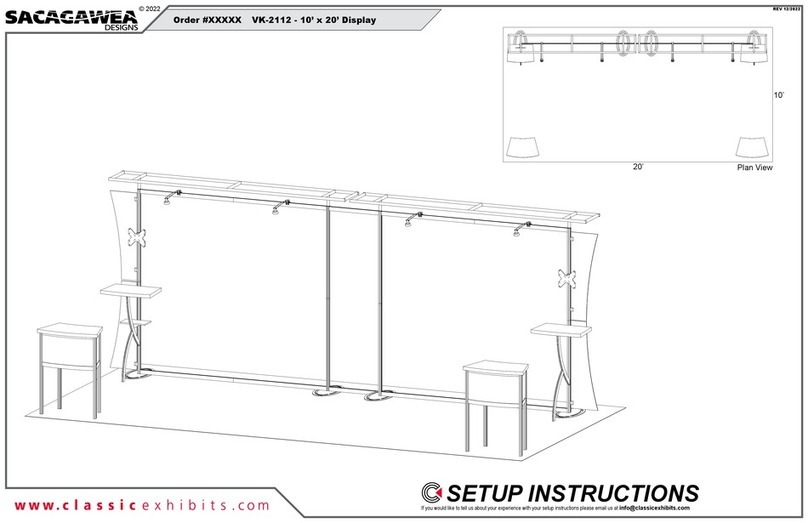
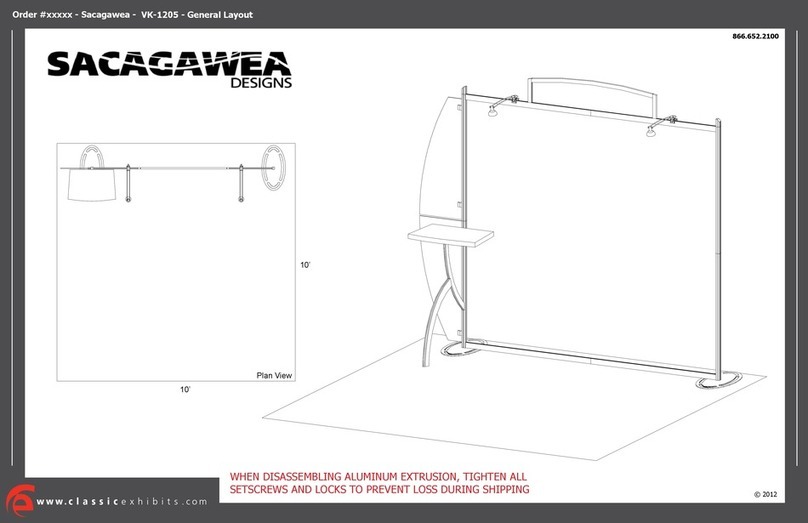
© 2022
Step 2 of 2
Order #XXXXX
Locked layer contains
placeholder marks.
Item
7/8/9
10
10A
11
11A
Description
Header Frame
30.2” Curved Extrusion
Support Leg
12.184” Horizontal Extrusion
Counter Mounting Plate
Qty.
1/1/1
2
2
2
2
Keep header
frame assembled,
when packing.
7
8
9
Clamp
3B
3A
2B
2A
Wing
Wing
Wing
Wing
*
*
*
Knob
Set Screw
Connector
1) Slide connector of clamp
into extrusion groove.
2) Tighten set screw when
A10 is in desired location.
3) Insert wing into clamp.
4) Tighten knob on clamp
to secure wing in place.
Clamp Attachment
A10 Clamp
Keep A10 clamps
attached to verticals.
*
Connector
Graphic Attachment
Cap
Sign
Standoff
Slide connector into groove of extrusion.
Tighten set screws to secure in place.
Screw standoff into connector. Place
graphic between standoff and cap then
tighten cap to secure sign.
Keep curved extrusion [10]
& horizontal [11] assembled.
Steps:
1) Connect lights to top horizontal extrusions [5A/5B]. See Light Connection detail.
2) Attach assembled Header Frame and connect graphic.
3) Attach extrusions [10/11] to verticals [2A] & [3A]. Attach Shelf between [10] & [2A].
4) Attach support legs [10A] to curved extrusions [10].
5) Attach flange plates [11A] to top of curved extrusions [10], using bolts.
6) Attach counter tops to counter mounting plates [11A]. See Counter Top Attachment detail.
7) Route power cords for wireless chargers under counter top to power source.
8) Attach wings to A10 clamps. See Clamp Attachment detail.
9) Attach monitor mount to vertical [2B]. See Monitor Mount Attachment detail.
10) Attach graphic to vertical extrusion [3B]. See Graphic Attachment detail.
FRONT VIEW
*
Slide light onto clip then lock clip
into groove of horizontal extrusion.
Clip
Light
Light Connection
Clip
Light
Horizontal Extrusion
Velcro on extrusions
must face to BACK of
assembled Header.
Monitor Mount Attachment
Connectors
V4
Connectors
*
Slide V4 Connectors into groove
of Extrusion. Tighten Set Screws
to secure connectors in place.
Attach Monitor Mount back
piece to Extrusion, using bolts.
Then slide monitor mount into
back piece.
Bolts
Monitor
Mount
Back
Piece
11A
10
10A
11
Screw
Shelf
11A
10
10A
11
Screw
Counter Top Attachment
*
Wing Nut
Fixed
Screws
Flange
Plate [11A]
10
11
Counter Top
Attach Flange Plate to Curved Extrusion
[10], using screw. Insert Fixed Screws,
located on underside of Counter, into holes
of Flange Plate. Secure with Wing Nuts.
*
*
Graphic
Backwall Attachments