Page 1 Page 2
Cover
Page 4 Page 5
Page 3
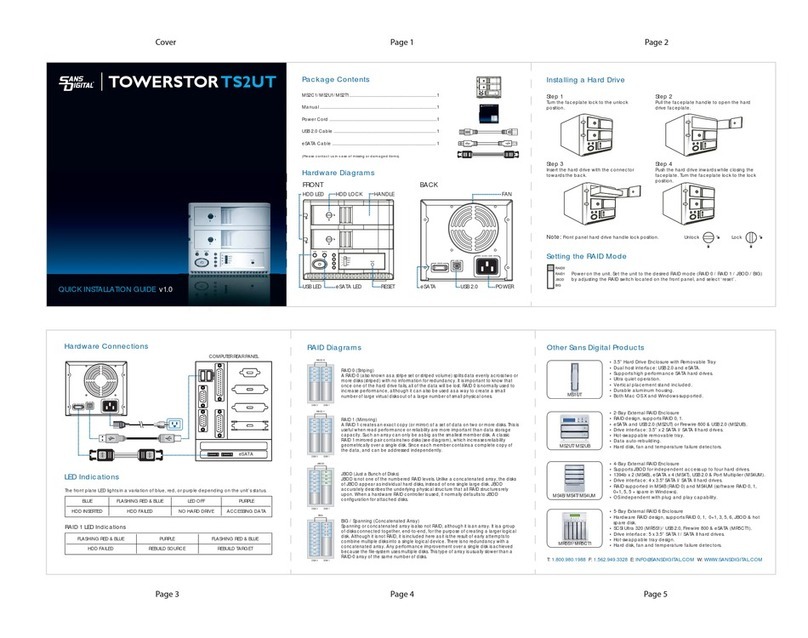
MOBILERAID MR4UT
QUICKINSTALLATION GUIDE v1.0
Hardware Diagrams
Package Contents
MR4UT....................................................................................
Removable Tray...................................................................
Power cord...........................................................................
Screws...................................................................................
Ethernet cable.....................................................................
USB cable..............................................................................
eSATA cable.........................................................................
CD & Quick Installation Guide...........................................
(Please contact Sans Digital in case of missing or damaged items.)
1
4
1
1 set
1
1
1
1
1. Remove the hard drive trays by pushing the white tray tab to the left and releasing the tray handle.
Installing Hard Drives
If the screws are not properly fastened the hard disk may be pushed towards the back of the unit &
the tray handle will not open properly.
2. Install each hard drive by placing them into the hard drive trays and securing them from the bottom
with the included screws.
3. Place the trays back into the unit and lock them in place by pushing the tray handles in.
HOT-SWAPPABLE
HDD TRAYS
POWER LED
HDD ACTIVITY LED
MANAGEMENT
LAN PORT
USB 2.0 PORT
eSATA PORT
POWER SWITCH
HDD FAIL LED
FRONT BACK
To Ethernet for
Remote Management
Computer Rear Panel
USB2.0
1394a
Quick Volume and RAID Setup are the fastest ways to prepare a RAID set and volume
set. You only need a few simple keystrokes to complete. Although disk drives of
different capacities may be used in the RAID set, the MR4UT will use the smallest
capacity of the disk drive as the capacity of all disk drives in the RAID set.
The Quick Volume and RAID Setup option creates a RAID set with the following
properties :
1. All of the physical disk drives are contained in a RAID set.
2. The RAID levels associated with hot spare, capacity, and stripe size are selected
during the configuration process.
3. A single volume set is created and consumes all or a portion of the disk capacity
available in this RAID set.
Quick Volume / RAID Setup
MR4UT Connection Diagram
TOP LED
POWER
192.169.1.100
Sans Digital
ESC ENT
BUSY
A
FAULT
LED DISPLAY
LCD DISPLAY KEYPAD
MN4L+ / MN4L+B
MS2UT+ / MS2UTN+
ES104T+ / ES104T+B
Power On
MR4UT
Ready
Quick Volume and
RAID Set Setup
Password
Total X Disks
RAID 0
RAID 1
RAID 1+0
RAID 0+Spare
RAID 0+1+Spare
RAID 3
RAID 3+Spare
RAID 5
RAID 5+Spare
ENT : > 2TB
ESC : Max. 2TB
Stripe Size
64k Bytes
(ENT)SEL : To Create
(ESC)EXIT : To Abort
(ENT)SEL : FGrnd Init
(ESC)EXIT : BGrnd Init Volume Set # 00
Initialize100.0%
Note.1
Note.2
(Enter)
(Enter)
(Enter)
(Enter)
(Enter)
(Enter)
(Enter)
(Enter)
The MR4UT does not set a default RAID level, please set your desired RAID level after the device boots up.
Note.3
Note.4
Note 1: Default Password: 0000
Note 2: The number of physical drives in a specific RAID set determines the RAID levels
that can be implemented with the RAID set.
Note 3: The 2TB capacity limitation requires OS support. Capacity over 2TB requires GPT disk
under Microsoft Windows operating systems, which includes Windows XP 64 bit, Vista (32bit or
64bit), Server 2003 (32bit or 64bit) and Server 2008 (32bit or 64bit). MAC and Linux supports over
2TB of capacity. If over 2TB capacity is not supported, multiple volumes smaller than 2TB is
required.
Note 4: “FGrnd Init” stands for “Foreground Initialization”, while “BGrnd Init” stands for
“Background initialization”. Foreground initialization allows a faster initialization process, where
the array could not be accessed until the initialization is complete. Background initialization
allows array access while the unit is performing initialization, minimizing data access downtime.
Note 5: Please refer to the enclosed CD for the detail user's manual.
Note 6: For Remote Management the IP address will be displayed in the LCD Display located
on the front of the unit. The default use name is: admin. The default password is: 0000.
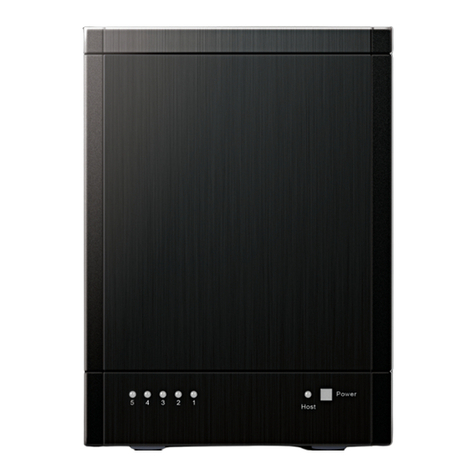
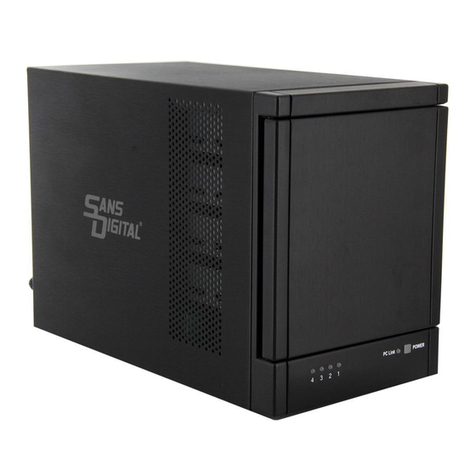
• 2-Bay External RAID Enclosure
• Hardware RAID design, supporting RAID 0, 1, JBOD, BIG, SAFE33, and
SAFE50, witheSATA and USB 2.0 interfaces.
• Drive Interface: 3.5” x 2 SATA I/ SATA II hard drives.
• Hot-swappable removable tray.
• Data auto-rebuilding.
• Hard drive, fan and temperature failure detectors.
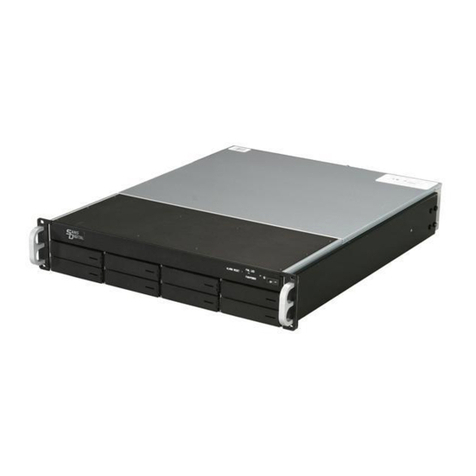
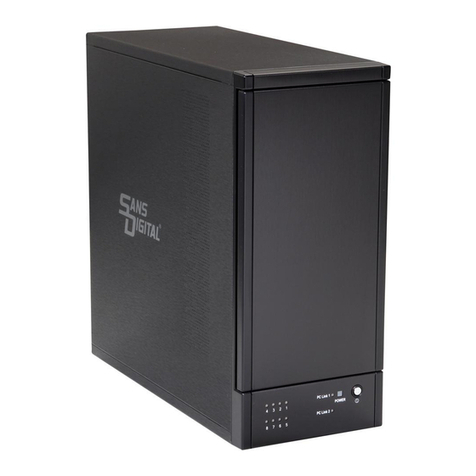
• 8-Bay eSATA RAID Encolsure
• Two eSATA cables supporting up to 8 hard drives using Port Multiplier.
• Creates two sets of RAID 0, 1, 1+0 and 5 with spare supported via
software utilities.
• Cable-less backplane design, supporting SATA I and SATA II HDDs.
• Bundled with 2 port PCIe 1x eSATA card.
• Supports Windows, MAC and Linux.
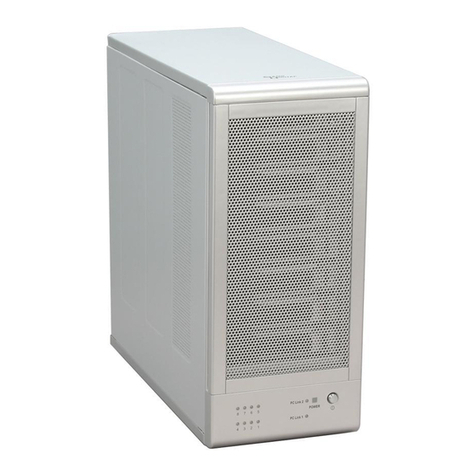
• 4-Bay iSCSI and NAS Enclosure
• Unified storage: simultaneously supports iSCSI IP SAN and NAS.
• Built-in snapshot, folder replication and expansion storage via iSCSI.
• Intel Pentium M CPU, 512MB DDR II with Gigabit Ethernet.
• Supports RAID 0, 1, 1+0, 5 and 6.
• One eSATA, two USB 2.0 & one Firewire 400 exteral hard drive
expansion ports.
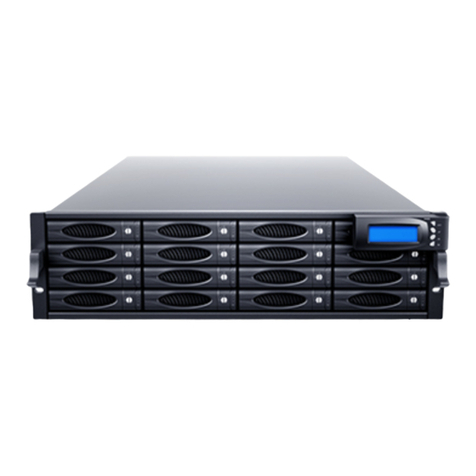
• 4-Bay eSATA JBOD Rackmount
• Supports both SAS and SATA drives within a single enclosure.
• Instantly transformed into RAID units by installing an additional RAID
host adapter.
• Drive interface: 4 x 3.5” SAS I / SATA II hard drives.
• Hot-swappable tray design.
• Hard disk, fan and temperature failure detectors.
Other Sans Digital Products
TR8M-B / TR8M