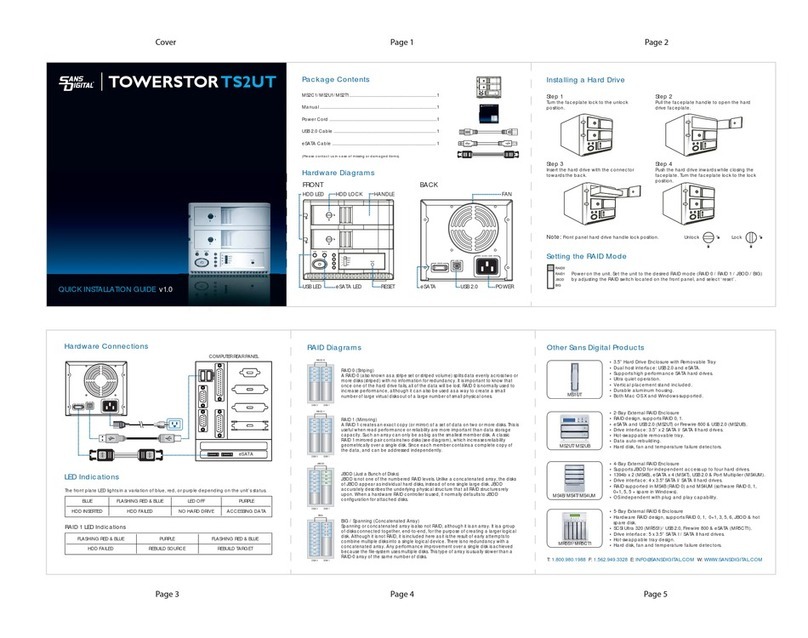
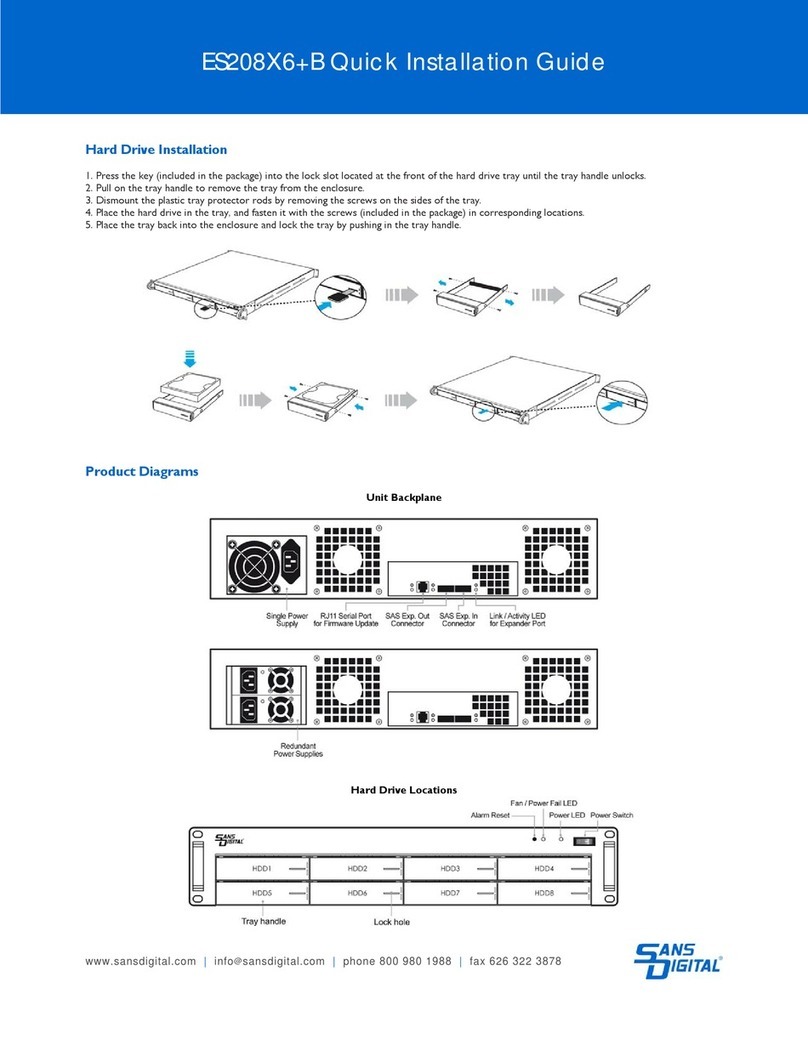
QUICK INSTALLATION GUIDE v1.0
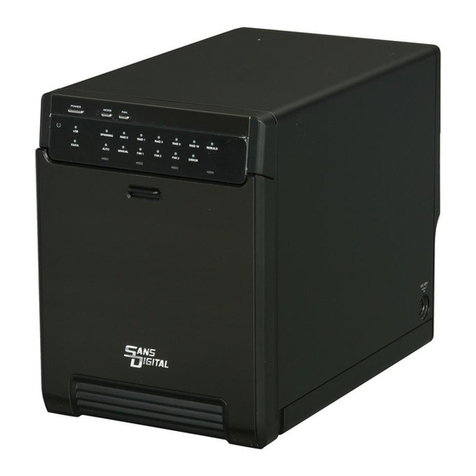
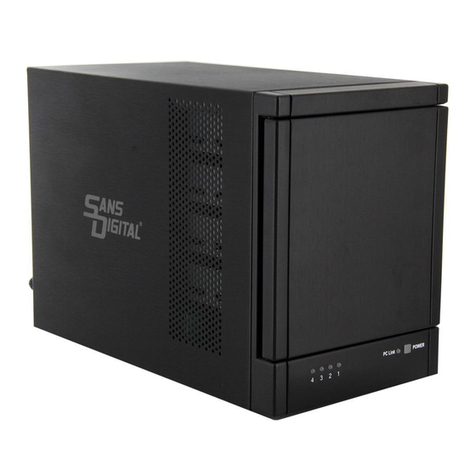
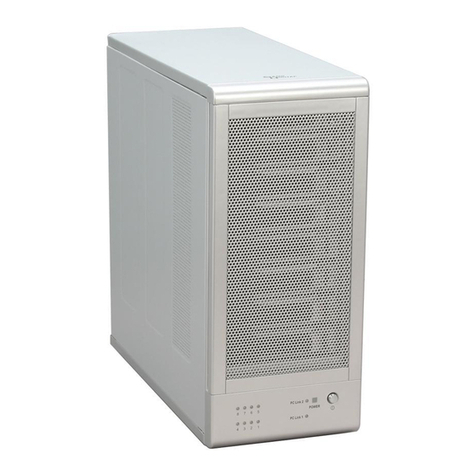
TOWERRAID TR8UT+
(
B
)
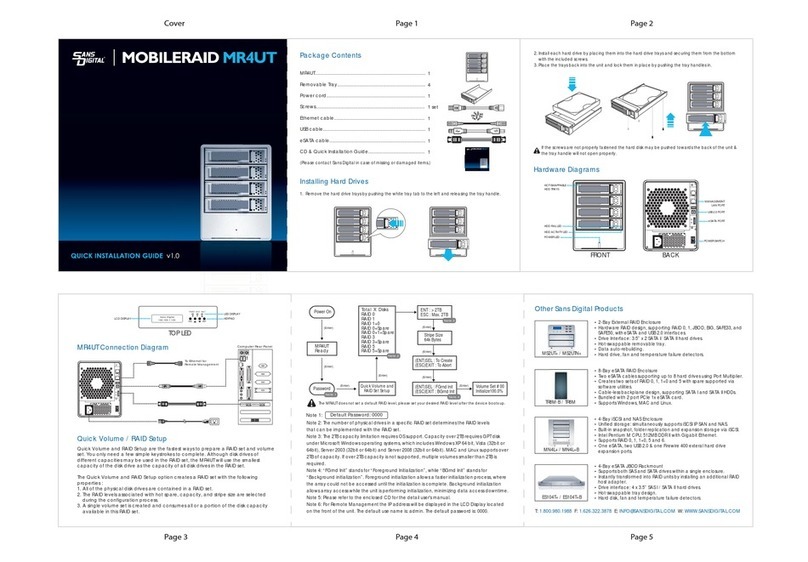
Package Contents
Item Quantity
TR8UT+B / TR8UT+ ................................................................... 1
Removable Tray ..................................................................... 5
Power Cord ............................................................................ 1
USB 3.0 Cable ......................................................................... 1
eSATA Cable .......................................................................... 1
2 Port eSATA PCIe Adaptor .................................................. 1
Screws ..................................................................................... 1 set
Quick Installation Guide........................................................ 1
CD Manual ............................................................................. 1 QUICK
INSTALLATION
GUIDE
Please contact Sans Digital for missing or damaged items.
POWER
PCLink2
87 65
43 21
PCLink1
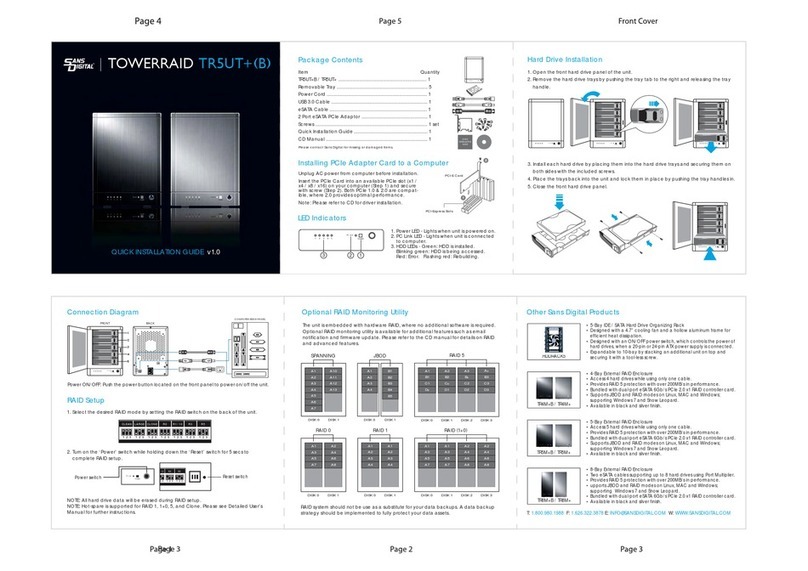
Hard Drive Installation
3. Install each hard drive by placing them into the hard drive trays and securing them on
both sides with the included screws.
4. Place the trays back into the unit and lock them in place by pushing the tray handles in.
5. Close the front hard drive panel.
Hard Drive Installation (Continued)
POWER
PCLink 2
8 7 6 5
4 3 2 1
PCLink 1
POWER
PCLink 2
8 7 6 5
4 3 2 1
PCLink 1
1. Open the front hard drive panel of the unit.
2. Remove the hard drive trays by pushing the tray tab to the right and releasing the
tray handle.
POWER
PCLink 2
8 7 6 5
4 3 2 1
PCLink 1
POWER
PCLink 2
8 7 6 5
4 3 2 1
PCLink 1
LED & Connection Diagrams
POWER
PCLink 2
8 7 6 5
4 3 2 1
PCLink 1
HDD LEDS
HDD 1
HDD 2
HDD 3
HDD 4
HDD 5
HDD 6
HDD 7
HDD 8
1 2 3 4
5 6 7 8
USB 3.0 RAID Switch
eSATA
1. Power LED - Lights when unit is powered on.
2. SYS1, SYS2 - Lights when RAID is ready.
3. HDD LEDs - Green when HDD is installed. Flashes green when HDD is being accessed.
Red when HDD fails. Flashes red when HDD is being rebuilt.
RAID Setup
1. Select the desired RAID mode by setting the RAID switch on the back of the unit.
2. Turn on the ‘Power’ switch while holding down the ‘Reset’ switch for 5 secs to
complete RAID setup.
NOTE: All hard drive data will be erased during RAID setup.
Power switch
POWER
PC Link
Installing PCIe Adapter Card to a Computer
PCI-Express Slots
PCI-E Card
Unplug AC power from computer before installation.
Insert the PCIe Card into an available PCIe slot (x1 /
x4 / x8 / x16) on your computer (Step 1) and secure
with screw (Step 2). Both PCIe 1.0 & 2.0 are compat-
ible, where 2.0 provides optimal performance.
Note: Please refer to CD for driver installation.
LARGE R00 R30 R50 CLEAR
Reset switch
Other Sans Digital Products
Optional RAID Monitoring Utility
The unit is embedded with hardware RAID, where no additional software is required.
Refer to Detail User’s Manual for further RAID instructions.
RAID 5
B1
A1
C1
B2
A2
C2
B3
A3
C3
D1 D2 D3
C
p
B
p
A
p
D
p
DISK 5 DISK 6 DISK 7 DISK 8
RAID 5
B1
A1
C1
B2
A2
C2
B3
A3
C3
D1 D2 D3
C
p
B
p
A
p
D
p
DISK 1 DISK 2 DISK 3 DISK 4
RAID 0
RAID 50
RAID 00
RAID 0
RAID 0
A5
A1
A9
A7
A3
A15
A11
A13
A6
A2
A10
A8
A4
A16
A12
A14
DISK 5 DISK 6 DISK 7 DISK 8
RAID 0
A5
A1
A9
A7
A3
A15
A11
A13
A6
A2
A10
A8
A4
A16
A12
A14
DISK 1 DISK 2 DISK 3 DISK 4
RAID system should not be use as a substitute for your data backups. A data backup
strategy should be implemented to fully protect your data assets.
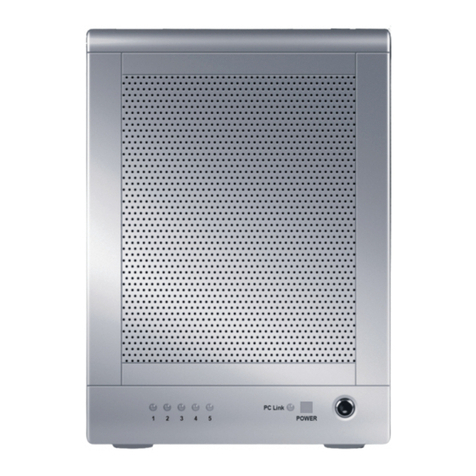
• 5-Bay IDE / SATA Hard Drive Organizing Rack
• Designed with a 4.7” cooling fan and a hollow aluminum frame for
efficient heat dissipation.
• Designed with an ON/OFF power switch, which controls the power of
hard drives, when a 20-pin or 24-pin ATX power supply is connected.
• Expandable to 10-bay by stacking an additional unit on top and
securing it with a tool-less screw.
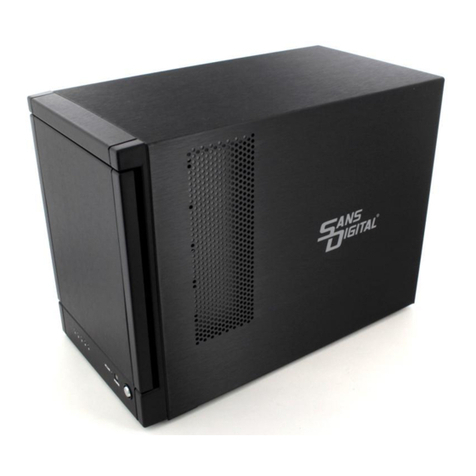
• 4-Bay External RAID Enclosure
• Access 4 hard drives while using only one cable.
• Provides RAID 5 protection with over 200MB/s in performance.
• Bundled with dual-port eSATA 6Gb/s PCIe 2.0 x1 RAID controller card.
• Supports JBOD and RAID modes on Linux, MAC and Windows;
supporting Windows 7 and Snow Leopard.
• Available in black and silver finish.
• 5-Bay External RAID Enclosure
• Access 5 hard drives while using only one cable.
• Provides RAID 5 protection with over 200MB/s in performance.
• Bundled with dual-port eSATA 6Gb/s PCIe 2.0 x1 RAID controller card.
• Supports JBOD and RAID modes on Linux, MAC and Windows;
supporting Windows 7 and Snow Leopard.
• Available in black and silver finish.
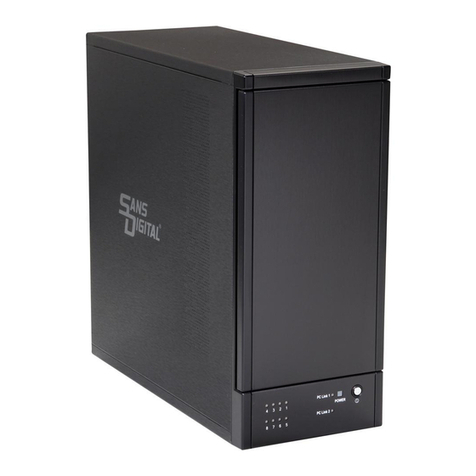
• 8-Bay External RAID Enclosure
• Two eSATA cables supporting up to 8 hard drives using Port Multiplier.
• Provides RAID 5 protection with over 200MB/s in performance.
• upports JBOD and RAID modes on Linux, MAC and Windows;
supporting Windows 7 and Snow Leopard.
• Bundled with dual-port eSATA 6Gb/s PCIe 2.0 x1 RAID controller card.
• Available in black and silver finish.
HDDRACK5
TR5M+B /TR5M+
TR8M+B /TR8M+
TR4M+B / TR4M+