Please read these hints carefully to get the best performance from your
cordless telephone.
Rechargeable battery
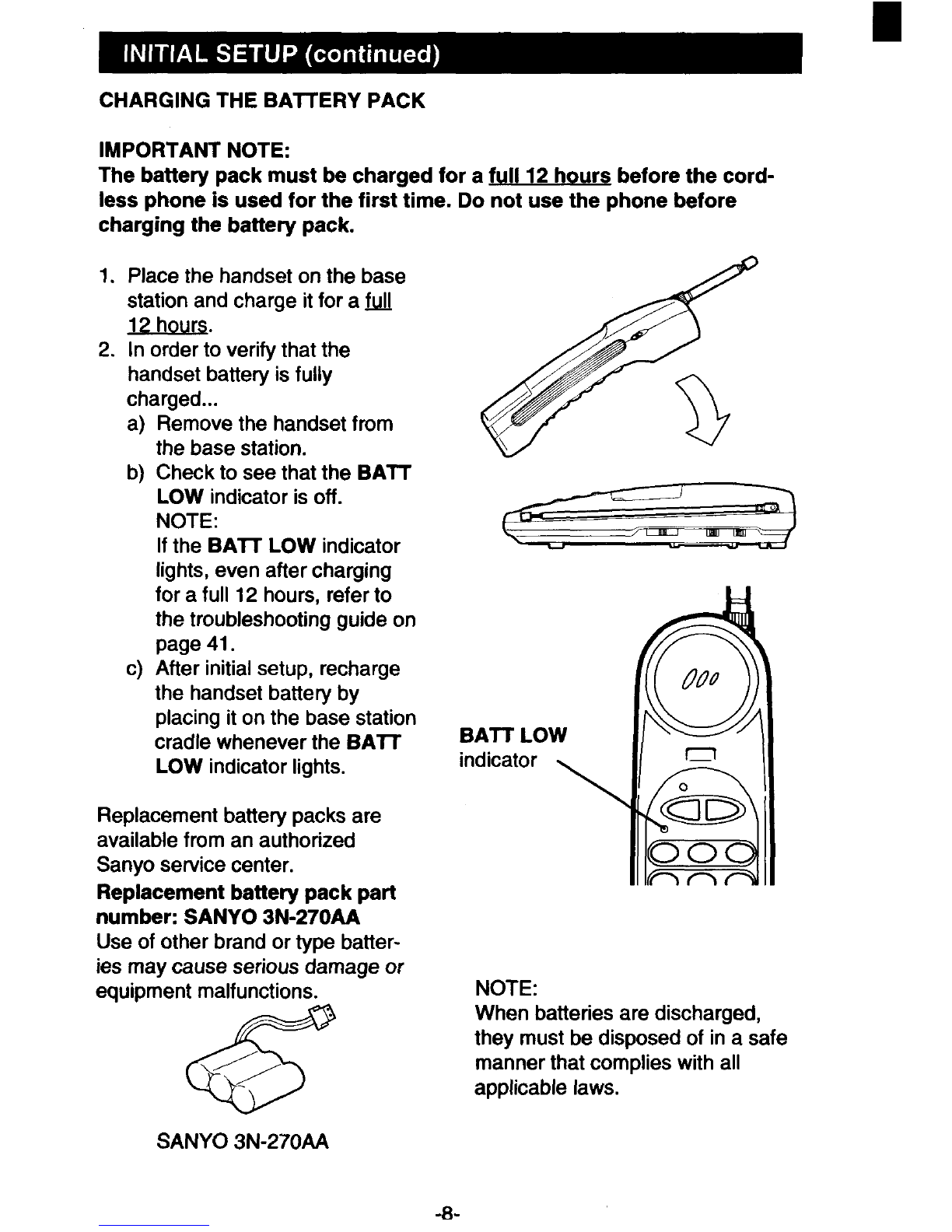
QCharge the rechargeable battery for afull 12 hours before using the
cordless telephone for the first time. (See page 8.)
●Clean the battery charging terminals on the handset and the base station
once amonth by wiping them with asoft cloth moistened lightly with
isopropyl alcohol.
Security code
This cordless telephone has adigital security system with 10 million possible
codes. This system helps to prevent unauthorized use of your telephone line
by another cordless telephone.
If you hear ahigh-pitched beep tone, or no dial tone, this means that the
security code has been lost. If this occurs, reset the security code as de-
scribed on page 11.
●If apower failure occurs, or if the battery is replaced, the security code
must be reset. (See page 11.)
Operating range
The operating range may vary depending on the operating conditions,
location and distance between the base station and the handset. For the
best possible performance, locate the base station in the highest room
feasible in your home or office, and as close to the centre of the desired
operating area as possible.
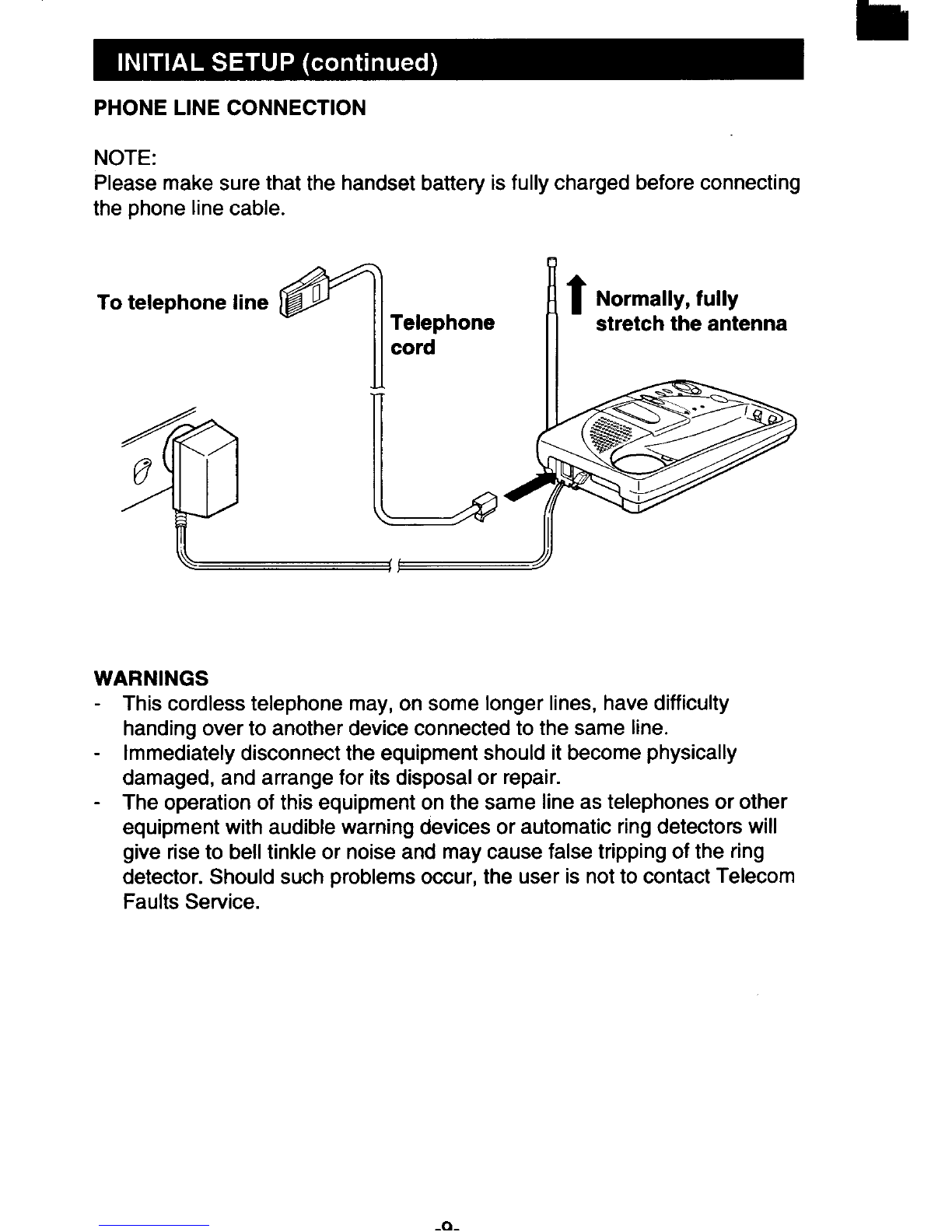
For the best performance under normal operating conditions, extend the
base station antenna fully.
Since cordless telephones use radio frequencies for communication, certain
obstacles between the base station and the handset may reduce the operat-
ing range.
The following are some examples.
-Concrete walls
-Tile walls (typically used in bathrooms)
-Large metal objects (such as refrigerators, metal cabinets, etc.)
-Metal shielding inside of walls
-Metal fences
-Objects which obstruct radio frequencies
NOTE: If you are beyond the operating range of the telephone, the END
button or SCAN button does not operate properfy. If this occurs, move closer
to the base station and try again.