-8-
GOTO
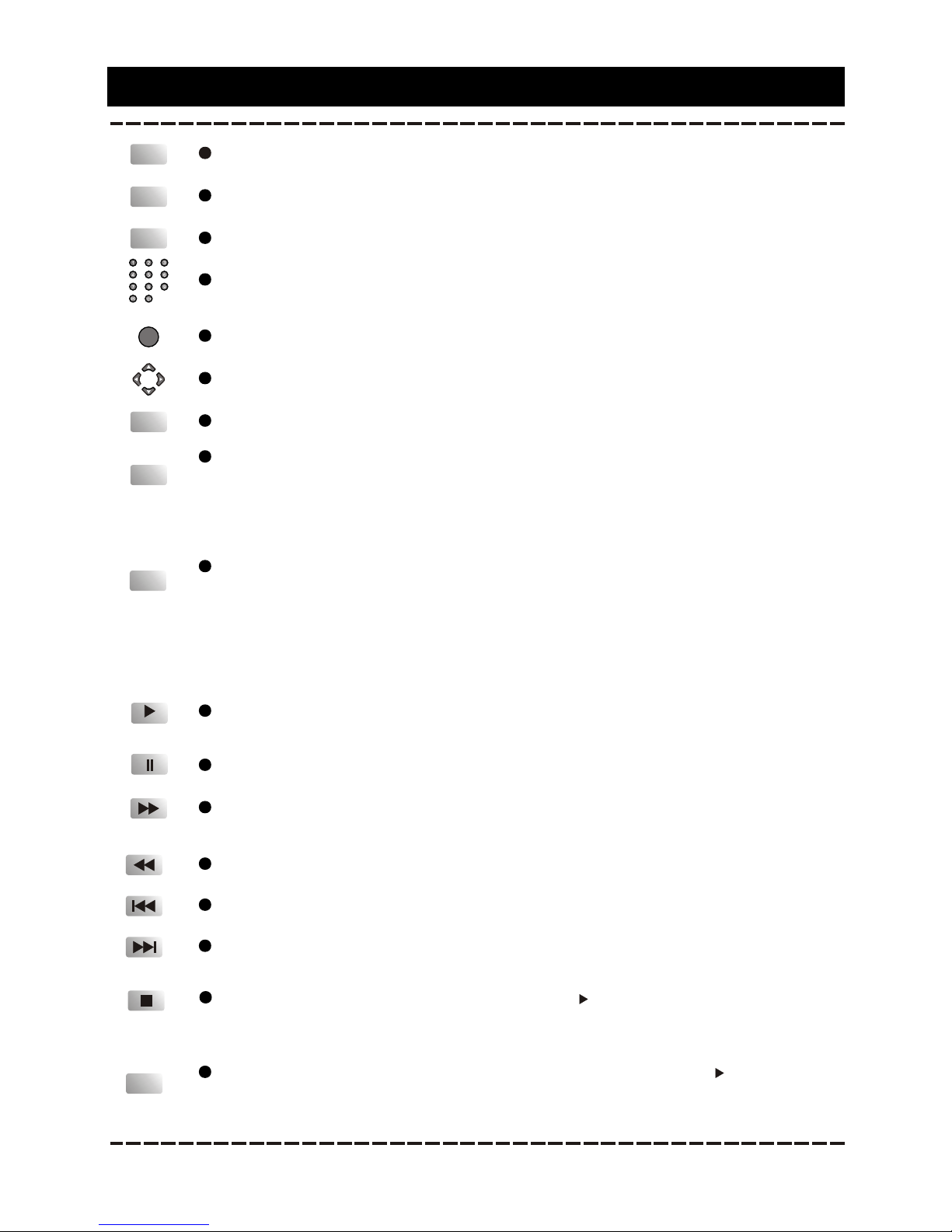
Press to enteran item in the menu orto confirm and execute a selection.
The direction keyscan be used to move thehighlight in the menu.
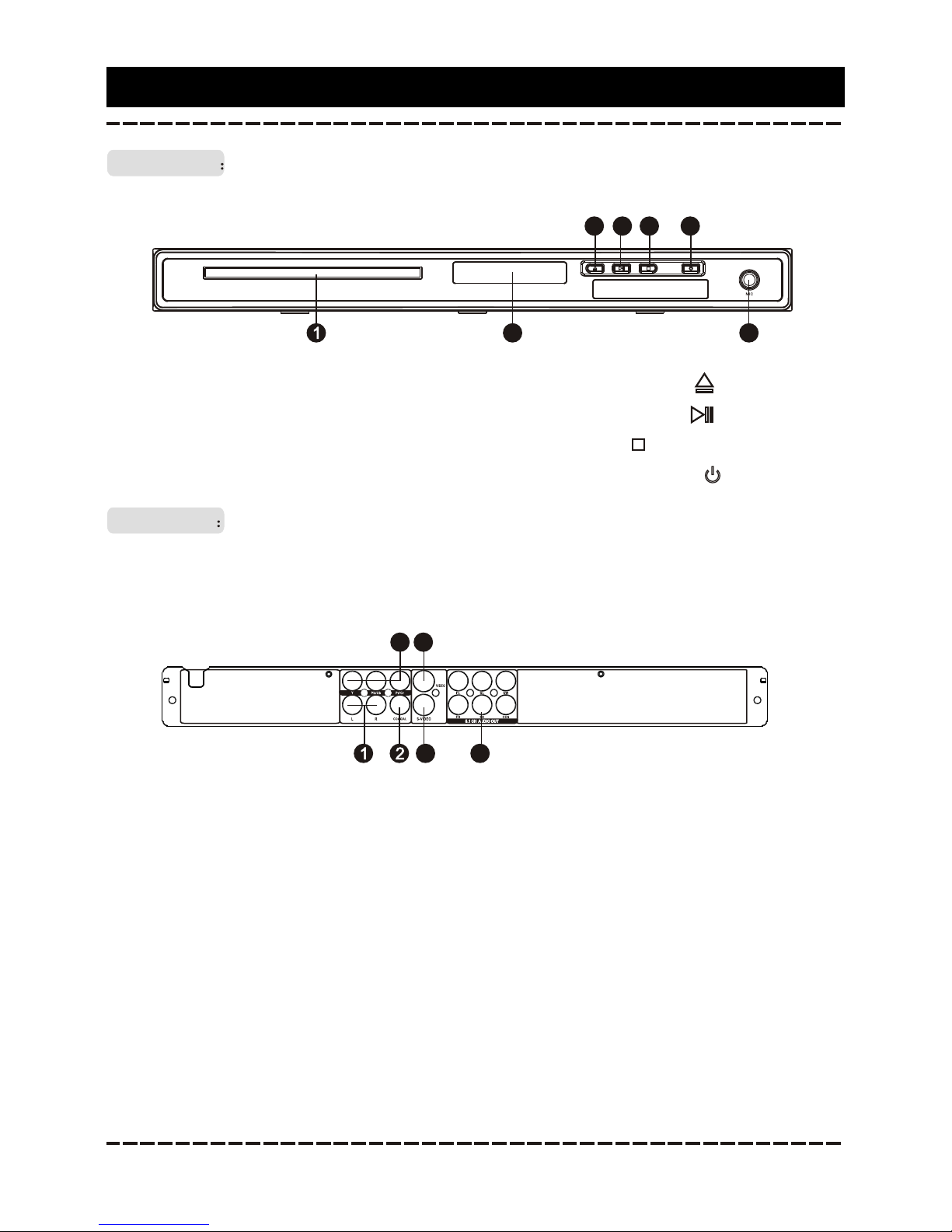
Press to open/close the disc tray.
OPEN/CLOSE
SETUP
Press to enter/exitthe setup menu.
The digit keyscan be used to input numbersor make selection of a trackor a
chapter, etc.
During playback, pressto enter the GOTO menu. In the menu, use the
direction key [UP]/[DOWN]to select a setting item andpress [ENTER] to enter
the editing state,then with the digit keys inputa specific track, disc time, track
time, chapter,title, chapter time or title timeto go to directly. Press it again to
exit the GOTO menu.
Press this buttonto enter/exit the program menu withwhich you can playback
the contents ofa disc in your desired order.
In the programmenu, use the direction keys anddigit keys to make a program
list, then movethe highlight on START and press [ENTER]to start program
playback.
During program playback,press [PROG] to enter the programmenu. Now,
STOP is highlighted. Press[ENTER] to cancel the current programplayback.
PROG
N/P
Press repeatedly toselect a TV type, NTSC, PAL or MULTI.
È·ÈÏ
ENTERENTER
STANDBY/ON
Press to switchon the unit. Press it againto put the unit in standbymode.
Press for fastforward playback. The available speeds are 2X, 4X,8X, 16X and
32X.
Remote control Function
Press to temporarilypause a playback. Press it againto resume the playback.
Press to starta playback or resume the normalplayback from the fast forward,
fast reverse, frame-by-frame,slow-motion playback, etc.
Press to returnto the previous chapter/track.
Press to skipto the next chapter/track.
Fast reverse playback.The available speeds are 2X, 4X, 8X, 16Xand 32X.
STEP
Press it once to pre-stop a playback. Press [ ] to resume the playback from
the pre-stopped status. Press it twice to stop a playback and the disc will be
reset to thestarting point.
Press repeatedly toadvance the video frame by frame.Press [ ] to resume the
normal playback. (Note:Applies to DVD, VCD discs,etc.)