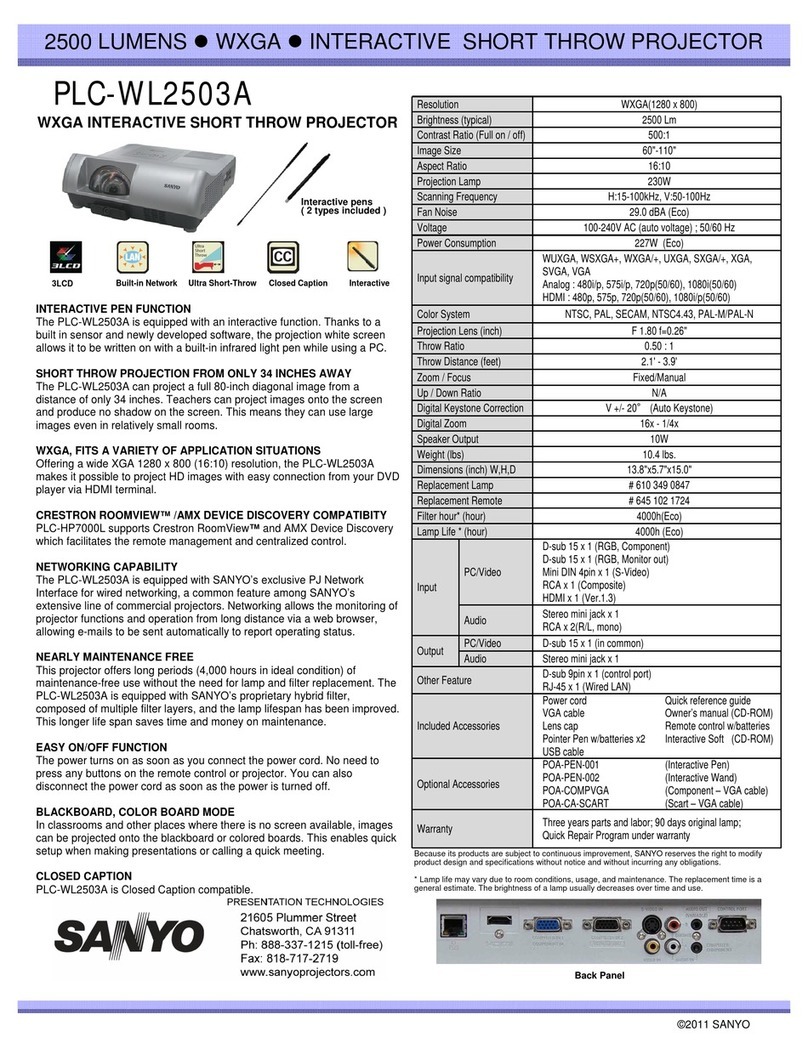
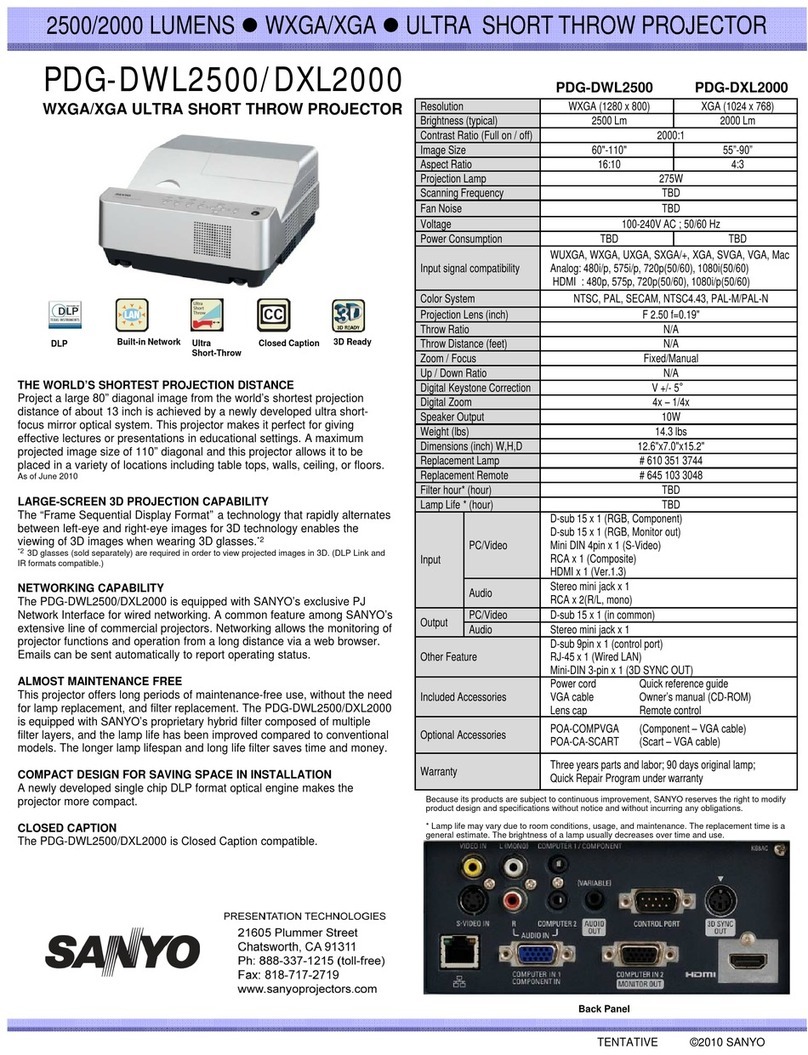
7000 ANSI LUMENS zTRUE XGA zMULTIMEDIA PROJECTOR
Issued 05/09 © 2008 SANYO
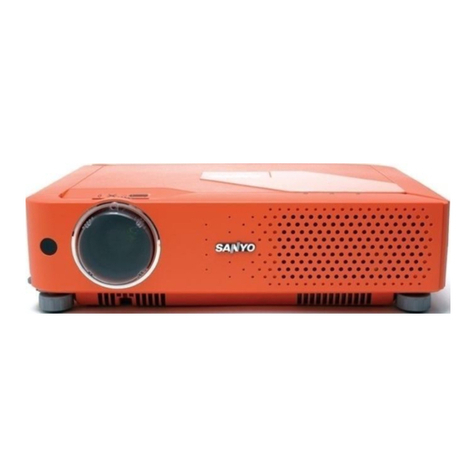
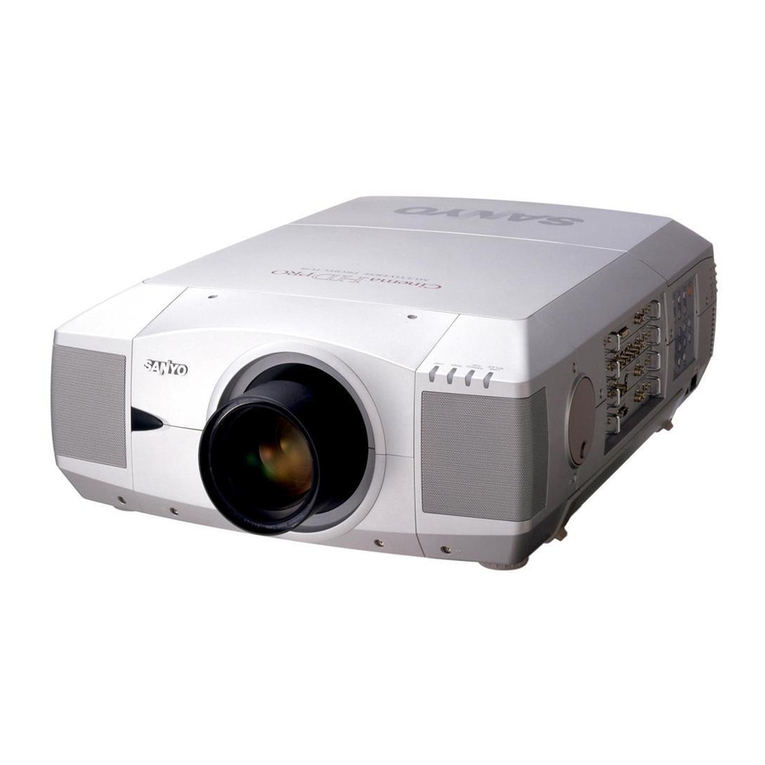
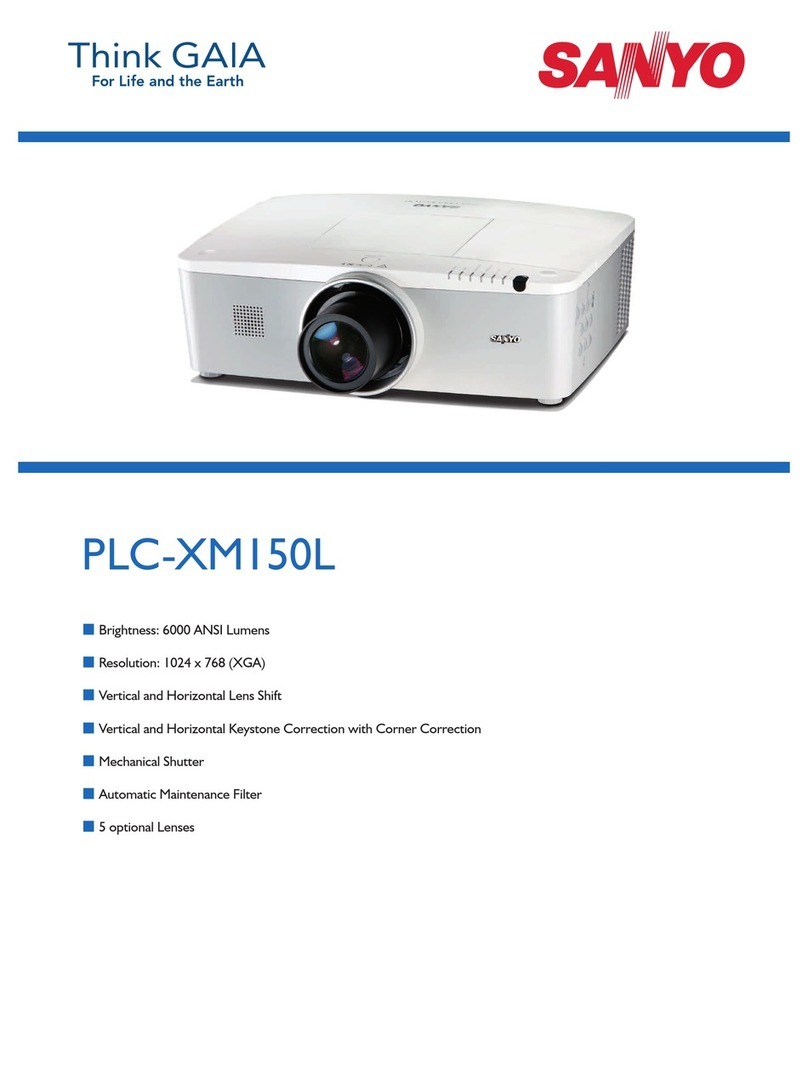
PLC-XP200L
XGA Portable Multimedia Projector
World’s First QuaDrive Optical Engine Allows MoreRich Color Reproduction
SANYO projector engineering introduces their latest LCD Engine, called QuaDrive,
which adds a Color Control Device to traditional 3LCD (red/green/blue) systems. The
first projector to launch this innovative new QuaDrive engine is the PLC-XP200L. The
additional color panel in the QuaDrive optical engine allows the XP200L to
automatically control the amount of yellow light in the image, producing higher
luminosity with improved color accuracy and clarity.
Achieves 7,000 Lumens ofBrightness, the Best in its Class for Brighter Displays
The demand for even brighter projectors continues to come from the field as systems
integrators are asked to install video displays in extremely large venues such as
convention halls, conference rooms, auditoriums and houses of worship. However, as
brightness levels increase on 3LCD projectors, there is a reverse effect in color
reproduction. Colors become noticeably washed out, lacking vibrancy and realism.
SANYO's innovative solution overcomes the limitations of 3LCD technology, opening
the way for new projectors capable of extremely high luminosity without the trade off in
color accuracy. Coupled with the impressive high contrast ratio of 2200:1, the XGA
resolution (1024x768) XP200L is capable of generating clearer, richer and more
beautiful images.
Active Maintenance Filter (AMF) for EasyMaintenance, the Industry’s Longest
Lasting Filter
Minimal maintenance and repair was essential for the XP200L, so it was outfitted with
SANYO’s exclusive Active Maintenance Filter (AMF). AMF is a single filter cartridge
that contains the equivalent of 10 filters, lighting the burden of maintenance. It also has
an airflow sensor to detect when the airflow is obstructed by dust. The AMF system
automatically advances a clean section of filter when needed. When the last section of
filter material becomes obstructed an on-screen graphic appears telling the user to
change the cartridge. Each filter lasts approximately 10,000 hours with a cartridge
lifecycle of about 2 years the filters are easy to replace due to the side loading access
on the projector. To further increase reliability and performance, the PLC-XP200L uses
SANYO's unique Durable Inorganic Optical System (DIOS).
Network Connectivity
An optional PJ-Net Camera (POA-PN03C) and PJ Master Software (POA-PJNM01)
allow for control and administration of multiple projectors via a network. The user can
monitor the actual picture and check projector status and control projector functions via
any web browser. A warning notification will be automatically sent to the registered.
users’ emails whenever the projector encounters problems.
Build in Mechanical Shutter
To prevent light from entering the presenter’s eyes when in front of the projected
image, a special mechanical shutter has been included behind the lens, open/close
controllable with the remote control, which will temporarily darken the screen.
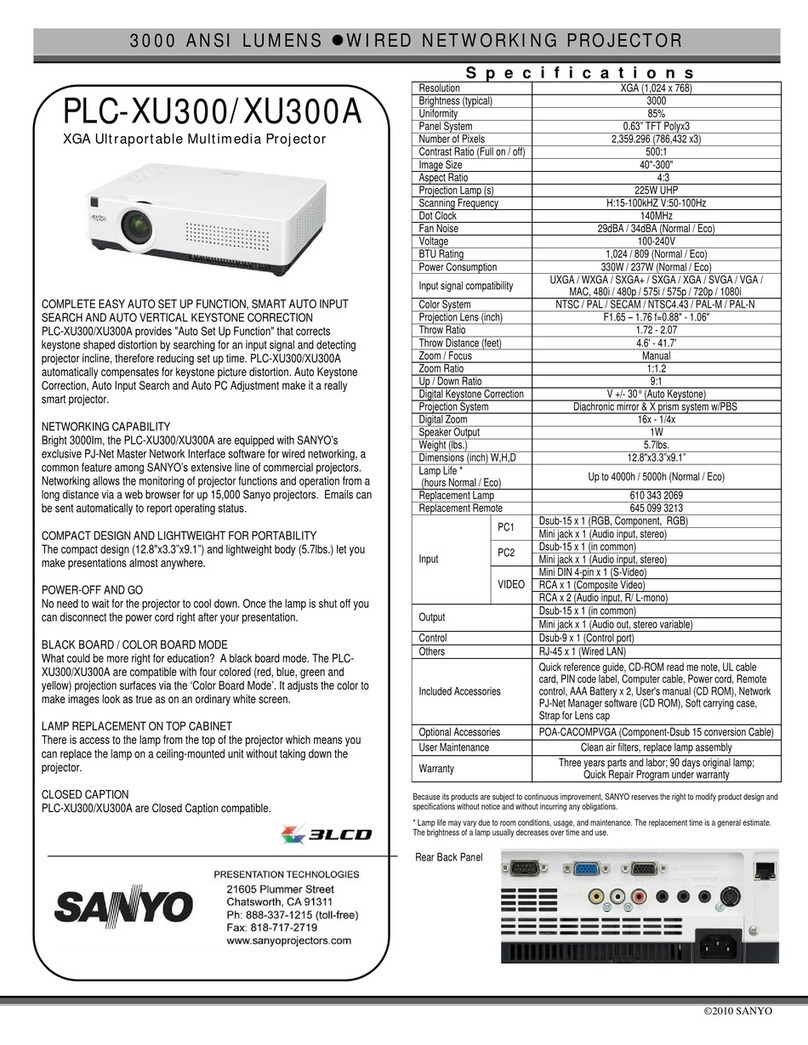
Specifications
Resolution
XGA (1024 x 768)
Brightness (typical)
7000
NSI Lumens
Uniformity
90% (Corner
to Corner)
LCD Panel System
1.3” TFT Poly-Si x 3
/ Color Control x 1
Numbe
of Pixels
2,359,296 (786,432 x 3)
Contrast Ratio
2200:1 (full on/off)
Projection Image (diagonal)
Dependent on Lens
spect Ratio
4:3
Throw Distance
Dependent on Lens
Zoom/Focus
Dependent
on Lens
Power Lens Shift
Up/Down Ratio 10:0
1:1
Left/Right Ratio 3:2 – 2:3 (dependent on lens)
Digital Keystone Correction
Vert. +/- 40°, Horiz. +/- 20°
Projection Lens
Lens Sold Separately
Lens Throw Ratio
Dependent on Lens
Projection Lamp
330W NSHA
Scanning Frequency
H 15-100kHz; V 48-100Hz
Dot Clock
180 MHz
Color System
PAL/PAL-M/PAL-N/SECAM/NTSC/NTSC4.43
Computer Compatibility
UXGA,SXGA+,SXGA,WXGA,XGA,SVGA, VGA,MAC
oltage
100-240V AC; 50/60/Hz (auto sense/select)
BTU Rating
1703
dB Rating
35 dBA
Power Consumption
499W
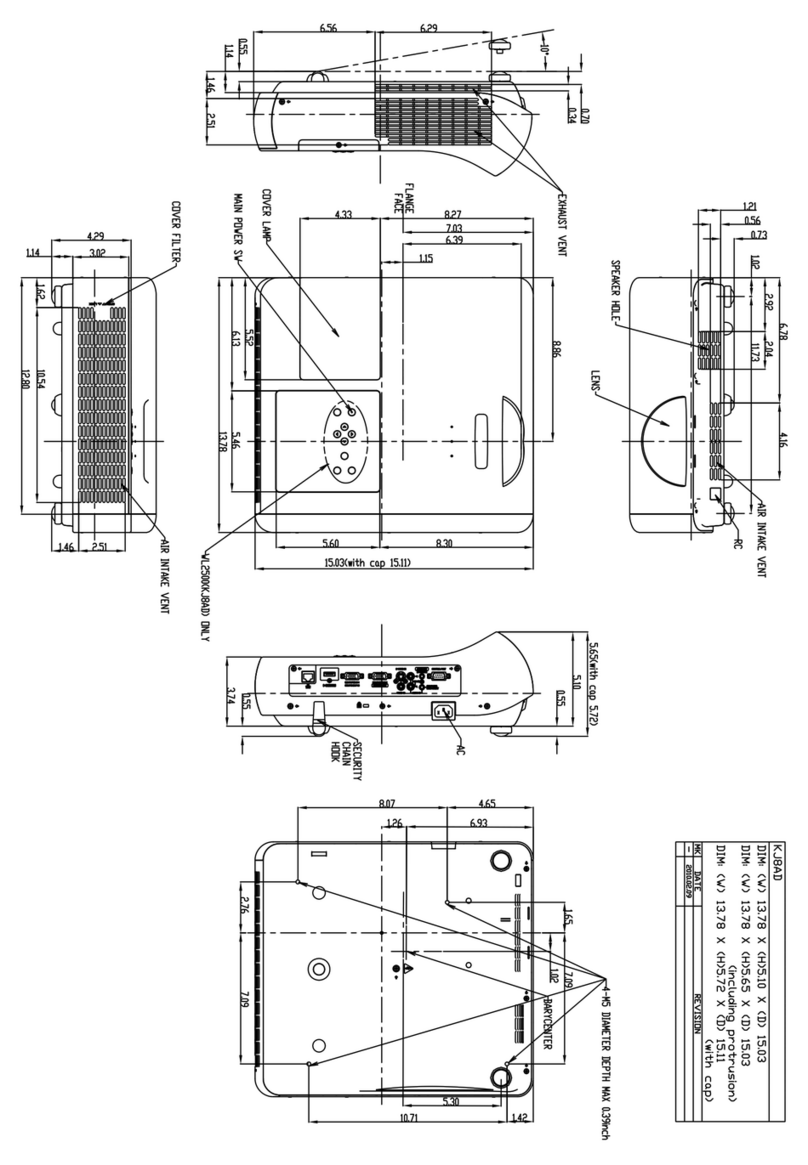
Dimensions (WxHxD)
14.6” x 7.4”
x
17.3”
Net Weight
25.08 lbs
User Maintenance
replace air filter, replace lamp assembly
Input Terminal Panel 1
D-Sub 15 x1 •DVI–D x1 (w/HDCP)
•Audio x 1(Swichable : mini jack)
Input Terminal Panel 2
RGBHV or Composite/Component video (BNC x5)
•Audio x 1(mini jack))
Input Terminal Panel 3
Composite/Component video (RCA x3)
S-Video x1
•Audio x 1(Swichable : mini jack)
dditional Input Terminals
Wired remote control jack x 1 (mini jack)
•USB(type B) x 1 •Control port x 1 (D-sub 9pin)
Output Terminals
D-Sub 15 x 1 •Variable Audio out x 1(mini jack)
Included Accessories
Wired/Wireless I/R Remote control w/Mouse pad
•Owner’s Manual(CD-ROM & quick reference guide)
•Batteries (two “AAA”) •AC Power Cord •VGA Cable
•USB Control Cables •Lens Attachment (POA-LNA03)
Optional Accessories
POA-PN03C - PJ-Net Camera
•POA-PJNM01 - PJ-Master
•Serial Control Cable (POA-MCSRL)
•610 334 3747 - Replacement Filter (POA-FIL131)
•610 341 1941 - Replacement Lamp
•645 097 4069 - Replacement Remote
•Optional Lenses (see below)
Warranty
Three Years Parts and Labor; 90 Days Lamp;
Quick Repair Program Under Warranty
Because its products are subject to continuous improvement, SANYO reserves the right to
modify product design and specifications without notice and without incurring any obligations.
Optional Lens Specifications
On-Axis
Short Fixed Short Zoom Standard
Zoom Long
Zoom Ultra Long
Zoom
Part No. LNS-W32 LNS-W31A LNS-S31 LNS-T31A LNS-T32
Zoom No Power Power Power Power
Throw Ratio 0.8:1 1.3 – 1.8:1 1.8 – 2.3:1 2.3 – 4.2:1 4.2 – 6.0:1
U/D Ratio 1:1 10:0 – 1:1 10:0 – 1:1 10:0 – 1:1 10:0 – 1:1
F Stop 2.5 2.5 – 3.1 1.7 – 2.0 2.0 – 2.9 2.1 – 2.7
Length 6.7” 7.6” 7.4” 8.5” 7.5”
Weight 3.3 lbs. 4.0lbs. 2.9 lbs. 4.0lbs. 3.3 lbs.
21605 Plummer Street
Chatsworth, CA 91311
Ph: 888-337-1215 (toll-free)
Fax 818.717.2719
www.san
opro
ectors.com
PRESENTATION TECHNOLOGIES