logo
Brands
  1. Home
  2. •
  3. Brands
  4. •
  5. Sanyo
  6. •
  7. Security Camera
  8. •
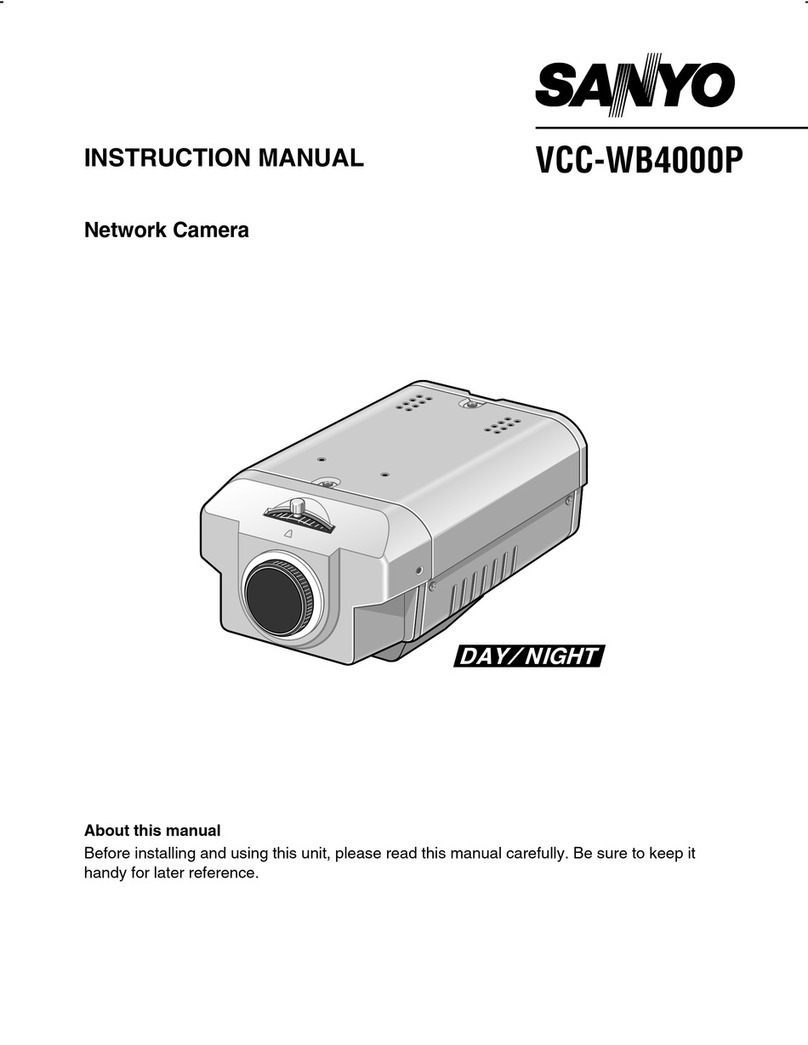
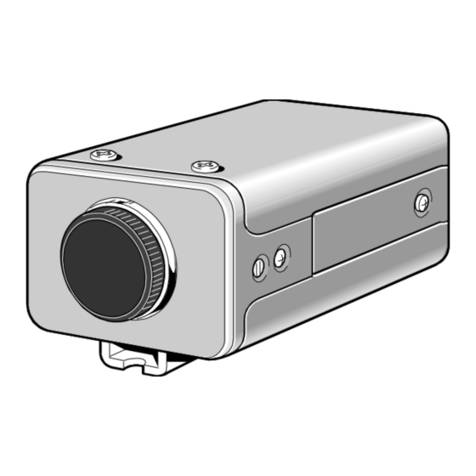
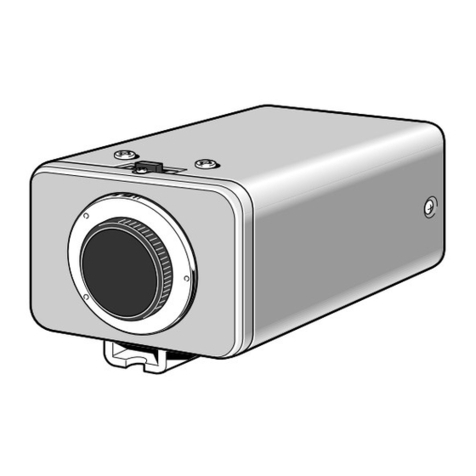
  9. Sanyo VCC-4374 User manual

Sanyo VCC-4374 User manual

Other Sanyo Security Camera manuals

Sanyo VCC-9684VA - 1/4" Color CCD Indoor Mini Dome... User manual

Sanyo

Sanyo VCC-9684VA - 1/4" Color CCD Indoor Mini Dome... User manual

Sanyo VDC-DP7584S - 1/4" Color CCD Vandal-Resistant Dome... User manual

Sanyo

Sanyo VDC-DP7584S - 1/4" Color CCD Vandal-Resistant Dome... User manual

Sanyo VDC-D1785IRVP User manual

Sanyo

Sanyo VDC-D1785IRVP User manual

Sanyo VCC-ZM300P User manual

Sanyo

Sanyo VCC-ZM300P User manual

Sanyo VCC-HD2500 - Full HD 1080p Network Camera User manual

Sanyo

Sanyo VCC-HD2500 - Full HD 1080p Network Camera User manual

Sanyo VCC-9250P User manual

Sanyo

Sanyo VCC-9250P User manual

Sanyo VCC-7912P User manual

Sanyo

Sanyo VCC-7912P User manual

Sanyo VCB-3455P User manual

Sanyo

Sanyo VCB-3455P User manual

Sanyo VCB-7312P User manual

Sanyo

Sanyo VCB-7312P User manual

Sanyo VCB-3312P User manual

Sanyo

Sanyo VCB-3312P User manual

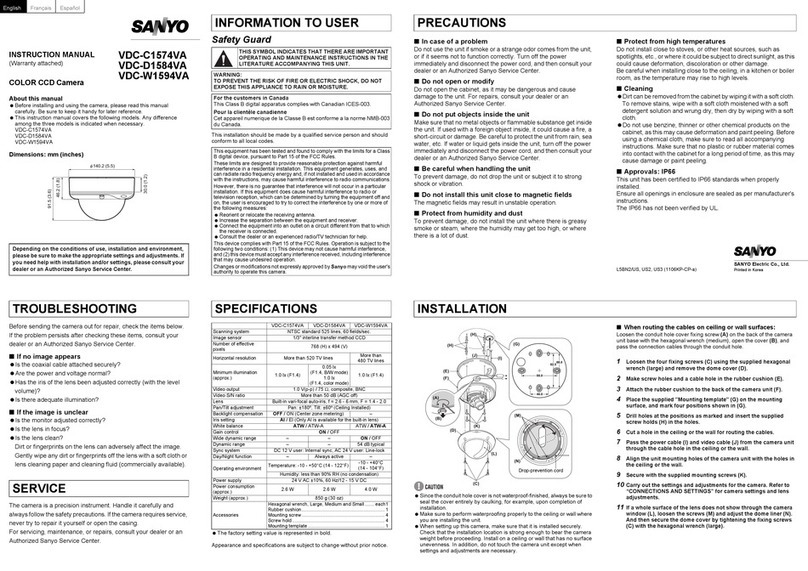
Sanyo VDC-HD3100 - Full HD 1080p Vandal Dome... User manual

Sanyo

Sanyo VDC-HD3100 - Full HD 1080p Vandal Dome... User manual

Sanyo VCC-HD2100 - Full HD 1080p Network Camera User manual

Sanyo

Sanyo VCC-HD2100 - Full HD 1080p Network Camera User manual

Sanyo VCC-4324 User manual

Sanyo

Sanyo VCC-4324 User manual

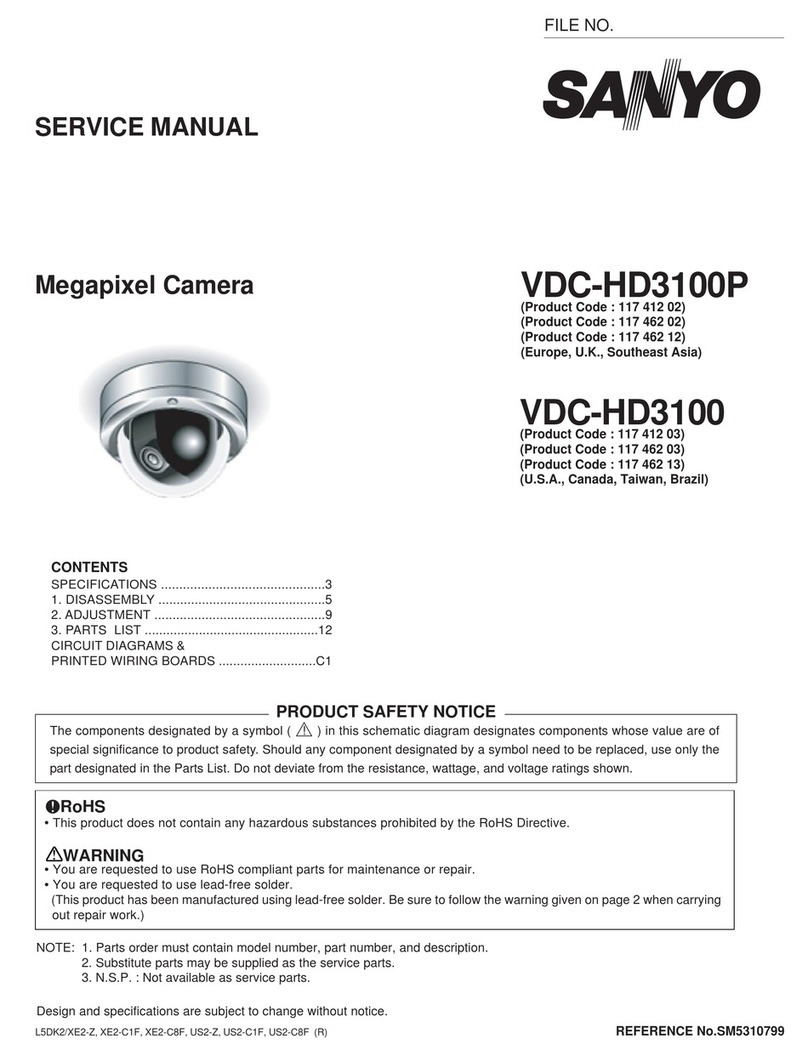
Sanyo VDC-HD3100P/HD3100 User guide

Sanyo

Sanyo VDC-HD3100P/HD3100 User guide

Sanyo VDC-HD3100 - Full HD 1080p Vandal Dome... User manual

Sanyo

Sanyo VDC-HD3100 - Full HD 1080p Vandal Dome... User manual

Sanyo VCC-4795P User manual

Sanyo

Sanyo VCC-4795P User manual

Sanyo VCC-ZM500P User manual

Sanyo

Sanyo VCC-ZM500P User manual

Sanyo VCC-6674 User manual

Sanyo

Sanyo VCC-6674 User manual

Sanyo VCC-HD4000P User manual

Sanyo

Sanyo VCC-HD4000P User manual

Sanyo VCC-P6784 User manual

Sanyo

Sanyo VCC-P6784 User manual

Sanyo VCC-P7574 - 1/4" Color CCD Indoor Mini Dome... User manual

Sanyo

Sanyo VCC-P7574 - 1/4" Color CCD Indoor Mini Dome... User manual

Sanyo VCC-W9875VP User manual

Sanyo

Sanyo VCC-W9875VP User manual

Sanyo VCC-ZM300A User manual

Sanyo

Sanyo VCC-ZM300A User manual

Sanyo VCC-9600 User manual

Sanyo

Sanyo VCC-9600 User manual

Popular Security Camera manuals by other brands

Okina USA SIR36-870VF650LP user manual

Okina USA

Okina USA SIR36-870VF650LP user manual

Divio NDR155PA user manual

Divio

Divio NDR155PA user manual

Easy Access EasyGuard user manual

Easy Access

Easy Access EasyGuard user manual

Vivotek FD9389-EHV-v2 Quick installation guide

Vivotek

Vivotek FD9389-EHV-v2 Quick installation guide

TUYA COSMO W2 manual

TUYA

TUYA COSMO W2 manual

Eusso UNC7500-IR Advanced installation guide

Eusso

Eusso UNC7500-IR Advanced installation guide

urmet domus 1096/204 user manual

urmet domus

urmet domus 1096/204 user manual

VC VC20 series operating manual

VC

VC VC20 series operating manual

Axis Q1614 installation guide

Axis

Axis Q1614 installation guide

ieGeek DD201 manual

ieGeek

ieGeek DD201 manual

VADDIO ClearVIEW HD-USB PTZ 999-6990-000 Installation and user guide

VADDIO

VADDIO ClearVIEW HD-USB PTZ 999-6990-000 Installation and user guide

Vicon V662-D-1 Installation and operation guide

Vicon

Vicon V662-D-1 Installation and operation guide

Grundig GCH-K0274P owner's manual

Grundig

Grundig GCH-K0274P owner's manual

Lorex VANTAGE LBC7032 quick start guide

Lorex

Lorex VANTAGE LBC7032 quick start guide

4xem WPT Specifications

4xem

4xem WPT Specifications

Samsung SCV-3082 Specifications

Samsung

Samsung SCV-3082 Specifications

Vitek VTC-C544 Specifications

Vitek

Vitek VTC-C544 Specifications

Lumens VC-A50PNW installation guide

Lumens

Lumens VC-A50PNW installation guide

https://manuals.online logo
https://manuals.online logoBrands
  • About & Mission
  • Contact us
  • Privacy Policy
  • Terms and Conditions

Copyright 2025 Manuals.Online. All Rights Reserved.

INSTRUCTION MANUAL VCC-4374
COLOR CCD CAMERA
About this manual
Before installing and using the camera, please read this manual
carefully. Be sure to keep it handy for later reference.
L53U4/US GB 1999, 10, 14
SANYO INDUSTRIAL VIDEO
COLOR VIDEO CAMERA LIMITED WARRANTY
OBLIGATIONS
In order to obtain warranty service, the product must be delivered to and picked up from an Authorized Sanyo Service Center at the user’s expense, unless specifically stated otherwise in this warranty. The names and
addresses of Authorized Sanyo Service Centers may be obtained by calling the toll-free number listed below.
For product operation, authorized service center referral, service assistance or problem resolution, call
CUSTOMER INFORMATION 1-800-421-5013
Weekdays 8:30 AM – 5:00 PM Pacific Time
Foraccessoriesand/orparts,call
PARTS ORDER INFORMATION 1-800-726-9662
Weekdays 8:30 AM – 5:00 PM Pacific Time
THIS WARRANTY IS VALID ONLY ON SANYO PRODUCTS PURCHASED OR RENTED IN THE UNITED STATES OF AMERICA, EXCLUDING ALL U.S. TERRITORIES AND PROTECTORATES. THIS WARRANTY APPLIES
ONLY TO THE ORIGINAL RETAIL PURCHASER OR END-USER. THE ORIGINAL DATED BILL OF SALE, SALES SLIP OR RENTAL AGREEMENT MUST BE SUBMITTED TO THE AUTHORIZED SANYO SERVICE CENTER
AT THE TIME WARRANTY SERVICE IS REQUESTED.
Subject to the OBLIGATIONS above and EXCLUSIONS below, SANYO Fisher Company warrants this SANYO product against defects in materials and workmanship for the periods specified below. SFC will repair or
replace (at its option) the product and any of its parts which fail to conform to this warranty. The warranty period commences on the date the product was first purchased or rented at retail.
LABOR PARTS IMAGE DEVICE
3 YEARS 3 YEARS 3 YEARS
EXCLUSIONS
This warranty does not cover (A) the adjustment of customer-operated controls as explained in the appropriate model’s instruction manual, or (B) the repair of any product whose serial number has been altered, defaced
or removed.
This warranty shall not apply to the cabinet or cosmetic parts, batteries or routine maintenance.
This warranty does not apply to uncrating, setup, installation, removal of the product for repair or reinstallation of the product after repair.
This warranty does not apply to repairs or replacements necessitated by any cause beyond the control of SFC including, but not limited to, any malfunction, defect or failure caused by or resulting from unauthorized
service or parts, improper maintenance, operation contrary to furnished instructions, shipping or transit accidents, modification or repair by the user, abuse, misuse, neglect, accident, incorrect power line voltage, fire,
flood or other Acts of God, or normal wear and tear.
The foregoing is in lieu of all other expressed warranties and SFC does not assume or authorize any party to assume for it any other obligation or liability.
SFC DISCLAIMS ALL OTHER WARRANTIES EXPRESS OR IMPLIED, WITH REGARD TO THIS PRODUCT (INCLUDING THE WARRANTIES OF MERCHANTABILITY AND FITNESS). IN NO EVENT SHALL SFC BE LIABLE
FOR ANY SPECIAL, INCIDENTAL OR CONSEQUENTIAL DAMAGES ARISING FROM THE OWNERSHIP OR USE OF THIS PRODUCT OR FOR ANY DELAY IN THE PERFORMANCE OF ITS OBLIGATIONS UNDER THIS
WARRANTY DUE TO CAUSES BEYOND ITS CONTROL. SFC’S LIABILITY FOR ANY AND ALL LOSSES AND DAMAGES RESULTING FROM ANY CAUSE WHATSOEVER, ARISING OUT OF OR IN CONNECTION WITH
THE SALE, USE OR OWNERSHIP OF THIS PRODUCT INCLUDING WARRANTOR’S NEGLIGENCE, ALLEGED DAMAGED OR DEFECTIIVE GOODS, WHETHER SUCH DEFECTS ARE DISCOVERABLE OR LATENT,
SHALL IN NO EVENT EXCEED THE PURCHASE PRICE OF THE PRODUCT.
ATTENTION
For your protection in the event of theft or loss of this product, please fill in the information below for you own personal records.
Model No._____________________________________________________________________ Serial No. _____________________________________________________________________
(Located on back or bottom side of unit.)
Date of Purchase _______________________________________________________________ Purchase Price _________________________________________________________________
Where Purchased _________________________________________________________________________________________________________________________________________________
L53U4/US GB 1999, 10, 14

Depending on the conditions of use, installation and environment,
please be sure to make the appropriate settings and adjustments. If
you need help with installation and/or settings, please consult your
dealer.
CONTENTS
INFORMATION TO USER ....................................................................... 2
PRECAUTIONS........................................................................................ 3
PARTS NAMES........................................................................................ 4
CONCERNING AUTO-IRIS LENSES......................................................... 6
FLANGE-BACK ADJUSTMENT................................................................ 7
MOUNTING THE LENS........................................................................... 8
CONNECTIONS.......................................................................................10
SETTINGS................................................................................................11
TROUBLESHOOTING..............................................................................1
SPECIFICATIONS.....................................................................................16
FEATURES
•The optical filter is switched automatically to color image or black
and white image according to the subject brightness.
•Built in interline transfer method 1/3" CCD, approx. 410,000
picture elements
•Low smear, anti blooming, low lag, no burning and no geometric
distortion using the CCD solid state image device.
•100% solid state components giving excellent immunity to shock
and vibration
•Not subject to interference from magnetic or electrostatic fields
•High sensitivity, minimum required illumination is 0.07 lux (F1.2)
B/W mode
•Horizontal resolution, more than 470 TV lines
•Power supply: 24 V AC operation
ACCESSORIES
1C mount adaptor (5 mm)..........................................................1 pc.
The C mount adaptor must be used to be able to install a C mount
lens on the camera.
2Lens iris plug (4 pin)..................................................................1 pc.
12
L53U4/US GB 1999, 10, 14
English 1
INFORMATION TO USER
Safety Guard
THIS SYMBOL INDICATES THAT THERE ARE
IMPORTANT OPERATING AND MAINTENANCE
INSTRUCTIONS IN THE LITERATURE ACCOMPANYING
THIS UNIT
WARNING:
TO PREVENT THE RISK OF FIRE OR ELECTRIC SHOCK , DO NOT
EXPOSE THIS APPLIANCE TO RAIN OR MOISTURE
This installation should be made by a qualified service person and
should conform to all local codes.
For the customers in Canada
This Class B digital apparatus complies with Canadian ICES 003.
Pour la clientèle canadienne
Cet appareil numerique de la Classe B est conforme a la norme
NMB 003 du Canada.
This equipment has been tested and found to comply with the limits
for a Class B digital device, pursuant to Part 15 of the FCC Rules.
These limits are designed to provide reasonable protection against
harmful interference in a residential installation. This equipment
generates, uses, and can radiate radio frequency energy and, if
not installed and used in accordance with the instructions, may
cause harmful interference to radio communications.
However, there is no guarantee that interference will not occur in
a particular installation. If this equipment does cause harmful
interference to radio or television reception, which can be
determined by turning the equipment off and on, the user is
encouraged to try to correct the interference by one or more of
the following measures:
–Reorient or relocate the receiving antenna.
–Increase the separation between the equipment and receiver.
–Connect the equipment into an outlet on a circuit different
from that to which the receiver is connected.
–Consult the dealer or an experienced radio/TV technician for help.
This device complies with Part 15 of the FCC Rules. Operation is
subject to the following two conditions: (1) This device may not
cause harmful interference, and (2) this device must accept any
interference received, including interference that may cause
undesired operation.
Changes or modifications not expressly approved by Sanyo may
void the user’s authority to operate this camera.
L53U4/US GB 1999, 10, 14
2 English
PRECAUTIONS
In case of problem
Do not use the camera if smoke or a strange odour comes from the
unit, or if it seems not to function correctly. Disconnect the power
cord immediately, and consult your dealer (or a Sanyo Authorized
Service Centre).
Do not open or modify
Do not open the cabinet, as it may be dangerous and cause damage
to the unit. For internal settings and repairs, consult your dealer (or a
Sanyo Authorized Service Centre).
Do not put objects inside the unit
Make sure that no metal objects or flammable substance get inside
the camera. If used with a foreign object inside, it could cause a fire,
short circuits or damages.
If water or a liquid gets inside the camera, disconnect the power cord
immediately, and consult your dealer (or a Sanyo Authorized Service
Centre). Be careful to protect the camera from rain, sea water, etc.
Be careful when handling the unit
To prevent damages, do not drop the camera or subject it to strong
shock or vibration.
Install away from electric or magnetic fields
If installed close to a TV, radio transmitter, magnet, electric motor,
transformer, audio speakers the magnetic field they generate will
distort the image.
Protect from humidity and dust
To prevent damages to the camera, do not install it where there is
greasy smoke or steam, where the dampness may get too high, or
where there is a lot of dust.
Protect from high temperatures
Do not install close to stoves, or other heat generating devices, such
as spotlights, etc., or where it could be subject to direct sunlight, as
that could cause deformation, discoloration or other damages.
Be careful when installing close to the ceiling, in a kitchen or boiler
room, as the temperature may raise to high levels.
Install where the temperature range will stay between –10˚C and
50˚C.
(no condensation)
Cleaning
•Dirt can be removed from the cabinet by wiping it with a soft
cloth. To remove stains, wipe with a soft cloth moistened with a
soft detergent solution and wrung dry, then wipe dry with dry soft
cloth.
•Do not use benzine, thinner or other chemical product on the
cabinet, as that may cause deformation and paint peeling. Before
using a chemical cloth, make sure to read all accompanying
instructions. Make sure that no plastic or rubber material comes in
contact with the cabinet for a long period of time, as that may
cause damage or paint peeling.
L53U4/US GB 1999, 10, 14
English 3
PARTS NAMES
1Power indicator (POWER)
Comes on when the power to the camera is on.
2Video output connector (VIDEO OUT: BNC type)
Connect this connector to a device such as a VCR or monitor with a VIDEO IN connector.
3Manual color/black and white setting terminal (CONTROL)
•G (ground) terminal
•C (color) terminal
•B (black and white) terminal
4Line phase adjustment volume (LINE PHASE)
When using two cameras or more, the image on the monitor may roll vertically when switching sources. This
rolling can be minimized by turning this volume.
524 V AC input terminal (24 V AC, GND)
6Camera setup section (under the cover)
These settings are for when using a 1/3 inch CS mount DC (without EE internal amplifier) type lens. However,
if due to installation conditions or environment the settings may need to be modified for best results (see
"SETTINGS").
To access the controls, loosen the cover fixing screw A, then remove the cover
7Lens iris output connector (LENS)
This 4 pin connector is used to send the DC control signal and power supply to an auto iris type lens.
1
4
5
2
GCB
3
6
7
A
L53U4/US GB 1999, 10, 14
4 English
PARTS NAMES
8Flange-back lock screw
9Lens mount cap
The cap is installed to protect the lens mount section.
Remove the lens mount cap before installing a lens (sold separately).
FFlange-back adjustment lever (See page 7)
GCamera installation bracket
The bracket can be fixed at the top or bottom of the camera. When fixing the bracket, be sure to use the
longer screws and install the shorter screws on the opposite side to seal the openings.
1Shorter screws: M3 x 4
2Longer screws: M3 x 6
3Camera mounting screw hole: 1/4"-20 UNC
CAUTION:
When installing the camera support, select a location that can support the total weight of the
camera and accessories
1232
1
G
9
8
F
L53U4/US GB 1999, 10, 14
English 5
CONCERNING AUTO-IRIS LENSES
DC type auto-iris lens
A lens without amplifier circuit that operates only on a DC power source. In general, this type of lens is
referred to as DC type coil lens or DC type non amplifier lens.
(Set the A I LENS switch to the DC position.)
VIDEO type auto-iris lens
A lens with amplifier circuit that operates on video signal and DC power source. In general, this type of lens is
referred to as EE amplifier type lens.
ALC and LEVEL volume level controls are available on the lens for iris adjustments.
(Set the A I LENS switch to the VIDEO position.)
Compatible auto-iris lenses
1/3 inch Sanyo DC type lens VIDEO type lens
VCL CS8LY: Standard angle, f= 8 mm Standard angle, f= 9 mm
VCL CS4LY: Wide angle, f= 4 mm Telephoto angle, f= 12 mm
VCL CS2LY: Ultra wide angle, f= 2.8 mm More telephoto angle, f= 16 mm
If using a VIDEO type auto-iris lens
•Set the ALC and LEVEL controls on the lens to adjust the iris. Normally the ALC volume should be turned
all the way to Av (Average).
•Depending on the type of lens used, the lens may not perform properly. In such a case, adjust the LEVEL
volume on the lens casing to correct.
DC
VIDEO
A. I.
LENS
L53U4/US GB 1999, 10, 14
6 English
FLANGE-BACK ADJUSTMENT
If the pick up surface is not correctly positioned with relation to the lens focal point, the picture will be out of
focus (in particular when using auto iris power zoom lenses, sold separately). If that is the case, adjust the
flange back position as described below.
1Using a + screwdriver, loosen the flange-back lock screw (M2:+).
2Set the zoom lens to the maximum telephoto position, set the focus using the focus ring on the lens.
3Set the zoom lens to the maximum wide angle position, set the focus using the flange-back adjustment
lever.
4Repeat steps 2 and 3, until the image stays in focus when changing from a telephoto shot to a wide angle
shot.
When the setting is complete, tighten the flange-back lock screw.
Note:
When flange back lock screw is completely tighten it will protrude slightly as shown in the illustration (Fig 1).
Do not tighten the screw further.
Fig. 1
Flange-back lock screw
2
3
1, 4
L53U4/US GB 1999, 10, 14
English 7
MOUNTING THE LENS
Please use a DC type auto-iris lens (sold separately)
Checking the lens mount
Do not use a lens if length “L” is more than 5 mm. If not, that may damage the camera and prevent
proper installation.
1Remove the lens mount cap from the camera
2Install the auto-iris lens
CS mount type lens
Carefully align the lens mount with the camera opening, then turn the lens slowly to install it.
C mount type lens
To allow for flange back adjustment, install the supplied C-mount adaptor on the lens mount, then
carefully align the lens mount with the camera opening and turn the lens slowly to install it.
3Connect the lens plug to the lens iris output connector (LENS) on the side of the camera
When using lenses from other makers, the plug shape may not correspond to the terminal on the camera.
In such a case, remove the original plug and using a soldering iron, connect the supplied lens iris plug
according to the diagram. (Refer to page 9.)
L
1
C mount type lens
2
CS mount type lens
2
3
L53U4/US GB 1999, 10, 14
8 English