manuals.online logo
Brands
  1. Home
  2. •
  3. Brands
  4. •
  5. Saramonic
  6. •
  7. Microphone
  8. •
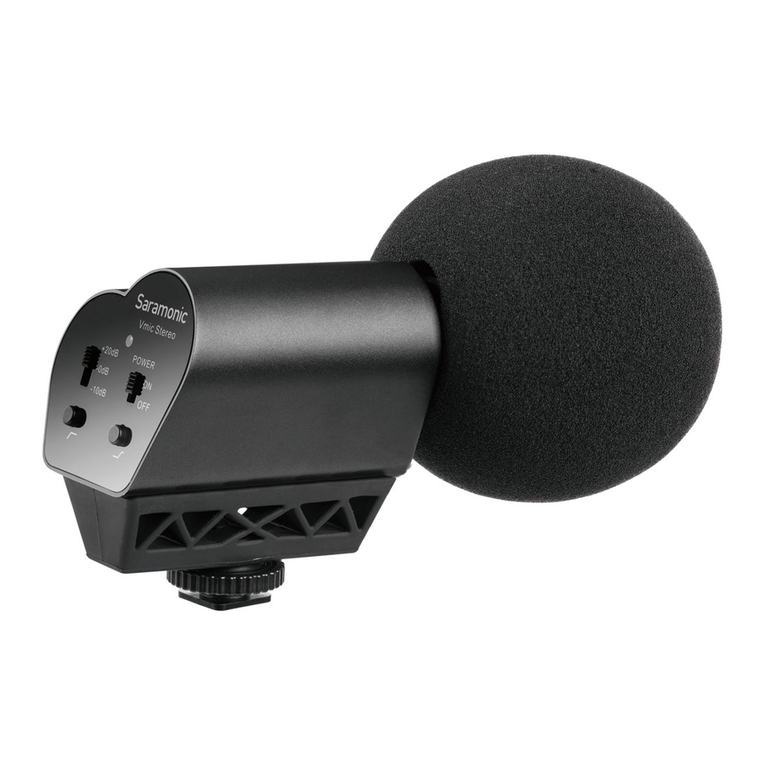
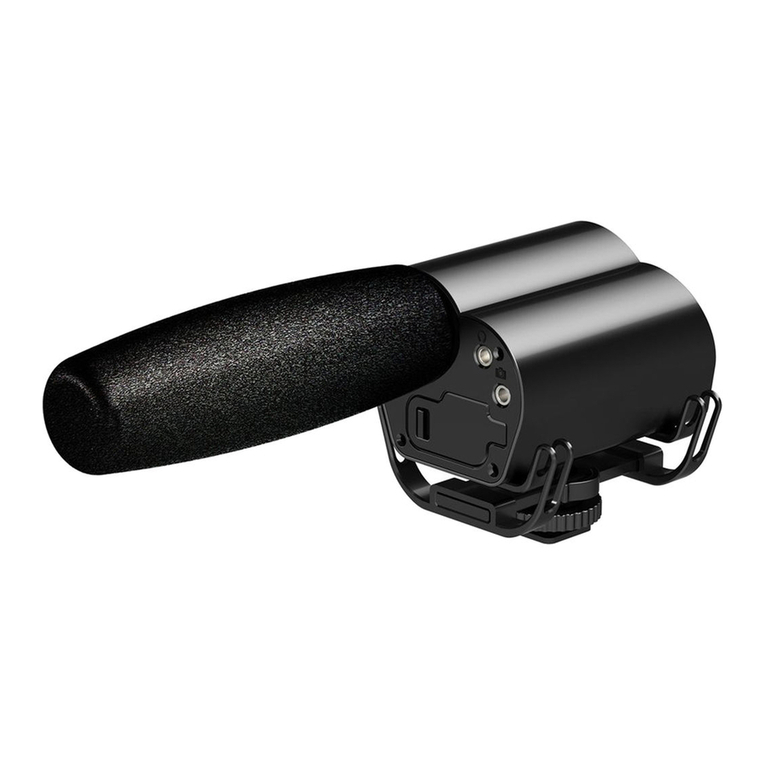
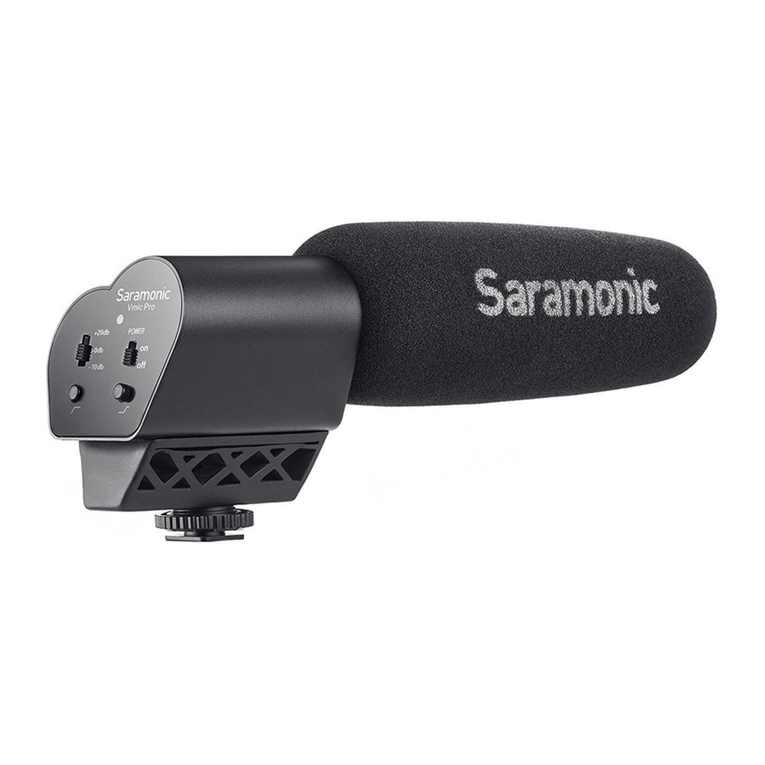
  9. Saramonic Vmic Pro User manual

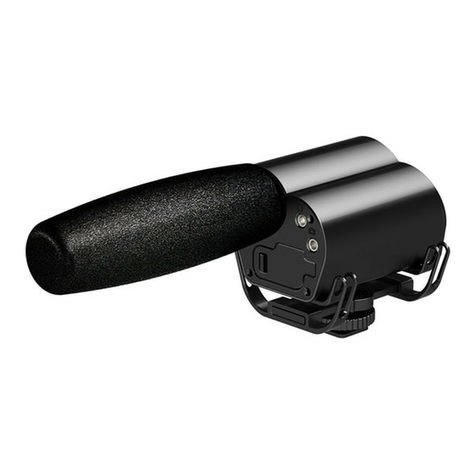
Saramonic Vmic Pro User manual

Other manuals for Vmic Pro

1

Other Saramonic Microphone manuals

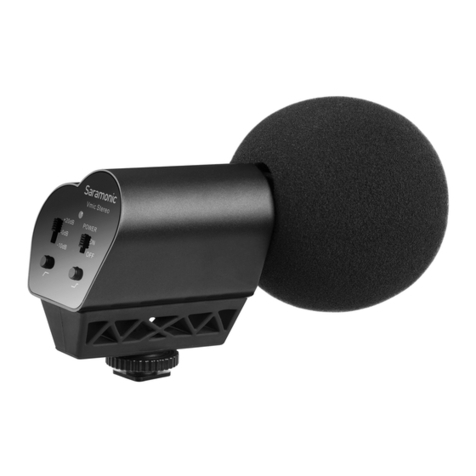
Saramonic Vmic User manual

Saramonic

Saramonic Vmic User manual

Saramonic BTW User manual

Saramonic

Saramonic BTW User manual

Saramonic Blink500 ProX RX User manual

Saramonic

Saramonic Blink500 ProX RX User manual

Saramonic SR-MV7000 User manual

Saramonic

Saramonic SR-MV7000 User manual

Saramonic SR-TM1 User manual

Saramonic

Saramonic SR-TM1 User manual

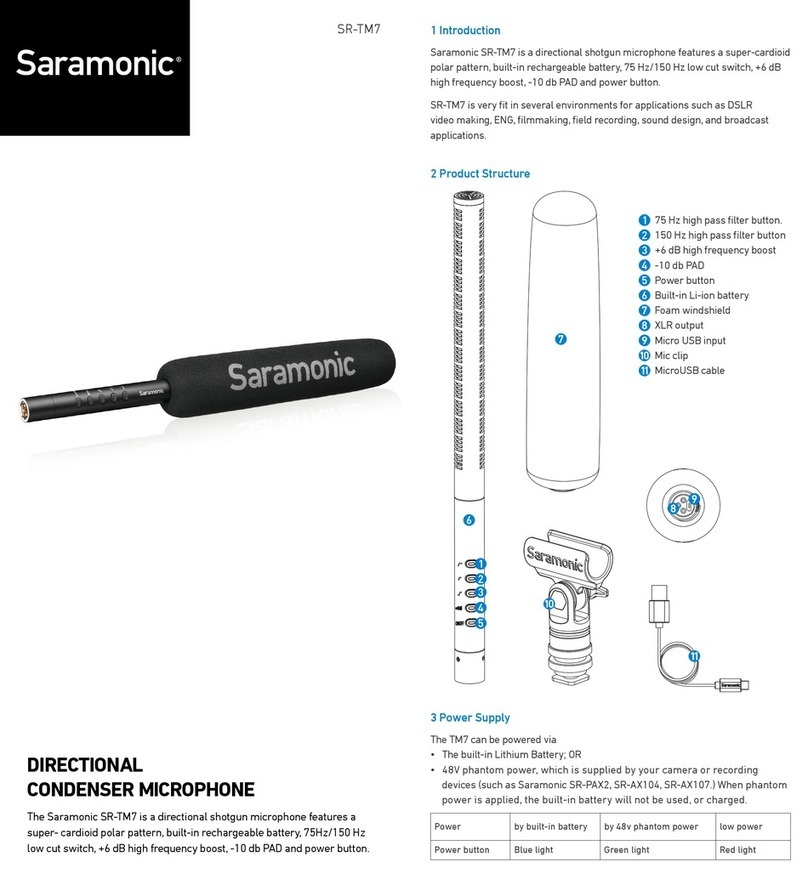
Saramonic SR-TM7 User manual

Saramonic

Saramonic SR-TM7 User manual

Saramonic SmartMic MTV500 User manual

Saramonic

Saramonic SmartMic MTV500 User manual

Saramonic SR-M500 User manual

Saramonic

Saramonic SR-M500 User manual

Saramonic SPMIC510 UC User manual

Saramonic

Saramonic SPMIC510 UC User manual

Saramonic SPMIC510 Di User manual

Saramonic

Saramonic SPMIC510 Di User manual

Saramonic Vmic User manual

Saramonic

Saramonic Vmic User manual

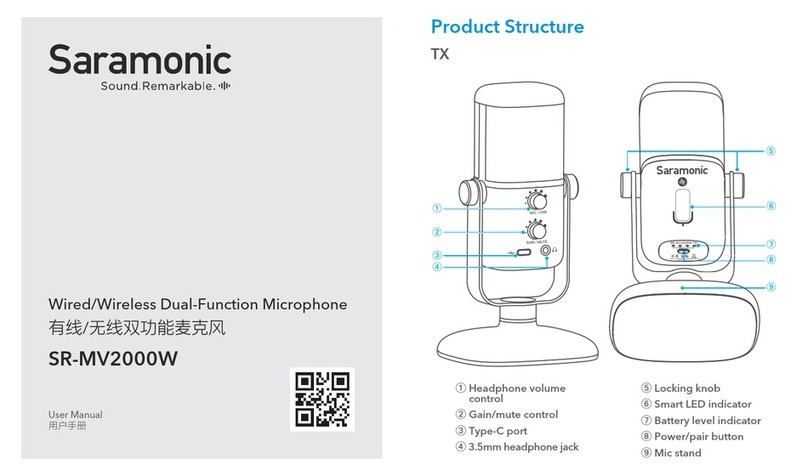
Saramonic SR-MV2000W User manual

Saramonic

Saramonic SR-MV2000W User manual

Saramonic Vmic User manual

Saramonic

Saramonic Vmic User manual

Saramonic Vmic Pro User manual

Saramonic

Saramonic Vmic Pro User manual

Saramonic Vmic User manual

Saramonic

Saramonic Vmic User manual

Popular Microphone manuals by other brands

Betzold 760932 operating instructions

Betzold

Betzold 760932 operating instructions

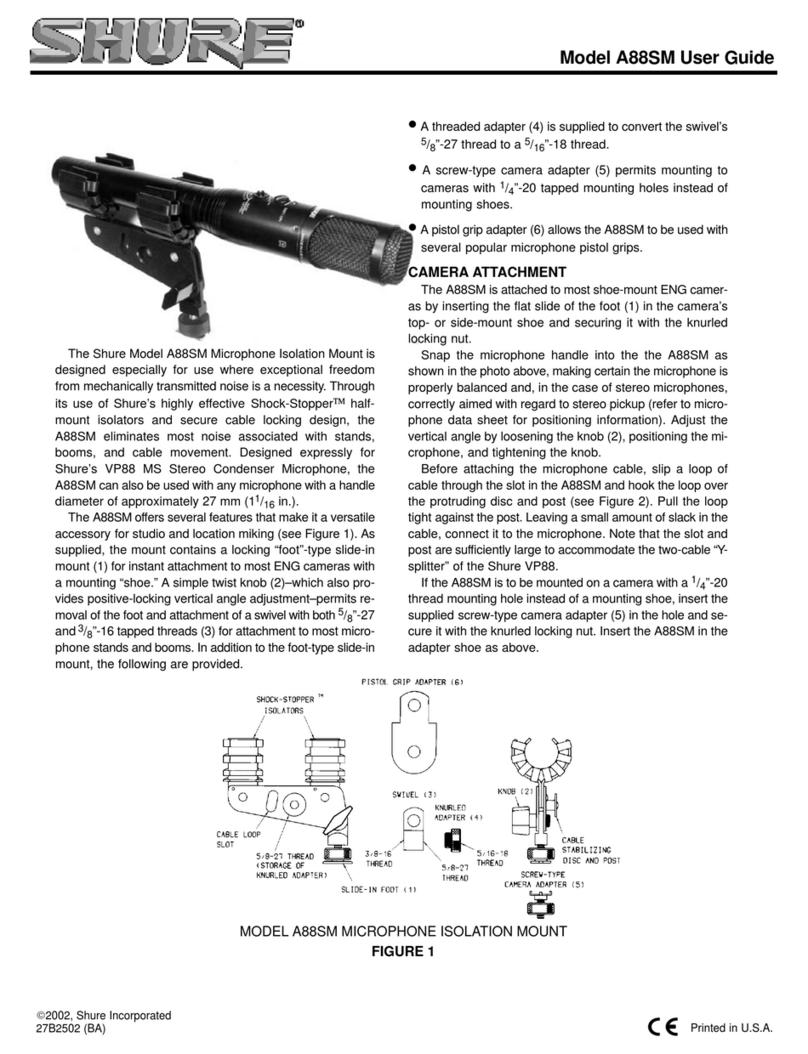
Shure A88SM user guide

Shure

Shure A88SM user guide

JTS UF-10TH/12 instruction manual

JTS

JTS UF-10TH/12 instruction manual

Shure BETA 58A User giude

Shure

Shure BETA 58A User giude

Shure SM7 user guide

Shure

Shure SM7 user guide

Sony ECM-Z200 Service manual

Sony

Sony ECM-Z200 Service manual

Electro-Voice 652 engineering data

Electro-Voice

Electro-Voice 652 engineering data

mantona 21150 instruction manual

mantona

mantona 21150 instruction manual

Loewe We. SEE 55 user manual

Loewe

Loewe We. SEE 55 user manual

IK Multimedia iRig Stream MIC PRO user manual

IK Multimedia

IK Multimedia iRig Stream MIC PRO user manual

DAPAudio RM-101 user manual

DAPAudio

DAPAudio RM-101 user manual

AKG CHM 21 User instructions

AKG

AKG CHM 21 User instructions

Sennheiser evolution wireless series EM 100 instruction manual

Sennheiser

Sennheiser evolution wireless series EM 100 instruction manual

Sony C-48 operating instructions

Sony

Sony C-48 operating instructions

GIGAMEDIA GGM PAMICUHFG user manual

GIGAMEDIA

GIGAMEDIA GGM PAMICUHFG user manual

Shure WH30TQG user guide

Shure

Shure WH30TQG user guide

auna PRO MIC-900 manual

auna PRO

auna PRO MIC-900 manual

Shure MV51 manual

Shure

Shure MV51 manual

manuals.online logo
manuals.online logoBrands
  • About & Mission
  • Contact us
  • Privacy Policy
  • Terms and Conditions

Copyright 2025 Manuals.Online. All Rights Reserved.

www.saramonic.com
The Saramonic logo is trademark which is registered
and owned by Saramonic International.
COPYRIGHT 2011-2021 SARAMONIC INTERNATIONAL
A brand of DSQN
Email: [email protected]
8
9
6
7
9
8
10
1
2
Audio output jack
Headphone output
Battery compartment
Integrated shock mount
Cold shoe
2 Set Up Guide
2.1 Install the battery
Lock the battery compartment
Unlock the battery compartment
Insert the AA batteries into place aligning + and - polarity as shown.
1 Product Introduction
1.1 General Introductions
The Saramonic Vmic Pro is a super directional video condenser
microphone that provides professional audio for DSLR cameras and
camcorders. The Vmic Pro allows you to adjust level control (-10dB,
0dB, +20dB), high-pass filter (150 Hz) and high-frequency boost
(+6dB) to increase intelligibility of dialogue. The detachable 3.5mm
cable connects the Vmic Pro to your camera's audio input, while the
stereo headphone output allows you to monitor the incoming audio.
The Saramonic special designed shock mount system provides
isolation from vibration and mechanical noise.
1.2 Highlights
• Super directional video microphone
• Integrated shock mount system
• High pass filter (150 Hz)
• High frequency boost (+6dB)
• Three position level control (-10dB, 0dB, +20dB)
• Headphone monitor output
• 1/8’’ audio output to camera
• LED power on/low battery indicator
• Pop shield included
• Lightweight all-metal construction
• Powered by two AA batteries
1.3 Product Structure
LED indicator
Three position level control (-10dB, 0dB, +20dB)
Power button
High-pass filter (150Hz)
High frequency boost (+6dB)
1
2
3
4
5
Vmic Pro
Super Directional Video Condenser Microphone For DSLR Cameras
and Video Cameras
1
23
45
6
7
9
10
Type Condenser Microphone
Polar Pattern Super Directional
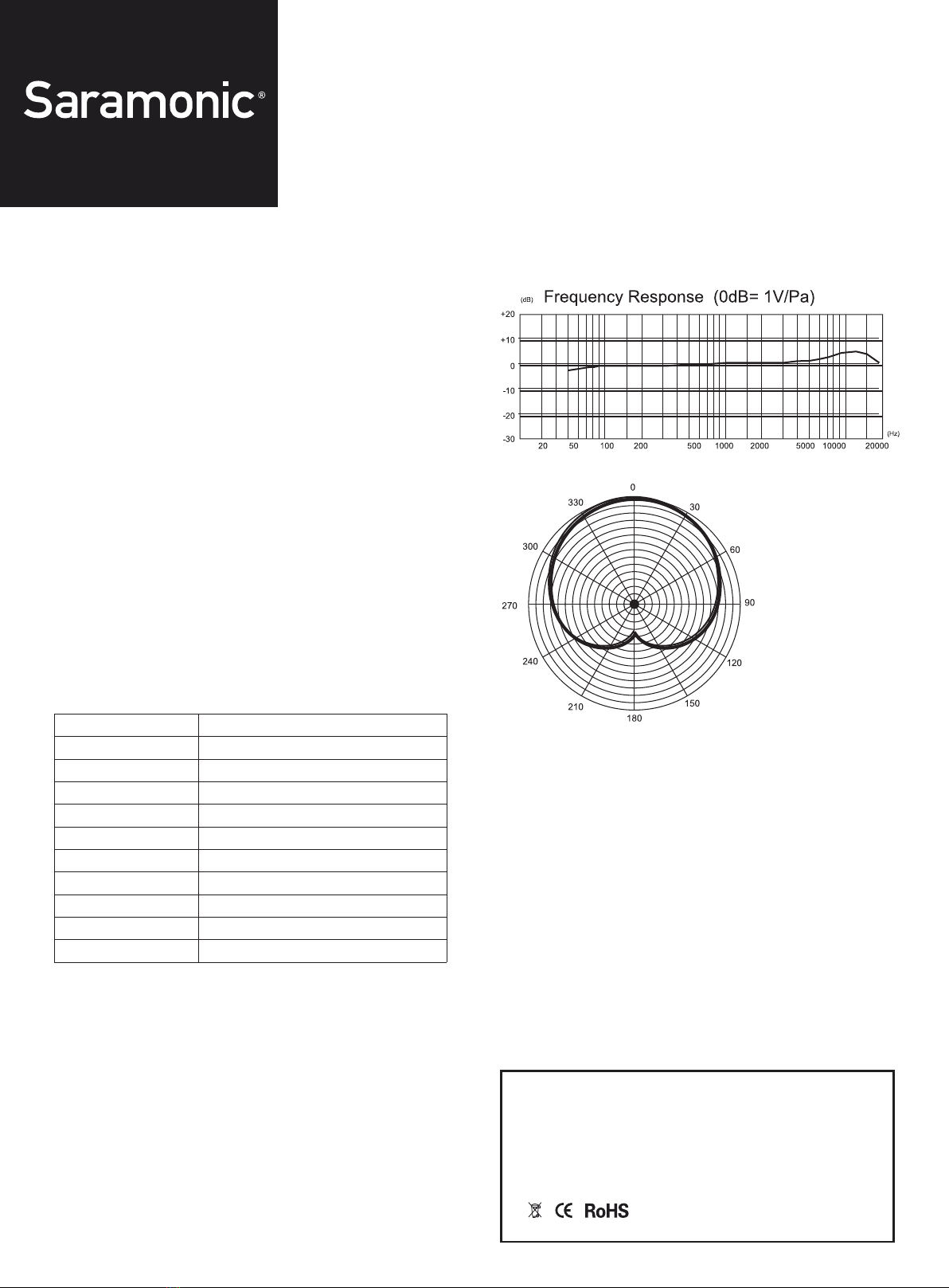
Frequency Response 20HZ---20KHZ
Sensitivity -30±3dB(0dB=1V/Pa,at 1kHZ)
Signal to Noise Ratio 75dB or more
Output Impedance 200Ohm or less
Power Two AA batteries
Plug Mini-pin plug (3.5mm)
Filter High-pass filter (150Hz)
Dimensions(LxHxD) 253 x 69.4 x 98.4 mm
Net Weight 270g (9.5 oz.)
Frequency Response
Vmic Pro
Super Directional Video Condenser Microphone For DSLR Cameras
and Video Cameras
www.saramonic.com
The Saramonic logo is trademark which is registered
and owned by Saramonic International.
COPYRIGHT 2011-2021 SARAMONIC INTERNATIONAL
A brand of DSQN
Email: [email protected]
2.2 Attach the Vmic Pro to the hot shoe of your camera or camcorder.
Connect the supplied audio transmission line from the audio output of Vmic
Pro to the MIC input of the camera or camcorder.
2.3 Turn on your camera and long press the power button to turn
the Vmic Pro on, the LED indicator will turn green. When the battery
power is low, the LED indicator will turn red.
2.4 Adjust the level control according to your needs.
The -10dB level: ideal for recording loud sound sources, such as live
music, motorsport, or interviews where the subject is very close to
the camera.
The +20dB level boost: For use with DSLR cameras, allowing the
user to reduce the camera's preamp level (or mic-input level),
effectively reducing the amount of noise generated by the camera's
comparatively low quality audio circuitry.
2.5 Plug a headphone to the headphone output of the Vmic Pro, then
you can monitor the audio.
We suggest you could do a test recording and playback the audio to
see if it is acceptable.
3. Specification