manuals.online logo
Brands
  1. Home
  2. •
  3. Brands
  4. •
  5. Satco
  6. •
  7. Lighting Equipment
  8. •
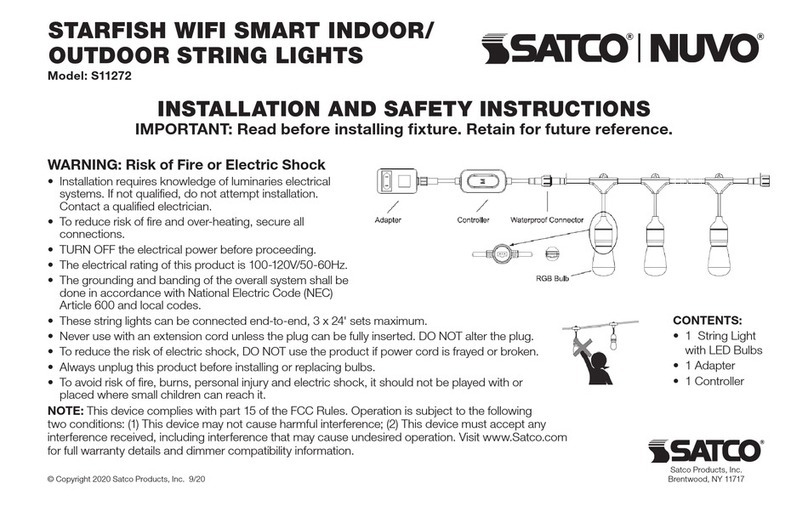
  9. Satco NUVO STARFISH User manual

Satco NUVO STARFISH User manual

This manual suits for next models

2

Other Satco Lighting Equipment manuals

Satco NUVO 67-102 Manual

Satco

Satco NUVO 67-102 Manual

Satco Nuvo Lighting S9299 User manual

Satco

Satco Nuvo Lighting S9299 User manual

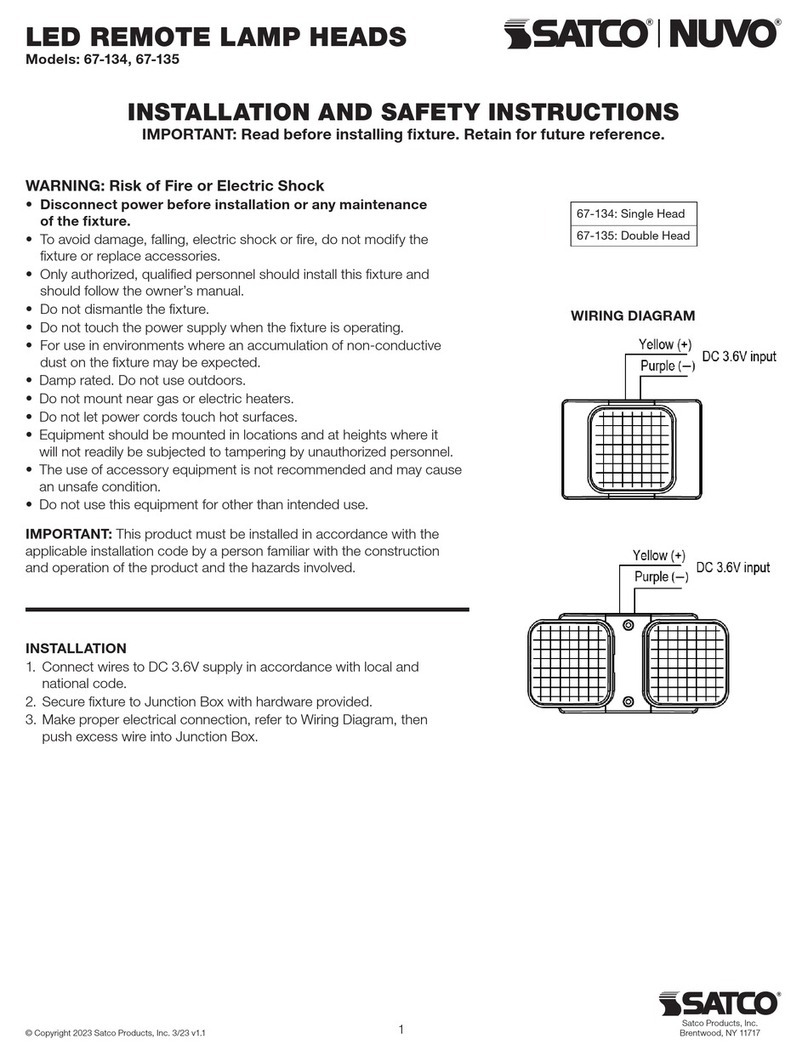
Satco NUVO 67-134 Manual

Satco

Satco NUVO 67-134 Manual

Satco NUVO 65/700 Manual

Satco

Satco NUVO 65/700 Manual

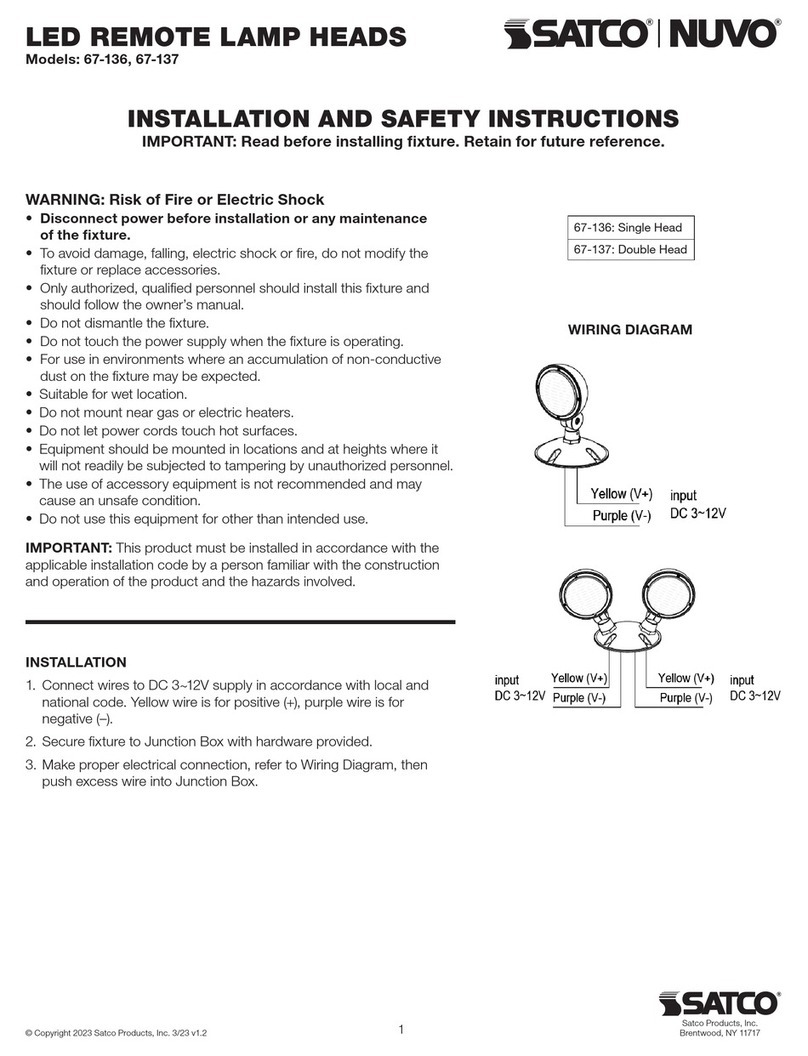
Satco NUVO 67-136 Manual

Satco

Satco NUVO 67-136 Manual

Satco NUVO 65-093 Manual

Satco

Satco NUVO 65-093 Manual

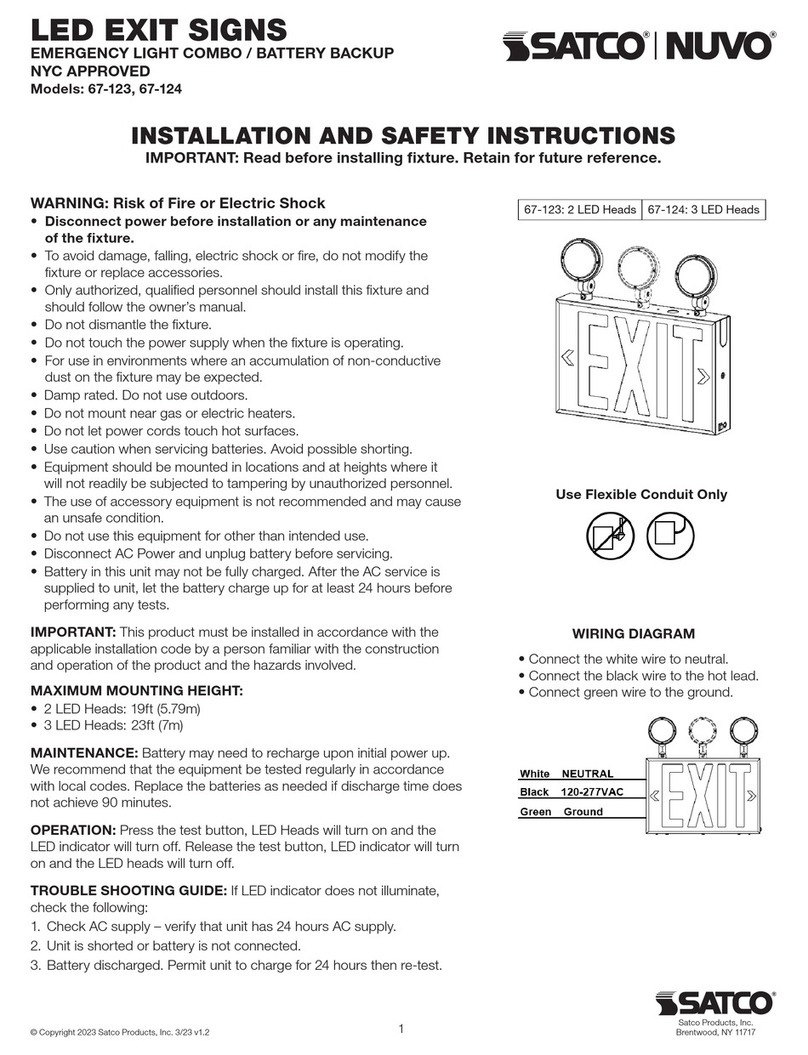
Satco NUVO 67-123 Manual

Satco

Satco NUVO 67-123 Manual

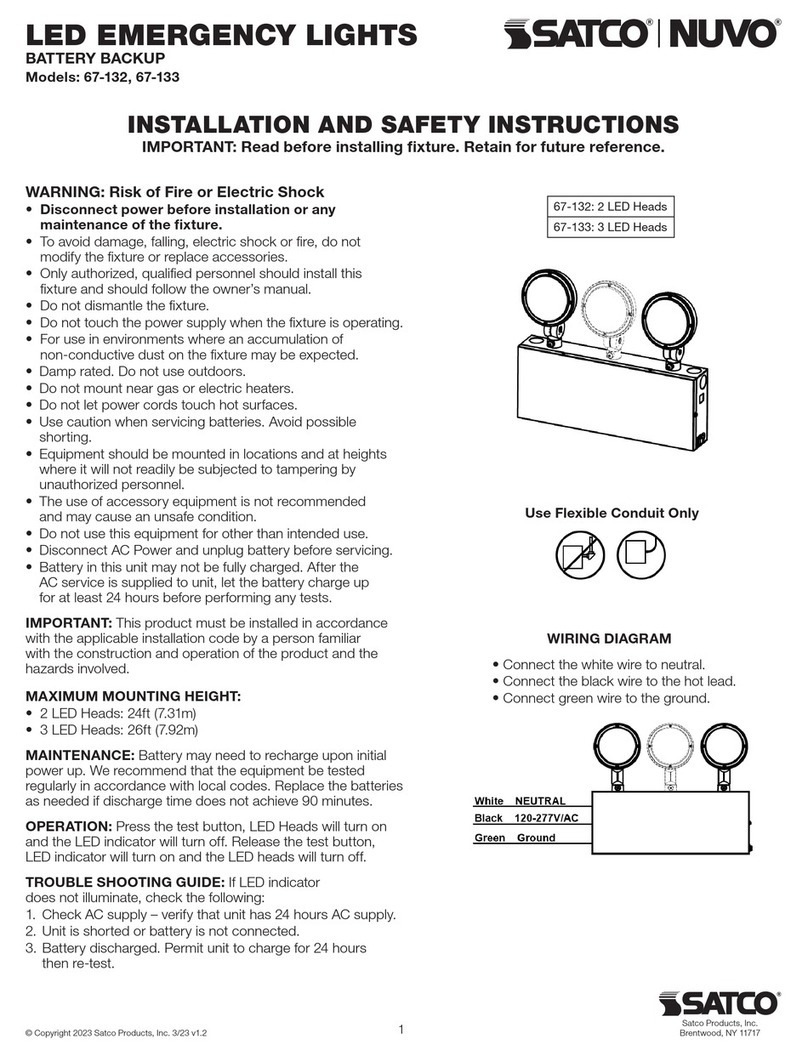
Satco NUVO 67-132 Manual

Satco

Satco NUVO 67-132 Manual

Satco NUVO S11846 Manual

Satco

Satco NUVO S11846 Manual

Satco NUVO 67-100 Manual

Satco

Satco NUVO 67-100 Manual

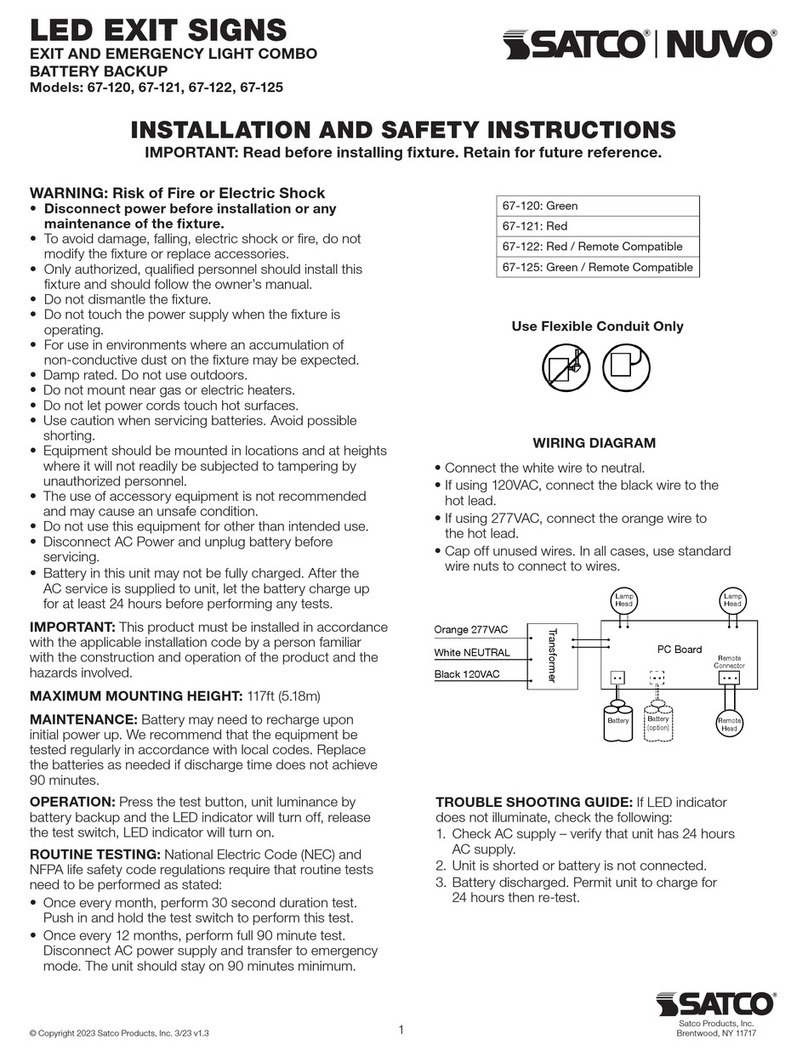
Satco NUVO 67-120 Manual

Satco

Satco NUVO 67-120 Manual

Satco NUVO S11272 Manual

Satco

Satco NUVO S11272 Manual

Satco NUVO 67-130 Manual

Satco

Satco NUVO 67-130 Manual

Satco NUVO 67-110 Manual

Satco

Satco NUVO 67-110 Manual

Satco Blink User manual

Satco

Satco Blink User manual

Satco Nuvo 65-080 Quick guide

Satco

Satco Nuvo 65-080 Quick guide

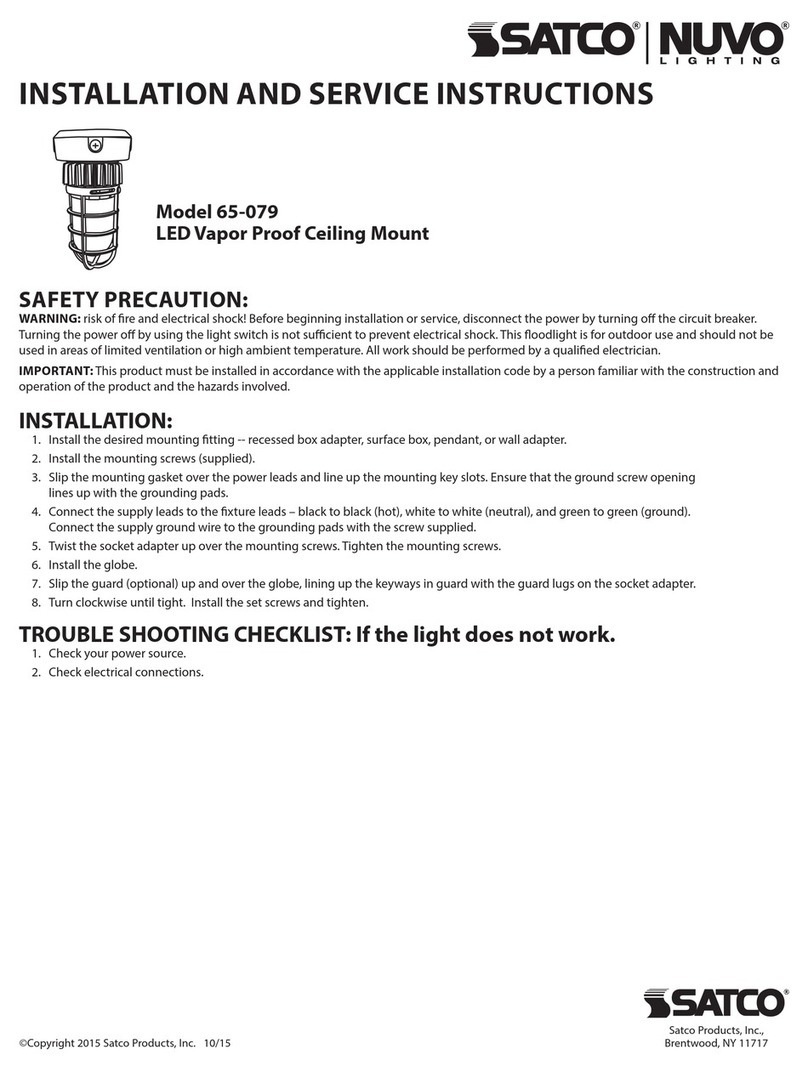
Satco NUVO LIGHTING 65-079 Quick guide

Satco

Satco NUVO LIGHTING 65-079 Quick guide

Satco NUCO 62-1580 Manual

Satco

Satco NUCO 62-1580 Manual

Satco NUVO 67-114 Manual

Satco

Satco NUVO 67-114 Manual

Satco NUVO 64-100 Manual

Satco

Satco NUVO 64-100 Manual

Satco NUVO 65-711 User manual

Satco

Satco NUVO 65-711 User manual

Popular Lighting Equipment manuals by other brands

Life 39.9F70020C quick start guide

Life

Life 39.9F70020C quick start guide

EuroLite LED ML-20 user manual

EuroLite

EuroLite LED ML-20 user manual

LIGMAN OD-50141 installation manual

LIGMAN

LIGMAN OD-50141 installation manual

Home Accents Holiday 1002461144 instructions

Home Accents Holiday

Home Accents Holiday 1002461144 instructions

Experia IRiS Ripple Light instruction manual

Experia

Experia IRiS Ripple Light instruction manual

Erco Gecko Mounting instructions

Erco

Erco Gecko Mounting instructions

Inter-lux ZTA.100.Surface Installation and maintenance instructions

Inter-lux

Inter-lux ZTA.100.Surface Installation and maintenance instructions

Whelen Engineering Company TN Series installation guide

Whelen Engineering Company

Whelen Engineering Company TN Series installation guide

IKEA BJÖRKSPIREA manual

IKEA

IKEA BJÖRKSPIREA manual

Toolland PM 6640 instruction manual

Toolland

Toolland PM 6640 instruction manual

GTD GTD-LP200 user manual

GTD

GTD GTD-LP200 user manual

LIVARNO home 1105-W-UK manual

LIVARNO home

LIVARNO home 1105-W-UK manual

ProLights EclPar IPMFC user manual

ProLights

ProLights EclPar IPMFC user manual

Velvet EVO Series user manual

Velvet

Velvet EVO Series user manual

IDTOLIGHT GENT installation instructions

IDTOLIGHT

IDTOLIGHT GENT installation instructions

MAYTONI S35 installation manual

MAYTONI

MAYTONI S35 installation manual

MaxLite MLFP14DP4535 user manual

MaxLite

MaxLite MLFP14DP4535 user manual

SLV Elektronik 550621 instruction manual

SLV Elektronik

SLV Elektronik 550621 instruction manual

manuals.online logo
manuals.online logoBrands
  • About & Mission
  • Contact us
  • Privacy Policy
  • Terms and Conditions

Copyright 2025 Manuals.Online. All Rights Reserved.

STARFISH WIFI SMART 6' INDOOR STRIP,
OPTIONAL 3' EXTENSION
Model: S11263, S11264
INSTALLATION AND SAFETY INSTRUCTIONS
IMPORTANT: Read before installing xture. Retain for future reference.
WARNING: Risk of Fire or Electric Shock
• This strip lighting is only intended to be used with the products provided in the kit,
or the S11264 extension strips.
• This product consumes a total of 20W (.167A) and is rated to control up to 8
additional S11264 extension strips. Each extension strip consumes 8.8W (.075A).
• Installation requires knowledge of luminaries electrical systems. If not qualied, do
not attempt installation. Contact a qualied electrician.
• To reduce risk of re and over-heating, secure all connections.
• TURN OFF the electrical power before proceeding.
• The electrical rating of this product is 120V/60Hz.
• The grounding and banding of the overall system shall be done in accordance with
National Electric Code (NEC) Article 600 and local codes.
• To prevent wiring damage or abrasion, do not expose wiring to edges of sheet
metal or other sharp objects.
• Do not make or alter any open holes in an enclosure of wiring or electrical
components during kit installation.
• This device is not intended for use with emergency exits.
NOTE: This device complies with part 15 of the FCC Rules. Operation is subject to
the following two conditions: (1) This device may not cause harmful interference; (2)
This device must accept any interference received, including interference that may
cause undesired operation. Visit www.Satco.com for
full warranty details and dimmer compatibility information.
Satco Products, Inc.
Brent wood, NY 11717© Copyright 2020 Satco Products, Inc. 10/20
Download the
STARFISH App
INSTALLATION
Before installation, select a location where you want to
install, measure the required length of strip light, and mark
it. Conrm that the adapter power cord will reach the
desired power outlet and the LED strip light. Clean the
mounting surface and keep it dry. It is important that the
surface is smooth and clean for proper adhesion.
STEP 1: Turn power OFF before

installing xture.
STEP 3: Connect the strip light to
another one (if you want extensions),
ensure that the polarity symbols
are aligned.
NOTE: Strip light can be
extended up to 10M.
STEP 4: Remove the paper liner
from the back of the strip light
and press against of the mounting
surface. Ensure minimal hand
contact to the adhesive.
DO NOT reposition strip light
once it is mounted.
STEP 6: Plug strip light into the nearest outlet.
Installation is complete. Turn power ON.
STEP 8: App Connection: To connect your device, download the free
“Starsh Smart Lighting” App from the app store. Please refer to our
Starsh User Guide for detailed instructions on how to pair your device.
STEP 5: If there is an LED chip in a corner
when placing the strip light, ensure the
angle of the bend is greater than 90
degrees to avoid damaging the LED chip.
STEP 2: Adjust strip light length.
It should only be cut in the
designated locations.
STEP 7: Connect the strip light to the
controller, ensure that the polarity symbols are
aligned. Connect power adapter to controller.
Via the control button on the driver, toggle
through the functions:
• Warm White – ON
• Cool White – ON
• Warm and Cool White – ON
• RGB – ON
• OFF
• Press and hold on for 5 seconds to connect APP