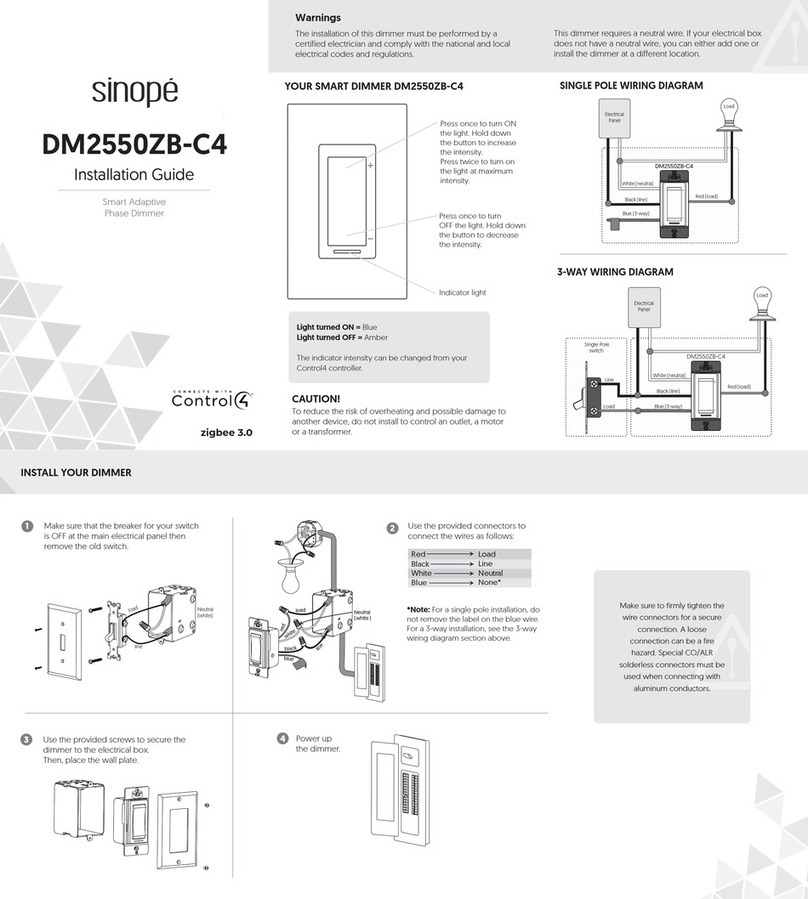
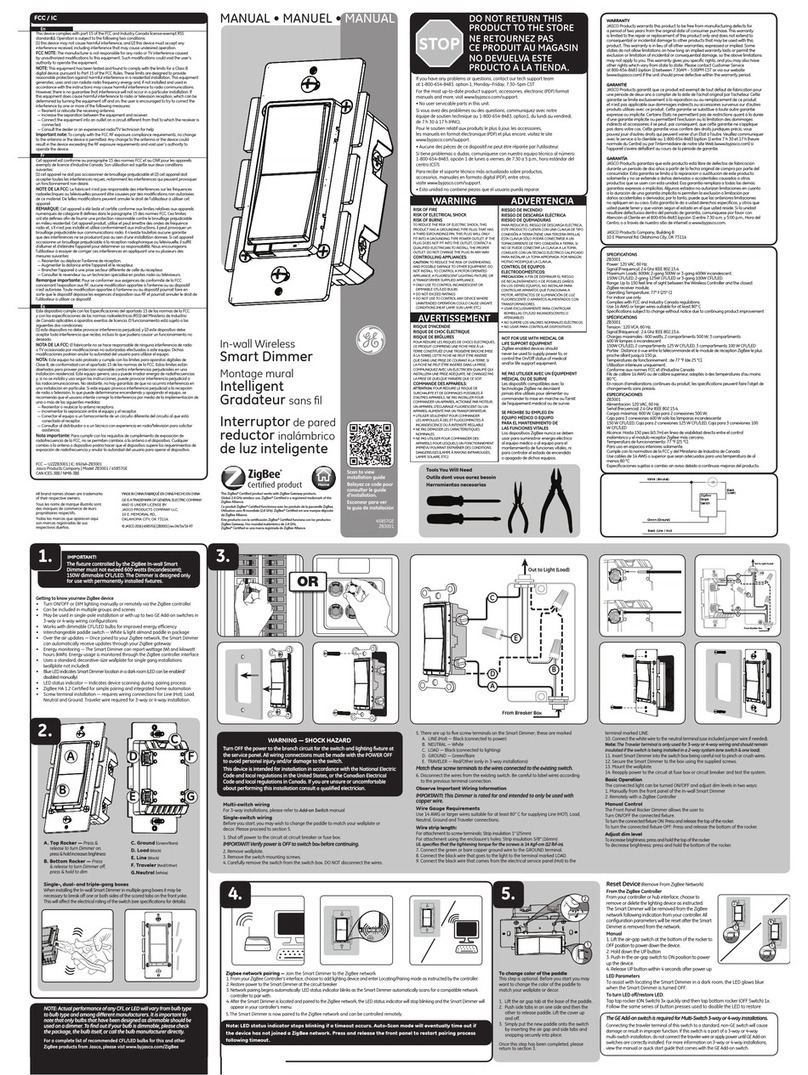
2. Remove wall plate.
3. Remove the switch mounting screws.
4. Carefully remove the switch from the switch box.
Note: DO NOT disconnect the wires.
5. There are up to five screw terminals on the switch, these
are marked:
•GROUND
•LINE - black (connected to power)
•LOAD - black or red (connected to lighting/load)
•TRAVELER - black or red (only in 3-way installations)
•NEUTRAL - white
6. Match these screw terminals to the wires connected to
the existing switch.
7. Disconnect the wires from the existing switch. Label
wires according to the previous terminal connection.
Multi-Switch Wiring
For 3-way installations, refer to the companion switch manual.
Wire Gauge Requirements
Use 12AWG or 14AWG wires suitable for at least 90ºC for
supplying line (hot), load, neutral, ground, and traveler
connections.
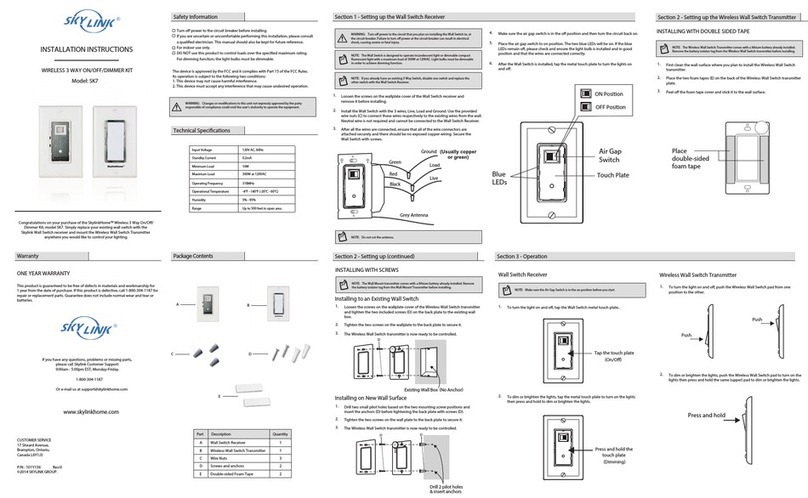
Air Gap
The air gap switch on the bottom must be pressed on the
right side when replacing light bulbs. This disconnects power
to the load. When installation is finished, the air gap switch
needs to be pressed on the left all the way back in for the
device to function properly.
Wire Strip Length
For attachment using the enclosure's holes, strip insulation
5/8in (16mm). UL specifies the tightening torque for the
screws is 14Kgf-cm (12lbf-in).
Refer to the diagram on page 2 and follow the steps below:
1. Connect the green or bare copper ground wire to the
GROUND terminal.
2. Connect the black wire from the light to the LOAD
terminal.
3. Connect the black wire from the electrical service panel
(hot) to the LINE terminal.
4. Connect the white wire to the NEUTRAL terminal (use a
jumper wire if needed).
Note: The traveler terminal is only used for 3- or 4-way
wiring and should not be connected if the dimmer is
being installed in a 2-way system (one dimmer & one
load).
5. Insert the dimmer into the switch box, being careful not
to pinch or crush wires.
6. The switch must be independently mounted (vertical
position only).
7. Secure the switch to the box using the supplied screws.
8. Mount the wall plate.
9. Reapply power to the circuit at fuse box or circuit breaker
and test the system.
Basic Operation
The connected light can be turned ON/OFF in two ways:
•Manually from the front panel of the dimmer.
•Remotely via the SAVI Server:
Manual Control
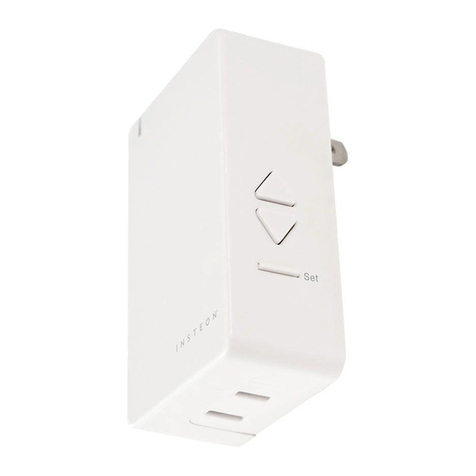
The keypad allows the user to turn ON/OFF or dim UP/DN the
connected fixture by completing the following steps:
1. Press the top button to turn the light ON or press the
bottom to turn it OFF.
2. Press/ hold the UP arrow to dim the light UP, or press/
hold the Down Arrow dim DOWN