
Saxon SBM ScienceSmart User manual

high quality optics

saxon SBM ScienceSmart Biological Microscope 40x-400x Instruction Manual Page 2
WARNING!
Do not use the mirror on the microscope to focus the sunlight through your microscope.
Looking directly at the sunlight can result in irreversible eye damage.
Your microscope is a precision optical instrument and should be handled with care at all times.
Do not drop your microscope as such impacts may damage or misalign the optics in your instrument.
Do not power down your microscope within five minutes of switching it on as this may reduce the
effective lifetime of the lamp.
Avoid using your microscope in direct sunlight, high temperature and humidity, dust and vibration.
Objective Lens
Base
Working Stage
360° Adjustable
Microscope Head
Focuser Knob
Stage Clips
Illumination
Arm
Eyepiece
Click-Stop
Revolving Nosepiece

saxon SBM ScienceSmart Biological Microscope 40x-400x Instruction Manual Page 3
Product Disclaimer
This product is designed and intended for use only as a biological microscope. Modifying this
product in any way for use in any situation other than the original and intended product design will
automatically void the warranty
Setting up your microscope
Remove the microscope and accessories from the box and identify all parts before assembling.
When ready to begin, set the microscope on a stable surface. Your objective lenses should be
pre-installed
If your microscope requires manual installation, please take the following steps:
1. Remove the eyepiece from the packaging.
2. Slide the narrow end of the eyepiece into the eyepiece holder.
3. Plug the power cord into a power outlet.
4. Your microscope is powered by an AC power. It is important to ensure the voltage coincides
with that of the microscope.

saxon SBM ScienceSmart Biological Microscope 40x-400x Instruction Manual Page 4
Operating the microscope
Getting started
1. Switch on the power and the light on your microscope should be illuminated.
2. Place and align the specimen/object to the centre of the working stage and where possible,
hold it down with the stage clips.
Focusing
1. Rotate the nosepiece and place the objective lens with the lowest power (4x) in the optical
path. Make sure you hear a click that confirms it is in place.
2. Push the stage clips to insert a specimen slide.
3. Looking through the eyepiece, turn the coarse focuser knob to focus on the specimen until it
comes into focus.
Changing magnification
Slowly turn the nosepiece clockwise or anticlockwise to the desired magnification until you hear a
click confirming the selected magnification is secured.
1. Ensure your specimen is sitting directly under the objective lens.
2. Rotate the focuser knob until the image comes to focus.
Illumination
Should there be a need to change the light bulb, unplug the electric cord and ensure the
microscope has been switched off for at least 15 minutes.
1. Unscrew the illuminator casing on the microscope base
2. Carefully remove the old bulb
3. Use a clean cloth to hold and insert a new bulb into the socket
4. Screw the casing back on
Caution
Do not touch the new bulb with your fingers as it could affect both the transmission of light and the
duration of the bulb.

saxon SBM ScienceSmart Biological Microscope 40x-400x Instruction Manual Page 5
saxon SBM ScienceSmart Biological Microscope 40x-400x
Specifications
Eyepieces
Wide field 10x
Objectives
4X, 10X & 40XR (Retractable)
Head Type
360 degree rotatable
Focus
Coarse focusing mechanism
Stage Type
89mm x 89mm mechanical stage
Nosepiece
Triple nosepiece with click stop
Illumination Type
LED
Powered by
Supplied AC Adapter or AA Batteries (not included)
Dimensions
110 x 160 x 300 mm
Weight
± 1.5kgs
What’s included in the box
1x saxon biological microscope
1x Wide field 10X eyepieces
1x Dust cover
1x AC adapter
1x Instruction manual
You can also obtain the e-Manual from our website at
www.saxon.com.au

saxon SBM ScienceSmart Biological Microscope 40x-400x Instruction Manual Page 6
We recommend the following accessories for your microscope
saxon ScopePix Smartphone Adapter
SKU# 615001
Taking pictures through your optical instruments has never been
easier with the saxon ScopePix Smartphone Adapter!
With its simple twist-lock adjustment you will be snapping pictures in
no time.
Fits telescopes, binoculars, spotting scopes, and microscopes.
Compatible with all smartphone models.
saxon Pre-Cleaned Blank Slides Kit
You too can immerse yourself in the world of biology! Discover the
wonders of biology around you. Simply gather, prepare, and observe
your specimen with the saxon Pre-Cleaned Blank Slides Kit.
Available in:
50pcs
SKU# 310050
100pcs
SKU# 310100
saxon Biological Microscope Prepared Slides
Our microscope slides are great for students of all ages, from
home-schoolers to college students looking for an excellent
introduction to microscopy. The prepared slides give you the
most diverse possible biological selection. These slides are
premium and machine cleaned giving a sharp image.
Available in:
50pcs Animals Slides
SKU# 310005
50pcs Plants Slides
SKU# 310100
100pcs Prepared Slides
SKU# 310010

saxon SBM ScienceSmart Biological Microscope 40x-400x Instruction Manual Page 7
You may also be interested with other microscope range
saxon Stereo Microscopes
Stereo microscopes or dissecting microscopes
are best used when observing 3D objects or
objects that are not mounted on a slide.
saxon Digital Microscopes
Digital microscopes are a great way to take
picrtures and videos of your specimen.
saxon Gemological Microscopes
Gemologiocal microscopes are often used to
look at the cut and colour of gems, stones and
jewels.
saxon Microscope Accessories Range
Prepared slides, blank slides, eyepiece,
microscope stage, and more!
Find out more about our microscope range and accessories here on www.saxon.com.au/microscopes

Caring for and cleaning your microscope
To ensure your microscope performs at its best, regular maintenance of your microscope is
recommended.
Cover the microscope with the dust cover whenever it is not in use. This will prevent dust from
settling on the mirror or lens surface.
When moving your microscope, carry it with two hands –one holding the arm and the other
supporting the base. Never pick it up by the focusing knobs.
Do not dismantle or modify any parts of the microscope as either of this will void the warranty.
(Unless noted on instruction manual)
Do not store microscope in direct sunlight or under direct indoor light.
Use only appropriate cleaning tools when cleaning your microscope. We recommend using a
combination of the follow:
A soft brush made from camel hair
Optical cleaning solution and soft lint-free cloth
Special lens paper
Clean the lens surface using an appropriate optical cleaning solution and always remember to dry
the lens after. Do not wipe the lenses when they are dry as they can easily be scratched.
For the condenser and illuminator lens, only clean the top lens surface.
This manual suits for next models
1
Table of contents
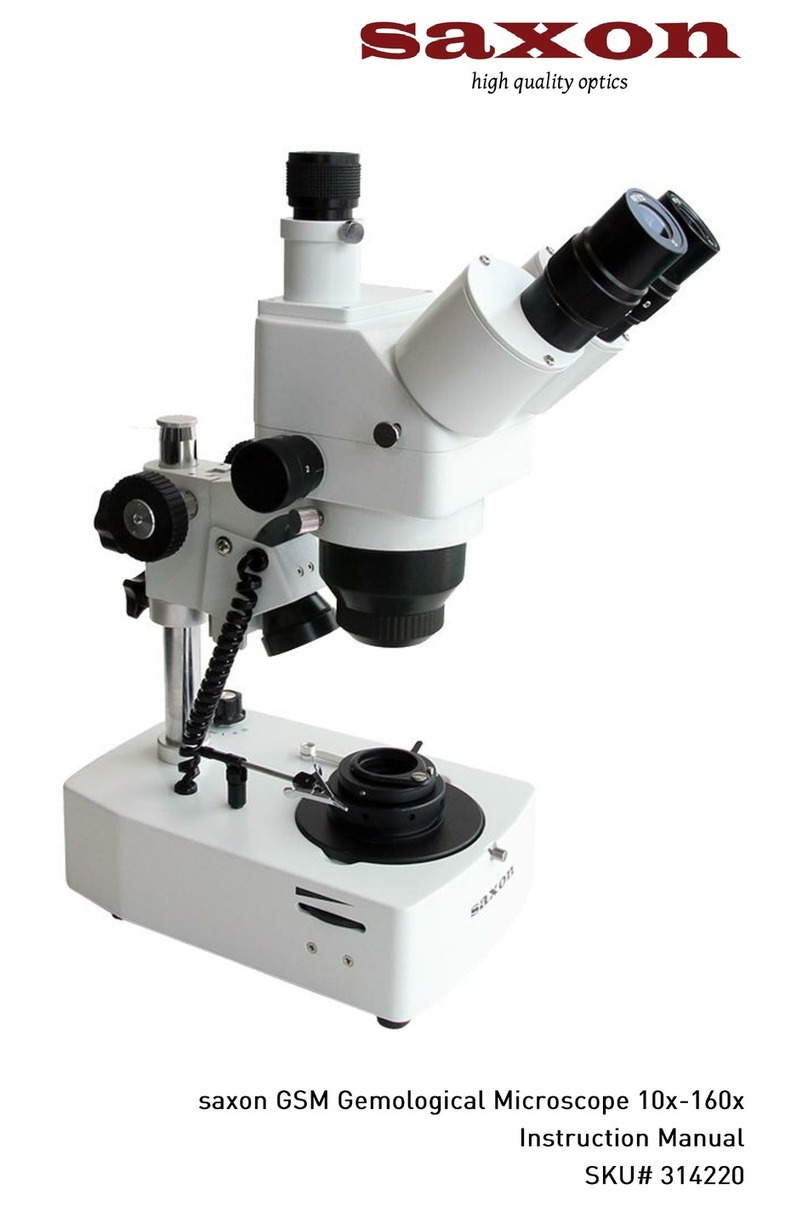
Other Saxon Microscope manuals
Popular Microscope manuals by other brands





VWR
VWR VisiScope 384 Series instruction manual
Nikon
Nikon ECLIPSE E200 POL instructions
Leica
Leica DI C800 User's manual & installation instructions
ThermoFisher Scientific
ThermoFisher Scientific Continuµm manual
ThermoFisher Scientific
ThermoFisher Scientific Continuµm manual
Olympus
Olympus SZ61 instructions