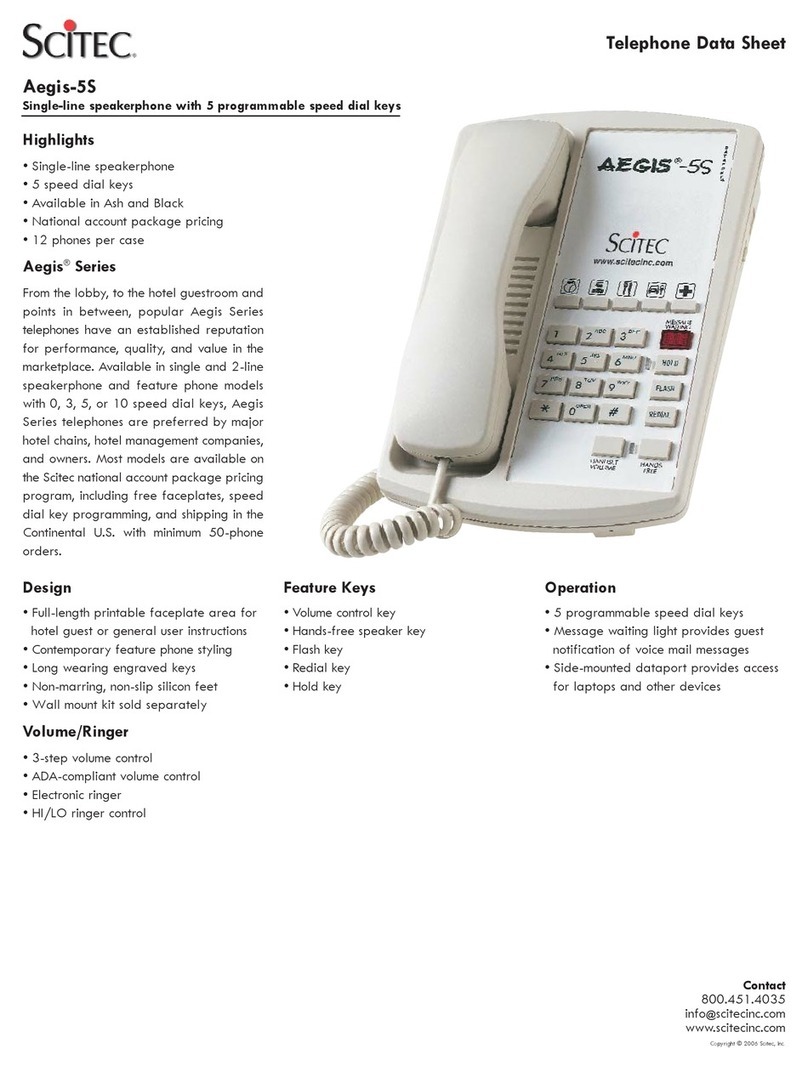
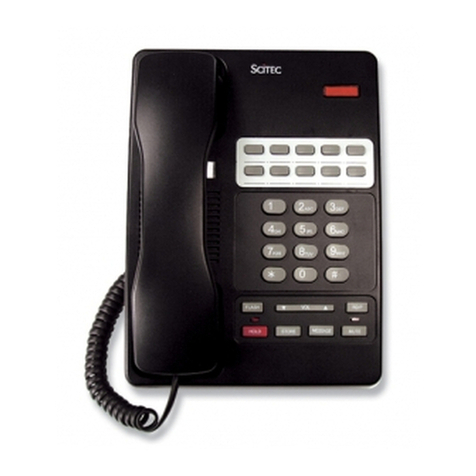
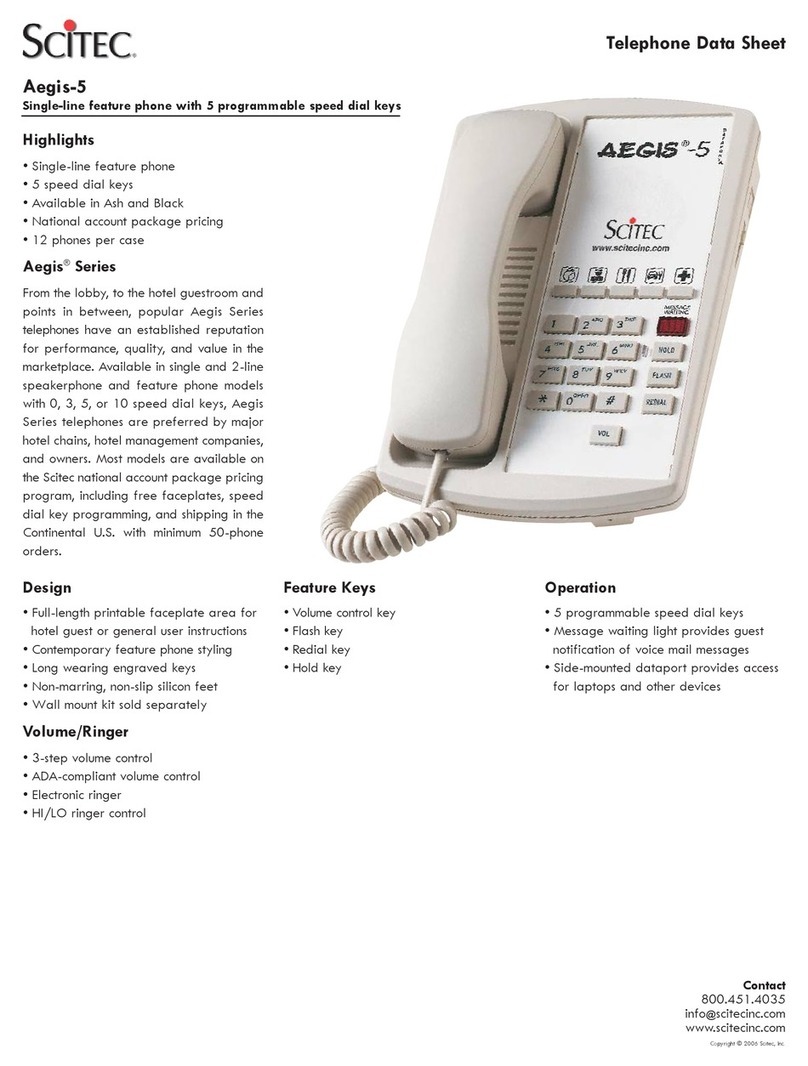
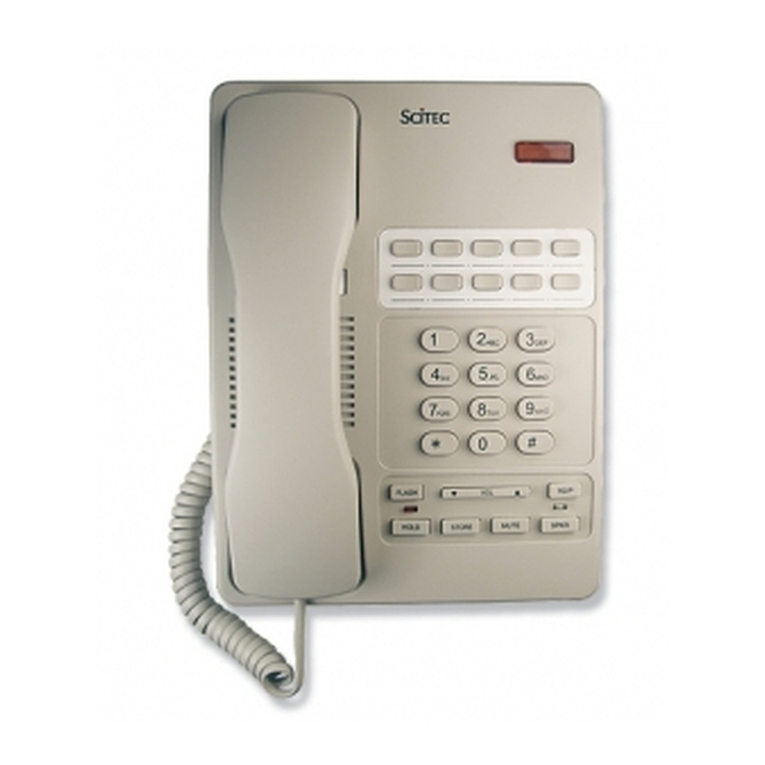
Manual Programming memory keys:
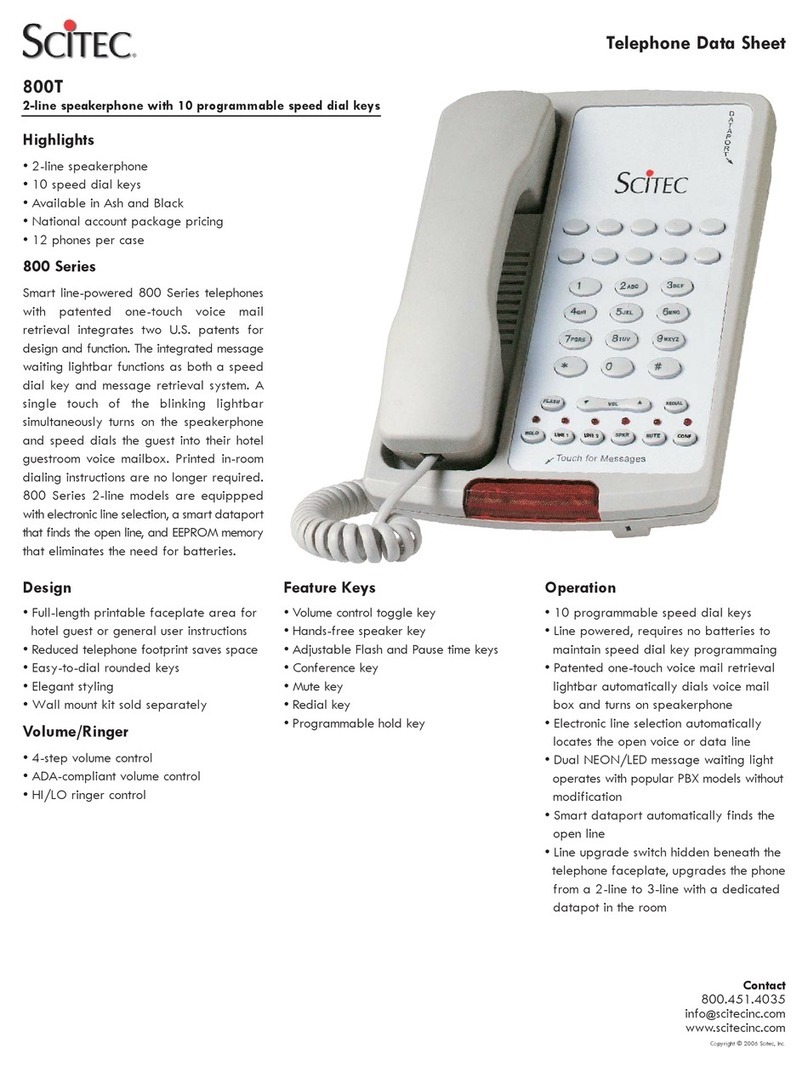
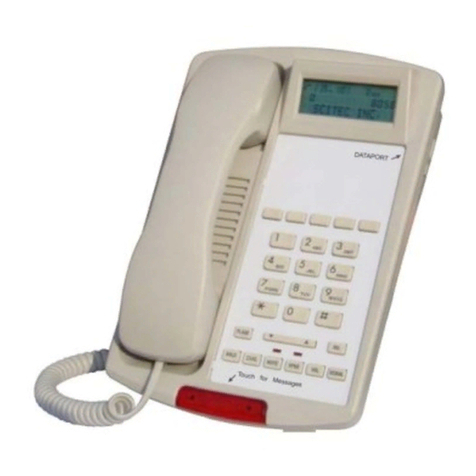
(18) [SPKR] Key – Activates speakerphone function. Automatically
Before programming speed dial keys, the telephone must be plugged into an
active telephone line. Then lift the handset, or press “speaker”key to take
telephone “off-hook.”
selects line 1 or line 2 on 2-line models.
(19) [MUTE] key – Shuts off all sound from handset or speakerphone
microphone without hanging up on caller.
(20) [CONF] Key – Makes three-way conference call using both line 1 and
line 2.
Remove faceplate to access hidden buttons. Press [STORE], dial the desired
number, including the [PAUSE] key where necessary. Then press a
[MEMORY] key (including [SITOUCH]) to finish. The [MEMORY] or
[SITOUCH] key should now dial the stored sequence when pressed.
Using the AEGIS®800T-T5-TP Telephone
Making conference calls - Dial or answer a call on one line and press
[HOLD]. Place the second call on the other line, then press the [CONF] key
to activate a three way conference. Press [Line 1] or [Line 2] to drop either
party from the three way conference. Replace the handset on its cradle or
press [SPKR] to end the conference call.
Placing calls –
a. Using handset: Lift handset. Then dial number or press a
programmed memory key. Line 1 is selected automatically. If you
wish to use line 2 instead of line 1, press [LINE2] key after lifting
handset Then dial.
b. Using speakerphone: Press [SPKR]. Then dial number or press a
programmed memory key. Pressing either [LINE1] or [LINE 2]
selects a line and at the same time activates the speakerphone.
SiTouch/UnaLightMessage Waiting Light – Fully compatible with
AT&T/ Lucent low-voltage LED and conventional high voltage neon
message waiting light systems. When the [SITOUCH] touchbar is pushed, it
automatically activates the speakerphone and dials a programmmed sequence
if programmed to do so (see “programming memory keys” above).
Answering calls – Lift handset or press [SPKR] to answer a call. The auto
line select feature will automatically select the ringing line.
If the phone is used with a voice mail system, program the [SITOUCH] key
as follows: First, press [STORE], then dial the number to access the voice
mail system, press [PAUSE], dial the ID code to retrieve messages for this
phone’s extension number, then (if needed) press the key that starts the
playback of stored messages. Then press [STORE] and [SITOUCH]. When
this sequence is properly stored, pressing the [SITOUCH] by itself will cause
stored messages to be played through the speakerphone.
Moving to another telephone – Place the caller on hold by pressing the
[HOLD] key. Then replace the handset in its cradle. When using
speakerphone, just press [HOLD] to place the caller on hold. Go to another
telephone and pick up the handset or press [SPKR] to continue the call.
Answering a second call –Press [HOLD] to answer a call on a different line
while currently taking a call. Then press the appropriate [LINE1] or [LINE2]
key for the new incoming call. After completing the new call press the other
line key to resume the original call.
Flexible dataport- When the dataport switch is to the left, the dataport will
first try to use line 2. If not available, then it will use line 1. This selection is
automatic. If the dataport switch is to the right, the dataport will always use
line 3 (this mode requires a wall jack wired for 3 lines).
Adjusting handset and speaker volume – Press the [▼] or [▲] side of
[VOL] bar. Each press increases or decreases volume through the range of
Normal – Medium – High– Highest. Adjust as desired.
3