8
Changzhou Sciwil E-
Mobility Technology Co., Ltd.
9th Huashan Road, Changzhou, Jiangsu, China- 213022
Fax: +86 519-85602675 Tel: +86 519-
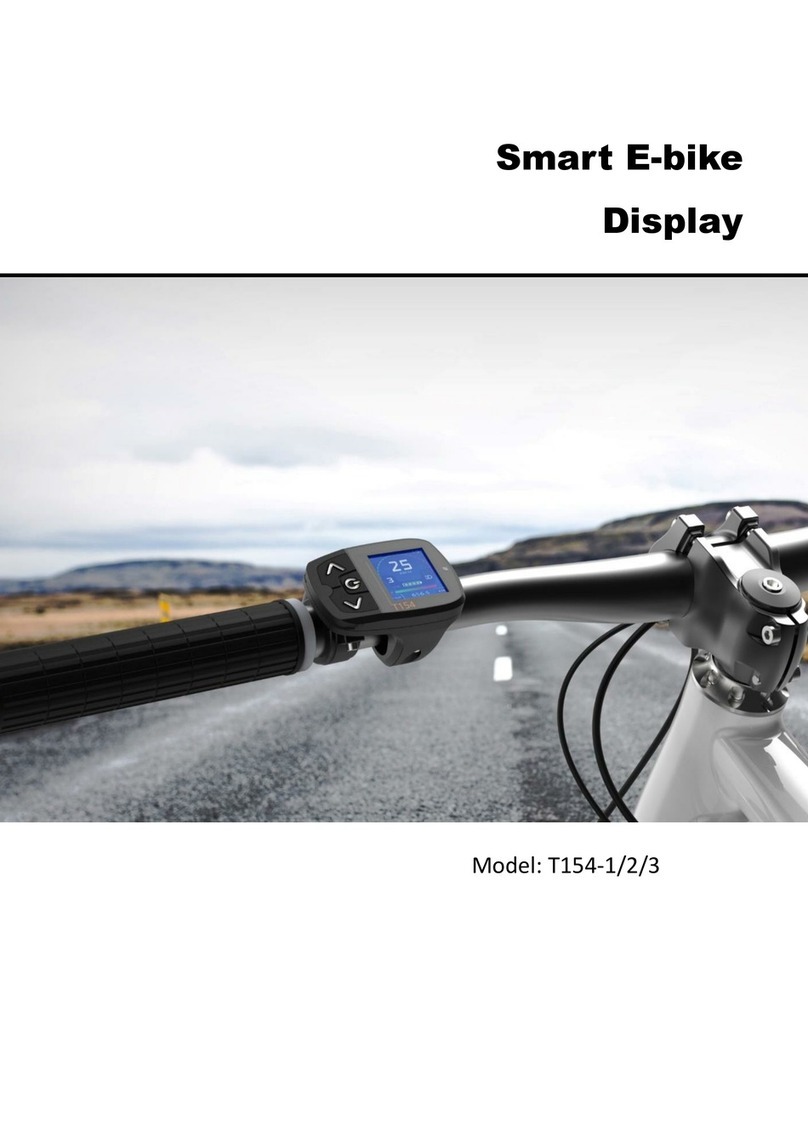
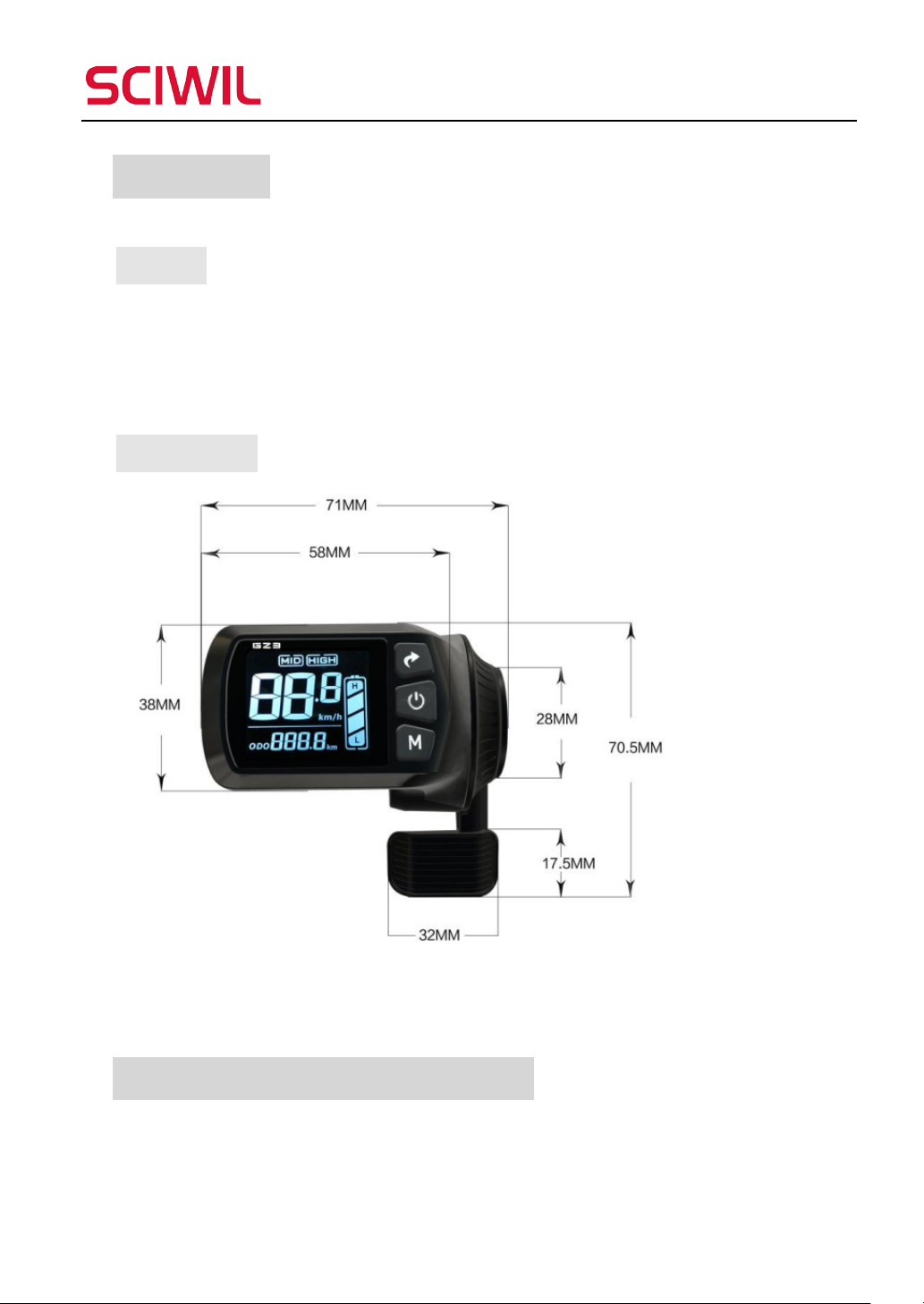
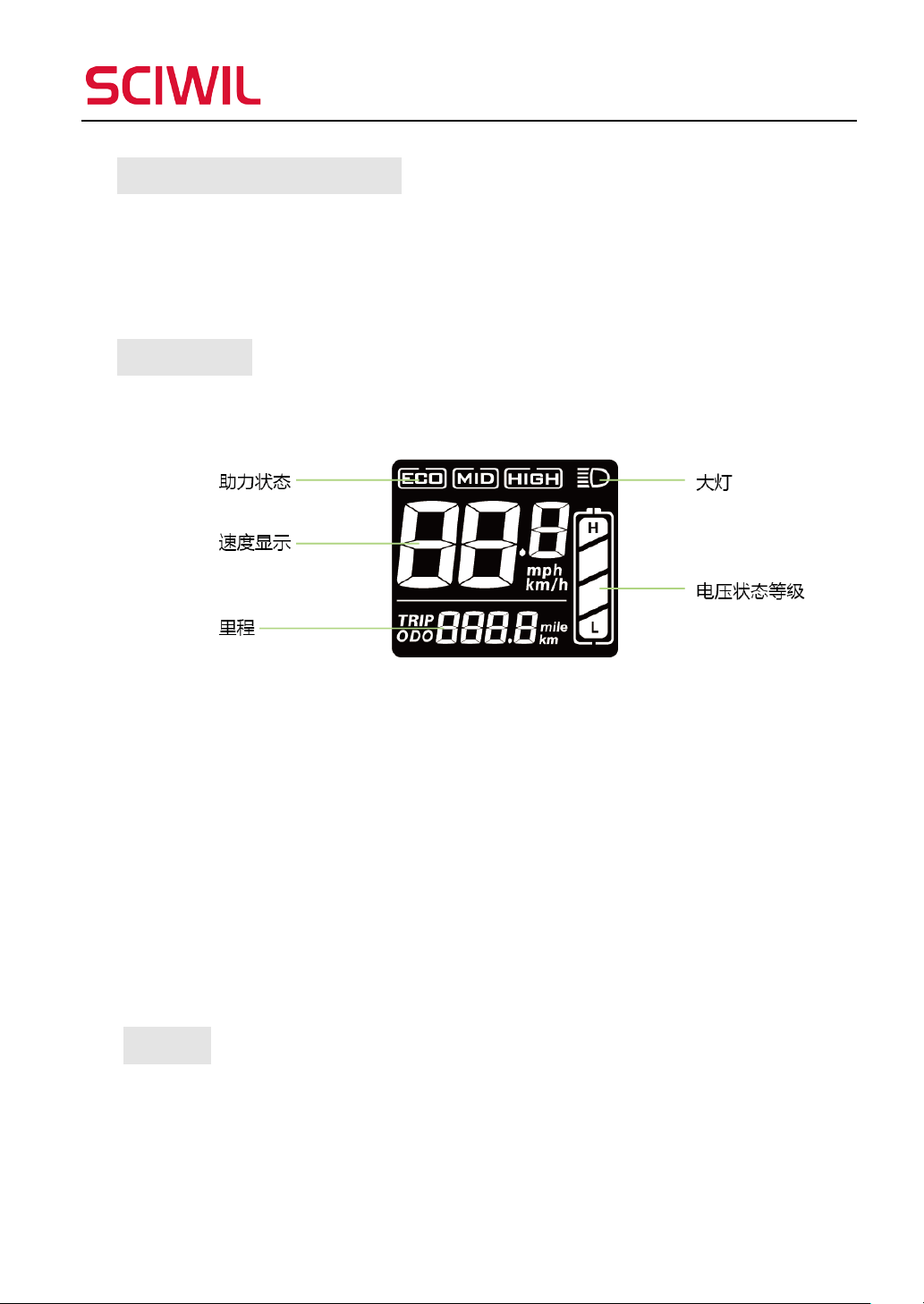
②During riding, press Mode to switch items displayed in versatile area.
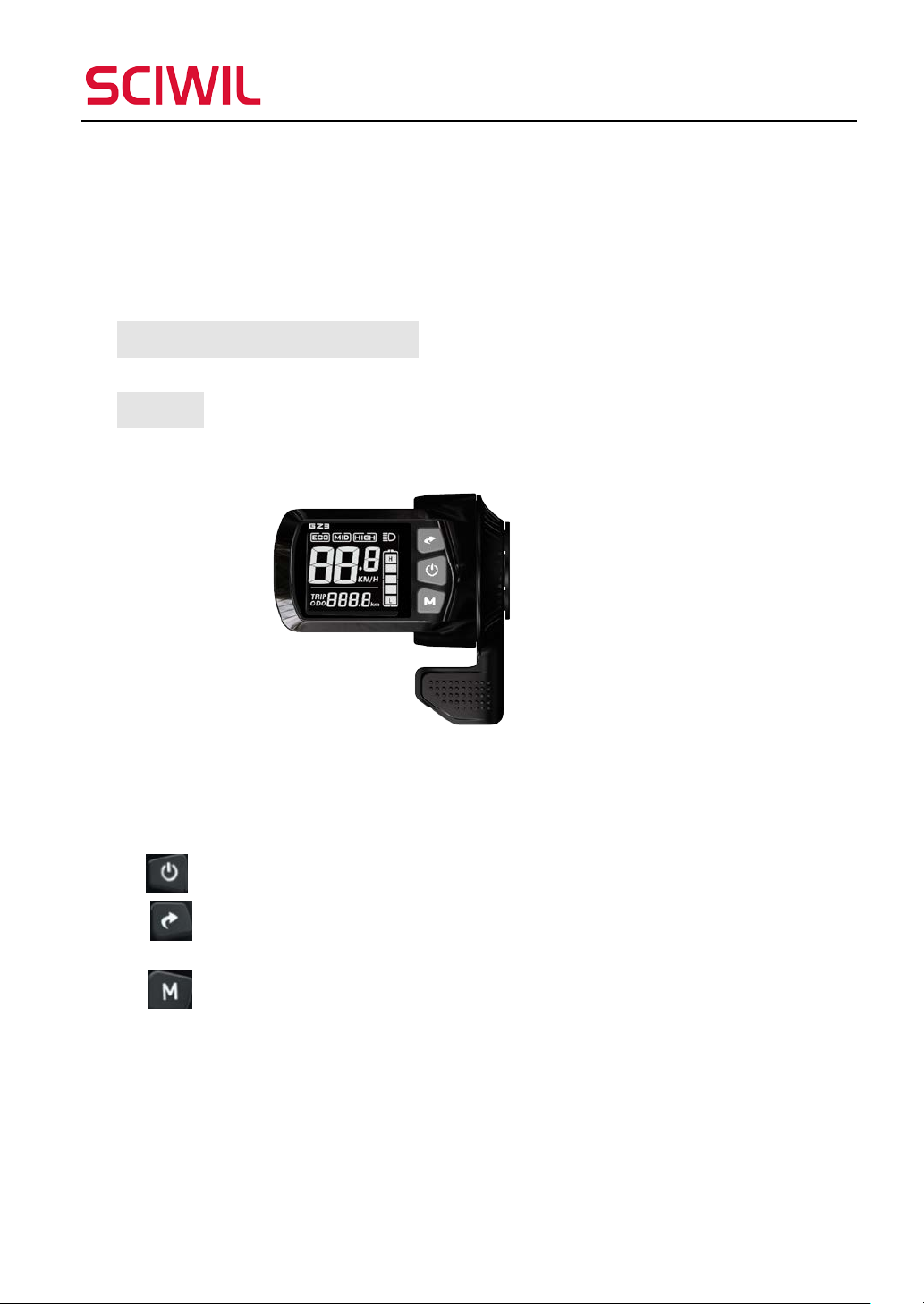
Note:Press and hold of a single key is mainly used for switch mode/on/off
status. Press and hold of two keys is used for parameter settings.
(To avoid false operation, short press of two keys is not introduced.)
Operations:
·Switch On/Off Display and Headlight
-Press and hold On/Off to switch on or off the display. When the display is
on, press On/Off turn on the front light.
-When the display is on but the static current is under 1μA, the display will
automatically turn off after 10 minutes (or any set time by P04).
·Enter/Exit Walk Mode, Cruise Mode
- When your e-bike stops, press and hold Mode to enter 6km/h walk mode.
- During riding, press and hold Minus to enter real-time cruise. When in
cruise mode, press and hold Minus to exit.
·Switch Displayed Items in Versatile Area
When the display is on, press Mode to switch displayed items in versatile area.
·Settings
- Press and hold Level/Toggle and Mode to enter Settings interface. Setting
items include: Backlight Brightness, Unit, Voltage Level, Auto-Off Time, PAS
Level, Wheel Size, Motor Magnet Numbers, Speed Limit, Direct Start and
Kick-to-Start Mode, Drive Mode, PAS Sensitivity, PAS Start Power, PAS