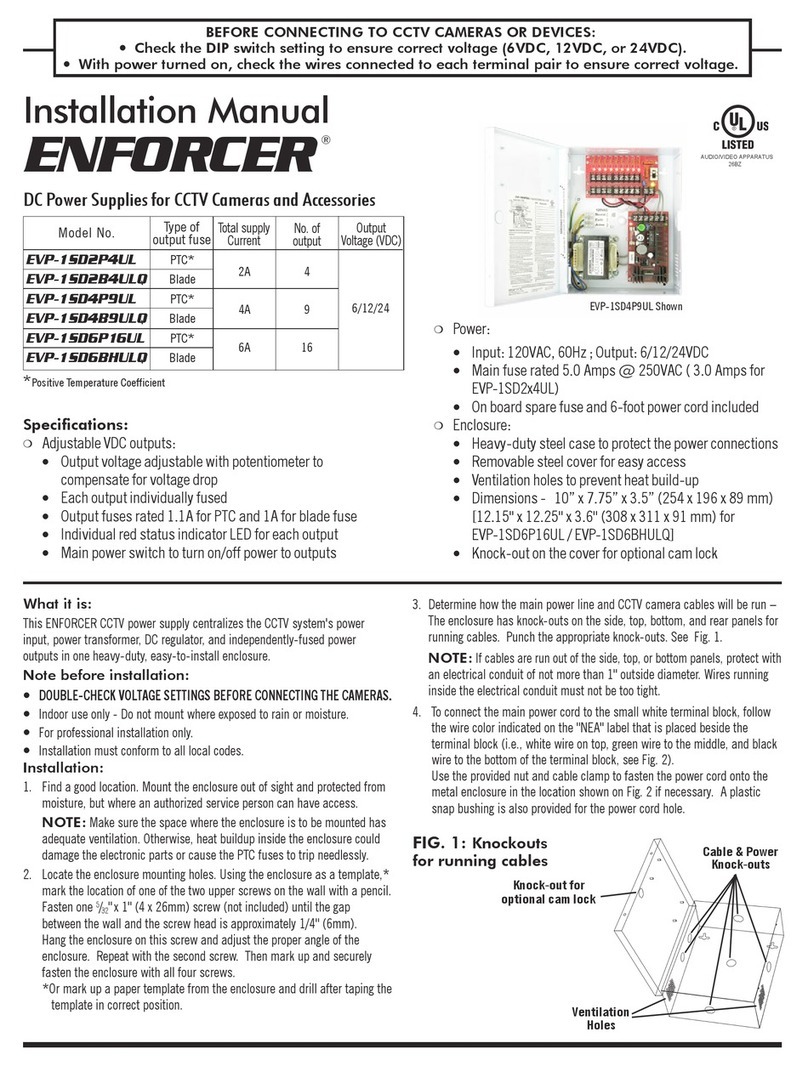
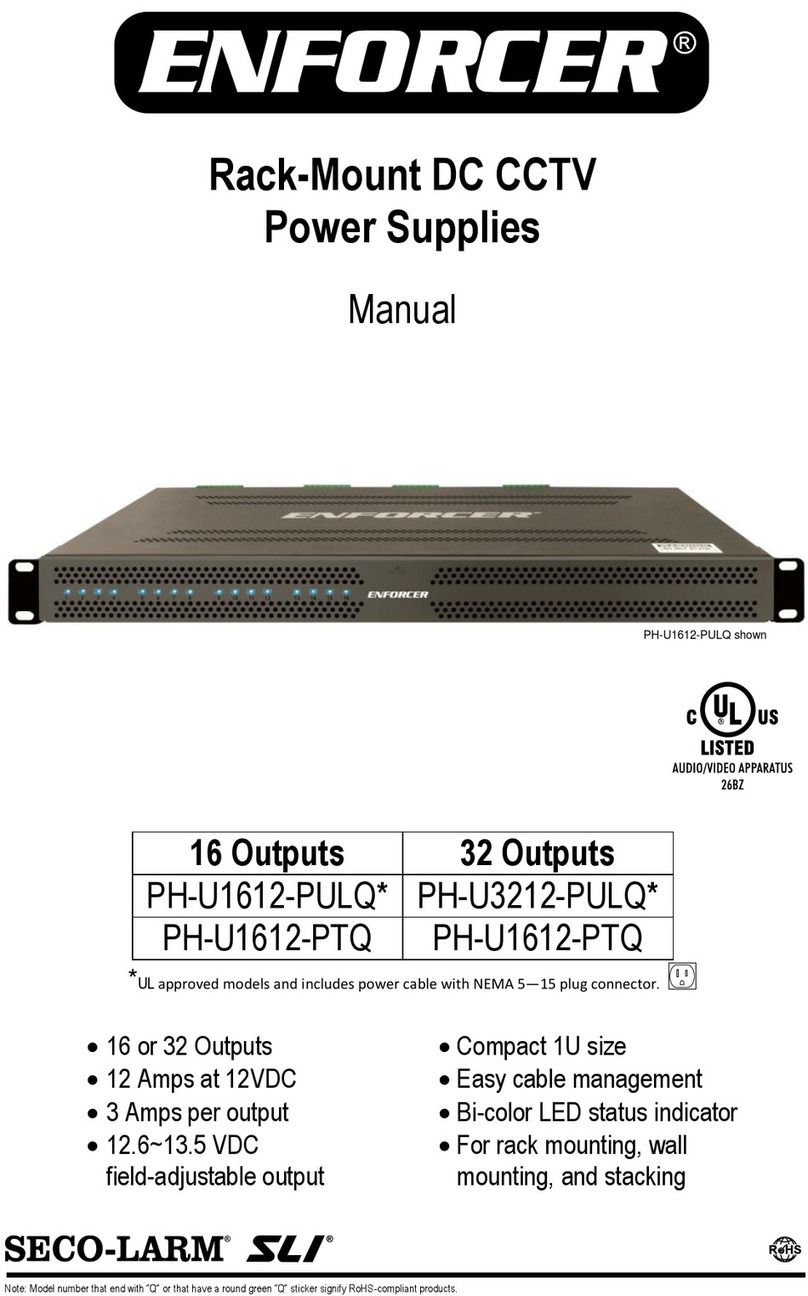
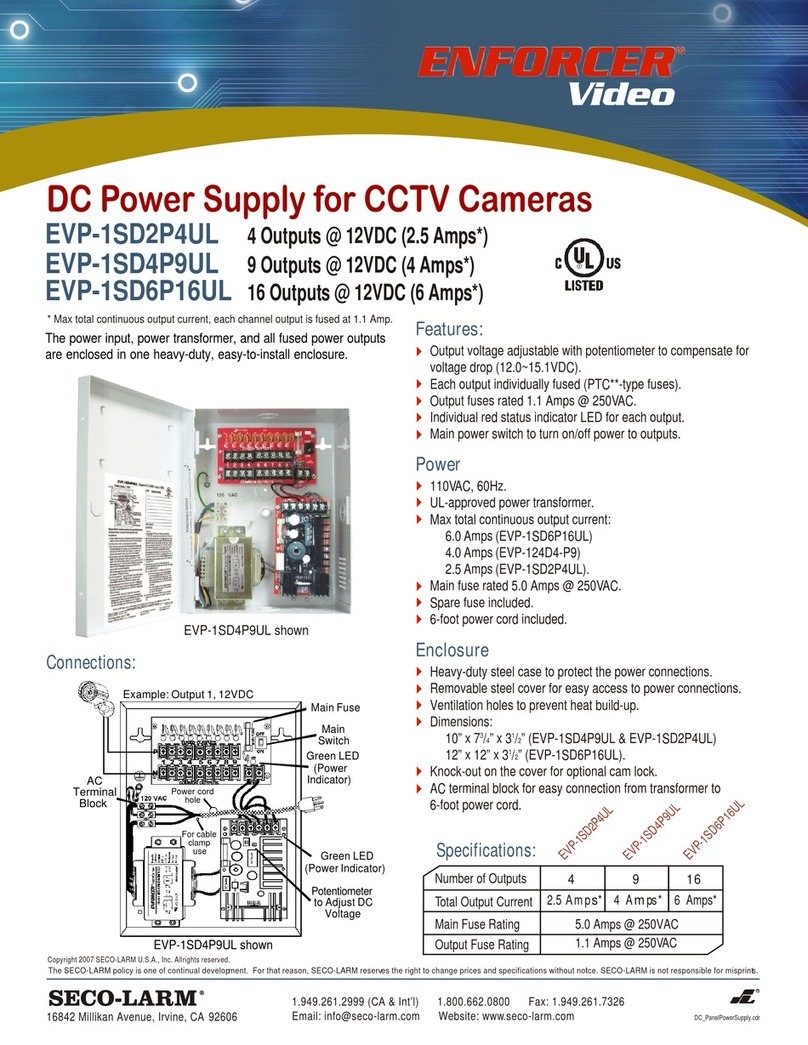
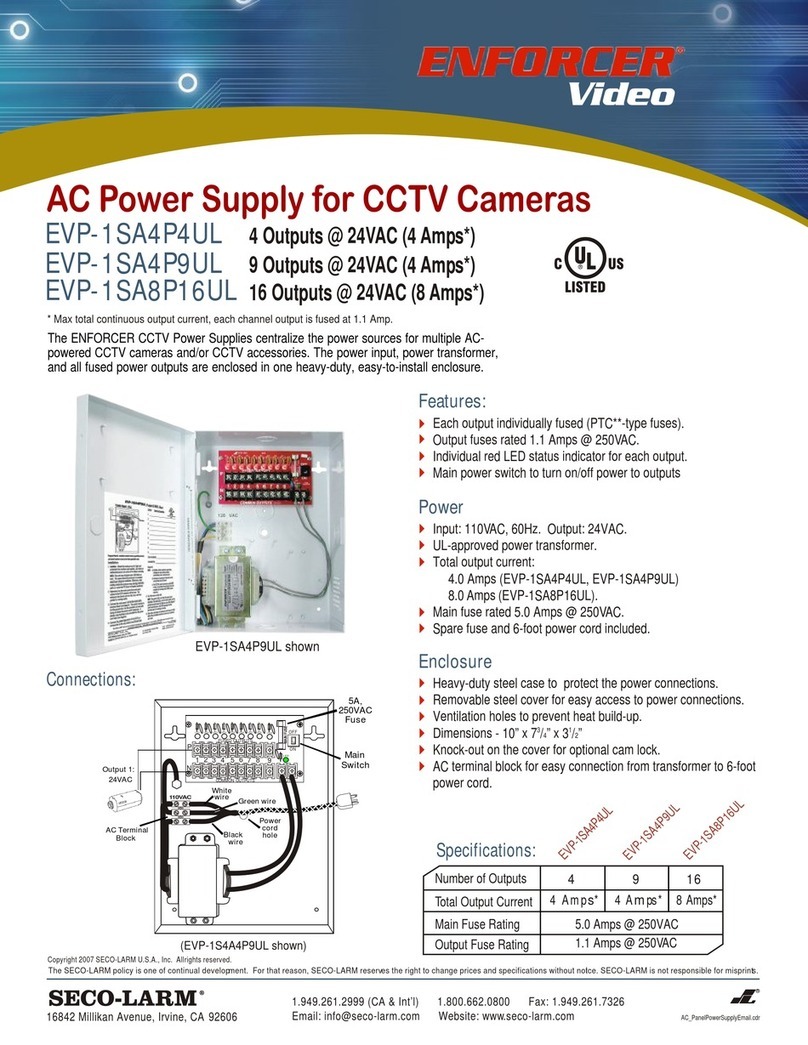
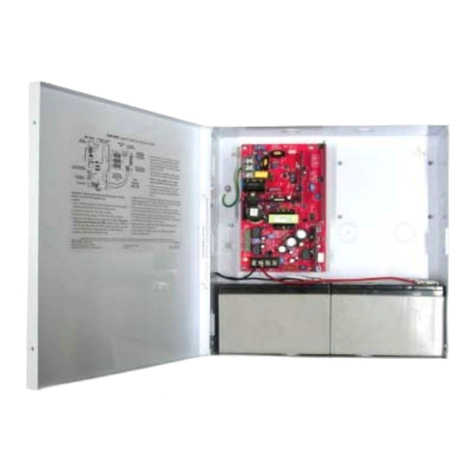
The power supp y shou d be insta ed out of sight,
and in a p ace protected from weather and high
humidity. The power supp y must have adequate
venti ation. Insufficient venti ation may cause
overheating and damage cou d resu t.
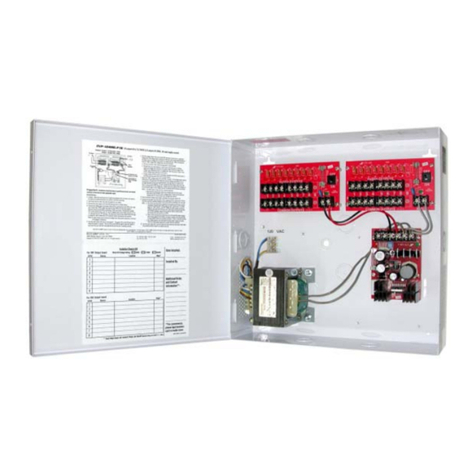
2. Remove one of more of the cab e knock-outs,
depending on how many connections wi be made.
Knock-outs are shown in Fig. 1 to the right. If
desired, use an optiona bushing, grommet, or other
s eeve to protect wires passing through the ho e(s).
3. Screw the power supp y to the wa or other mounting
surface using
5
/
32
"x1" (4x26 mm) screws and p astic
anchors (not inc uded). First, screw in the top
screw(s) and hang the power supp y. Then, if
app icab e, screw in the bottom two screws to fu y
secure the unit in p ace.
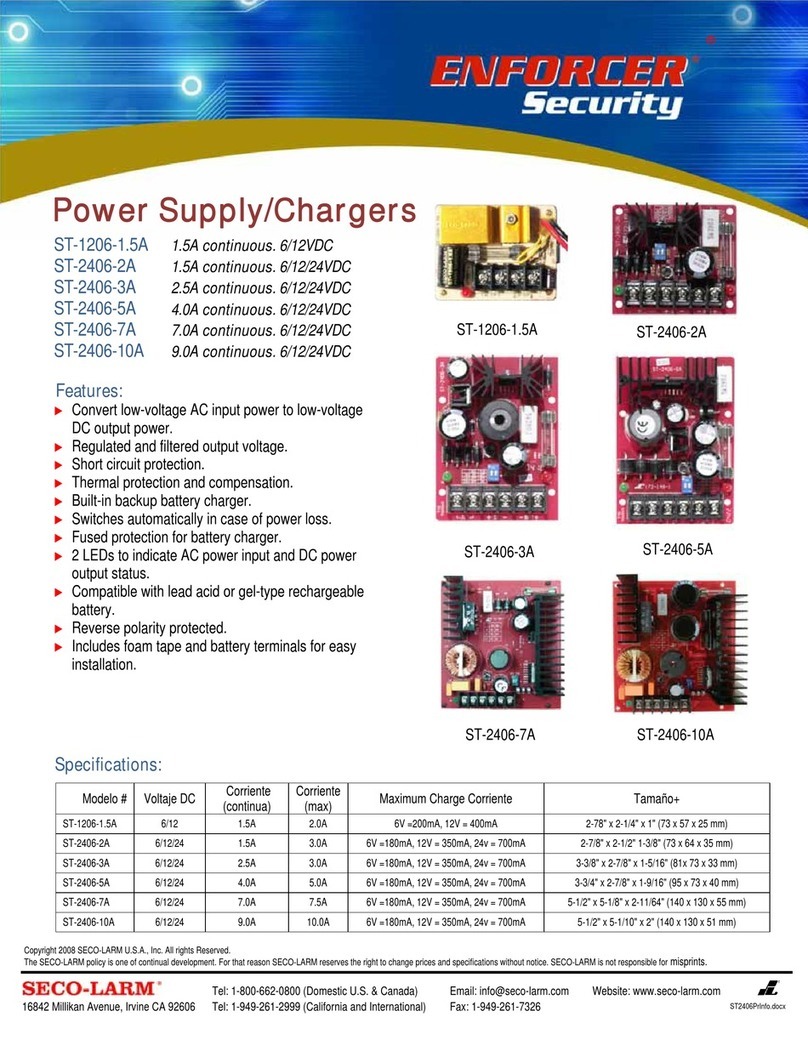
4. P ug the power cab e into the power input socket
(Fig. 2).
WARNING: A ways test output vo tage before
connecting devices to the power supp y.
5. Connect cameras and other devices to the power
outputs, whi e observing correct po arity as shown in
Fig. 3. To minimize vo tage drop, use 18-guage or
arger wire.
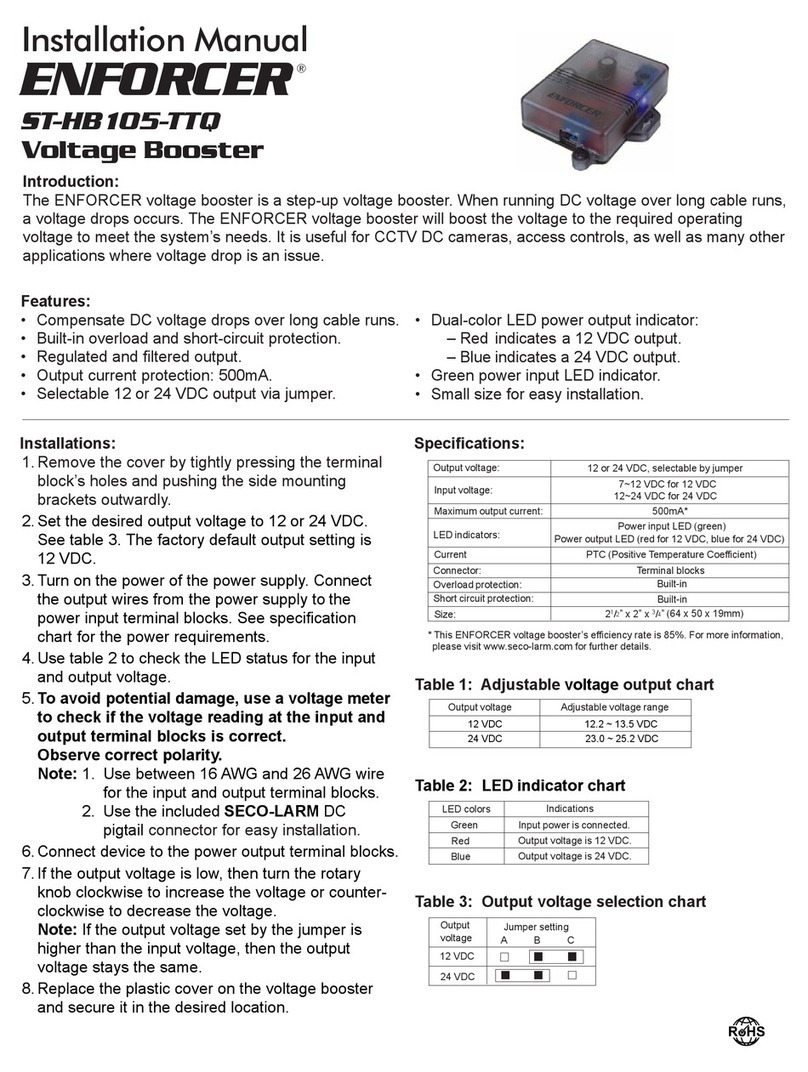
6. If vo tage drop is arge, adjust the output vo tage
trimpot as shown in Fig. 4.
NOTE: The output vo tage trimpot changes vo tage for
a outputs by ±10%. Test a outputs to ensure
vo tage does not exceed device specifications.