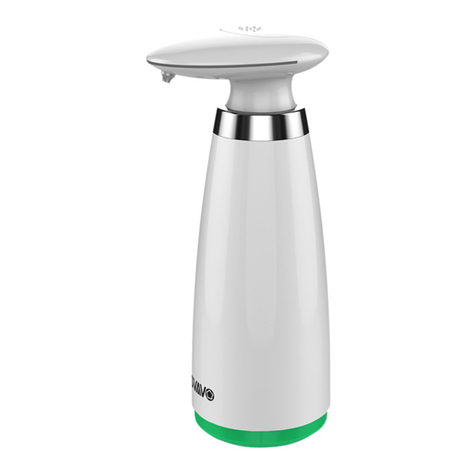
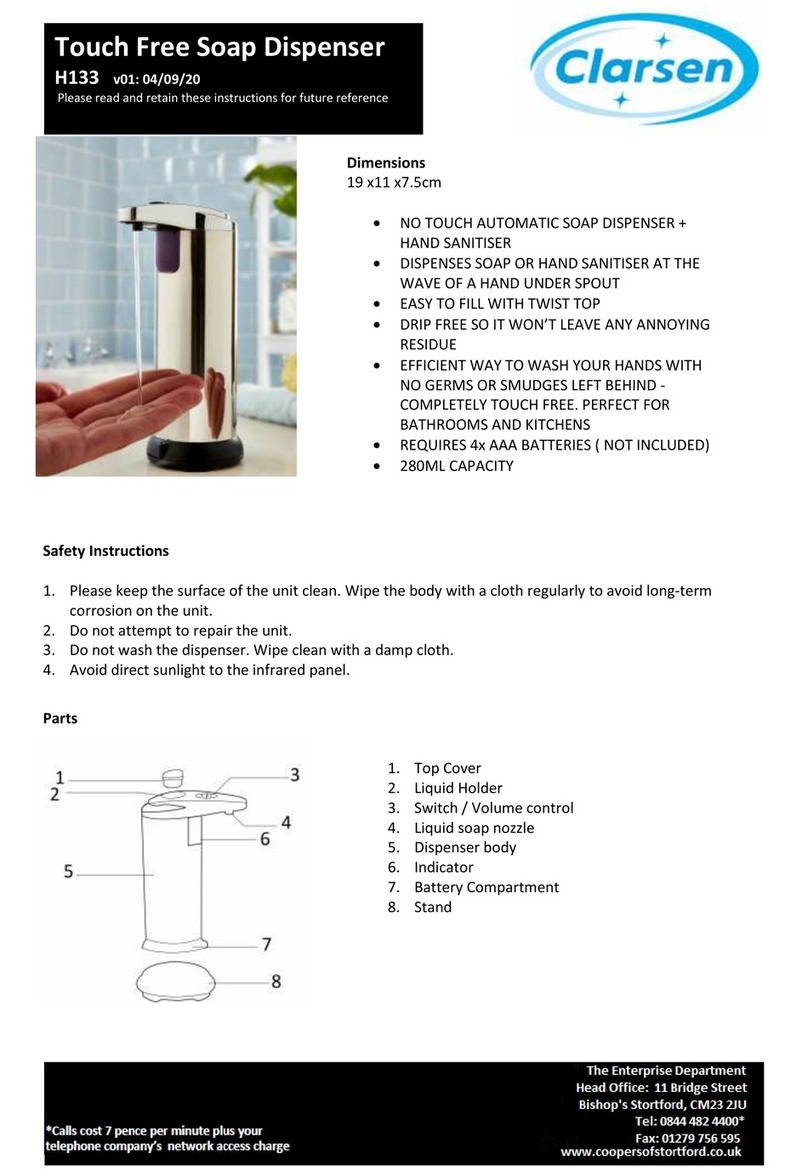
Automatic Soap Dispenser
User Manual
·Features
·Installation
·Liquid Soap Volume Control
·If Dispenser Doesn't Work
·Technical Data
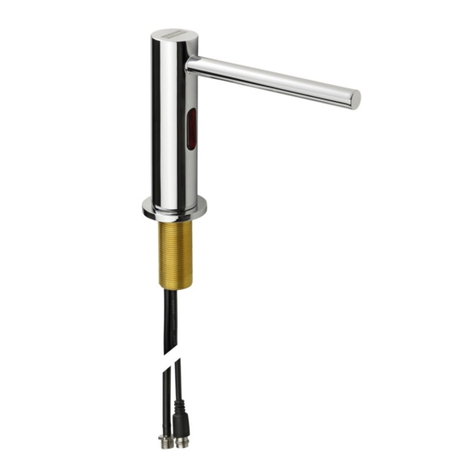
1. Spout
2. Infrared sensor sender
3. Battery compartment
4. On/Off Switch & Liquid Soap Volume Control
5. Container lid
1. Insert 4 "AA" batteries into the battery
compartment according to the diagram in the
battery compartment.
2. Open the container lid. (Figure 2)
3. Fill with liquid soap. (Figure 3)
4. Turn the On/Off switch to "On" and adjust the
soap volume control to the middle of its setting.
5. Put your hand under the sensor within 0~2.75 in
to let the dispenser start to work. (For first time
use, repeat this process several times until the
soap begins to dispense). (Figure 4)
·Attention
1. Place the dispenser on a flat, level surface.
2. If wall mounting, do not install the dispenser
above a mirrored surface or close to running
water, as this might cause it to activate
unnecessarily.
3. This product is for indoor use. Exposure to
direct sunlight will destroy the sensor system.
4. Use liquid soap with a low concentration of
alcohol.
5. Avoid placing this product in areas where it
could become covered in water.
6. Keep the liquid clean.
7. If you will not be using the dispenser for an
extended period of time, empty the container of
soap, clean the dispenser out and remove the
batteries. Store it in a dry place.
8. Do not subject the On/Off switch to too much
exposure to water.
1. The volume of liquid soap dispensed can be
adjusted from 0.03~0.19 oz. by rotating the On/Off
switch.
2. Rotating the On/Off switch towards the bottom
of the dispenser will increase the amount of soap
dispensed. Rotating it in the opposite direction will
decreasee the amount of soap dispensed.
1. Make sure the batteries are placed in the
battery compartment correctly and that they are
fresh.
2. Check that the On/Off switch has been switched
to the "On" position.
2. The liquid soap could become congealed in
the spout or dispensing tube due to lack of use of
the dispenser or cold/dry weather. If that is the
case, pour out any soap remaining in the
container, fill the container with warm soapy
water and then operate the dispenser several
times until the water begins to dispense from the
spout. Pour out any remaining soapy water and
refill the container with liquid soap.
·Cleaning
1. Clean the dispenser's surface with wet towel,
battery compartment with dry towel.
·If Soap is not Dispensed
1. If this is the first use of the dispenser, place
your hand under the sensor (within 0~2.75 in)
several times until the soap begins to flow out of
the spout.
©
2016 SECURA INC.
Secura Inc.
Tel: 888-792-2360
CustomerCare
@
thesecura.com
Brookfi eld, Wisconsin. USA
www.thesecura.com
Model: ASD-500