Table of Contents
Setup 1
Introduction...............................................................................1
Cirris Customer Support...........................................................1
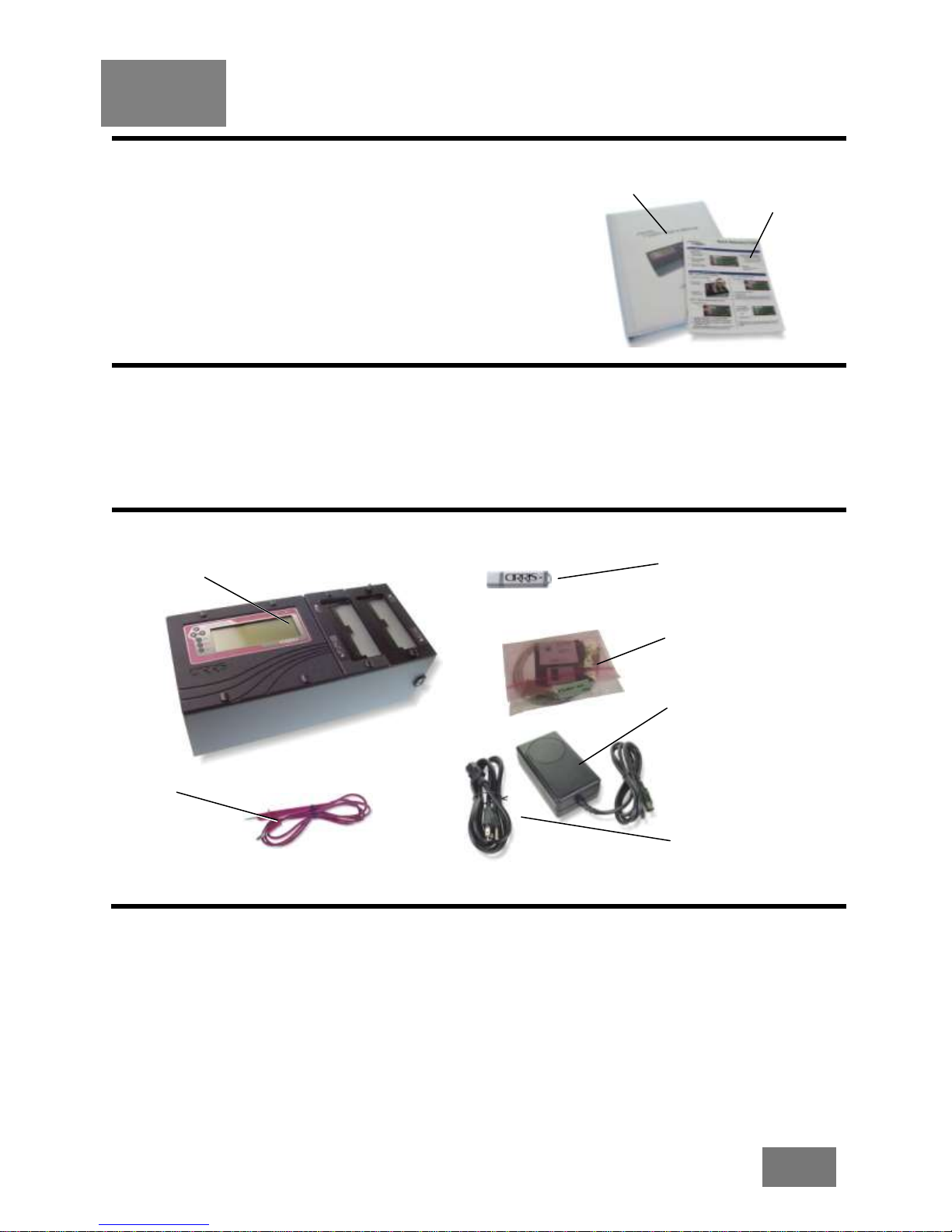
You Should Have Received......................................................1
Setup........................................................................................1
You May Have Received..........................................................2
Tester Options..........................................................................2
Setting up the Tester ................................................................3
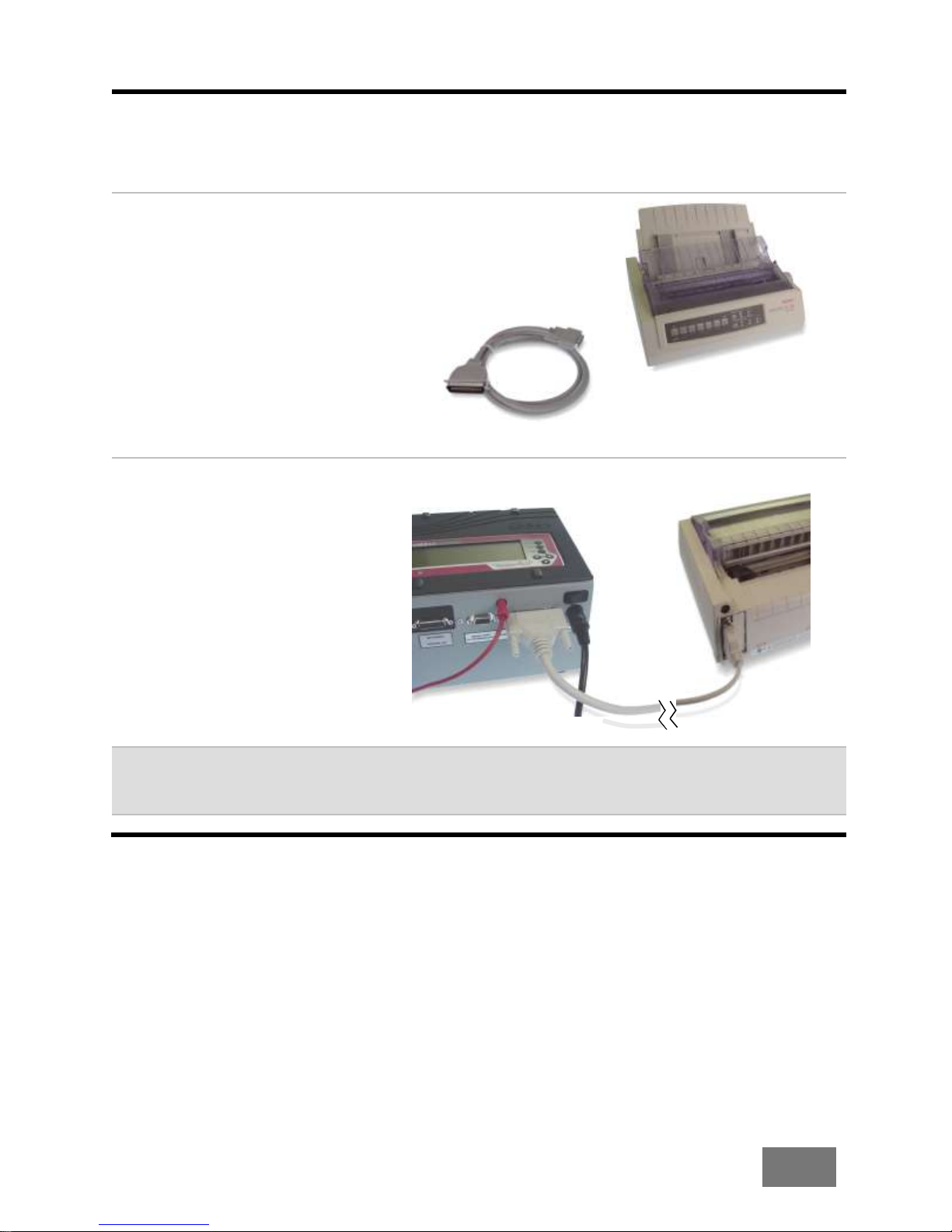
Connecting a Printer.................................................................4
Attaching Scanner Add-Ons.....................................................5
Tester Basics 8
Basic Operation........................................................................8
Downloading Updates and Changing the Language.................8
Security....................................................................................8
Changing the Speaker Volume.................................................9
Adapters.................................................................................10
Installing Adapters..................................................................12
Duplicating the Adapter Setup................................................14
Cable Signatures....................................................................15
Adapter Signatures.................................................................16
The Loaded Test Program and other Memory Locations........16
Using the Tester 17
Creating a Test Program ........................................................17
You’ve created a test program!...............................................18
Learning a Cable With No Connections..................................18
Documenting a Test Program.................................................19
Testing a Cable......................................................................20
Test Summaries .....................................................................22
USB Thumb Drive...................................................................23
Managing Test Programs .......................................................26
Using CTLWIN 30
Common Uses for CTLWIN....................................................30
Running the CTLWIN Software...............................................30
Editing Test Programs............................................................31
Help for CTLWIN....................................................................32
Preferences & Settings 33
What are Preferences and Settings?......................................33
1100 R+ Factory Defaults.......................................................34
Restoring Factory Default Preferences and Settings ..............34
What Happens when a Cable is Tested?................................34
User Preferences....................................................................35
Test Mode ..............................................................................36
External Switch.......................................................................36
Fault Location.........................................................................37
Auto Start ...............................................................................37
Test Count..............................................................................38