manuals.online logo
Brands
  1. Home
  2. •
  3. Brands
  4. •
  5. SMART-AVI
  6. •
  7. Switch
  8. •
  9. SMART-AVI D2H-4P Duo User manual

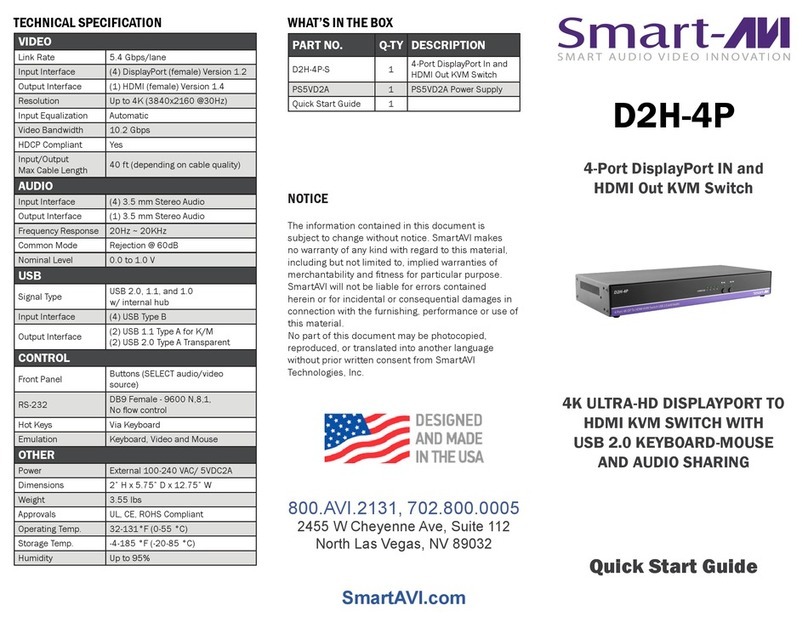
SMART-AVI D2H-4P Duo User manual

Other manuals for D2H-4P Duo

3

Other SMART-AVI Switch manuals

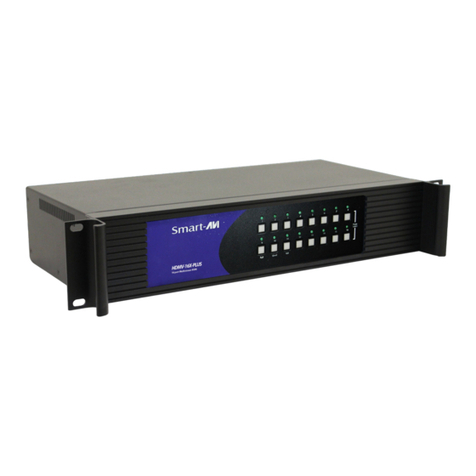
SMART-AVI DV-SW16 User manual

SMART-AVI

SMART-AVI DV-SW16 User manual

SMART-AVI SM-DVN Series User manual

SMART-AVI

SMART-AVI SM-DVN Series User manual

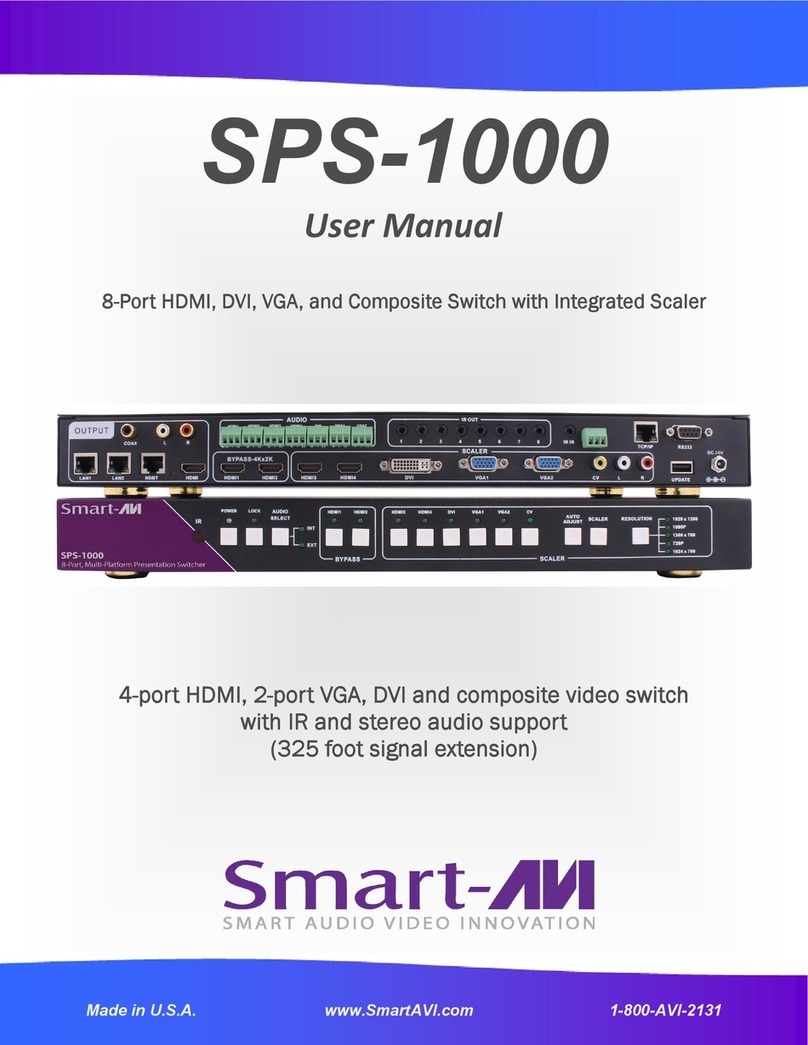
SMART-AVI SM-UHS-4S User manual

SMART-AVI

SMART-AVI SM-UHS-4S User manual

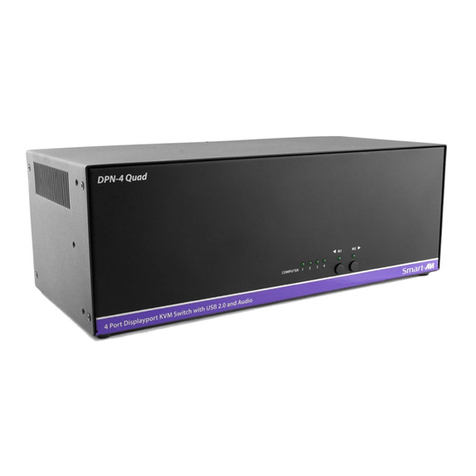
SMART-AVI DVN-4QUAD User manual

SMART-AVI

SMART-AVI DVN-4QUAD User manual

SMART-AVI SM-UHN-2D User manual

SMART-AVI

SMART-AVI SM-UHN-2D User manual

SMART-AVI SM-UHN-4Q User manual

SMART-AVI

SMART-AVI SM-UHN-4Q User manual

SMART-AVI HDN-4DUO-S User manual

SMART-AVI

SMART-AVI HDN-4DUO-S User manual

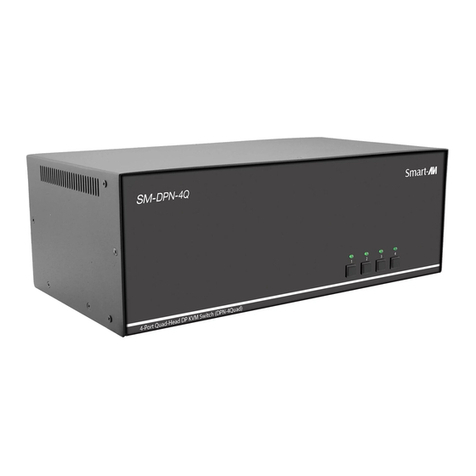
SMART-AVI SM-DPN-2Q User manual

SMART-AVI

SMART-AVI SM-DPN-2Q User manual

SMART-AVI SM-D2H-4S User manual

SMART-AVI

SMART-AVI SM-D2H-4S User manual

SMART-AVI HDNET-4P User manual

SMART-AVI

SMART-AVI HDNET-4P User manual

SMART-AVI DV-SW4S User manual

SMART-AVI

SMART-AVI DV-SW4S User manual

SMART-AVI SKM-04-PRO User manual

SMART-AVI

SMART-AVI SKM-04-PRO User manual

SMART-AVI DPN-4DUO User manual

SMART-AVI

SMART-AVI DPN-4DUO User manual

SMART-AVI SM3-UHX-2D User manual

SMART-AVI

SMART-AVI SM3-UHX-2D User manual

SMART-AVI DVN-4P User manual

SMART-AVI

SMART-AVI DVN-4P User manual

SMART-AVI DVN-4DUO-DL User manual

SMART-AVI

SMART-AVI DVN-4DUO-DL User manual
SMART-AVI HDN-4 Duo User manual

SMART-AVI

SMART-AVI HDN-4 Duo User manual

SMART-AVI DV-SW4 User manual

SMART-AVI

SMART-AVI DV-SW4 User manual

SMART-AVI HDN-4 Quad User manual

SMART-AVI

SMART-AVI HDN-4 Quad User manual

SMART-AVI UHD-2DUO User manual

SMART-AVI

SMART-AVI UHD-2DUO User manual

SMART-AVI QuadKVM User manual

SMART-AVI

SMART-AVI QuadKVM User manual

SMART-AVI HKM-02 User manual

SMART-AVI

SMART-AVI HKM-02 User manual

SMART-AVI DPN-4QUAD User manual

SMART-AVI

SMART-AVI DPN-4QUAD User manual
SMART-AVI DVN-4DUO User manual

SMART-AVI

SMART-AVI DVN-4DUO User manual
Popular Switch manuals by other brands

TRENDnet TK-401R null

TRENDnet

TRENDnet TK-401R null

TRENDnet TK-200K null

TRENDnet

TRENDnet TK-200K null

TRENDnet TE100-S8 null

TRENDnet

TRENDnet TE100-S8 null

URC Total Control MFS-8 installation manual

URC

URC Total Control MFS-8 installation manual

Azbil HPQ-D11 user manual

Azbil

Azbil HPQ-D11 user manual

Sony DFS-900M operating instructions

Sony

Sony DFS-900M operating instructions

SICK i17S operating instructions

SICK

SICK i17S operating instructions

F&F SZR-277 quick start guide

F&F

F&F SZR-277 quick start guide

Shure UAMS/BK user guide

Shure

Shure UAMS/BK user guide

Dräger X-zone Switch Off Instructions for use

Dräger

Dräger X-zone Switch Off Instructions for use

Asco Joucomatic 349 Series manual

Asco

Asco Joucomatic 349 Series manual

BT Mini Hub user guide

BT

BT Mini Hub user guide

D-Link DES-1226G manual

D-Link

D-Link DES-1226G manual

Johnson Controls FS80-C installation instructions

Johnson Controls

Johnson Controls FS80-C installation instructions

MicroNet SP1200A user manual

MicroNet

MicroNet SP1200A user manual

Ruijie RG-PF2920 Series Hardware  installation and reference guide

Ruijie

Ruijie RG-PF2920 Series Hardware installation and reference guide

Altinex DA1914SX user guide

Altinex

Altinex DA1914SX user guide

RJM MASTERMIND PBC/6X user manual

RJM

RJM MASTERMIND PBC/6X user manual

manuals.online logo
manuals.online logoBrands
  • About & Mission
  • Contact us
  • Privacy Policy
  • Terms and Conditions

Copyright 2025 Manuals.Online. All Rights Reserved.

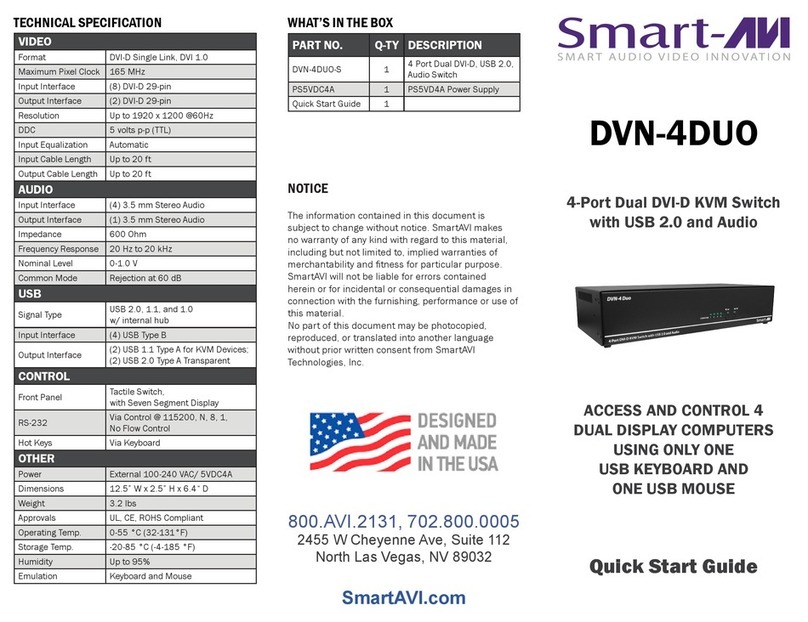
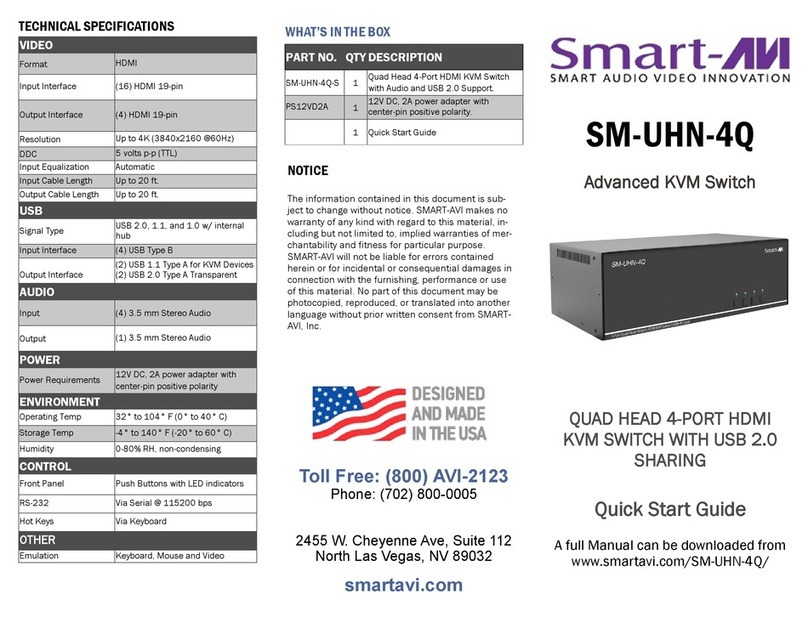
D2H-4P-Duo
8-Port DisplayPort IN
and 2-Port HDMI OUT KVM Switch
Quick Start Guide
8-Port DP KVM switch
with 4K Ultra-HD HDMI
video output emulation.
VIDEO
Format DisplayPort 1.2, HDMI
Input Interface (8) DisplayPort (female)
Output Interface (2) HDMI (female)
Resolution Up to 4K (3840x2160 @ 30Hz)
Video Bandwidth 10.2 Gbps
TECHNICAL SPECIFICATIONS
OTHER
Power External 100-240
VAC/5VDC4A @10W
Consumption 10W
Dimensions 12”W x 1.75”H x 6”D
Weight 3.5 lbs.
Max. Cable Length 40 ft.
Approvals UL, CE, ROHS Compliant
Operating Temp. 32-131°F (0-55°C )
Operating Humidity Up to 80%
USB
Input (4) USB Type B (female)
Output (2) USB Type A for keyboard/
mouse; (2) USB Type A
Transparent
CONTROL
Front Panel Tactile Switches
RS-232 Via SmartControl @ 9600
Hot Keys Via Keyboard
800.AVI.2131
Tel: (818) 503-6200 |Fax: (818) 503-6208
11651 Vanowen St. North Hollywood, CA 91605
SmartAVI.com
Designed and Manufactured in the USA
NOTICE
The information contained in this
document is subject to change without
notice. SmartAVI makes no warranty of
any kind with regard to this material,
including but not limited to, implied
warranties of merchantability and fitness
for particular purpose.
SmartAVI will not be liable for errors
contained herein or for incidental or
consequential damages in connection
with the furnishing, performance or use
of this material.
No part of this document may be
photocopied, reproduced, or translated
into another language without prior
PART NO. QTY DESCRIPTION
D2H-4P-Duo 1 8-Port DisplayPort IN and
HDMI OUT KVM Switch.
[Includes D2H-4P-Duo]
PS5VD4A 1 Wall Mounted 5V Power
Quick Start
Guide
1 Installation Setup/Part listing
WHAT’S IN THE BOX
The D2H-4P-DUO is an 8-Port DisplayPort-to-HDMI
KVM switch with full USB and 4K ultra-HD video
emulation. Perfect for industrial, corporate, dining,
retail, and public service environments, the D2H-4P
-DUO offers unparalleled control of multiple con-
nected computers with real-time video emulation
over DP.
FEATURES
 Full EDID video emulation via HDMI output
 Control four connected computers from a single
workstation with KVM support
 Backwards compatible with older DisplayPort
models.
 Independent (asynchronous) switching of KVM
and peripheral USB ports.
 High resolution picture up to 4K (3840x1260 @
30Hz)
CONNECTING THIS PRODUCT
1. Turn off all devices.
2. Connect a monitor, USB keyboard/mouse to the local unit Transmitter (TX) for local console control.
3. Connect a monitor, USB keyboard/mouse to the remote unit Receiver (RX).
4. Connect stereo audio cables from the computer to the audio ports on the TX unit (microphone optional).
5. Connect speakers to the audio port on the RX unit.
6. Connect a CAT5e/6 cable between the TX and RX units (max. cable length: 500 feet).
7. Connect the 5V power supply to both the TX and RX units.
8. Connect DVI and USB cables from your computer to the TX unit.
9. Turn on your computer.
INSTALLATION DIAGRAM
FRONT BACK