manuals.online logo
Brands
  1. Home
  2. •
  3. Brands
  4. •
  5. SMART-AVI
  6. •
  7. Switch
  8. •
  9. SMART-AVI DSK-2H User manual

SMART-AVI DSK-2H User manual

Other SMART-AVI Switch manuals
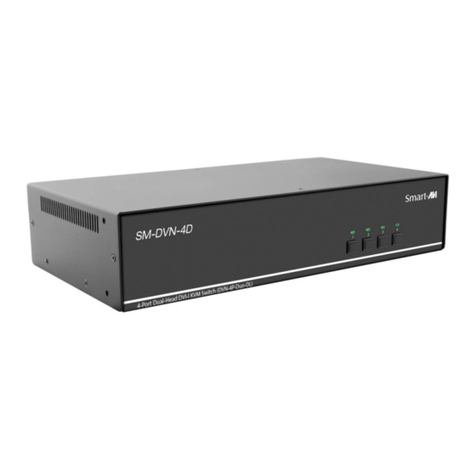
SMART-AVI HKM-02 User manual

SMART-AVI

SMART-AVI HKM-02 User manual

SMART-AVI SKM-04-PLUS User manual

SMART-AVI

SMART-AVI SKM-04-PLUS User manual

SMART-AVI HDN-4 Quad User manual

SMART-AVI

SMART-AVI HDN-4 Quad User manual

SMART-AVI HDR8x8 LP User manual

SMART-AVI

SMART-AVI HDR8x8 LP User manual

SMART-AVI D2H-4P Duo User manual

SMART-AVI

SMART-AVI D2H-4P Duo User manual

SMART-AVI SM-D2H-4S User manual

SMART-AVI

SMART-AVI SM-D2H-4S User manual

SMART-AVI DVR4X4S User manual

SMART-AVI

SMART-AVI DVR4X4S User manual

SMART-AVI DV-SW8-p User manual

SMART-AVI

SMART-AVI DV-SW8-p User manual

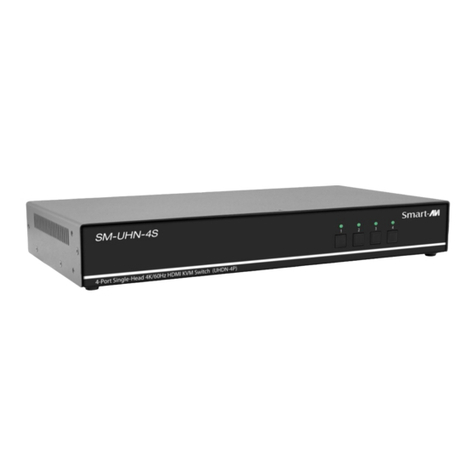
SMART-AVI SM-UHN-4D User manual

SMART-AVI

SMART-AVI SM-UHN-4D User manual

SMART-AVI SM-HDN-8S User manual

SMART-AVI

SMART-AVI SM-HDN-8S User manual

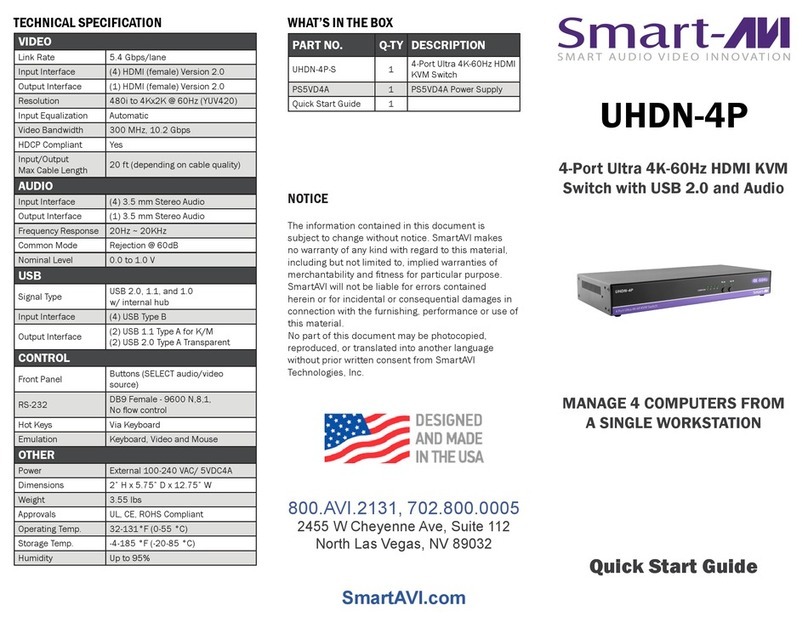
SMART-AVI UHDN-4P-QUAD User manual

SMART-AVI

SMART-AVI UHDN-4P-QUAD User manual

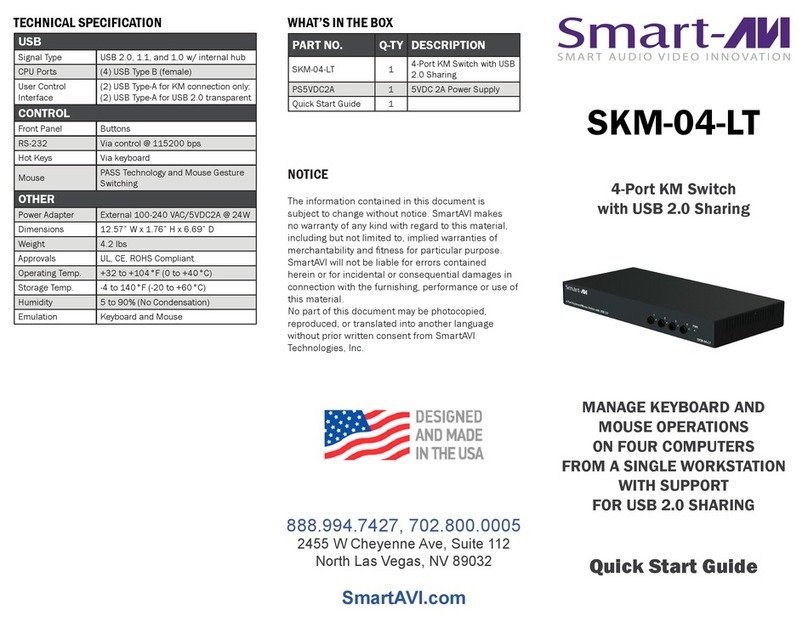
SMART-AVI SKM-04 User manual

SMART-AVI

SMART-AVI SKM-04 User manual

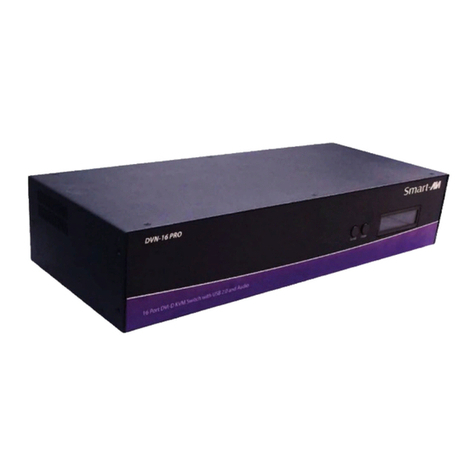
SMART-AVI DVN-16Pro User manual

SMART-AVI

SMART-AVI DVN-16Pro User manual

SMART-AVI DVN-16Pro User manual

SMART-AVI

SMART-AVI DVN-16Pro User manual

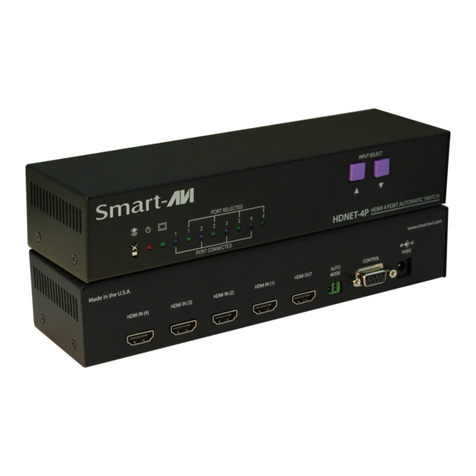
SMART-AVI HDNET-4PS User manual

SMART-AVI

SMART-AVI HDNET-4PS User manual

SMART-AVI HDN-8P User manual

SMART-AVI

SMART-AVI HDN-8P User manual

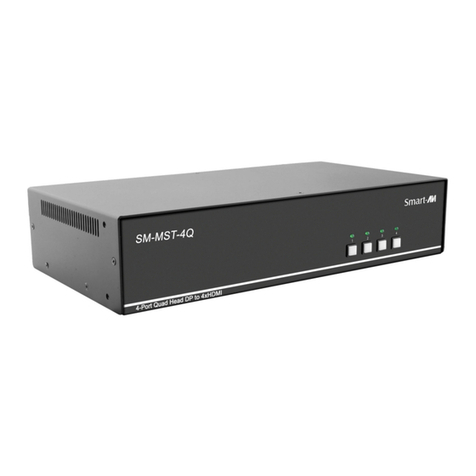
SMART-AVI SM-UHN-4Q User manual

SMART-AVI

SMART-AVI SM-UHN-4Q User manual

SMART-AVI DPN-4P User manual

SMART-AVI

SMART-AVI DPN-4P User manual
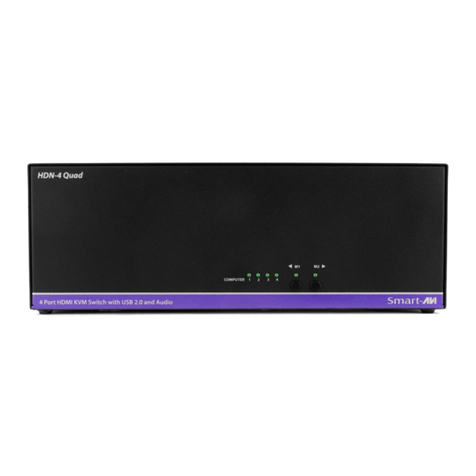
SMART-AVI UHDN-4P Duo User manual

SMART-AVI

SMART-AVI UHDN-4P Duo User manual

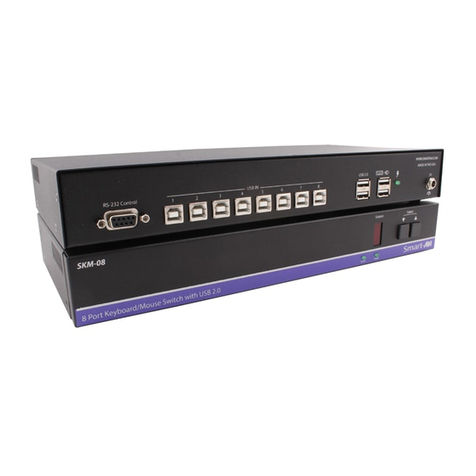
SMART-AVI SM-KMN-08 User manual

SMART-AVI

SMART-AVI SM-KMN-08 User manual

SMART-AVI SM-DVN Series User manual

SMART-AVI

SMART-AVI SM-DVN Series User manual
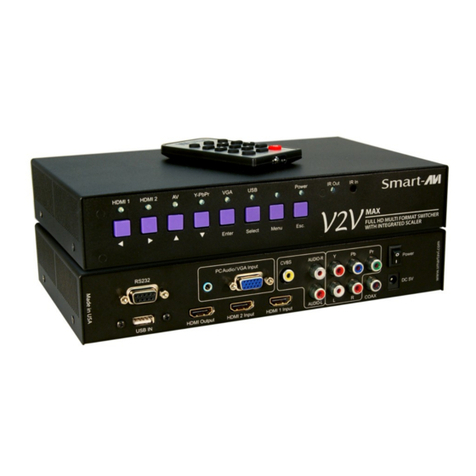
SMART-AVI SM-HDN-8S User manual

SMART-AVI

SMART-AVI SM-HDN-8S User manual

SMART-AVI D2H-4P Duo User manual

SMART-AVI

SMART-AVI D2H-4P Duo User manual

SMART-AVI DV-SW16 User manual

SMART-AVI

SMART-AVI DV-SW16 User manual

Popular Switch manuals by other brands

TRENDnet TK-401R null

TRENDnet

TRENDnet TK-401R null

TRENDnet TK-200K null

TRENDnet

TRENDnet TK-200K null

TRENDnet TE100-S8 null

TRENDnet

TRENDnet TE100-S8 null

URC Total Control MFS-8 installation manual

URC

URC Total Control MFS-8 installation manual

Azbil HPQ-D11 user manual

Azbil

Azbil HPQ-D11 user manual

Sony DFS-900M operating instructions

Sony

Sony DFS-900M operating instructions

SICK i17S operating instructions

SICK

SICK i17S operating instructions

F&F SZR-277 quick start guide

F&F

F&F SZR-277 quick start guide

Shure UAMS/BK user guide

Shure

Shure UAMS/BK user guide

Dräger X-zone Switch Off Instructions for use

Dräger

Dräger X-zone Switch Off Instructions for use

Asco Joucomatic 349 Series manual

Asco

Asco Joucomatic 349 Series manual

BT Mini Hub user guide

BT

BT Mini Hub user guide

D-Link DES-1226G manual

D-Link

D-Link DES-1226G manual

Johnson Controls FS80-C installation instructions

Johnson Controls

Johnson Controls FS80-C installation instructions

MicroNet SP1200A user manual

MicroNet

MicroNet SP1200A user manual

Ruijie RG-PF2920 Series Hardware  installation and reference guide

Ruijie

Ruijie RG-PF2920 Series Hardware installation and reference guide

Altinex DA1914SX user guide

Altinex

Altinex DA1914SX user guide

RJM MASTERMIND PBC/6X user manual

RJM

RJM MASTERMIND PBC/6X user manual

manuals.online logo
manuals.online logoBrands
  • About & Mission
  • Contact us
  • Privacy Policy
  • Terms and Conditions

Copyright 2025 Manuals.Online. All Rights Reserved.

2-Port HDMI USB KVM Switch
with Audio
CONTROL TWO COMPUTERS’
USB KEYBOARD-MOUSE
FUNCTIONS WITH 4K-READY
HDMI VIDEO CONNECTORS
AND DIGITAL AUDIO SUPPORT
Quick Start Guide
VIDEO
Link Rate 5.4 Gbps/lane
Video Input (2) HDMI Male
Video Output (1) HDMI Female
Resolution Up to 4K (3840x2160 @ 30Hz)
Auto-Scan Interval 10s
DDC Compatibility DDC 1, 2 Support
AUDIO
Audio Input (2) HDMI digital audio IN
Audio Output (1) HDMI digital audio OUT
USB
Signal Type USB 1.1 and USB 2.0 Compatible
Input Interface (TX) (2) USB Type A (Male)
Output Interface (RX) (2) USB Type A (Female)
CONTROL
Push Button Switch between souces 1 & 2
Hot Keys Via Keyboard
OTHER
Power Powered by PC connection
Dimensions 65mm H x 85mm D x 25mm W
Weight 0.72 lbs
Operating Temp. 0-55 °C (32-131°F)
Storage Temp. -20-85 °C (-4-185 °F)
Humidity Up to 95%
NOTICE
The information contained in this document is
subject to change without notice. SmartAVI makes
no warranty of any kind with regard to this material,
including but not limited to, implied warranties of
merchantability and tness for particular purpose.
SmartAVI will not be liable for errors contained
herein or for incidental or consequential damages in
connection with the furnishing, performance or use of
this material.
No part of this document may be photocopied,
reproduced, or translated into another language
without prior written consent from SmartAVI
Technologies, Inc.
800.AVI.2131, 702.800.0005
2455 W Cheyenne Ave, Suite 112
North Las Vegas, NV 89032
SmartAVI.com
TECHNICAL SPECIFICATION
DSK-2H
WHAT’S IN THE BOX
PART NO. Q-TY DESCRIPTION
DSK-2H 1 2-Port HDMI USB KVM
with Stereo Audio
Quick Start Guide 1
OVERVIEW
Perfect for small ofce and home settings, the DSK-2H
is an ultra-small 2-port HDMI KVM unit with digital audio
support and easy push-button switching. Using a USB
keyboard and mouse combo with a HDMI monitor, users
can control two connected computer systems with ease.
The DSK-2H’s HDMI connectivity offers both 4K Ultra-HD
(3840x2160 @ 30Hz) resolution and digital audio for the
very best picture & sound quality.
The DSK-2H is plug-and-play ready, lightweight, and simple
to integrate into nearly any work setting. KVM has never
been so simple or effective, thanks to the DSK-2H solution
Powered by SmartAVI.
FEATURES
• Low-cost KVM soluon
• Includes all necessary cables
• Supports USB keyboard-mouse control on up to two
connected computer systems
• Supports up to 4K (3840x2160 @ 30Hz)
• Supports HDMI displays
• Supports digital audio over HDMI
• Easy switching via push buon
• Plug-and-play, compact design for simple use &
integraon
1. Connect USB keyboard, USB mouse and a HDMI monitor to the DSK-2H as shown in the diagram above.
2. Connect the USB connectors to the computers as shown in the diagram above.
3. Connect the HDMI connectors to the computers as shown in the diagram above.
4. Ensure the computers and the HDMI monitor are turned on.
HARDWARE INSTALLATION