6
DC Power Supply Operation
1. Press the on/off switch of the DC power supply.
2. Turn the knob until the digital LED display reads the desired voltage value. If the load current exceeds the
rated current, the station will automatically disable the DC power supply.
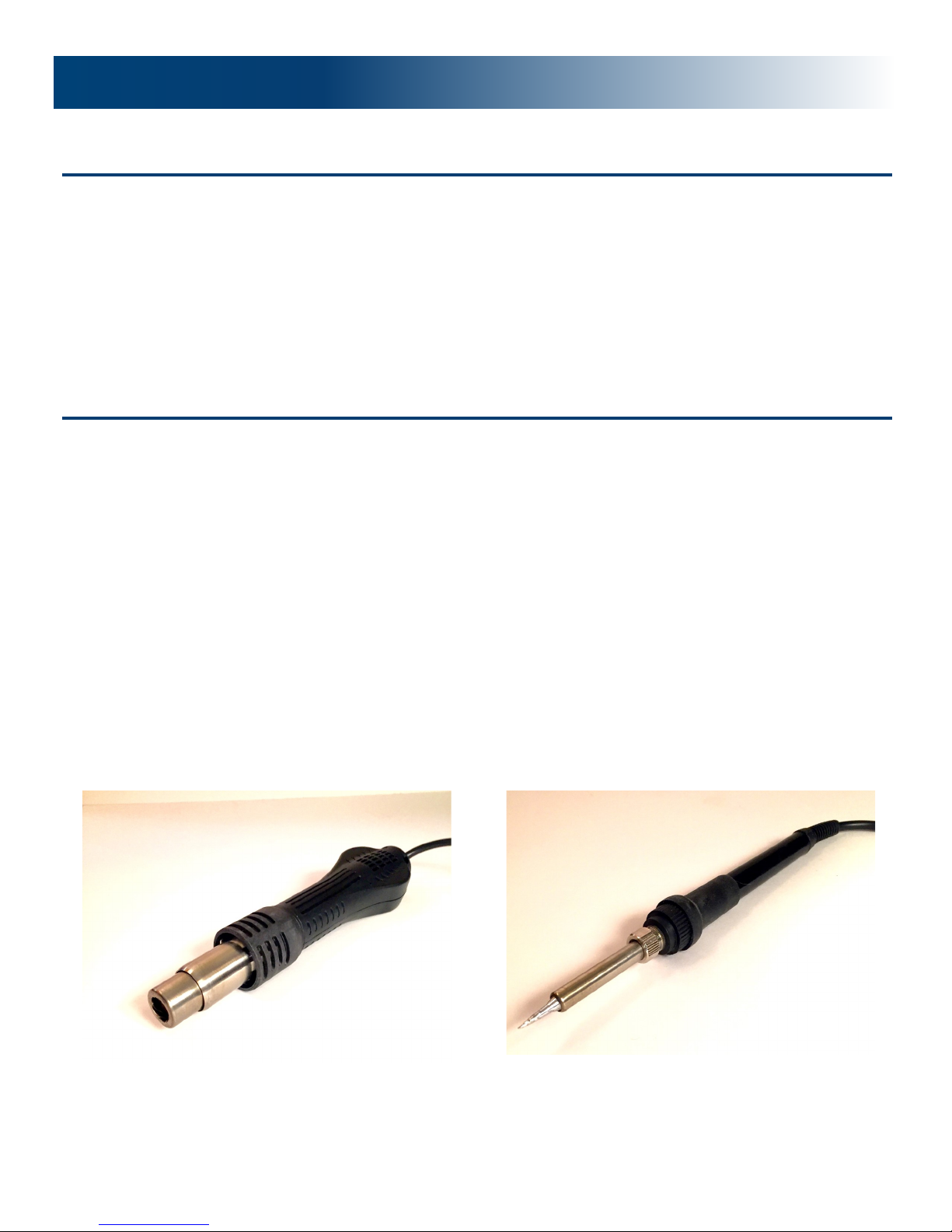
Replacement of the Hot Air Rework Heating Element
Once the hot rework station is fully cooled, loosen the screws on the handle.
Turn the handle counterclockwise until it comes off and then remove the cover of the handle.
Gently remove the fan and loosen the three screws to remove the fixed wiring board.
Separate the wiring board from the heater wiring board connection cable. Pay attention to the connection
locations.
Remove the heat pipe body wrap with mica paper. Be careful not to break the steel ground wire.
Wrap the heater well with new mica paper. Insert the heater in the tube and install in back into place.
Put all other parts back into place.
Replacement of the Soldering Iron’s Tips and Soldering Iron’s Heating Core
Element
Unscrew nut No.1 and then remove the steel tube No. 2. Remove the tip.
To replace the heating core element NO. 6 and the plastic cap NO 4, gently pull out the heating core ele-
ment NO. 6 and the circuit board NO. 7. Remember the connection of spring NO. 5.
The iron core from the circuit board welding allows the heating core to fit well. Note the order of the iron
core wire connection.
WARNING
To avoid serious injury and fire accidents, strictly adhere to the following:
When repairing or installing parts, the power supply must be off.
When the work station is on, DO NOT touch the metal parts of the hot air rework station or the soldering
iron. To replace the nozzles or tips, the power supply should be off and the metal parts should be cooled to
room temperature.
DO NOT use the machine near flammable things.
Parts Replacement Instructions