Contents
About this Guide........................................................................ 3
WEEE Notice ............................................................................. 4
CE Regulatory Notice ................................................................ 4
Battery Warning......................................................................... 4
Notes on Installation .................................................................. 5
Caution ................................................................................... 6
1Introduction............................................................... 7
1.1 Features...................................................................... 7
1.2 Package Contents ...................................................... 7
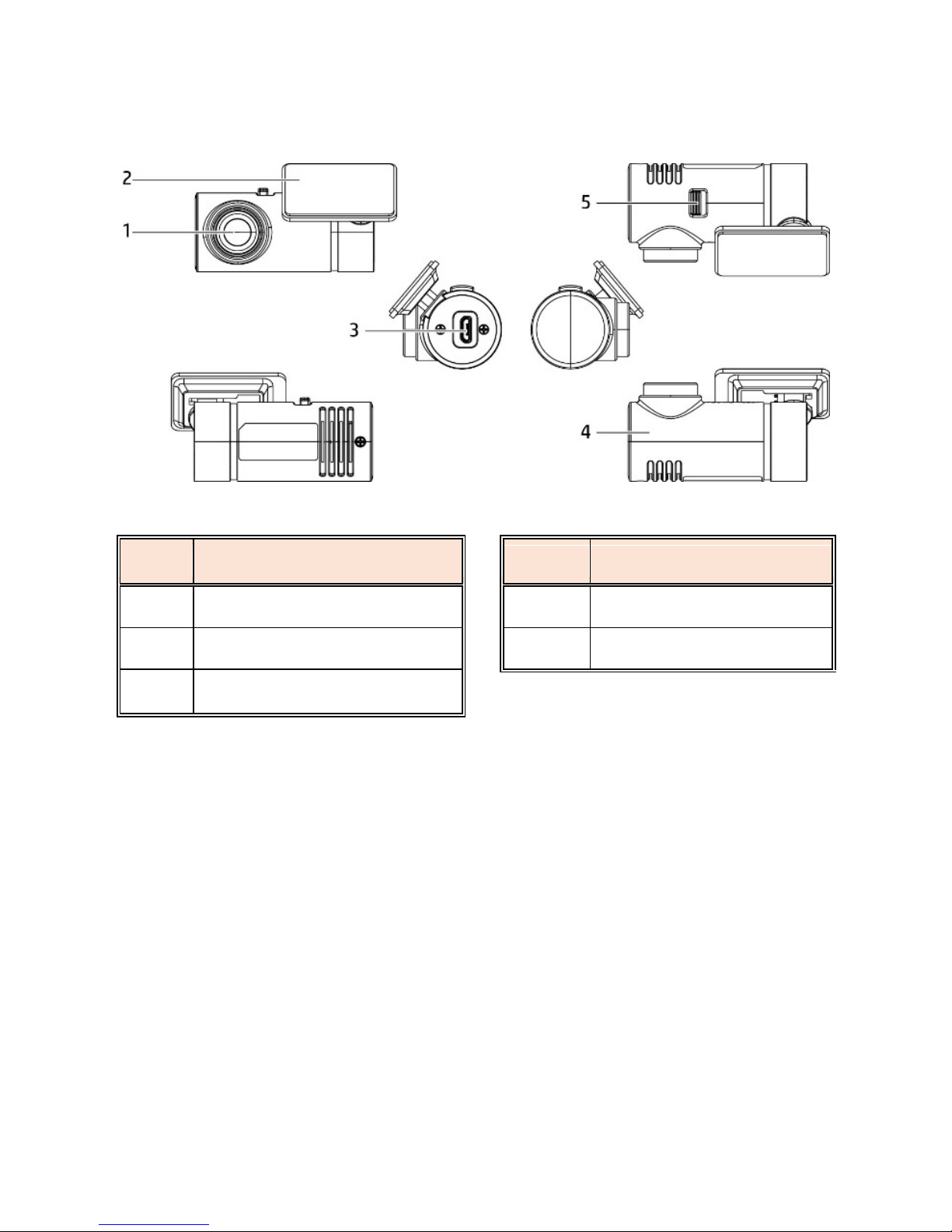
1.3 Product Overview ....................................................... 8
1.4 Product Overview – Rear camera (DVR-5HD only) ...... 9
2Getting Started.......................................................... 10
2.1 Storage Media ............................................................ 10
2.1.1 Inserting the Memory Card ......................................... 10
2.1.2 Removing the Memory Card ....................................... 10
2.2 Installation in Vehicles................................................. 11
2.2.1 Mount to Windshield................................................... 11
2.2.2 Adjusting the device position...................................... 12
2.3 Connecting to the Power Supply ................................ 13
2.4 Installation in Vehicles – Rear Camera (DVR-5HD only)14
2.4.1 Mounting Rear Camera to the Windshield .................. 14
2.4.2 Adjusting Rear Camera (DVR-5HD only) ..................... 16
2.4.2.1 Recording Rear View .................................................. 16
2.4.2.2 Recording Inside the Vehicle....................................... 17
2.5 Connect and Set Up Rear Camera (DVR-5HD only) .... 18
2.5.1 Battery Status Indicator .............................................. 19
2.6 LED Indicator.............................................................. 19
2.7 Powering the Device On / Off and Resetting............... 20
2.7.1 Auto Power On/Off ..................................................... 20
2.7.2 Manual Power On/Off ................................................. 20
2.7.3 Reset .......................................................................... 20
2.8 Initial Settings ............................................................. 21
2.8.1 Set the Time Zone ...................................................... 21
2.8.2 Set the Date / Time..................................................... 23