manuals.online logo
Brands
  1. Home
  2. •
  3. Brands
  4. •
  5. Sonifex
  6. •
  7. Recording Equipment
  8. •
  9. Sonifex ANT-EBU Instruction Manual

Sonifex ANT-EBU Instruction Manual

Other Sonifex Recording Equipment manuals

Sonifex Dante AVN-AIO4 User manual

Sonifex

Sonifex Dante AVN-AIO4 User manual

Sonifex Redbox RB-TGHD Instruction Manual

Sonifex

Sonifex Redbox RB-TGHD Instruction Manual

Sonifex Redbox RB-AEC User manual

Sonifex

Sonifex Redbox RB-AEC User manual

Sonifex Redbox RB-SD1 User manual

Sonifex

Sonifex Redbox RB-SD1 User manual

Sonifex Redbox RB-DMX4 Instruction Manual

Sonifex

Sonifex Redbox RB-DMX4 Instruction Manual

Sonifex Redbox RB-DD4 Instruction Manual

Sonifex

Sonifex Redbox RB-DD4 Instruction Manual

Sonifex COURIER Instruction Manual

Sonifex

Sonifex COURIER Instruction Manual

Sonifex avn AVN-AH8 User manual

Sonifex

Sonifex avn AVN-AH8 User manual

Sonifex Flashback 8 User manual

Sonifex

Sonifex Flashback 8 User manual

Sonifex Audiophile Dante AVN-GPIO User manual

Sonifex

Sonifex Audiophile Dante AVN-GPIO User manual

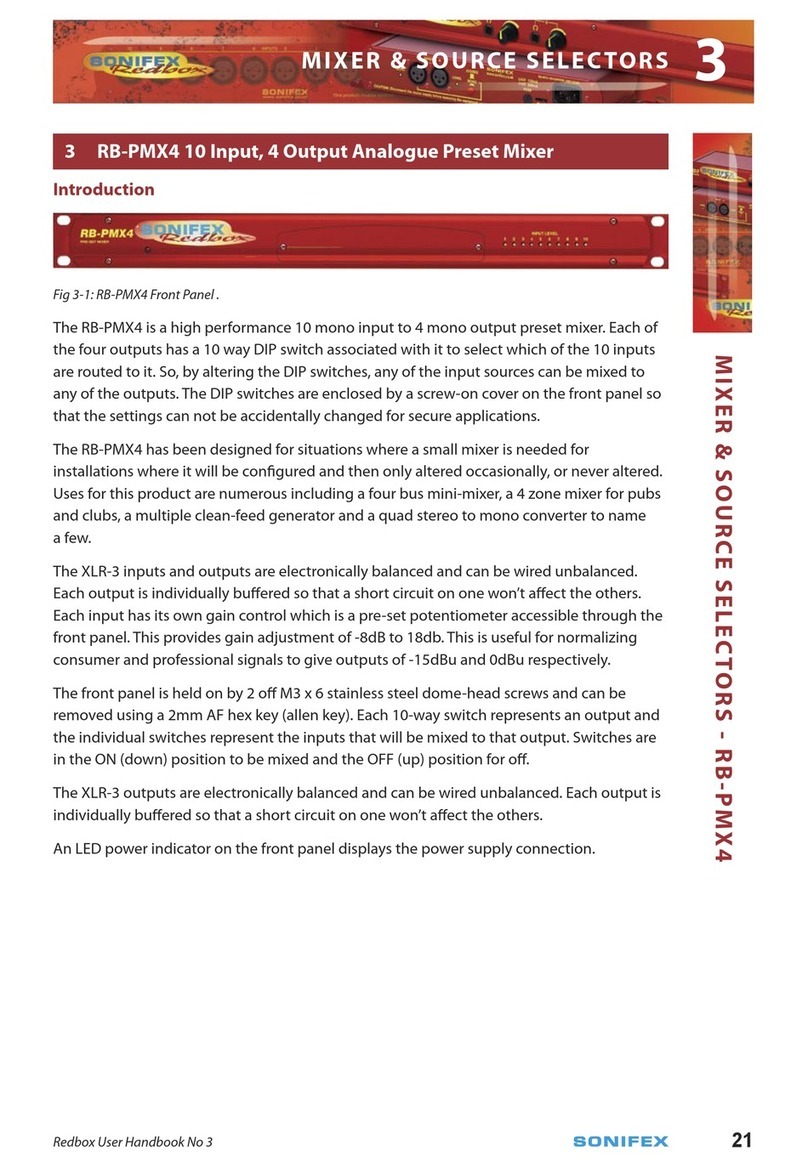
Sonifex Redbox RB-PMX4 Instruction Manual

Sonifex

Sonifex Redbox RB-PMX4 Instruction Manual

Sonifex RM-MC1L User manual

Sonifex

Sonifex RM-MC1L User manual

Sonifex AVN-PA8/T/D User manual

Sonifex

Sonifex AVN-PA8/T/D User manual

Sonifex AVN-DIO09 User manual

Sonifex

Sonifex AVN-DIO09 User manual

Sonifex AVN-DIO12 User manual

Sonifex

Sonifex AVN-DIO12 User manual

Sonifex Net-Log User manual

Sonifex

Sonifex Net-Log User manual

Sonifex Redbox Series Instruction Manual

Sonifex

Sonifex Redbox Series Instruction Manual

Popular Recording Equipment manuals by other brands

ThermoFisher Scientific Dionex DRS 600 Installation checklist

ThermoFisher Scientific

ThermoFisher Scientific Dionex DRS 600 Installation checklist

Shure ANIUSB-Matrix user guide

Shure

Shure ANIUSB-Matrix user guide

Nady Audio HE-1 user guide

Nady Audio

Nady Audio HE-1 user guide

AUDAC APM 01 User manual & installation guide

AUDAC

AUDAC APM 01 User manual & installation guide

Teac GF-350 owner's manual

Teac

Teac GF-350 owner's manual

Fractal Audio MFC-101 MARK III owner's manual

Fractal Audio

Fractal Audio MFC-101 MARK III owner's manual

bmcm USB-OI16 manual

bmcm

bmcm USB-OI16 manual

HHB BurnIT CDR-830 Service manual

HHB

HHB BurnIT CDR-830 Service manual

GE VersaMax IC200CPUE05 manual

GE

GE VersaMax IC200CPUE05 manual

IntesisBox MH-RC-MBS-1 user manual

IntesisBox

IntesisBox MH-RC-MBS-1 user manual

Attero Tech unD4l user manual

Attero Tech

Attero Tech unD4l user manual

Sennheiser UI 765 instruction manual

Sennheiser

Sennheiser UI 765 instruction manual

Sony RCD-W1 Operating Instructions  (primary... Service manual

Sony

Sony RCD-W1 Operating Instructions (primary... Service manual

Roland Planet-P  MKS-10 owner's manual

Roland

Roland Planet-P MKS-10 owner's manual

Roland BOSS GT-PRO Turbostart

Roland

Roland BOSS GT-PRO Turbostart

8x8 Inc Valcom V-2001A manual

8x8 Inc

8x8 Inc Valcom V-2001A manual

Waves SUB Align user guide

Waves

Waves SUB Align user guide

Mitsubishi Electric MAC-334IF-E installation manual

Mitsubishi Electric

Mitsubishi Electric MAC-334IF-E installation manual

manuals.online logo
manuals.online logoBrands
  • About & Mission
  • Contact us
  • Privacy Policy
  • Terms and Conditions

Copyright 2025 Manuals.Online. All Rights Reserved.

Connections
AES-EBU Input
The AES-EBU connector is a standard 3 pin XLR input with the following pin
assignments :
Pin1 : Screen
Pin2 : Phase
Pin3 : Non-phase
RS232 Input
The RS232 connector is a 9 way female ‘D’ Type socket with the following pin
assignments :
Pin1 : Not connected
Pin2 : RXD
Pin3 : Not connected
Pin4 : Not connected
Pin5 : Signal Ground
Pin6 : Not connected
Pin7 : Not connected
Pin8 : Not connected
Pin9 : Not connected
MSF/DCF Output
The clock connector is a balanced 9 way female ‘D’ Type socket with the
following pin assignments :
Pin1 : Signal Phase
Pin2 : Signal Non Phase
Pin3 : 0V
Pin4 : +12V
Pin5 : Not connected
Pin6 : 0V
Pin7 : 0V
Pin8 : Not connected
Pin9 : Not connected
ANT-EBU USER
HANDBOOK


Sonifex Ltd, 1997
All Rights Reserved
Revision 1.00b, September, 1997
Sonifex Ltd, 61, Station Road, Irthlingborough,
Northants., NN9 5QE, England.
Tel : +44 (0)1933 650 700
Fax : +44 (0)1933 650 726
Email : [email protected].uk
Website : http://www.sonifex.co.uk
Information in this document is subject to change without notice and does not represent a commitment on
the part of the vendor. Sonifex Ltd shall not be liable for any loss or damage whatsoever arising from the
use of information or any error contained in this manual.
No part of this manual may be reproduced or transmitted in any form or by any means, electronic or
mechanical, including photocopying, recording, or information storage and retrieval systems, for any purpose
other than the purchaser's personal use, without the express written permission of Sonifex Ltd.
Unless otherwise noted, all names of companies, products and persons contained herein are part of a
completely fictitious adaptation and are designed solely to document the use of Sonifex products.
interstage
Phistersvej 31, 2900 Hellerup, Danmark
Telefon 3946 0000, fax 3946 0040
www.interstage.dk
-pro audio with a smile

The ANT-EBU convertor box converts incoming AES-EBU, or Wharton clock
signals, to an MSF or DCF clock output, for use with the Sonifex RTC-1 PC clock
card, or the Sentinel+ range of audio logging machines.
1
ONOFF
2
3
4
AES-EBU
& SMPTE IN MSF/DCF OUTRS232 &
WHARTON IN
A
NT-EBU
EBU to MSF/DCF Convertor
To use the convertor, connect either the AES-EBU, or the Wharton ( RS232 ) input
to the respective inputs, depending on the one which you wish to use.
Using the DIP switches, configure the convertor to your requirements :
If you are using the AES-EBU input, set switch 3 to Off and set switch 1 to select
the frame rate of the input. Switch 1 is ignored for Wharton clock input :
Parameter Switch 3 0n Switch 3 Off
Input Wharton CLK SMPTE
Parameter Switch 1 0n Switch 1 Off
SMPTE Frames 24 & 25 30 & 30 DF
Switch 2 selects whether you output an MSF or DCF signal :
Parameter Switch 2 0n Switch 2 Off
Output MSF DCF
Then simply connect the MSF/DCF output cable between the MSF/DCF Out
socket and the RTC-1 card, or Sentinel+ “EXT CLOCK” input.
Important - The time-code converter should be reset after changing the switch
settings. This is achieved by turning the power off ( removing the MSF/DCF
output connector ) and then back on.
Specifications
Input Specifications
Input Signal Signal Rate Signal Levels
SMPTE \ EBU
24 Frames/s
25 Frames/s
30 Drop Frame
30 Non-Drop
5V balanced signal meeting
the RS422A standard.
Wharton Clock RS232 at 1200 baud/s Standard RS232 levels
Output Specifications
Output Signal Signal Levels
MSF 0-5V
DCF 0-5V