------------------------------------------------------------------------
9. Screen Doubler (Panning) Video Modes (Mac OS 7–9)
Screen Doubler mode, available only in Mac OS 7–9, offers resolutions two or four times larger
than the standard video resolutions on the monitor connected to the Sonata SD. When a Screen
Doubler resolution is selected, the screen will automatically scroll when you move the mouse
cursor beyond the screen's border. Please note that this feature's functionality may be restricted
depending of which Mac OS version you are using.
The best way to understand the Screen Doubler's functionality is to try it. Let's suppose you have
currently selected the resolution of 800x600 and a refresh rate of 75 Hz for the monitor connected
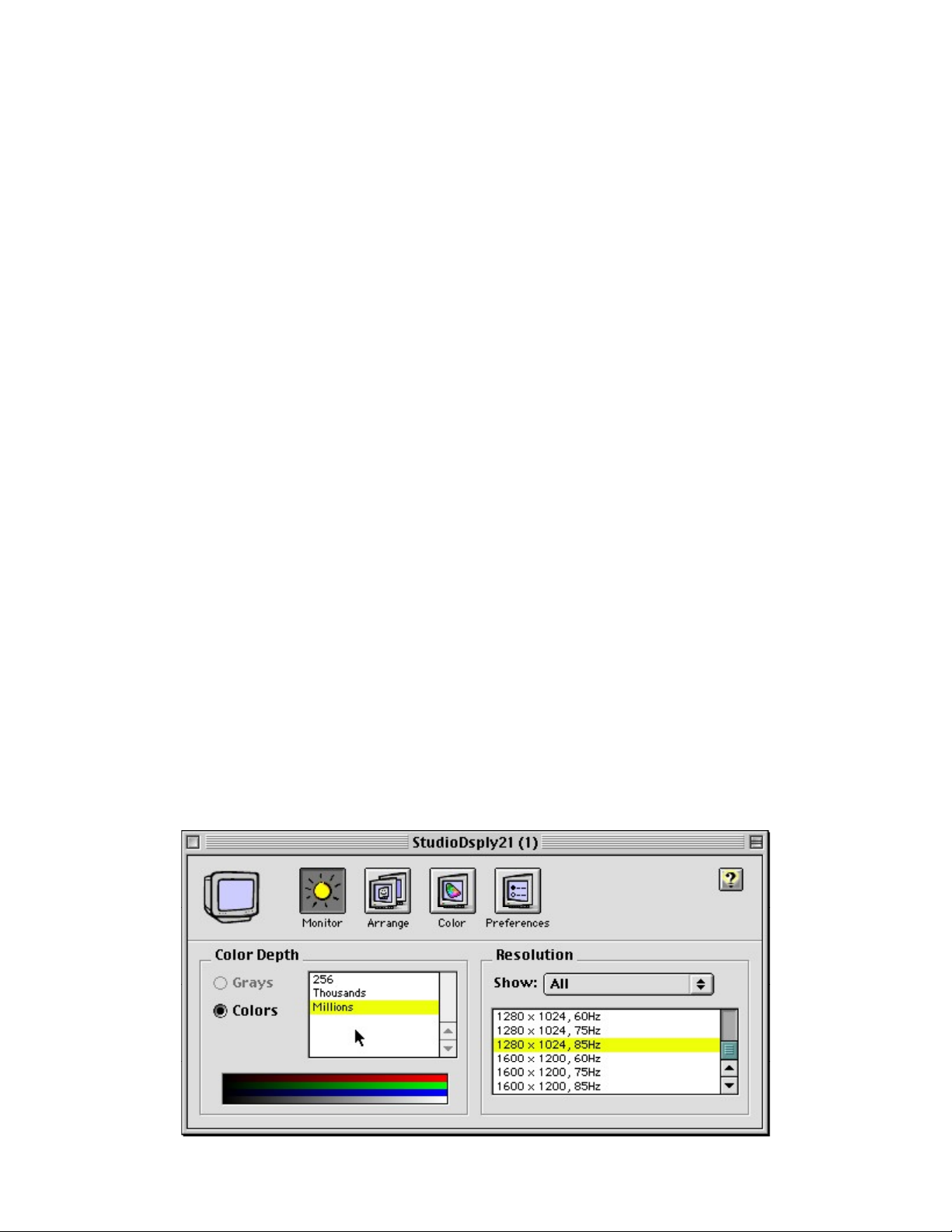
to your Sonata SD. Using the "Monitors" or "Monitors & Sound" control panel, it is now possible to
pick an additional resolution of 800x1200 at 75 Hz; it is the same as the one currently in use but
with double the vertical resolution. After the selection, just moving the mouse cursor below the
lower edge of the screen will reveal the power of this feature; the size of the usable screen area
just doubled.
Not only can you choose a resolution that doubles the height, you can select resolutions with
double width, and even double height and double width. Since the resolutions list is sorted by the
horizontal resolution number, you must scroll to see the additional resolutions of 1600x600 and
1600x1200. Because a standard 1600x1200 (non-panning) resolution exists, make sure you pick
the correct one in order to have panning. To identify a panning mode resolution, look at the refresh
rate frequency: panning modes always use the same refresh rate as the original base resolution.
The list of available video modes changes dynamically to reflect the currently selected base
resolution. This means that having selected a resolution of 800x600 with a refresh rate of 75 Hz,
resolutions of 800x1200, 1600x600 and 1600x1200 are also available in panning mode at the
same frequency. After selecting a different resolution like 1024x768, new panning modes will be
added (1024x1536, 2048x768, 2048x1536, for example). A smart caching algorithm removes the
unused panning resolutions from the list.
•Please note that available color depths may vary depending on the panning resolution
selected.
•A specific Extension for Mac OS 7–9 is installed to activate the dynamically changing video
mode list. If you want to disable this feature, just disable the Extension called "VT Panning
Support" using the Extensions Manager control panel.
------------------------------------------------------------------------
10. Installed Extensions in Mac OS 7–9
The following extensions are installed in Mac OS 7–9; in the Extensions folder you will find:
•VT 2D QuickDraw Accelerator (2D accelerator for QuickDraw)
•VT Panning Support (Enables the dynamic panning modes generator and the panning
modes when the software mouse cursor is in use. Usually the cursor is generated in
hardware (by the graphics card). If more colors are used for the mouse cursor, or due to
screen size or other reasons, the hardware cursor can be replaced by a software cursor
(handled by the Mac OS, not by the graphics card. Sonata SD standard drivers are able to